New Trade Zone
Trade Zone is now live
Use the new Trade Zone for auctions and instant-price trades so Pokemon and item offers are easy to find.

Subr0za
Suspended
-
Joined
-
Last visited
Everything posted by Subr0za
-
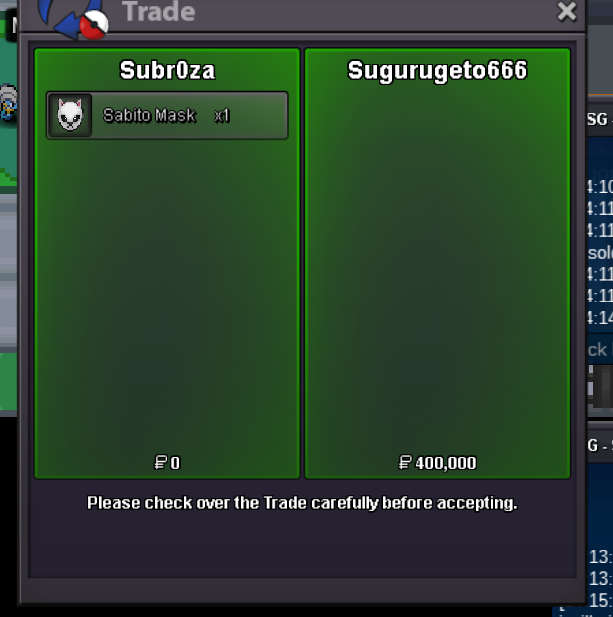
hw volca set is sold, mask available
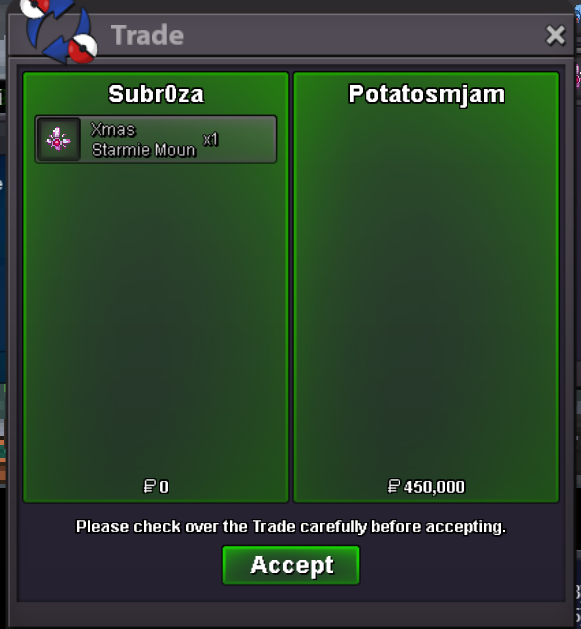 Contact in game im online rn or discords alakazam mount reserved!
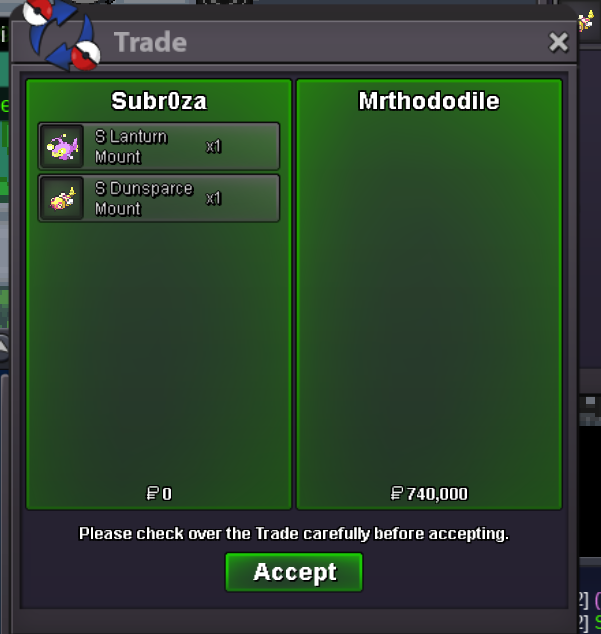
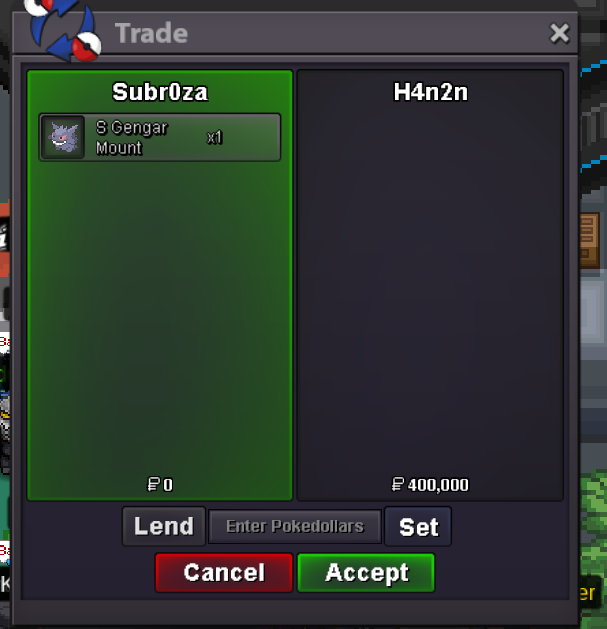
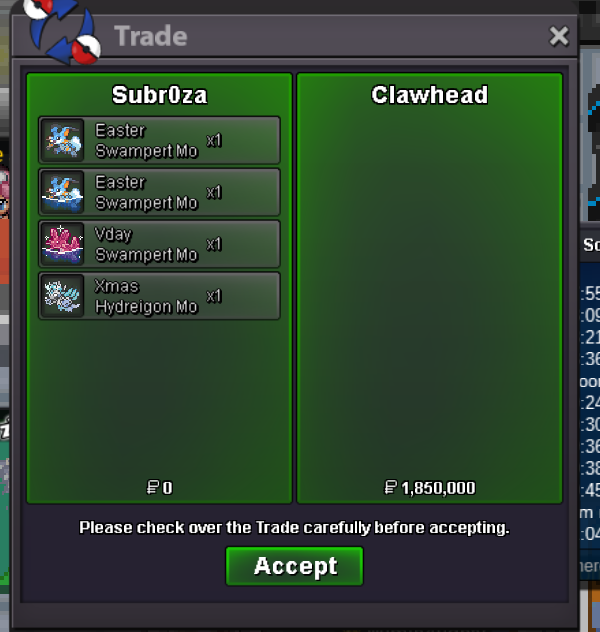
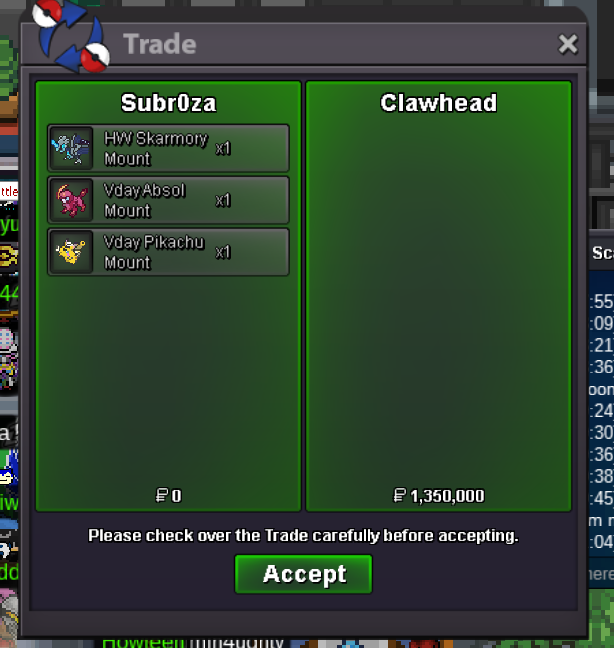
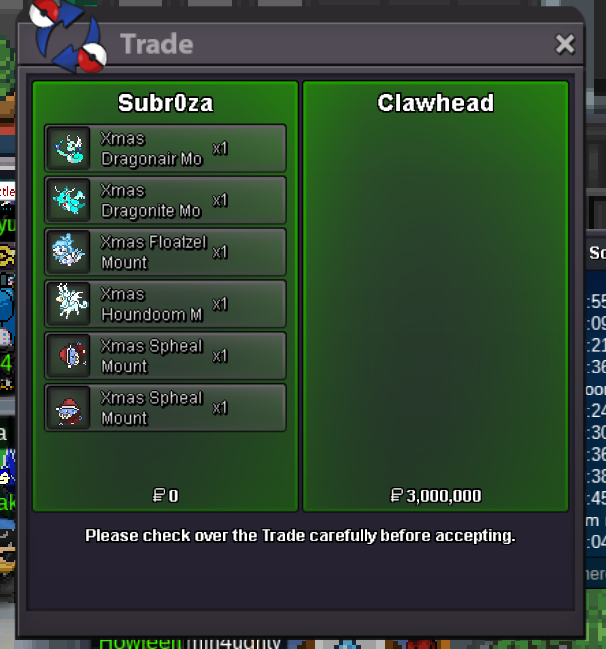
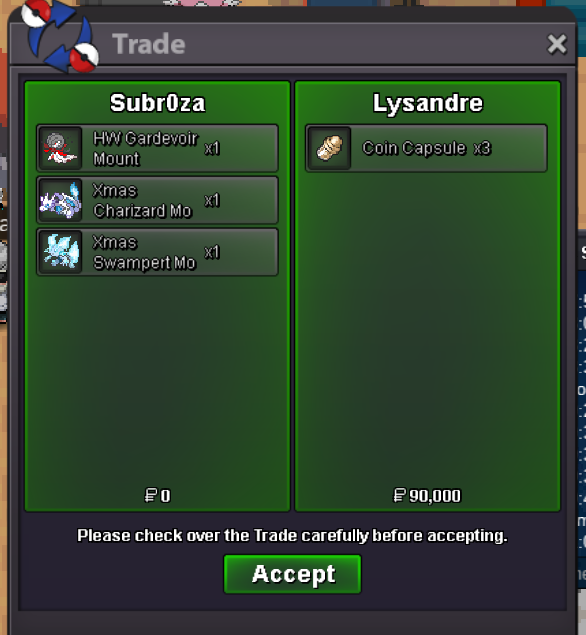
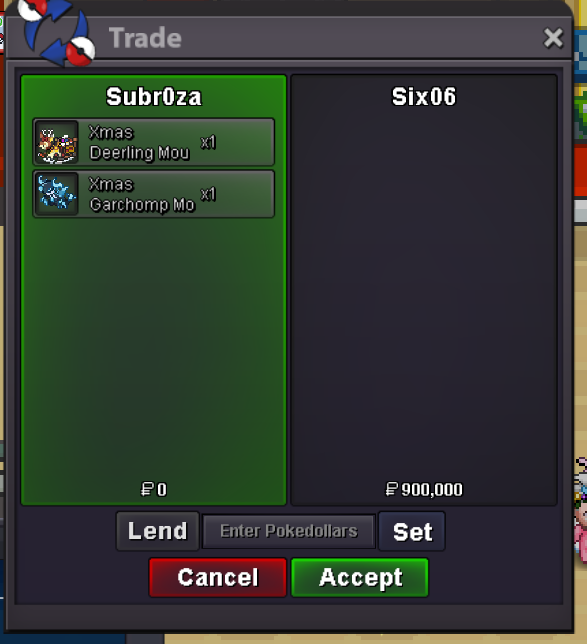
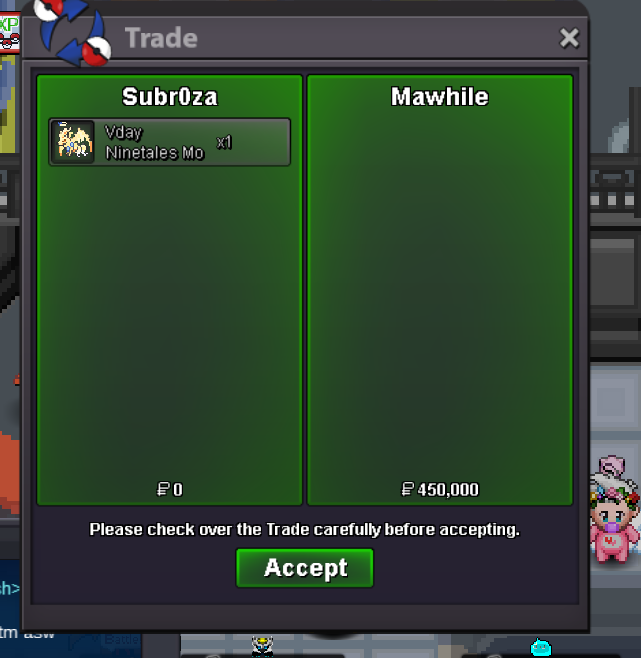
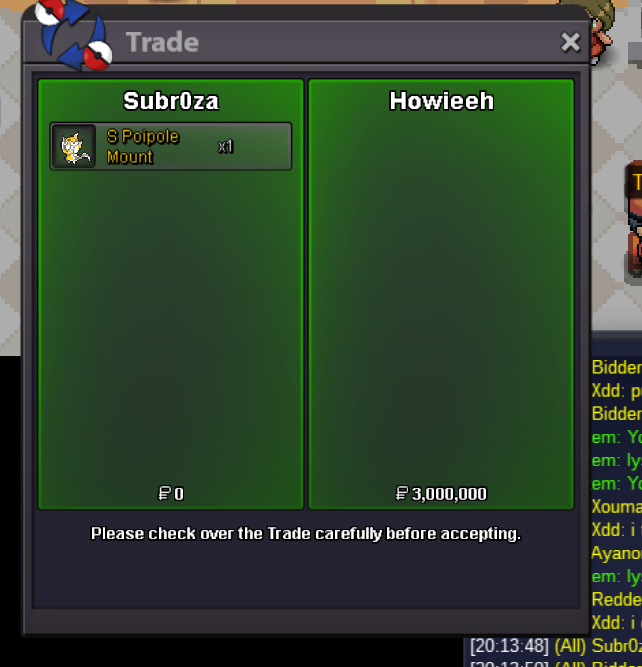
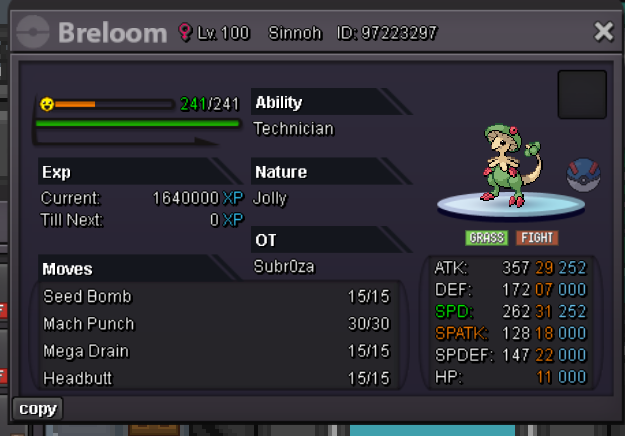
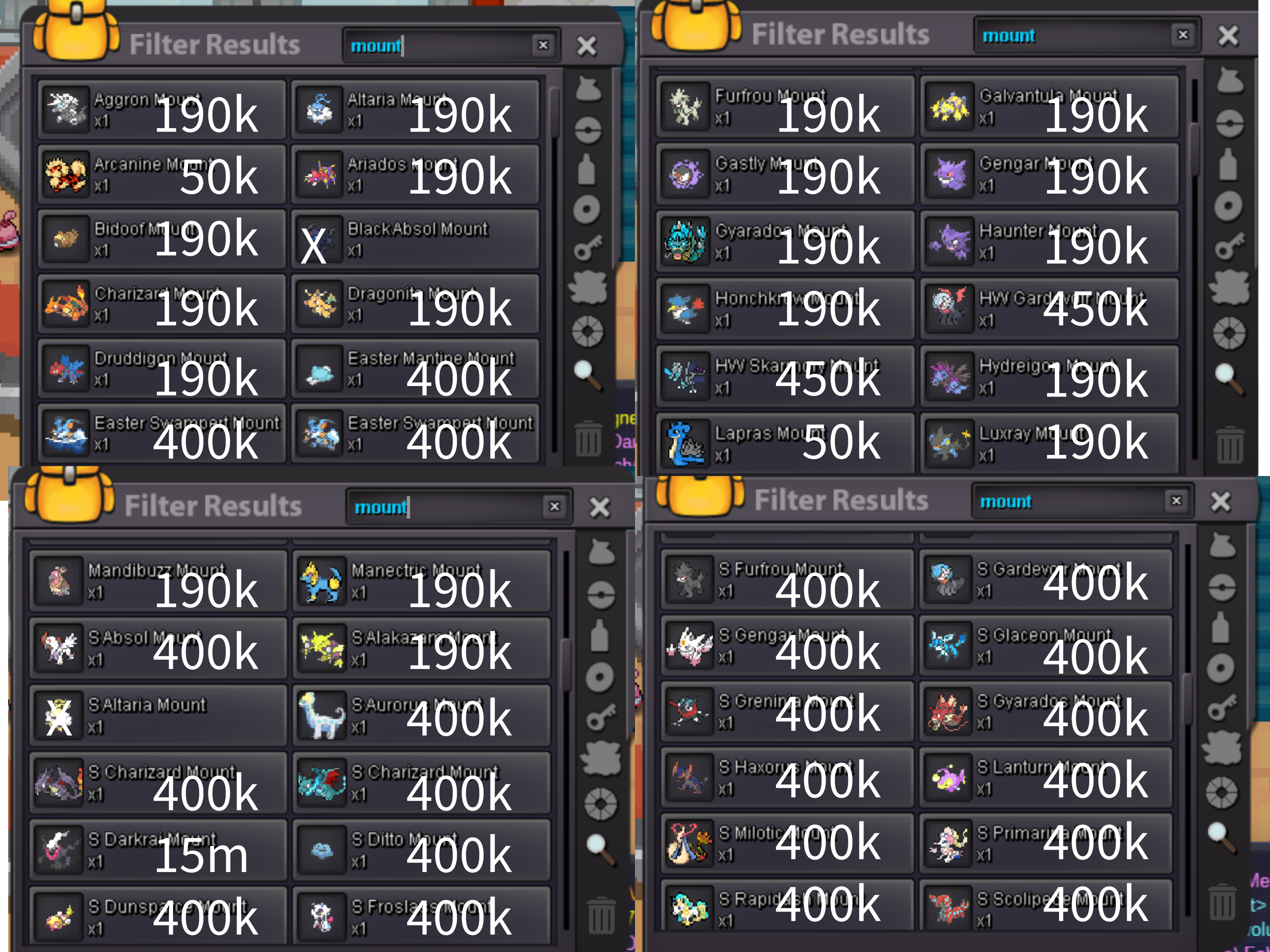
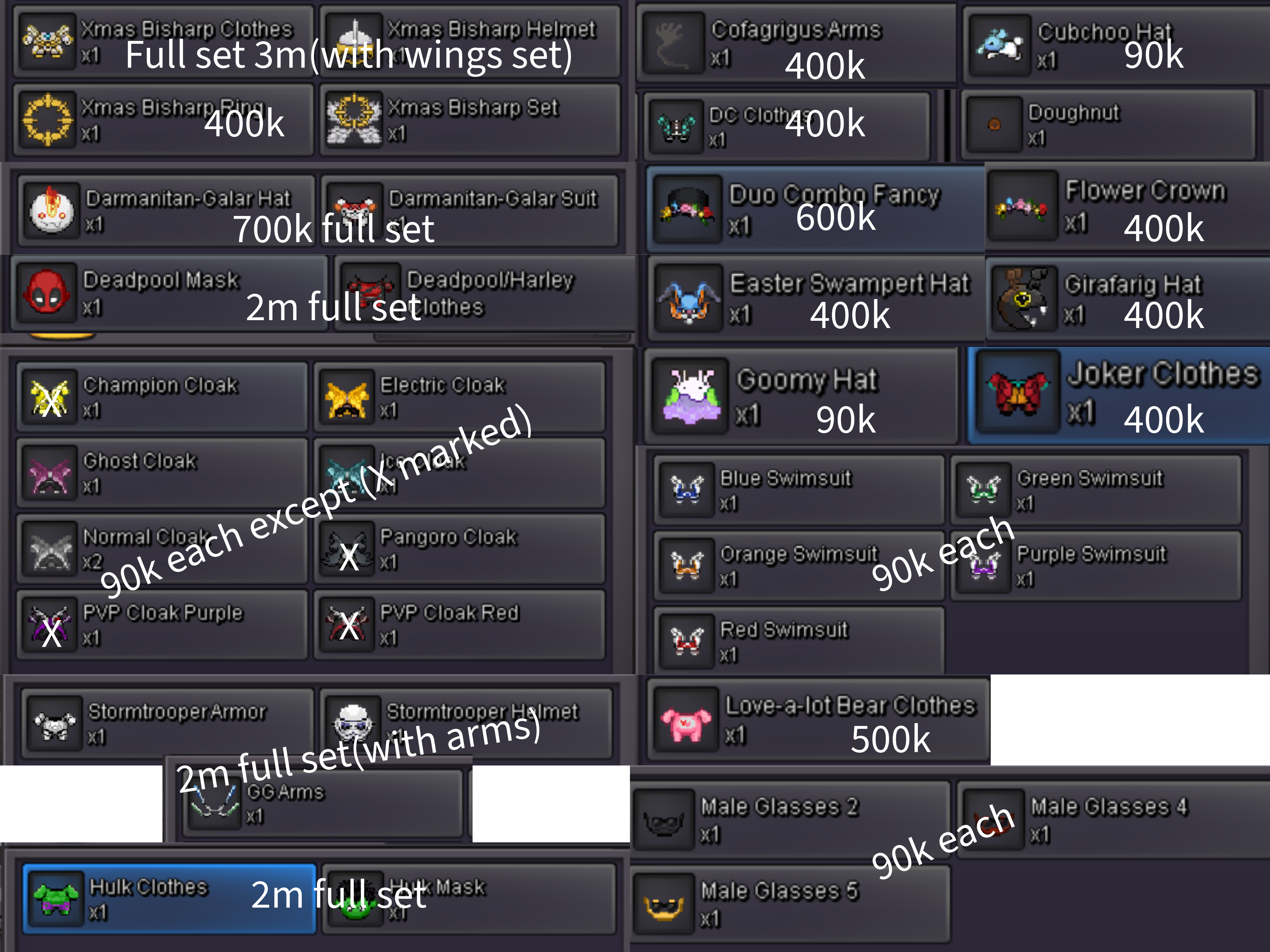
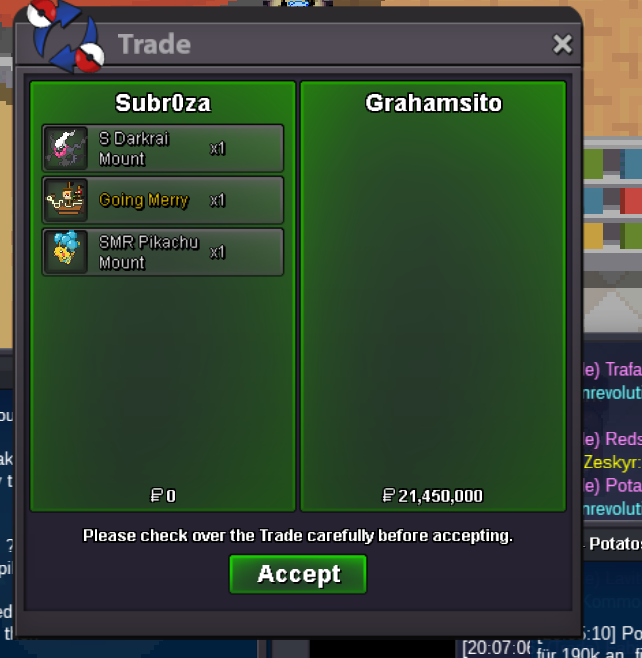 Prices are fixed Payment option - cc(470k) & pokedollars Items marked with X is not for sale or untradable Mounts Cosmetics Will add more soon! Discord - subr0za
.png.2c21efaecd113f5e7749eb557c5e5ccf.png)
.png.935c2cde9634799807aa1c058576ea15.png)
.png.ad5a04c31b832b19ad52c153d0f1a719.png)
.png.a20db079fa0cdbaa3a9b281f3b9625de.png)
.png.5cd03c1ba0844b14e5d447a2baccb482.png)
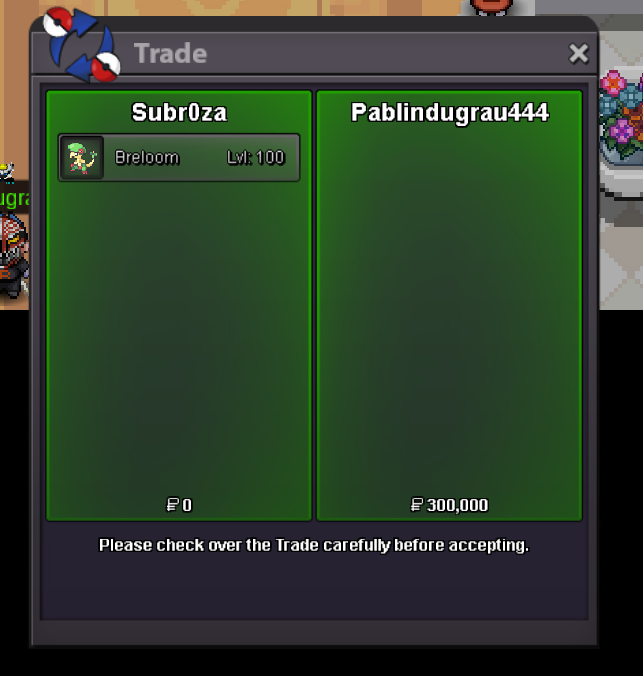
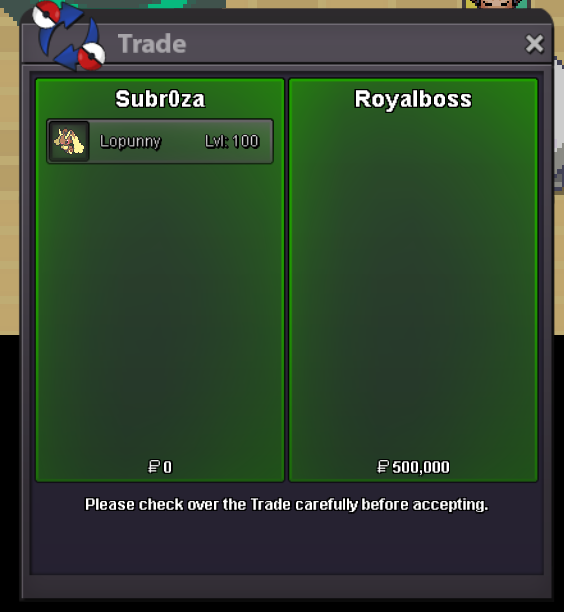
 I may not have known you closely, but I know you’ve done so much for PRO and its community. Your dedication and effort are truly respectable. Wishing you strength, peace, and brighter days ahead. Thank you for everything, and goodbye o7.Start : 300k Min raise : 100k No insta Duration : 24hrs after start Payment : cc(470k) and pokedollars
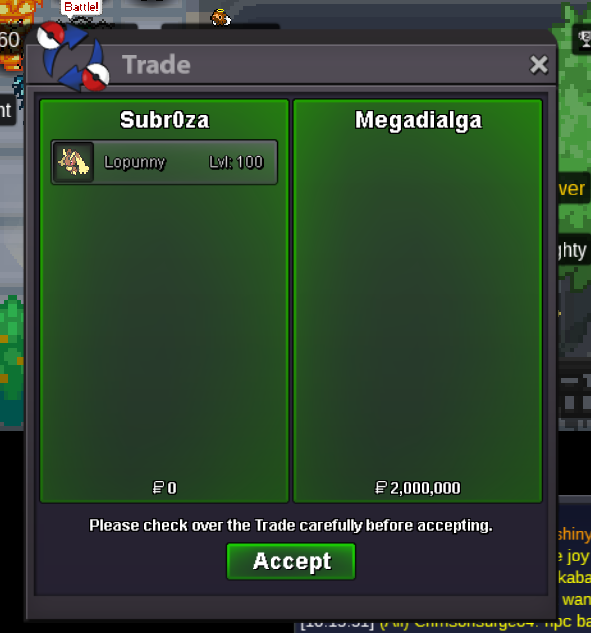
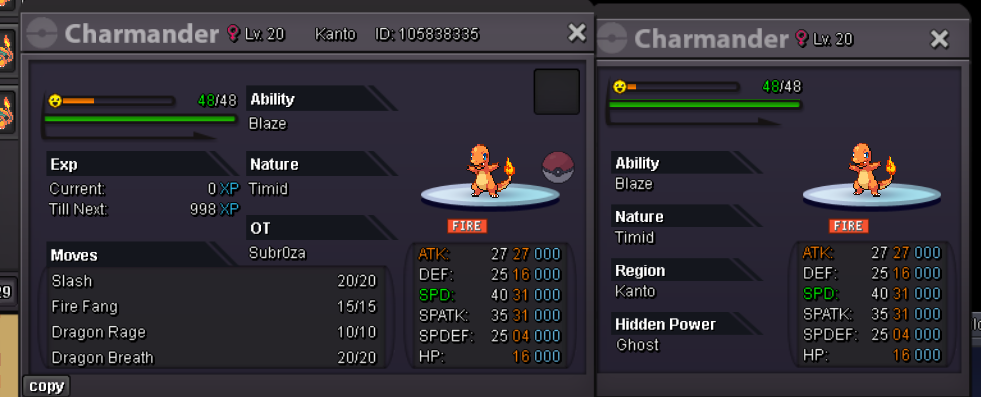 start : 300k min bid : 100k insta : 2m duration : 24hr after start payment : pokedollars and cc(470k)
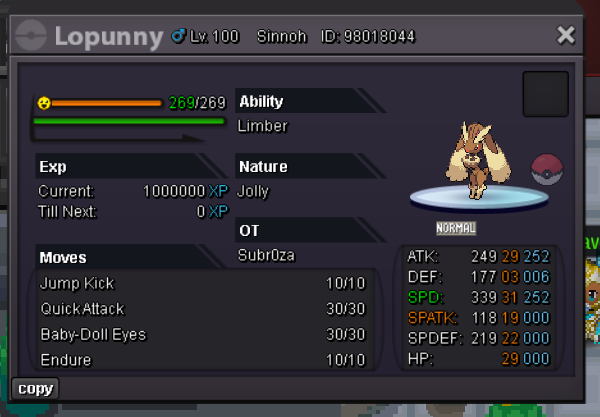 sorry it was sold, i forgot to update shop
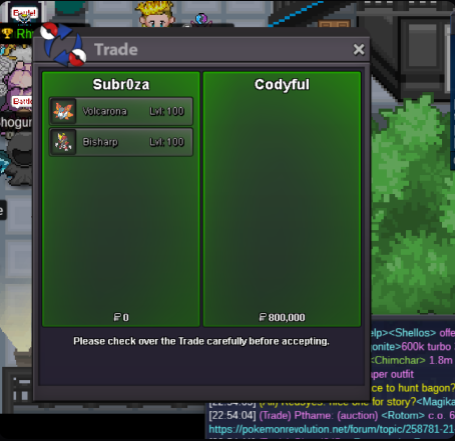 Bump
BumpAccount
Navigation
Search
Configure browser push notifications
Chrome (Android)
- Tap the lock icon next to the address bar.
- Tap Permissions → Notifications.
- Adjust your preference.
Chrome (Desktop)
- Click the padlock icon in the address bar.
- Select Site settings.
- Find Notifications and adjust your preference.
Safari (iOS 16.4+)
- Ensure the site is installed via Add to Home Screen.
- Open Settings App → Notifications.
- Find your app name and adjust your preference.
Safari (macOS)
- Go to Safari → Preferences.
- Click the Websites tab.
- Select Notifications in the sidebar.
- Find this website and adjust your preference.
Edge (Android)
- Tap the lock icon next to the address bar.
- Tap Permissions.
- Find Notifications and adjust your preference.
Edge (Desktop)
- Click the padlock icon in the address bar.
- Click Permissions for this site.
- Find Notifications and adjust your preference.
Firefox (Android)
- Go to Settings → Site permissions.
- Tap Notifications.
- Find this site in the list and adjust your preference.
Firefox (Desktop)
- Open Firefox Settings.
- Search for Notifications.
- Find this site in the list and adjust your preference.