




New Trade Zone
Trade Zone is now live
Use the new Trade Zone for auctions and instant-price trades so Pokemon and item offers are easy to find.


Cruelgreen
Registered User
-
Joined
-
Last visited
Everything posted by Cruelgreen
-
pokemon : chansey (or happiny) ability : natural cure Nature : bold , impish ivs : def 29+ , spdef 24+ , hp 27+ , other ivs doesn't matter budget : up to 2M Pokemon : Mandibuzz (or vullaby) Ability : overcoat Nature : impish , bold ivs : def 27+ , spdef 26+, hp 26+ , other ivs doesn't matter budget : up to 3M Show your pokemon at here or pm me in Discord : Nagito#5486 write your price
-
https://prowiki.info/index.php?title=Bosses
-
thanks this will help lot
-
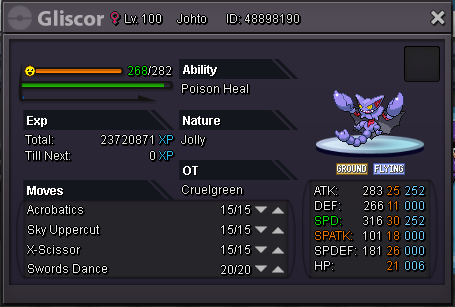
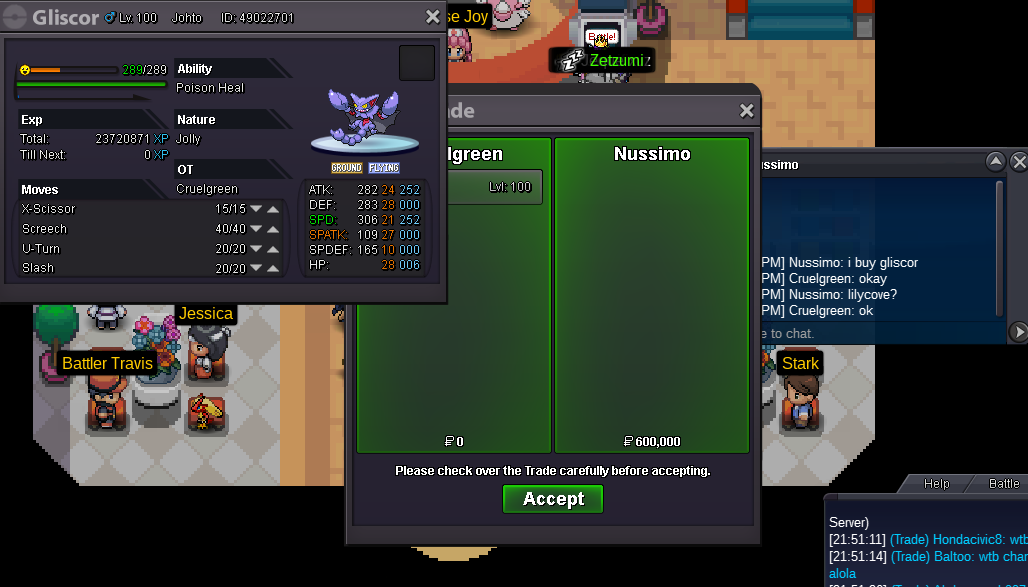
I see you are struggling to start so hard I can start gliscor 1.8m
-
-
I see you are struggling to start I can start gliscor 1.7m
-
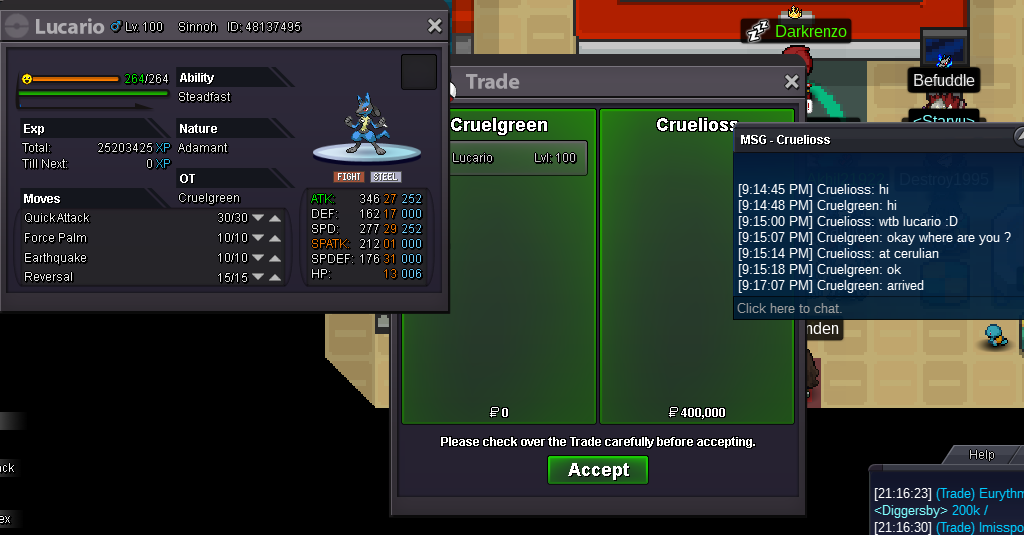
logs : 2 pokemon added
-
oh my god this tentacruel ivs..... goodlucknew pokemons will be added soon
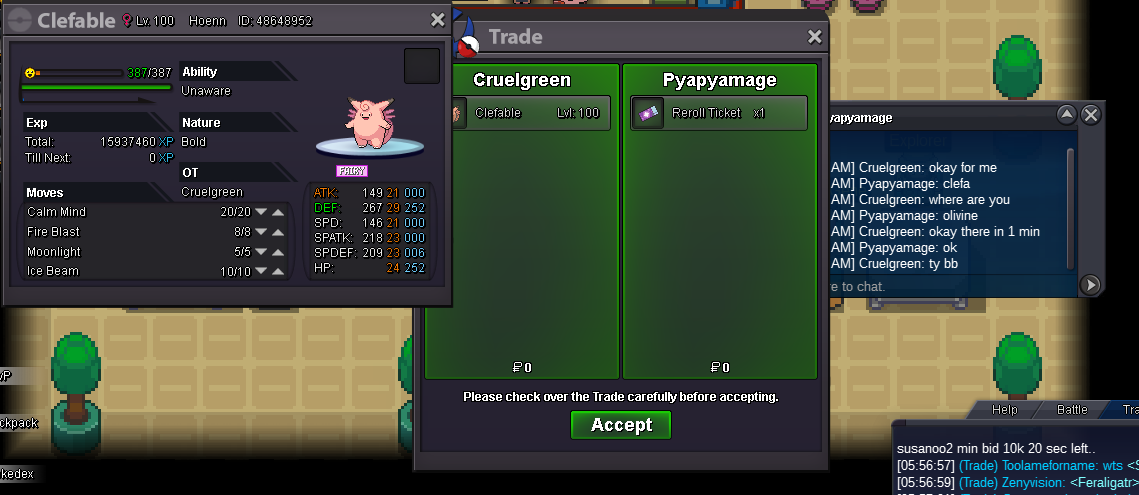
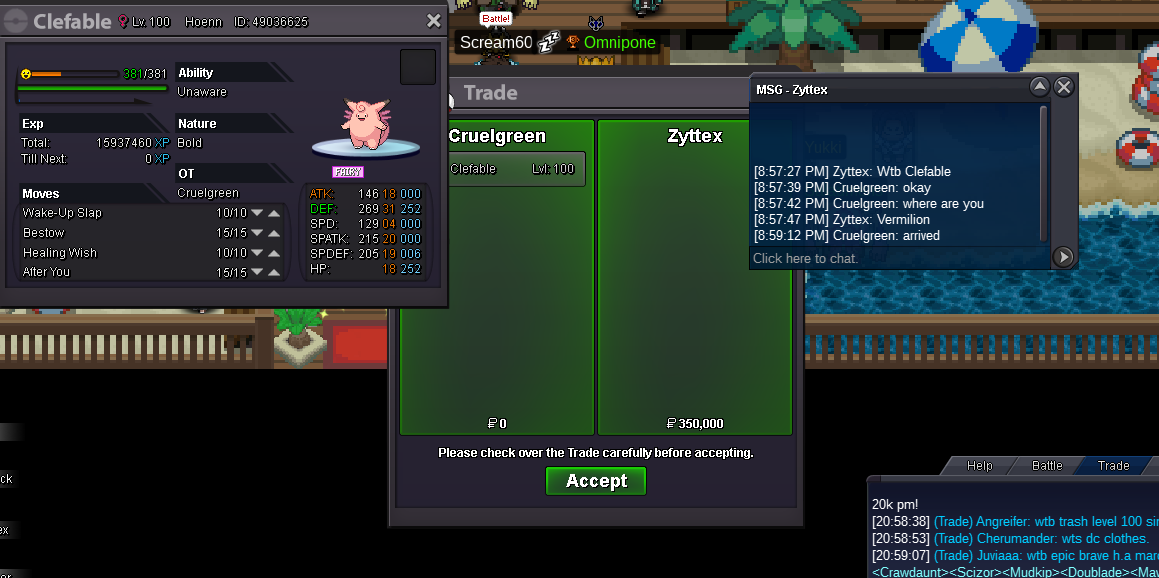
 gliscor sold logs : 2 clefable added
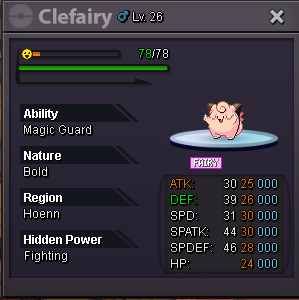
 *bump* 3 poke addedmay ı learn the budget ?new pokes will be added soon
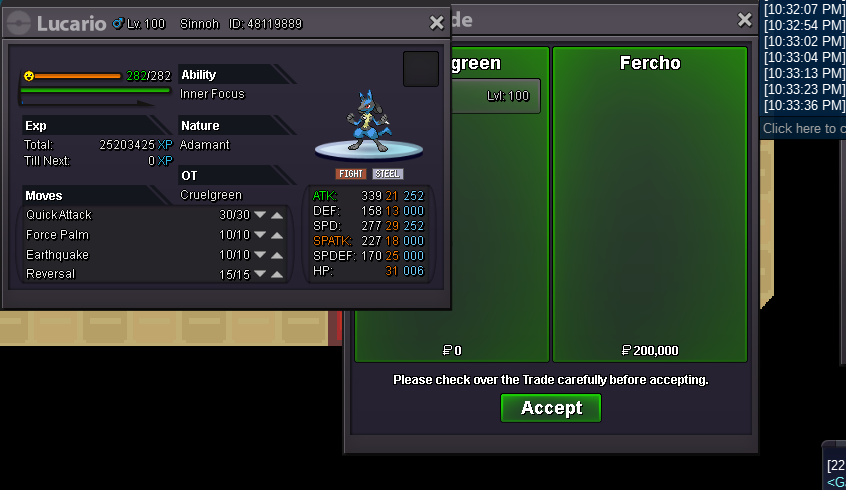 nevermind , ı don't think you will buy it... will catch a better onemahou shoujo madoka magica ı currently watched 10 ep and ı rate 4/10 why am ı still watching ? ı have 3,216 ep at all in my MAL acount... ı can't find any anime to watch after all...wait how many hours leftsold 700k , forgot to take screenshot of trade
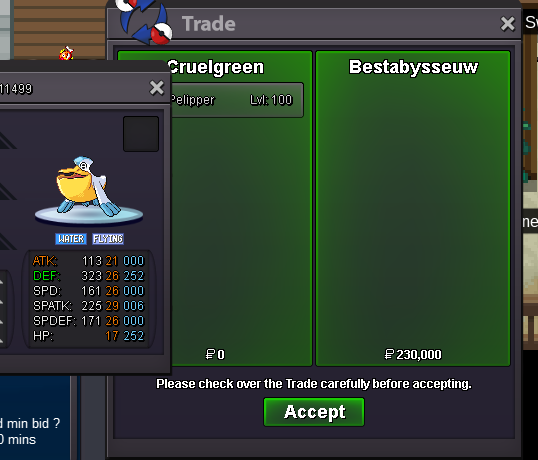
 no min bid huh ? 1m 601k*bump* 2 pvp poke added

Account
Navigation
Search
Configure browser push notifications
Chrome (Android)
- Tap the lock icon next to the address bar.
- Tap Permissions → Notifications.
- Adjust your preference.
Chrome (Desktop)
- Click the padlock icon in the address bar.
- Select Site settings.
- Find Notifications and adjust your preference.
Safari (iOS 16.4+)
- Ensure the site is installed via Add to Home Screen.
- Open Settings App → Notifications.
- Find your app name and adjust your preference.
Safari (macOS)
- Go to Safari → Preferences.
- Click the Websites tab.
- Select Notifications in the sidebar.
- Find this website and adjust your preference.
Edge (Android)
- Tap the lock icon next to the address bar.
- Tap Permissions.
- Find Notifications and adjust your preference.
Edge (Desktop)
- Click the padlock icon in the address bar.
- Click Permissions for this site.
- Find Notifications and adjust your preference.
Firefox (Android)
- Go to Settings → Site permissions.
- Tap Notifications.
- Find this site in the list and adjust your preference.
Firefox (Desktop)
- Open Firefox Settings.
- Search for Notifications.
- Find this site in the list and adjust your preference.