New Trade Zone
Trade Zone is now live
Use the new Trade Zone for auctions and instant-price trades so Pokemon and item offers are easy to find.

Madrigiljay
Suspended
-
Joined
-
Last visited
-
Username: Madrigiljay Server: Silver Country/Timezone: Philippines / GMT 8+
-
500k
-
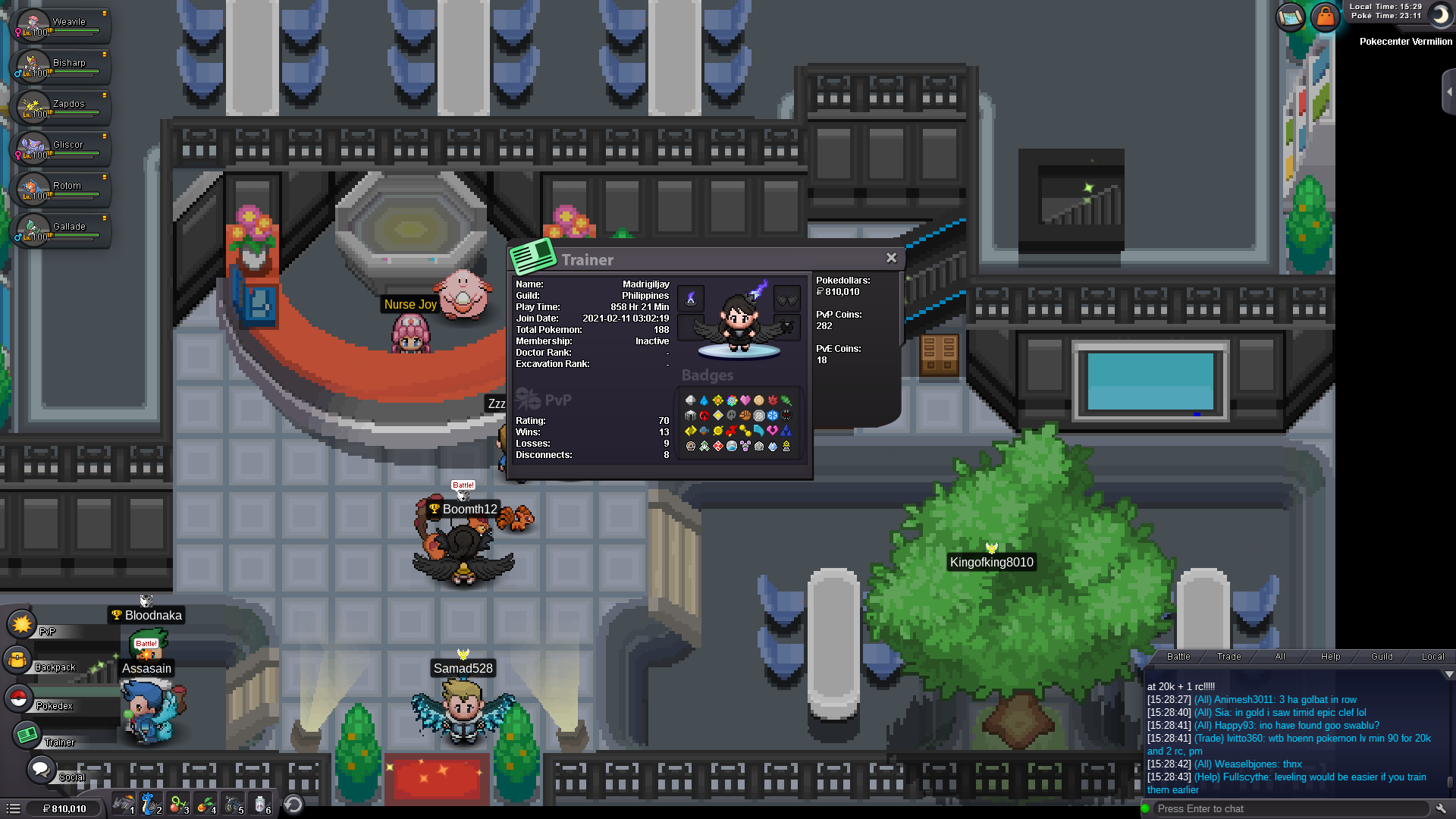
What's your IGN?-- Madrigiljay How old are you?-- 20 What is Your Discord ID?-- Jhay-Jhay#7435 What's your goal in PRO?-- I'want to experience to be a ladderist What is your favorite aspect of PRO?-- PVP What was your highest rating achieved in the last 3 PvP seasons?-- 211ratings so far Why did you choose Predators? Im looking for an active guild. Guild island is your main aim to join us ? I want to be in a competitive guild
-
player name: Madrigiljay server: Silver timezone: GMT 8+
-
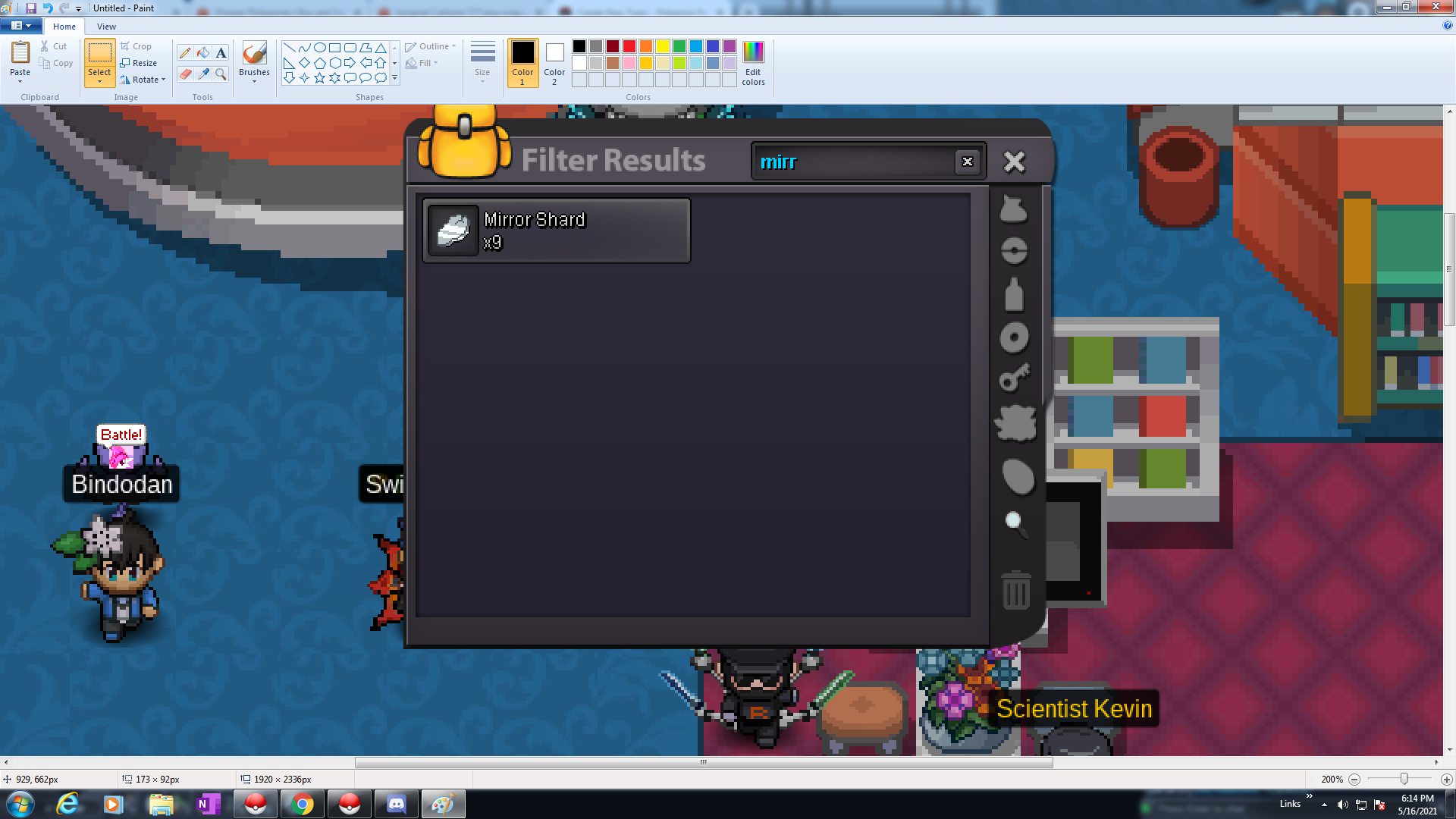
I suggest to reset all players cool down for the breezy cave so we still got the chances of getting mirror shards until the event ends.
-
I was banned for almost 1week. Now i dont have a chance to get 1more mirror shard coz easter event is ending soon? what will i do now? if i was not banned probably got 10 mirror shards right now. what will I do guys? any chances of getting another 1? I've been waiting this for too long since the exca was out. i still got days cool down in breezy cave? what ill i do to get at least 1mirror shard?
-
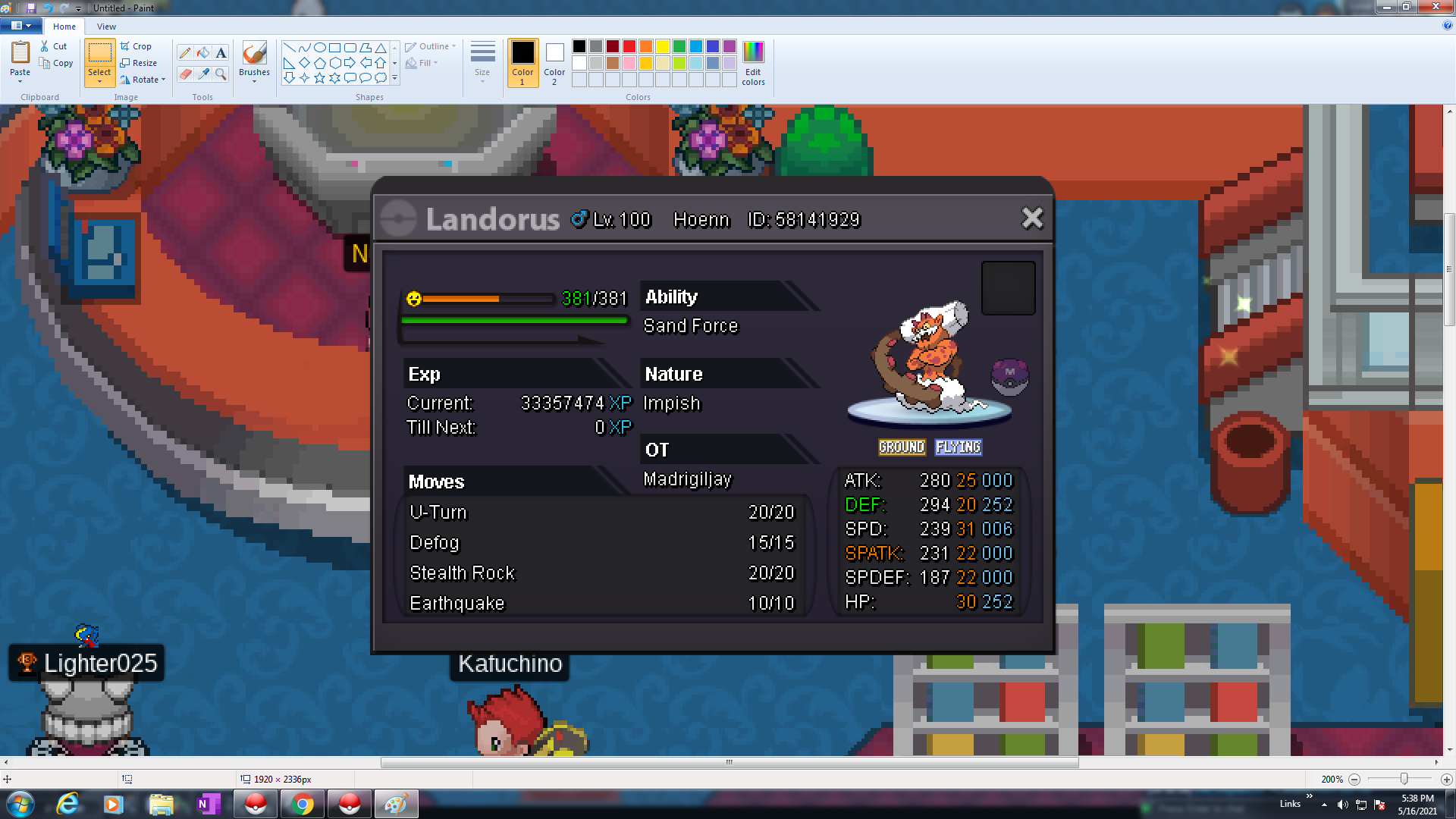
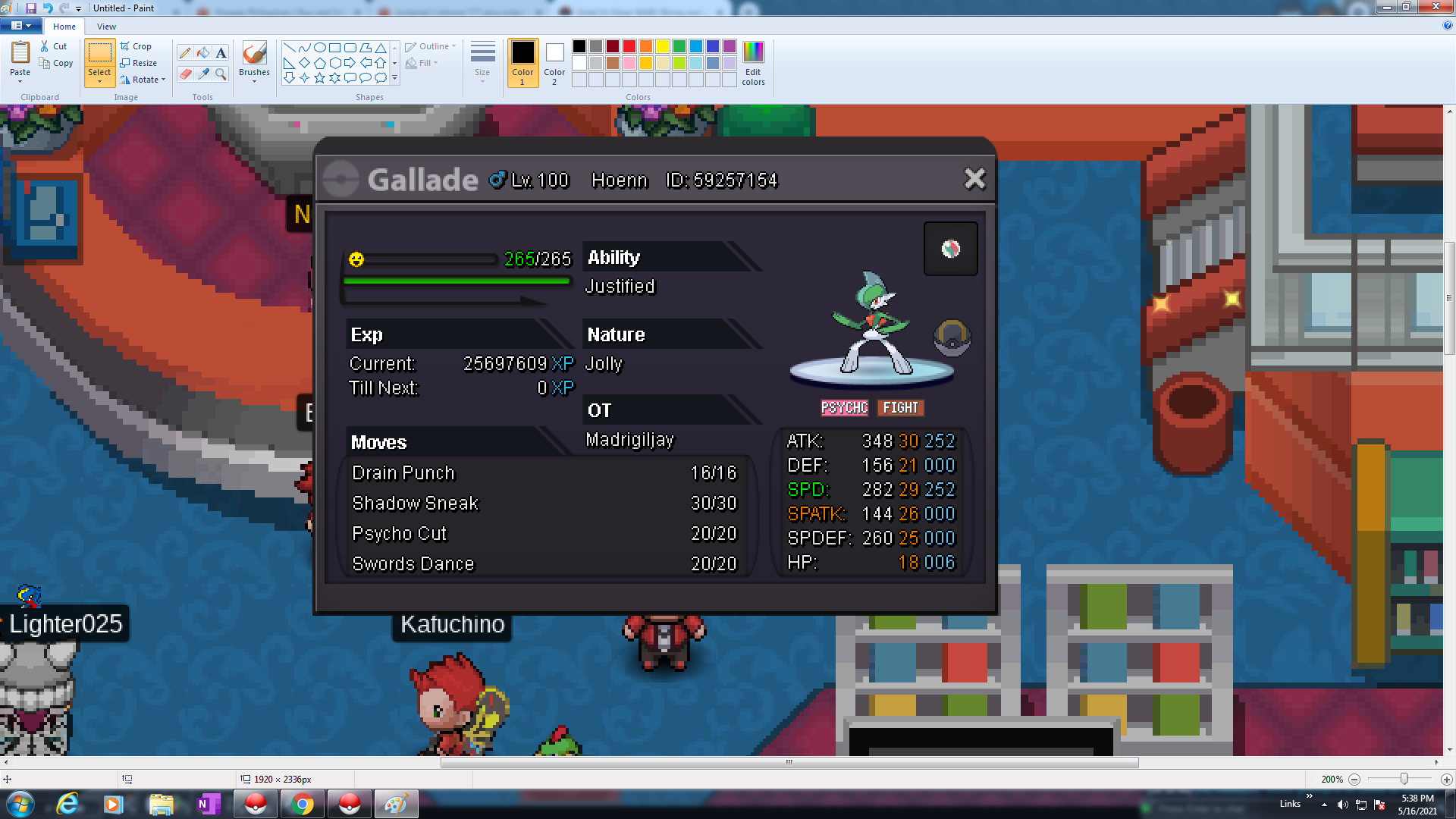
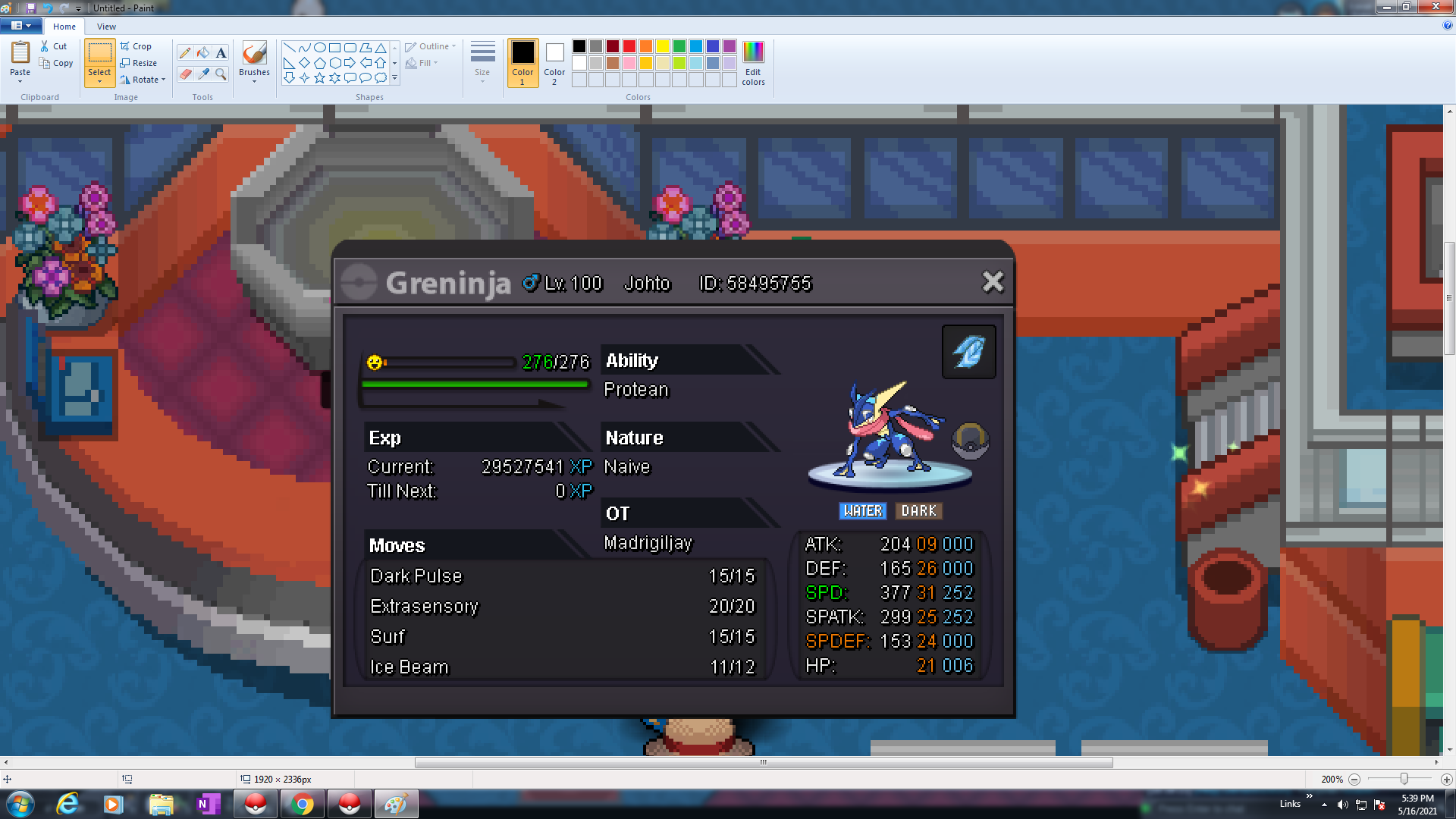
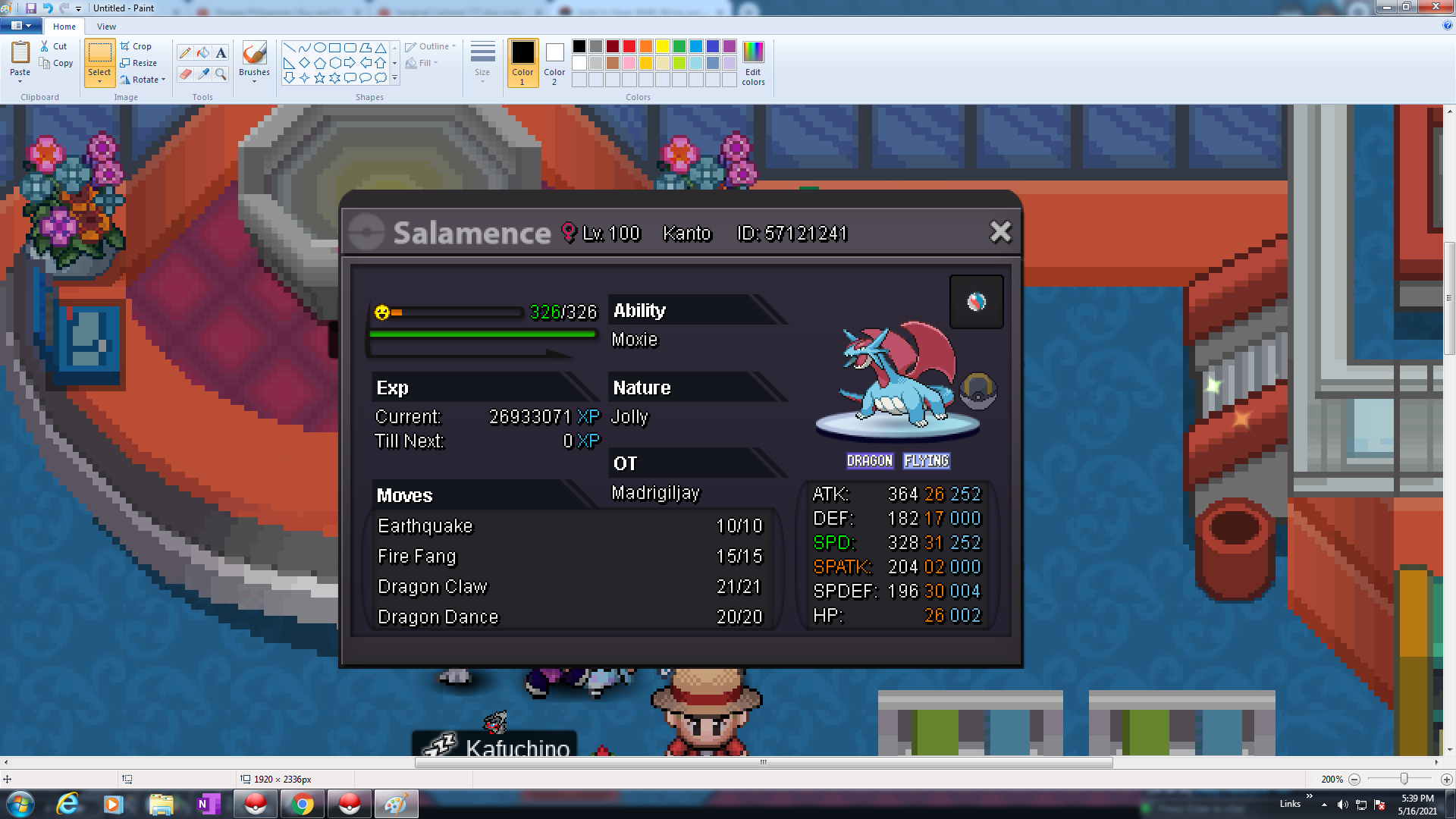
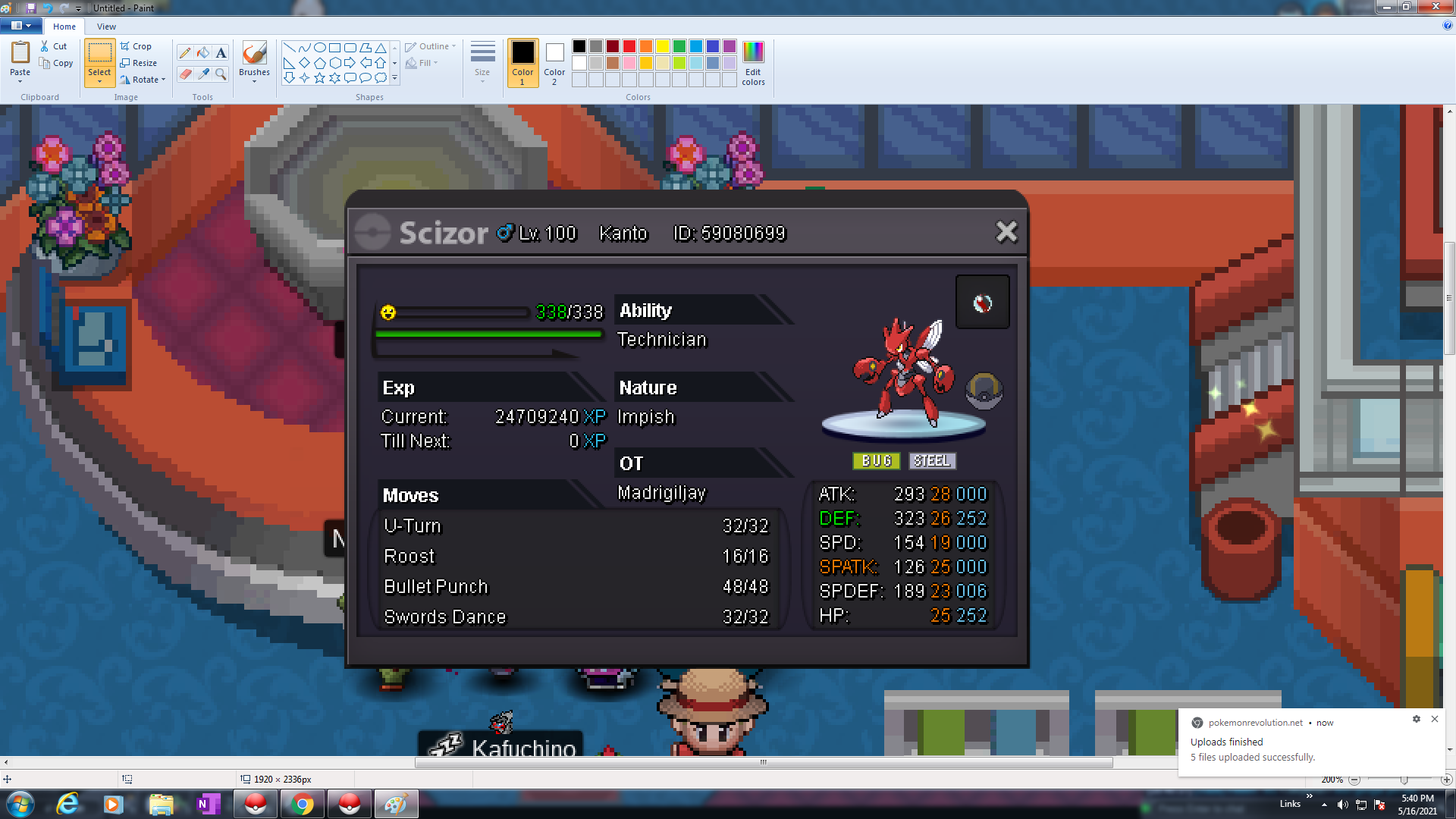
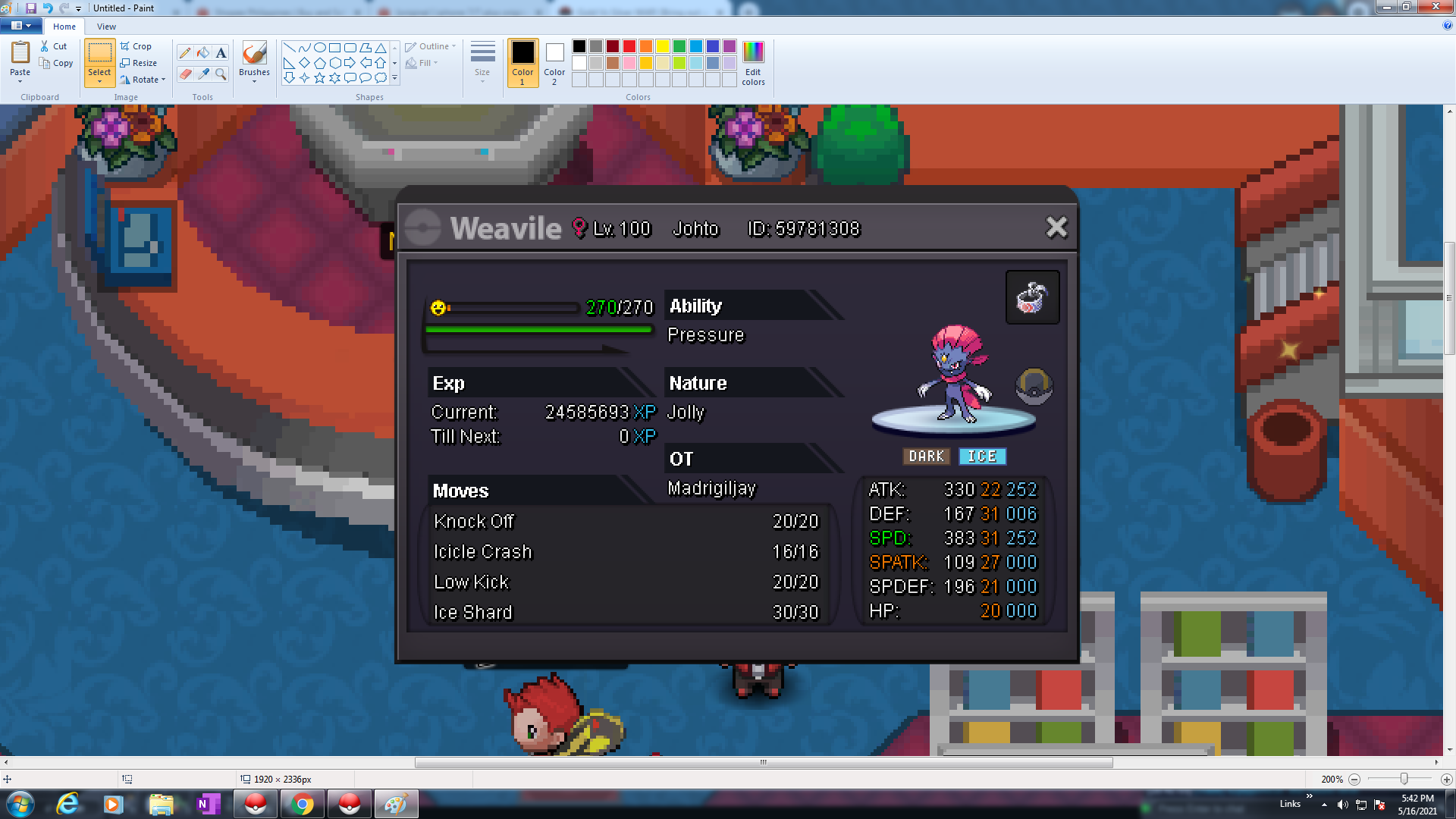
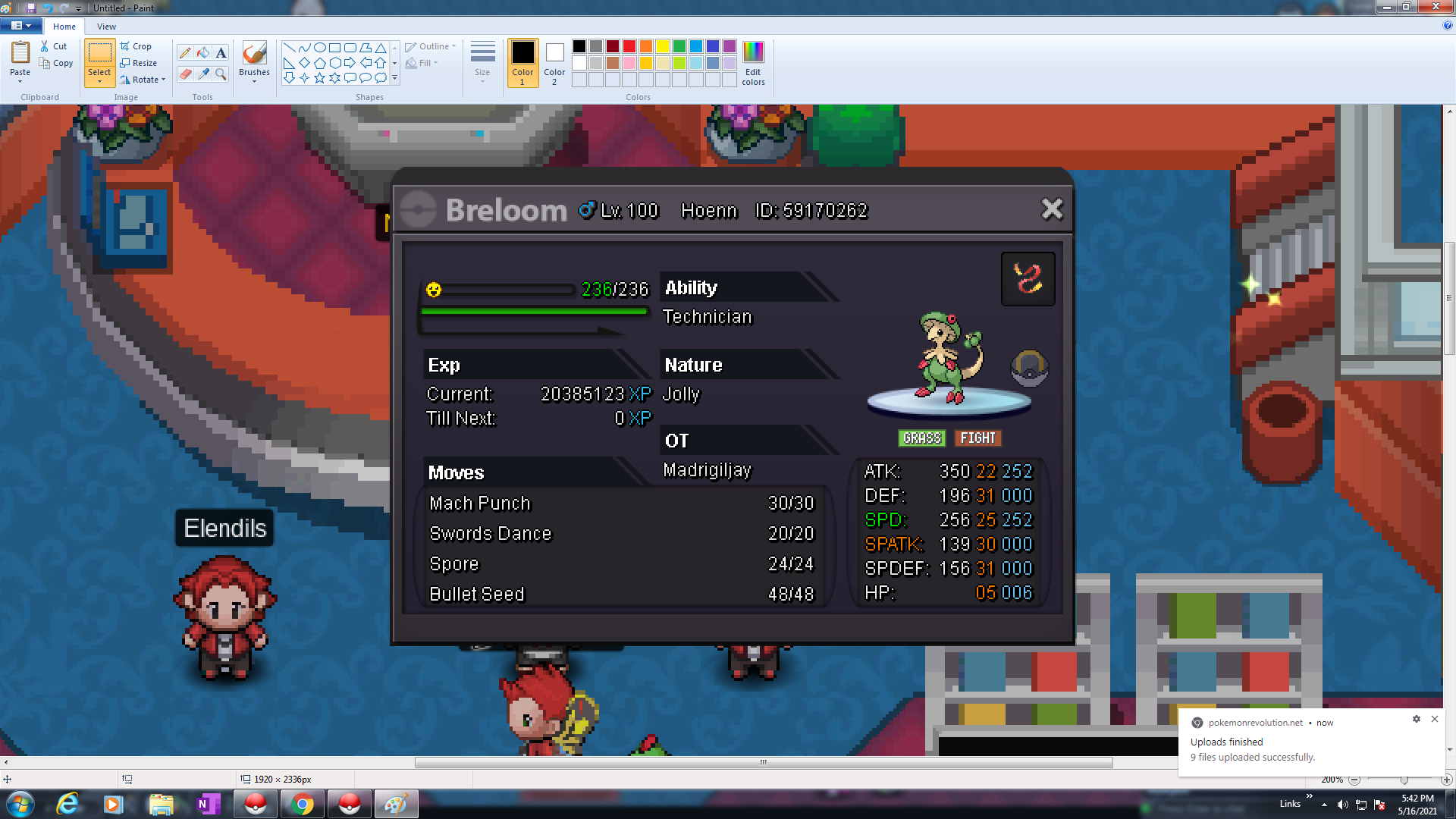
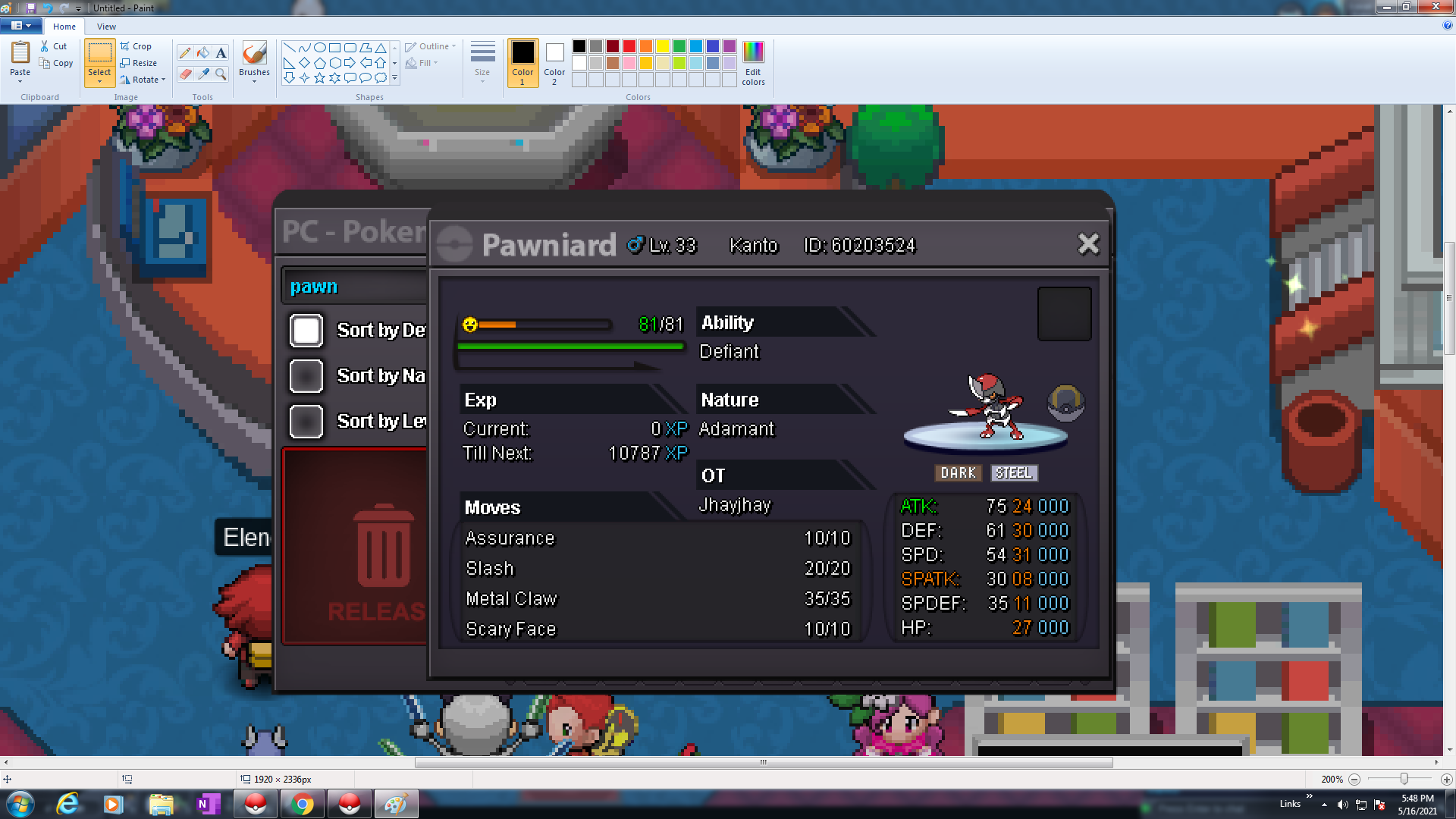
Silver server win for these! Pawniard was caught by my alt account which is JhayJhay. OT epic pokes flex 😄
-
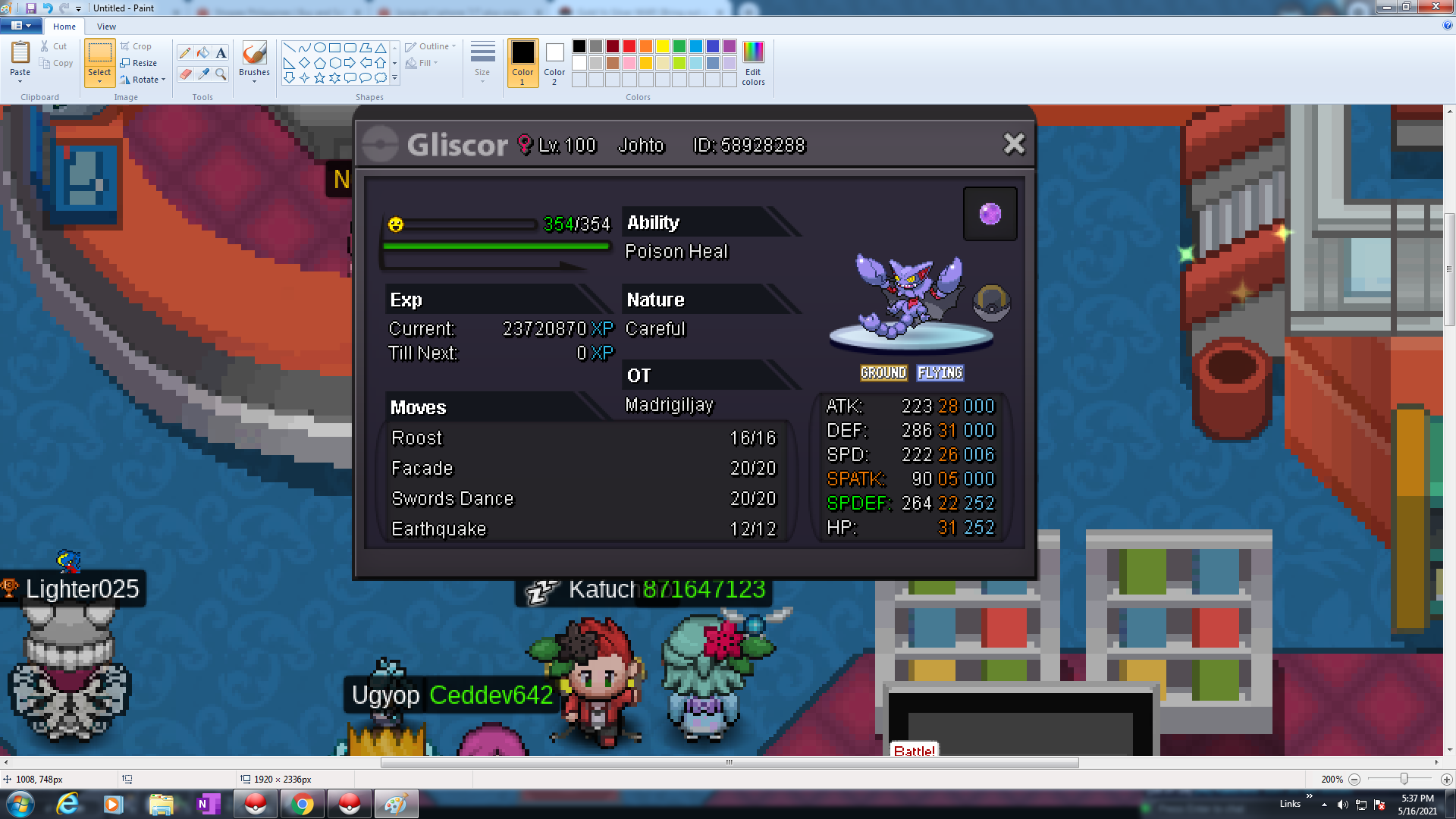
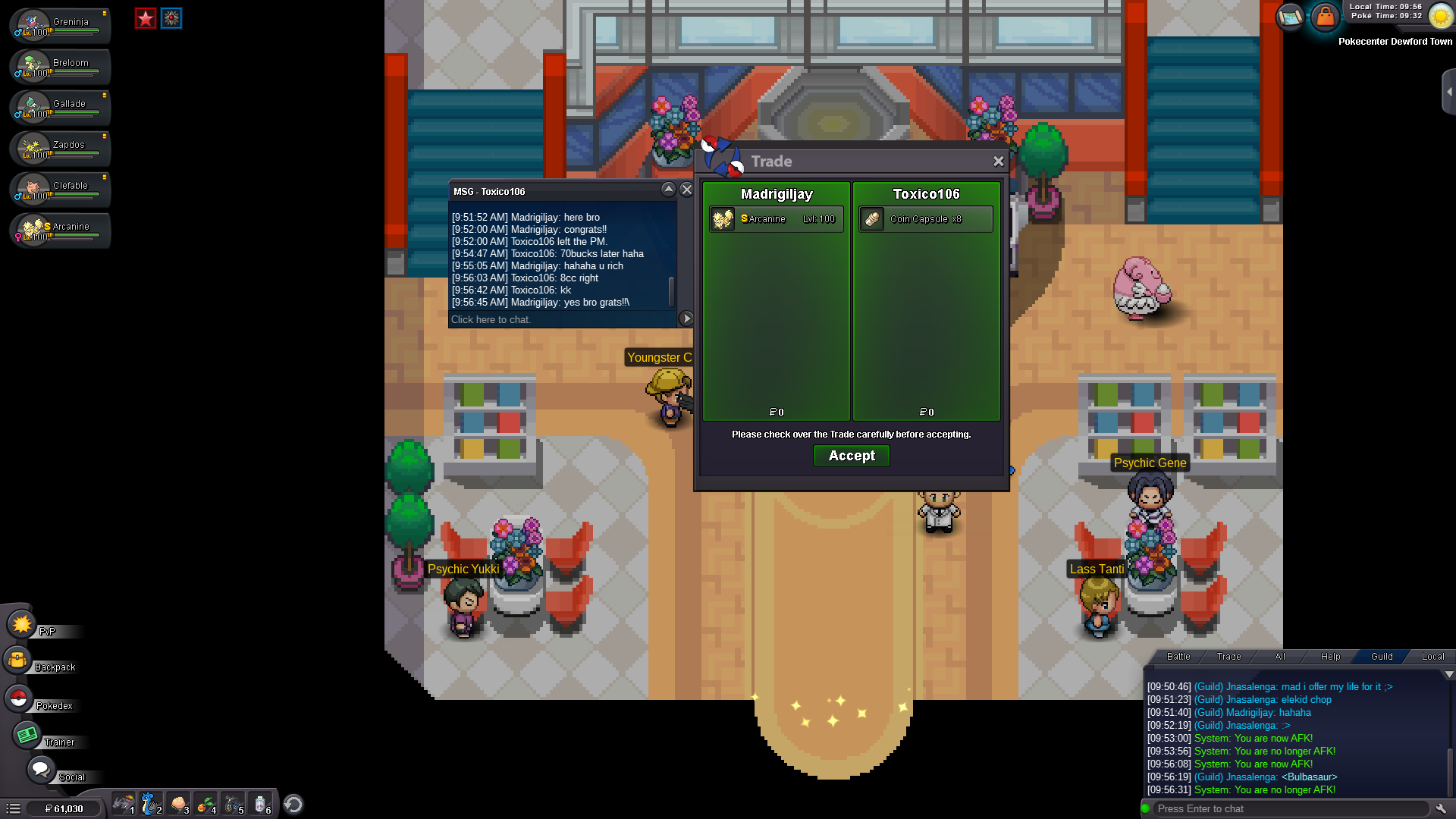
Auction ends! congrats and thanks all
-
25mins left!!!
-
up 3hrs left ^^
-
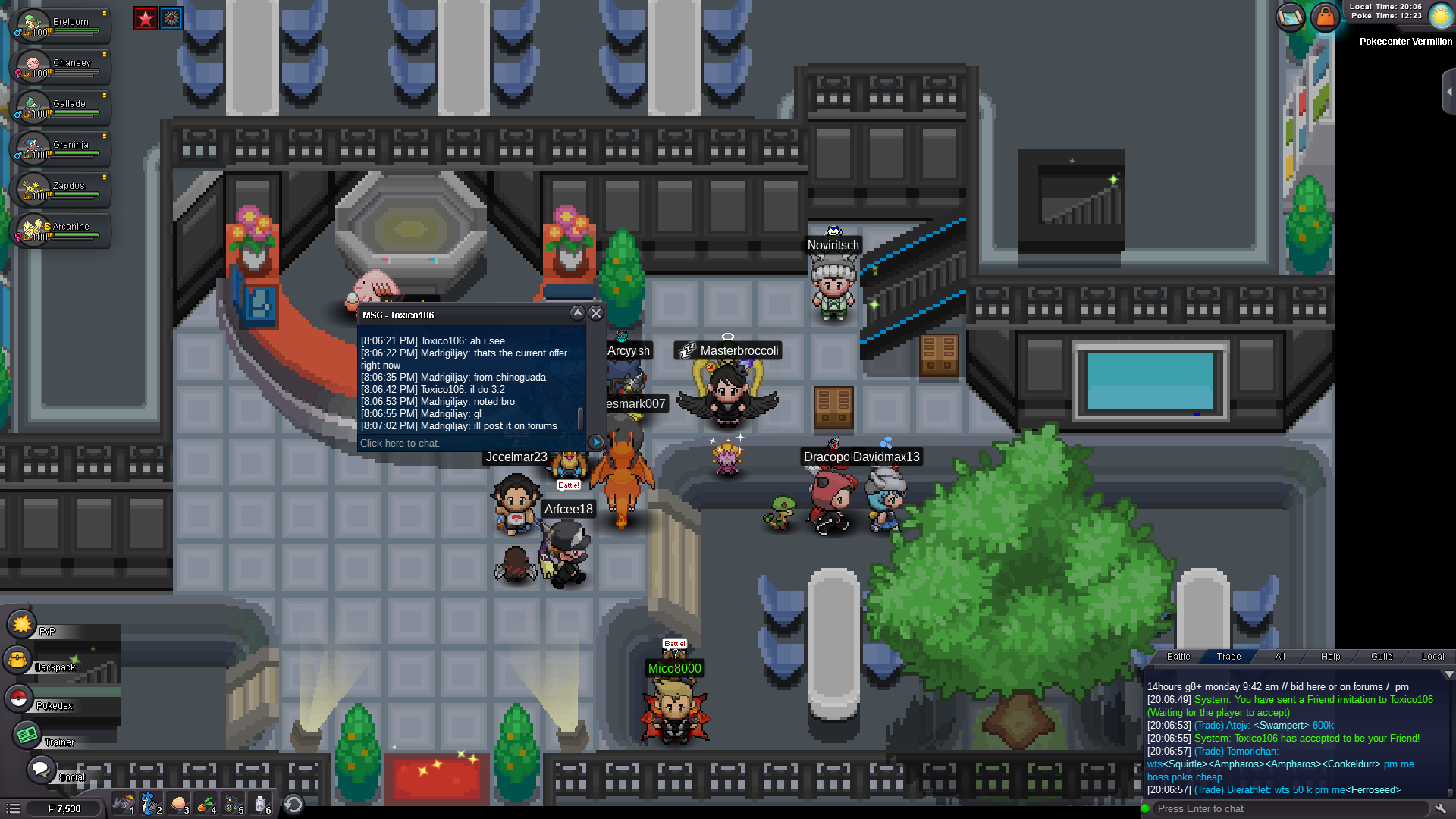
c.o 3.2m buy toxic106
-
^^
-
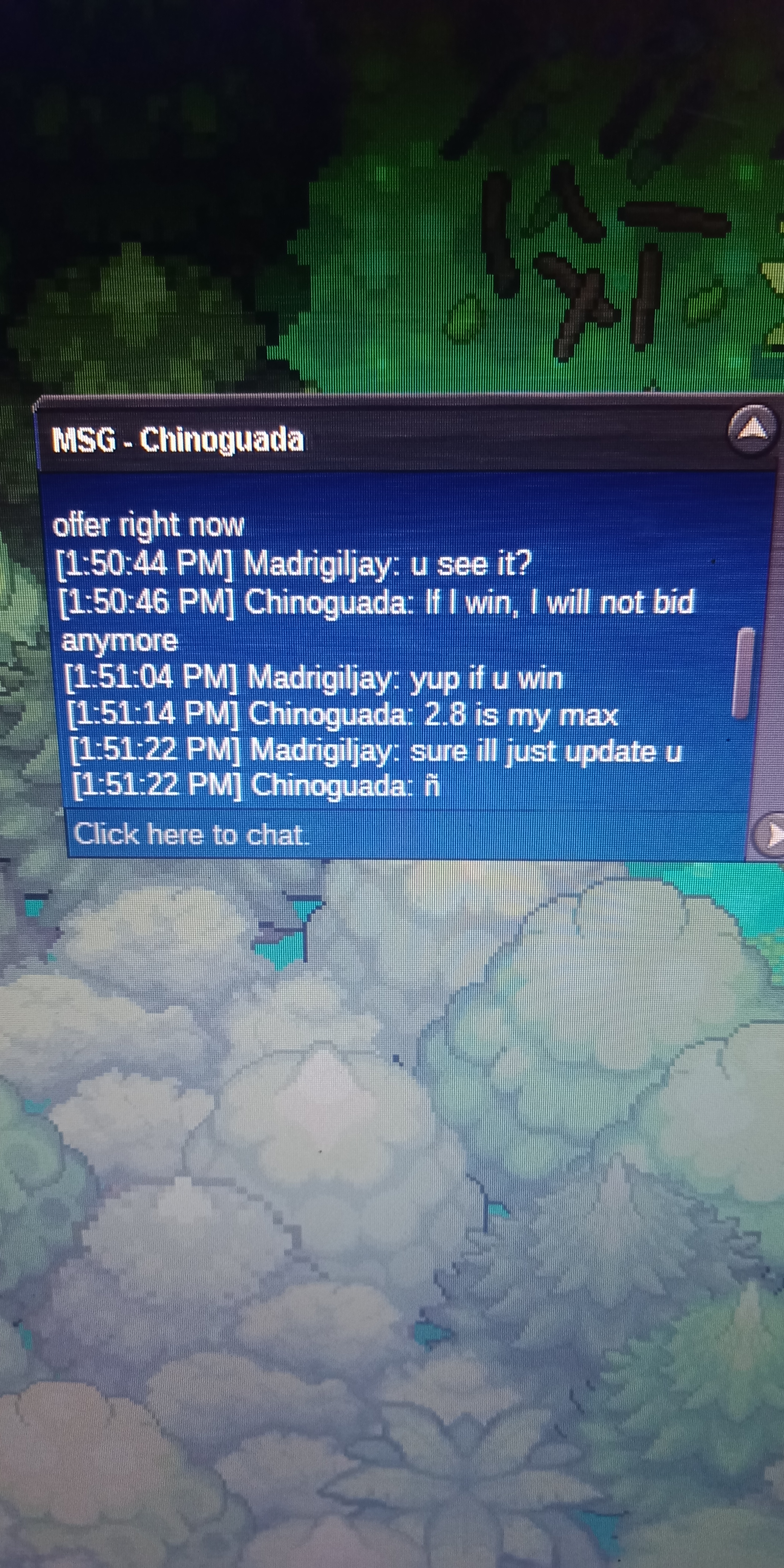
C.o 2.8m by chinoguada
-
@Eon okeey sorry.. now i know
-
C.O 2m