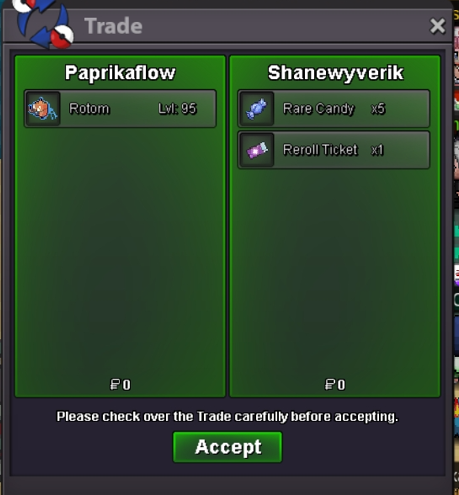
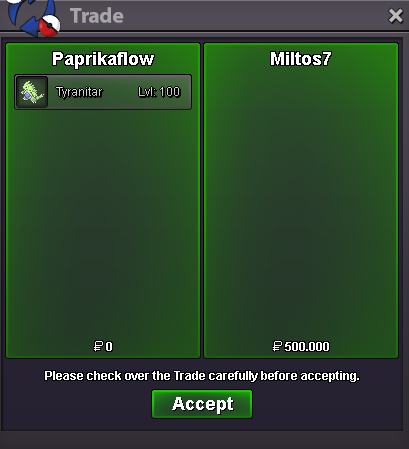
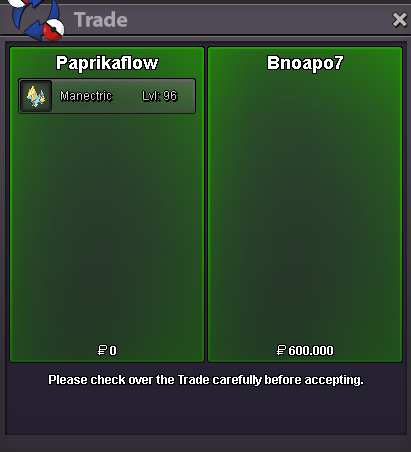
New Trade Zone
Trade Zone is now live
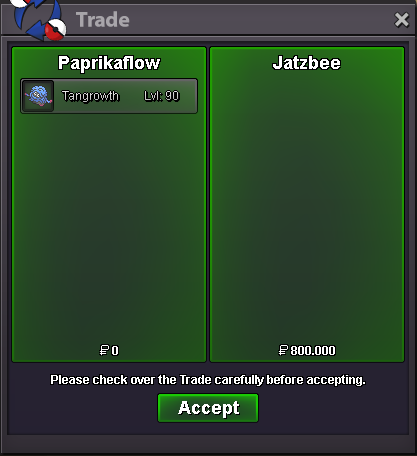
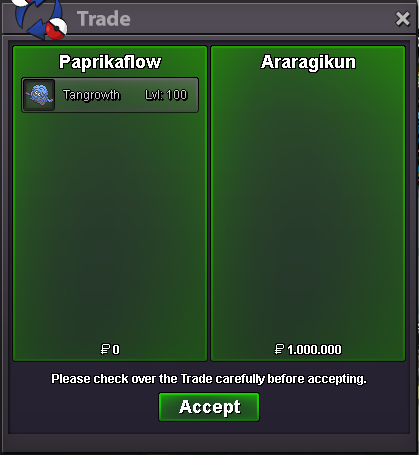
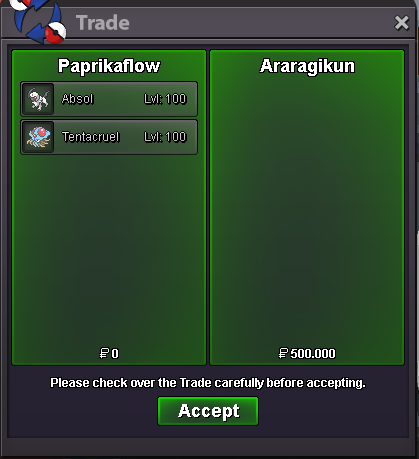
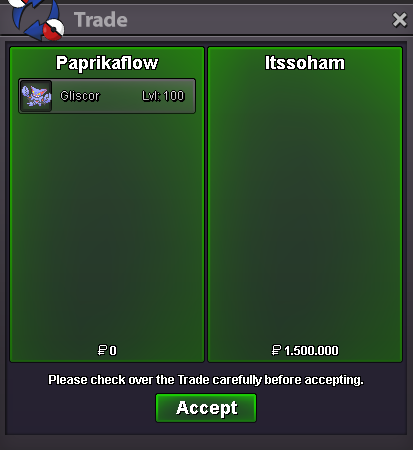
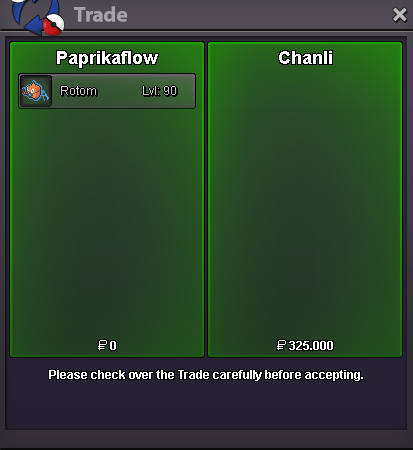
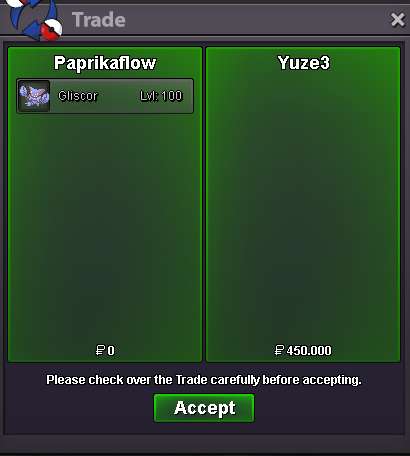
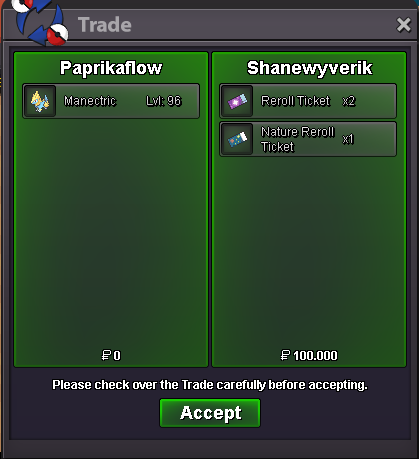
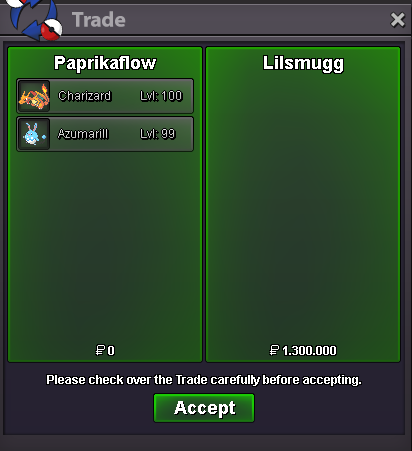
Use the new Trade Zone for auctions and instant-price trades so Pokemon and item offers are easy to find.


Paprikaflow
Registered User
-
Joined
-
Last visited
Everything posted by Paprikaflow
-
hey I want to buy your scraggy Xou can message me via Discord Paprikaflow#9085
-
Player name: Paprikaflow Server: Gold Timezone: GMT+2 Rank on ladder: 6
-
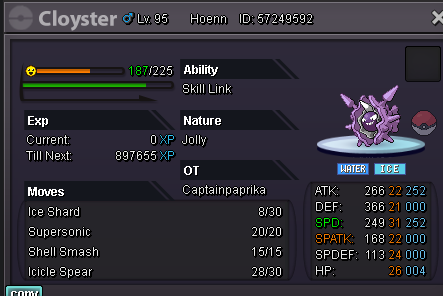
added epic hp fire tangrowthadded nice calm rotom-washadded rotom-wash 31 speed- added Gliscor - added Alakazamadded Venusauradded h.p. fire Tangrowth added Wobbuffet-1 makes the game unbalanced and it will become more boring really soon. Kommo-o everywhere and the necessity to run fairy types all the timesold
 Hey Fritesauce, thanks for the response. I will wait for your decision. Good day to you too 🙂bumpHey, I laddered on Gold this season, but transfered my account to silver, before the season ended. The reward (the pvp coins) were given to the gold acc (with 2 minutes of playtime). I transfered my account back to gold, but now the coins are on Silver. Can you please remove the pvp coins from the 2 min. Account that is Silver now and add them on my Account on Gold. I didn't think this could be an issue, but I promise to be more careful in the future. Thanks for you help. Paprikaflow
Account
Navigation
Search
Configure browser push notifications
Chrome (Android)
- Tap the lock icon next to the address bar.
- Tap Permissions → Notifications.
- Adjust your preference.
Chrome (Desktop)
- Click the padlock icon in the address bar.
- Select Site settings.
- Find Notifications and adjust your preference.
Safari (iOS 16.4+)
- Ensure the site is installed via Add to Home Screen.
- Open Settings App → Notifications.
- Find your app name and adjust your preference.
Safari (macOS)
- Go to Safari → Preferences.
- Click the Websites tab.
- Select Notifications in the sidebar.
- Find this website and adjust your preference.
Edge (Android)
- Tap the lock icon next to the address bar.
- Tap Permissions.
- Find Notifications and adjust your preference.
Edge (Desktop)
- Click the padlock icon in the address bar.
- Click Permissions for this site.
- Find Notifications and adjust your preference.
Firefox (Android)
- Go to Settings → Site permissions.
- Tap Notifications.
- Find this site in the list and adjust your preference.
Firefox (Desktop)
- Open Firefox Settings.
- Search for Notifications.
- Find this site in the list and adjust your preference.