




New Trade Zone
Trade Zone is now live
Use the new Trade Zone for auctions and instant-price trades so Pokemon and item offers are easy to find.

Niarm
Registered User
-
Joined
-
Last visited
Everything posted by Niarm
-
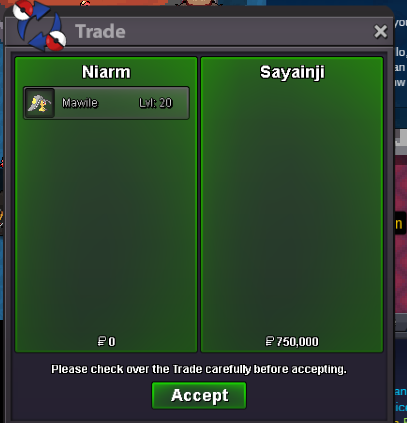
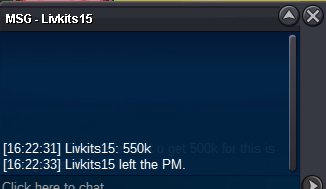
start : 1m min bid : 100k ends in 24h after first bid accepting only pokedollars
-
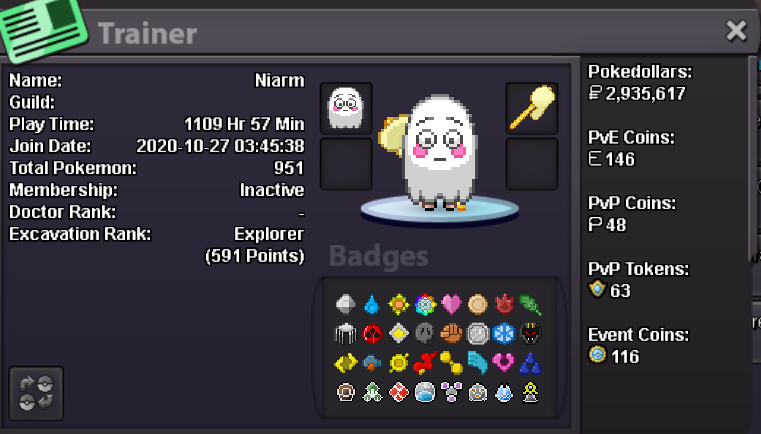
hello! my ingame name is niarm, returing after two years of inactivity and im 24 this year from india my playtime is 1.1k hours and i enjoy hunting, selling pokes to buy the forms or shinies i like i cannot provide any help in daycare or pvp (no skill :c) fav poke is ofc munna firedoof 😍
-
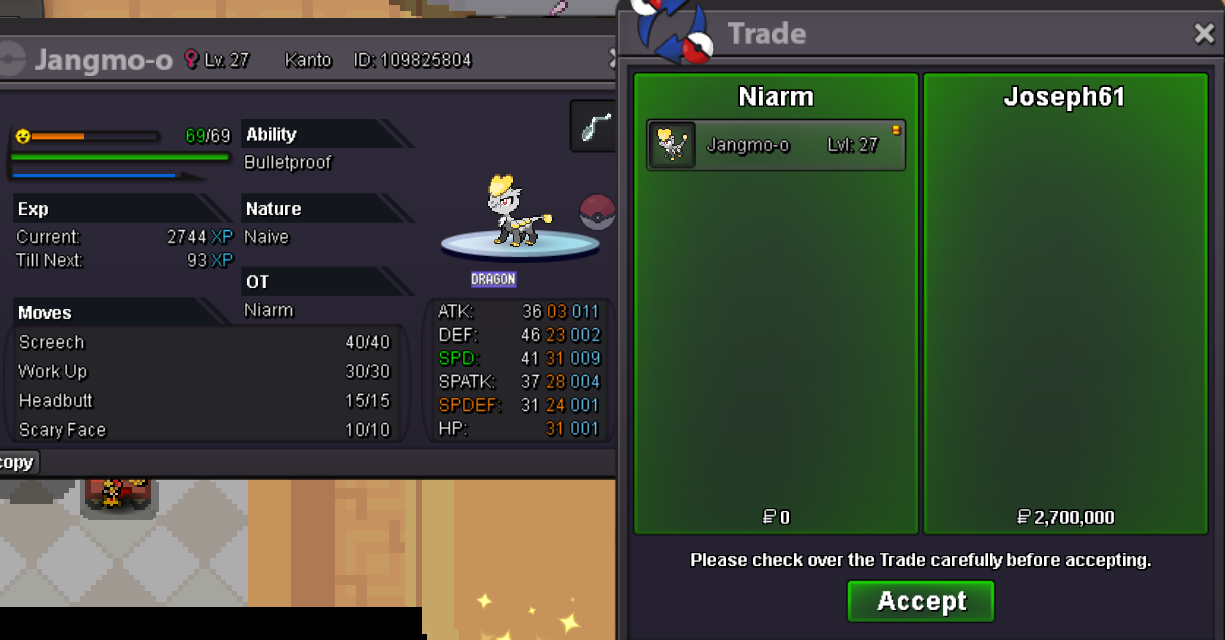
@Joseph61wins! close please
-
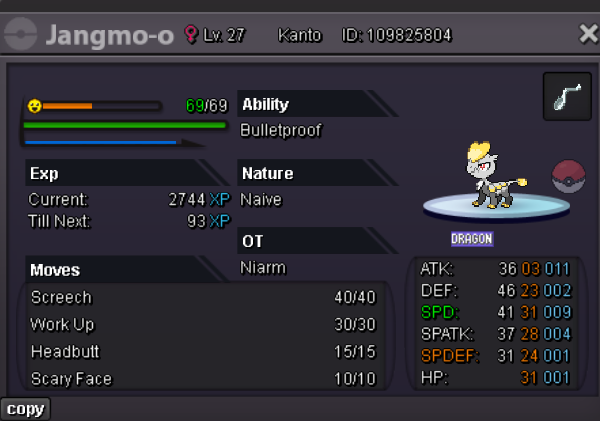
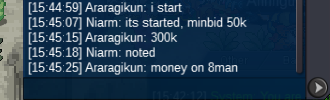
Start: 400k minbid: 50k end time: 24h after first bid accepting pokedollars only
-
been a part of new leaf since 2020 start and that's when i started playing too, nearly 6 years of fun and chaotic memories together thank you for everything, and good luck ahead!
-
niarm - gold server
-
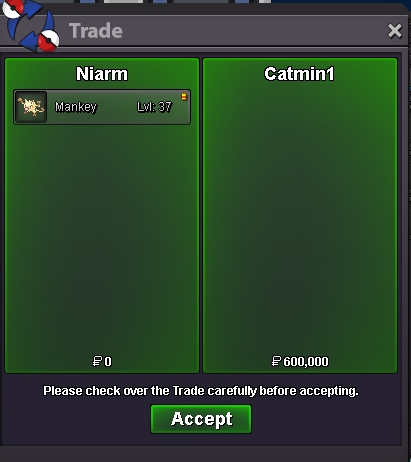
start 600k minbid 50k ends in 24h after first bid accept pokedollars
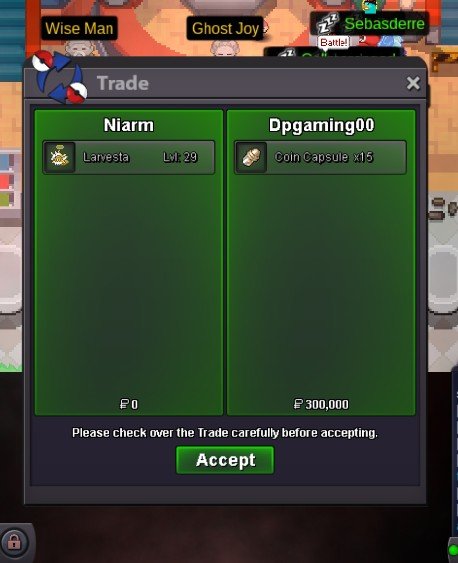
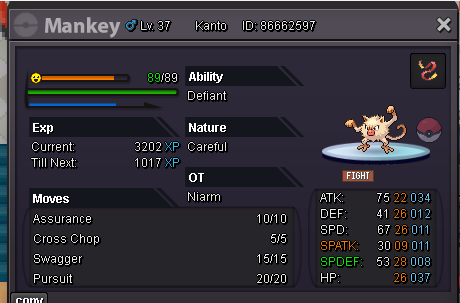 Start 3m Minbid 100k Insta 7.5m Ends in 48hrs after first bid Accept poke dollars and cc at 480k ea
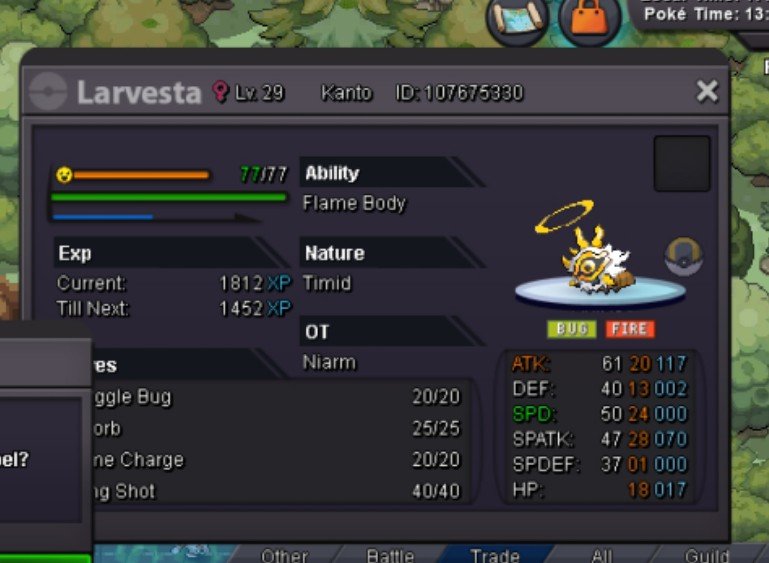 Thank you that makes sense, no other queries 🤍Hello I wish to know the count of shiny munnas on silver and gold servers existing so far, will it be possible? thank you for your time@Khontkarrk wins, 1m750k
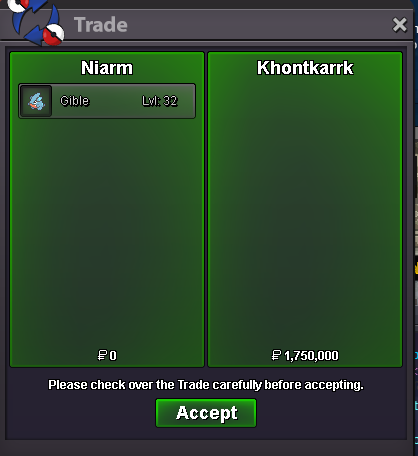 1.7m by alazme, 15mins left
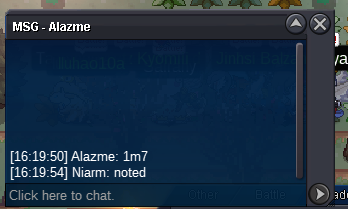 co 1.6m by rik666
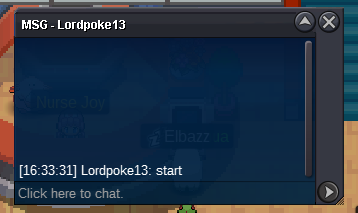
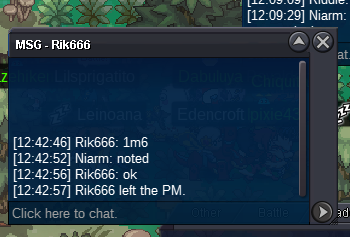 started by lordpoke13
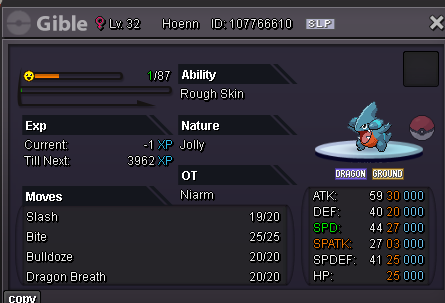
 start offer: 1.5m no insta min-bid: 50k ends in 24h after first bid, accept cc at 500k ea
 4.1m
4.1m


Account
Navigation
Search
Configure browser push notifications
Chrome (Android)
- Tap the lock icon next to the address bar.
- Tap Permissions → Notifications.
- Adjust your preference.
Chrome (Desktop)
- Click the padlock icon in the address bar.
- Select Site settings.
- Find Notifications and adjust your preference.
Safari (iOS 16.4+)
- Ensure the site is installed via Add to Home Screen.
- Open Settings App → Notifications.
- Find your app name and adjust your preference.
Safari (macOS)
- Go to Safari → Preferences.
- Click the Websites tab.
- Select Notifications in the sidebar.
- Find this website and adjust your preference.
Edge (Android)
- Tap the lock icon next to the address bar.
- Tap Permissions.
- Find Notifications and adjust your preference.
Edge (Desktop)
- Click the padlock icon in the address bar.
- Click Permissions for this site.
- Find Notifications and adjust your preference.
Firefox (Android)
- Go to Settings → Site permissions.
- Tap Notifications.
- Find this site in the list and adjust your preference.
Firefox (Desktop)
- Open Firefox Settings.
- Search for Notifications.
- Find this site in the list and adjust your preference.