New Trade Zone
Trade Zone is now live
Use the new Trade Zone for auctions and instant-price trades so Pokemon and item offers are easy to find.

Darthxd
Suspended
-
Joined
-
Last visited
Everything posted by Darthxd
-
.
-
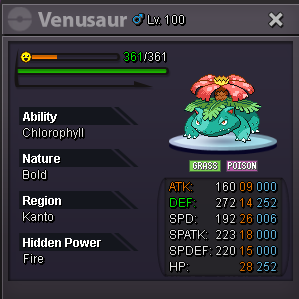
start price: 2m Pokedollars or: Coin Capsules: 400k Reroll Tickets: 700k Reroll Nature: 350k rare candy 7k
-
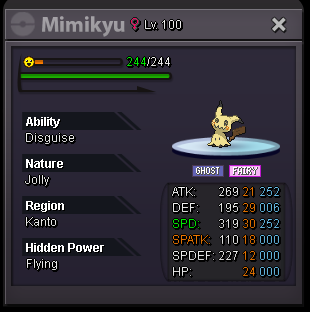
start price: 1m minimium bid: 100k insta: 2m time: 3h after started Pokedollars or: Coin Capsules: 400k Reroll Tickets: 700k Reroll Nature: 350k rare candy 7k
-
-
this game is really buggy, get used to it, wait for a moderator to solve it
-
wtf cauam?
-
it is not here on the forum that this is done, my partner
-
-
buy
-
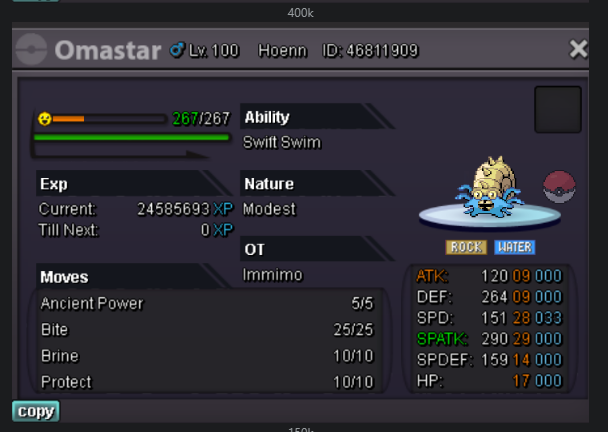
i buy this slowpoke
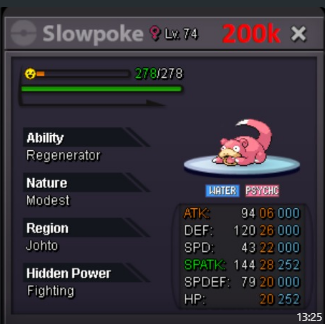
-
ok so i buy the rest
-
i buy
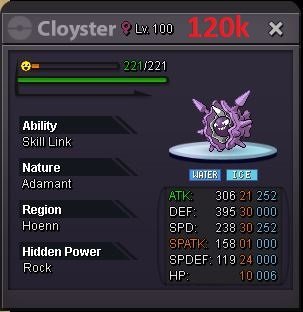
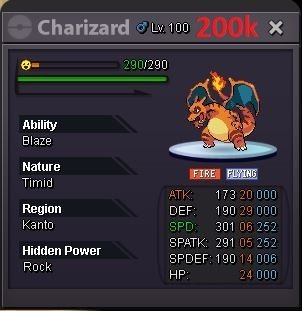
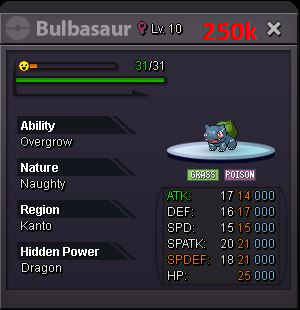

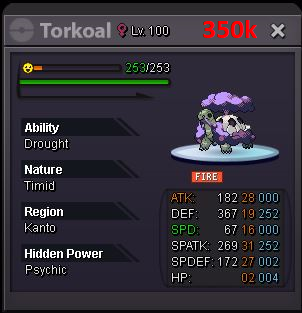
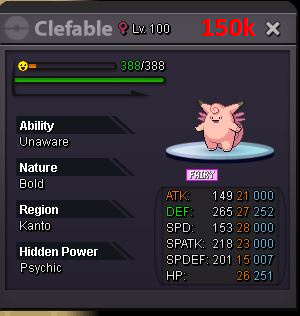
-
that's not how auction rules work.
-
wow epic for my boss team, i pay insta bro
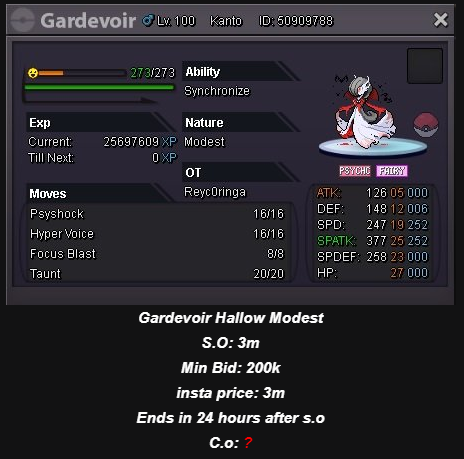
-
i buy blaziken naughty, infernape jolly and talonfame lonely
-
-
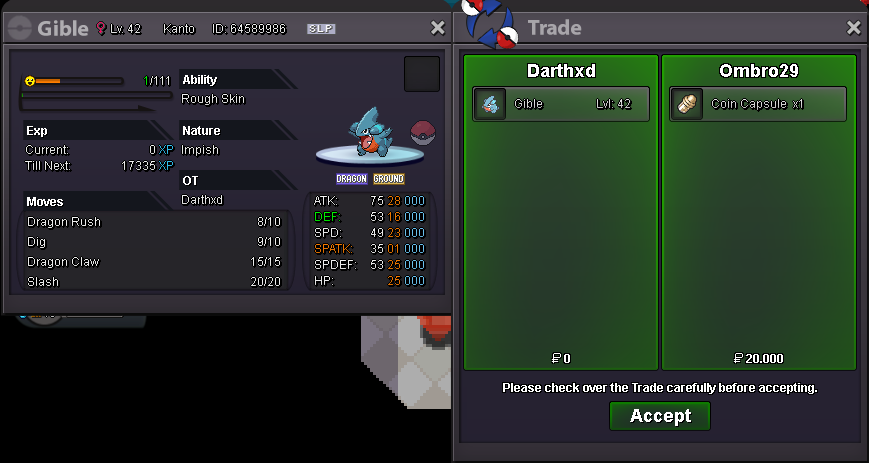
Gible sold to @Ombro29
-
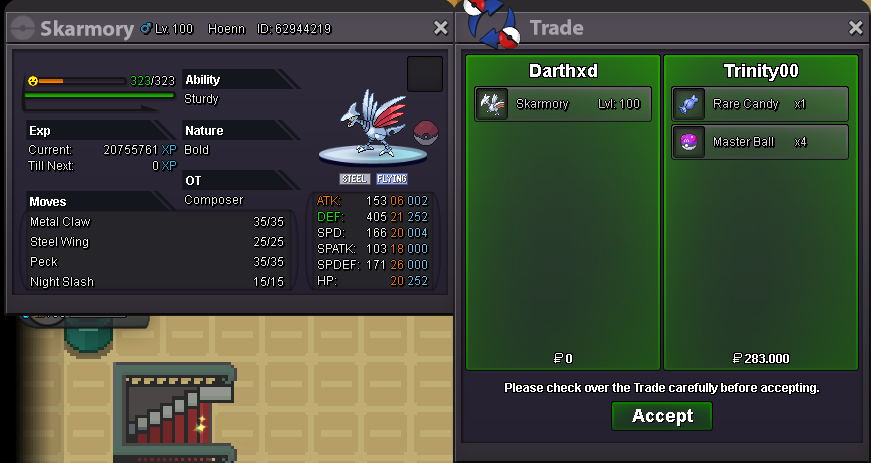
Skarmory sold to @Trinity00
-
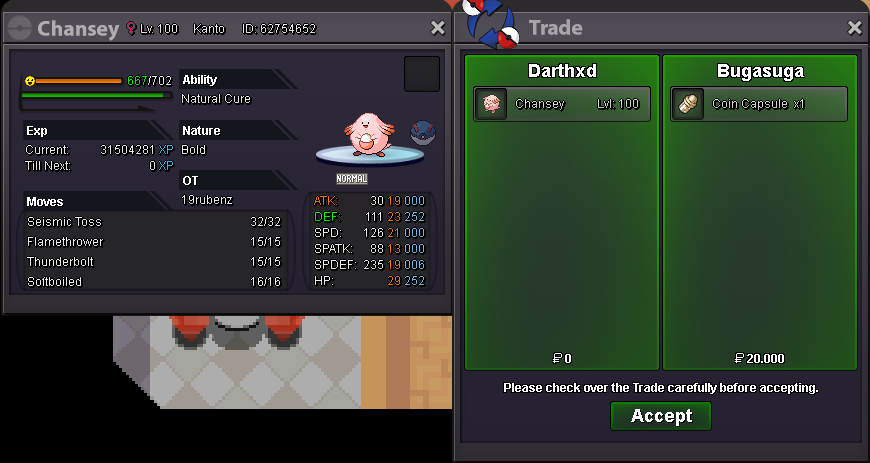
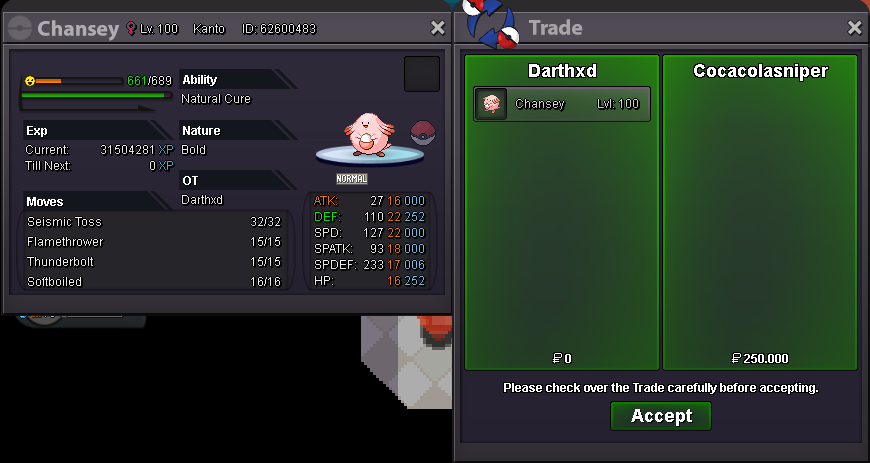
Chansey sold to @CocaColaSniper
-
you can inspect someone in some pokemon center, if this person has a high number of hours played for sure he is someone trustworthy to make the switch. so you send a message to him and make the exchange, simple
-
+1
-
+1 it would even be great that when using the teleport on hoenn the pokemon would not be healed, as well as the teleport on sinnoh
-
+1
-
-
Chansey sold to @bugasuga (unregistered profile)