




New Trade Zone
Trade Zone is now live
Use the new Trade Zone for auctions and instant-price trades so Pokemon and item offers are easy to find.


Taelfan
Registered User
-
Joined
-
Last visited
Everything posted by Taelfan
-
I guess u won cuz my guildmates said that u won 😕 ight I'll come online later, I'm currently away and it's laggy hereOriginal time was 11.11 and Optimus123 bids at 11.09 so yes the 15min rule is applied alrd Wait I'm confused now... @Zoruamigonna need your help here But i think Mastersam's the winner? Idk let's just confirm with you1 more mins until auction endsBumpity bumpBump?StartS.O : 8m Min Bid : 200K Accept CC = 380k, Accept RR Ticket : 490k No Insta. It ends in 3 days after first bid. Current Offer : 10m Auction will end on December 8th 11.11AM (UTC+7)
 I need help moving every single abra/kadabra (except syncs and h.a) that is in box 14 - 22 from my main acc (Taelfan) to alt account (Taelfun).I don't know if u can check the OT of a traded mon but as I use my alt account as a storage account and stored my mon there, I'm afraid that one of my friends that i gave access to took my mons?Start pinsirI'd like to view my alt account's trade history.. just cause i want to check if there's any of my mon (Taelfan and Taelfun OT) that has been traded to other players :v IGN : TaelfunStartBoss lending service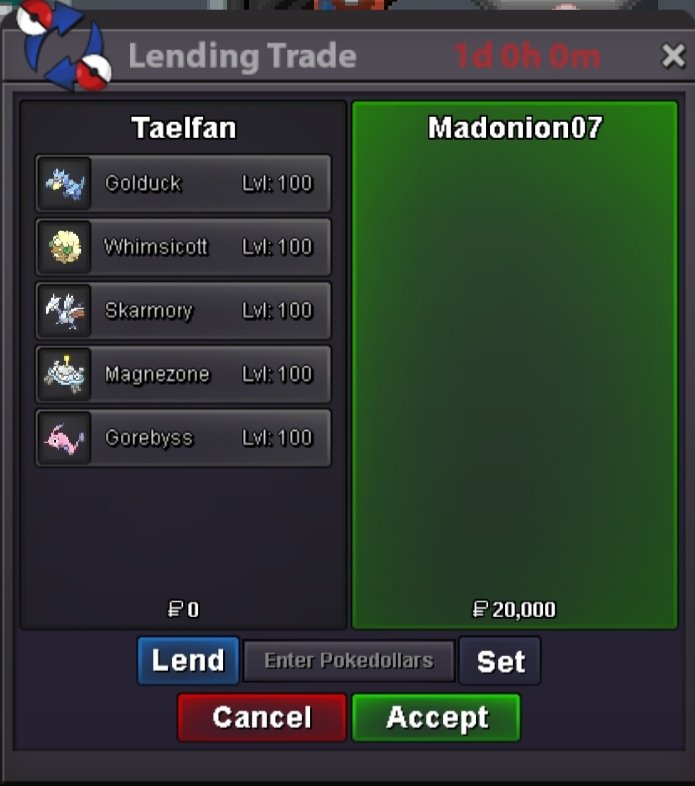

 Imagine next is "Count to 10,000!"You can't cancel it, he wins the charizard and you must give it to him. As stated by our dear ZoruamiNah, we just said sent it at the exact same time 4645


