New Trade Zone
Trade Zone is now live
Use the new Trade Zone for auctions and instant-price trades so Pokemon and item offers are easy to find.

Baronyoutube
Registered User
-
Joined
-
Last visited
Everything posted by Baronyoutube
-
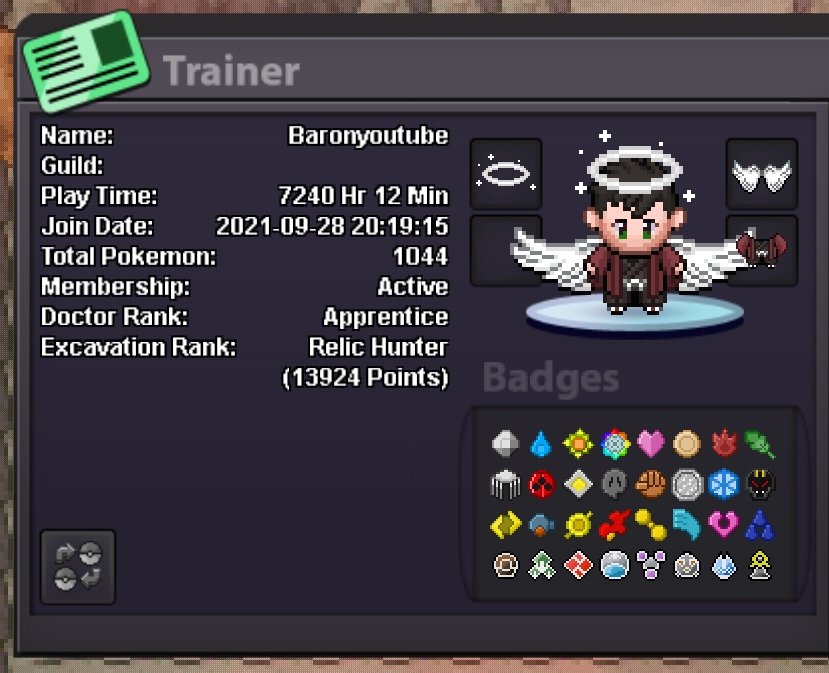
Holydoof Guild Application Hello Holydoof! My IGN is baronyoutube, I’m 35 years old, and I’m from Vietnam. I have around 7,200 hours of experience in Pokémon Revolution Online. After spending so much time in PRO, I’m looking for a friendly and active guild where I can enjoy the game, meet great people, and contribute to the community. I enjoy PvP, PvE, and Dungeons, and I’m always happy to join guild activities whenever I’m available. With my experience, I can also help other members with PvP, team-building, or general PRO knowledge whenever I can. I’m not just looking for a guild tag — I’m looking for a community that I can be a part of for the long term. Holydoof seems like a guild with a strong identity and a fun community, which is exactly the kind of environment I’d love to join. And now, the most important question of all: Which Bidoof form do I like the most? Definitely Suidoof. It just fits me perfectly. 😎 I hope you’ll consider my application. I’d be very happy to become a part of Holydoof and contribute wherever I can! IGN: baronyoutube Age: 35 Country: Vietnam Playtime: 7,200+ hours Activities: PvP, PvE & Dungeons Favorite Bidoof form: Suidoof ❤️ Thank you for taking the time to read my application!
-
Thank everyone. Have a nice day
-
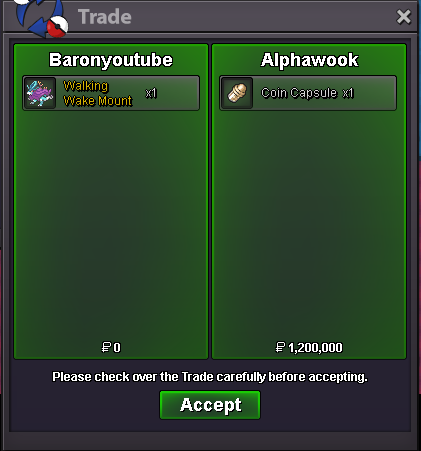
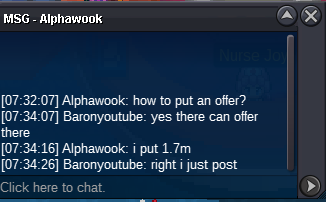
1700k
-
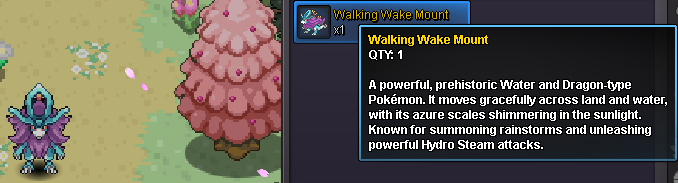
Starting Offer: 1000k Minimum Bid Increment: 50k Duration: 24 hours from first valid bid Insta Price: N/A ACCEPTED PAYMENTS : CC 500K , RR 600k POKEDOLLARS



-
I released accidently my Starmie lv 100 timid, can you restore it plz? Silver server ID: 25977636. Thank you very much. I like Pokemon Revolution Online.

-
It's amazing, I received my pokemon. I really like Pokemon Revolution Online, admin and support team. That's great. Thanks a lot. Have a nice day.


-
Hello, nice to meet you. I accidentally deleted my pokemon. The reason is because my mouse is broken. Please bring it back to me. I love Pokemon Revolution Online and its support team. They are very good and kind. Account: baronyoutube. Vocarona ID: 45725730

-
Blastoise1 61k
-
Blastoise1 50k
-
Blastoise1 40k Aegislash 90k Magnezone 75k
-
Magnezone 70k Aegislash 80k
-
Blastoise1 35k Aegislash 75k
-
65k aegislash and magnezon
-
60k aegislash and magnezon
-
55k aegislash and magnezon
-
Blastoise1 25k Each magnezone and aegi 50k
-
47k magnezon and aegislash
-
Blastoise1 21k Each magnezone and aegi 45k
-
41k aegislash
-
Blastoise1 17k Aegislash 37k Magnezone 37k 1 31k aegislash and magnezone
-
13k Blastoise1 31k aegislash and magnezone
-
Blastoise 1 11k Aegislash 11k Magnezone 11k
-
Spam system. Wanted to turn off notifications because it was too much.
-
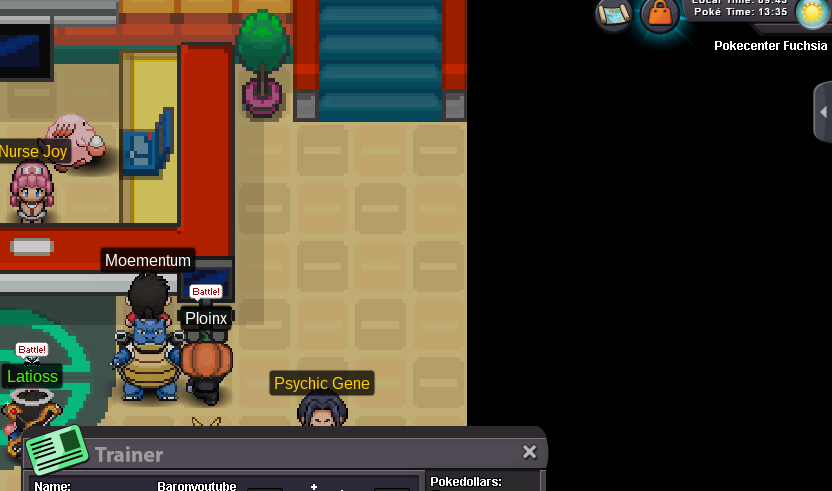
After migrating from safari train atk, spdef, speed to spatk, def, hp. I was unable to move. I used the escape robe back to fuchsia city. I still can't move for a long time. I would love to move back to normal. Photo below.
-
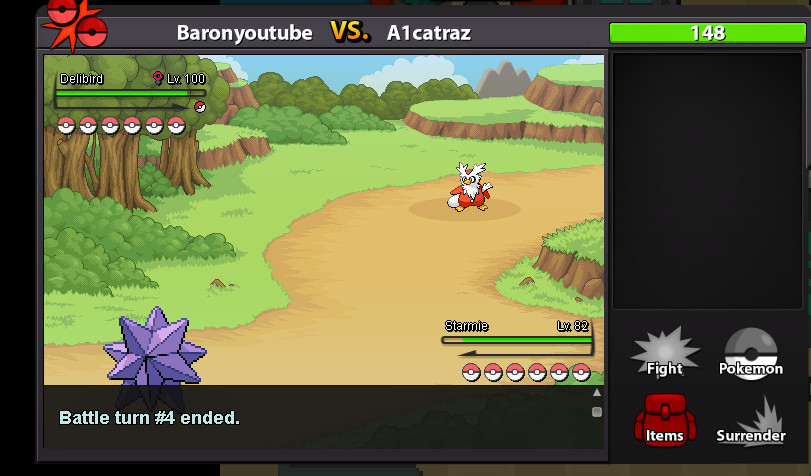
The pic I encountered level 100 in random rank and my pokemon level 82.Normally you will encounter pokemon below level 88 This is my first time seeing this bug and it's not fair.