New Trade Zone
Trade Zone is now live
Use the new Trade Zone for auctions and instant-price trades so Pokemon and item offers are easy to find.


Avanox2
Registered User
-
Joined
-
Last visited
Everything posted by Avanox2
-
wtb shiny Weedle 😄
-
I do not even know what this is and what you can get XD
-
Hello @Medu5a, I would like to buy easter exxegcute 30k
-
Heya I‘M SO SORRY! Can we accomplish the trade on Saturday maybe?
-
Heya wtb easter exeggcute!
-
Sorry I am not online rn, I will be online in around two hours, what is ur ingame name, so I can message you directly
-
Heya wtb timid Sneasel 20 speed
-
Confagrigus is most likely to be used in trick room teams. I suggest you to train it and keep it for yourself or start an auction to sell it here on forums. Unfortunately the iv SPDEF is very low so it decreases his value and chance of getting sold, but it truly is godly.
-
Never mind I just installed winrar and now it works. Thank you for no response, can be closed now
-
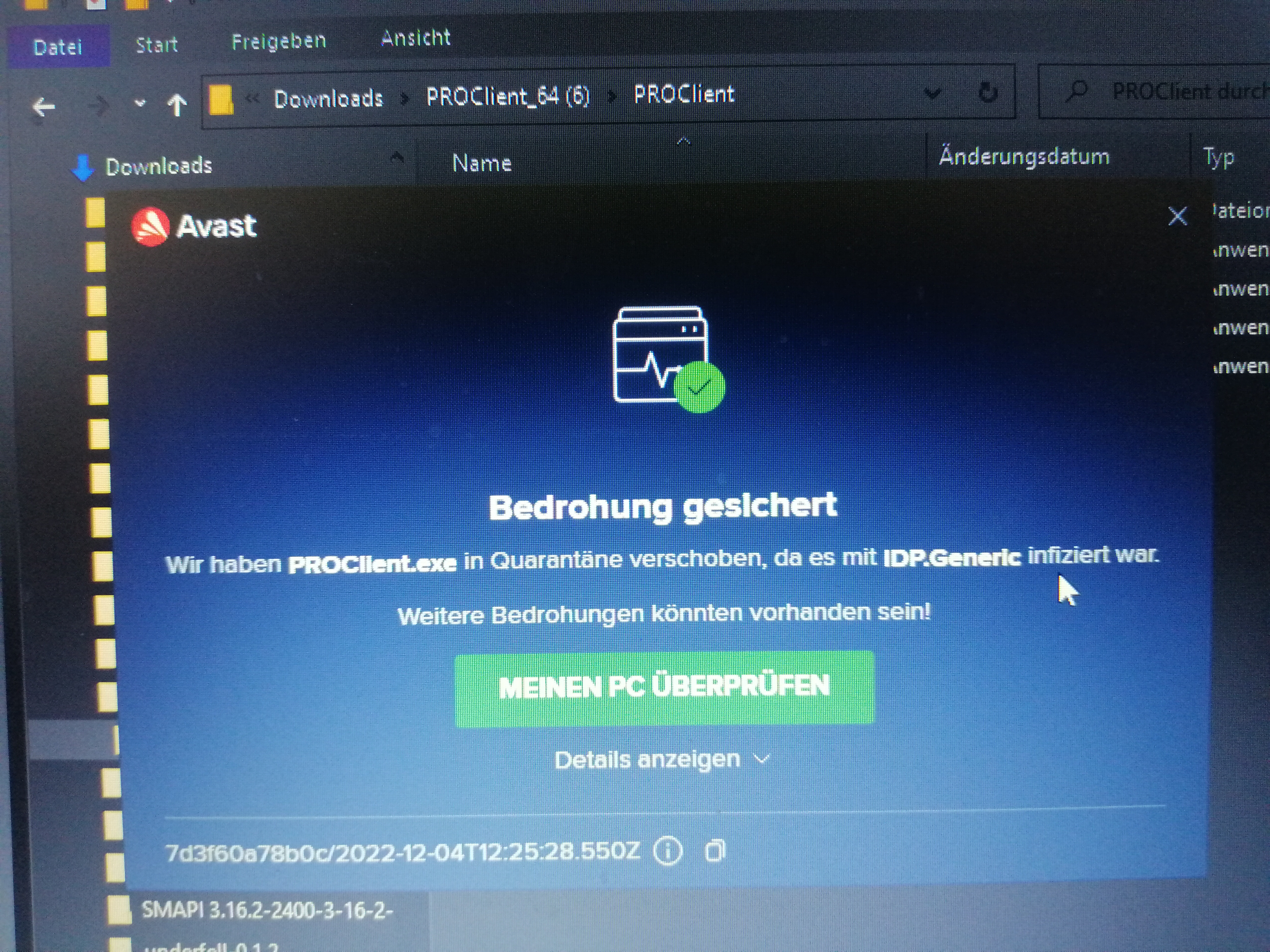
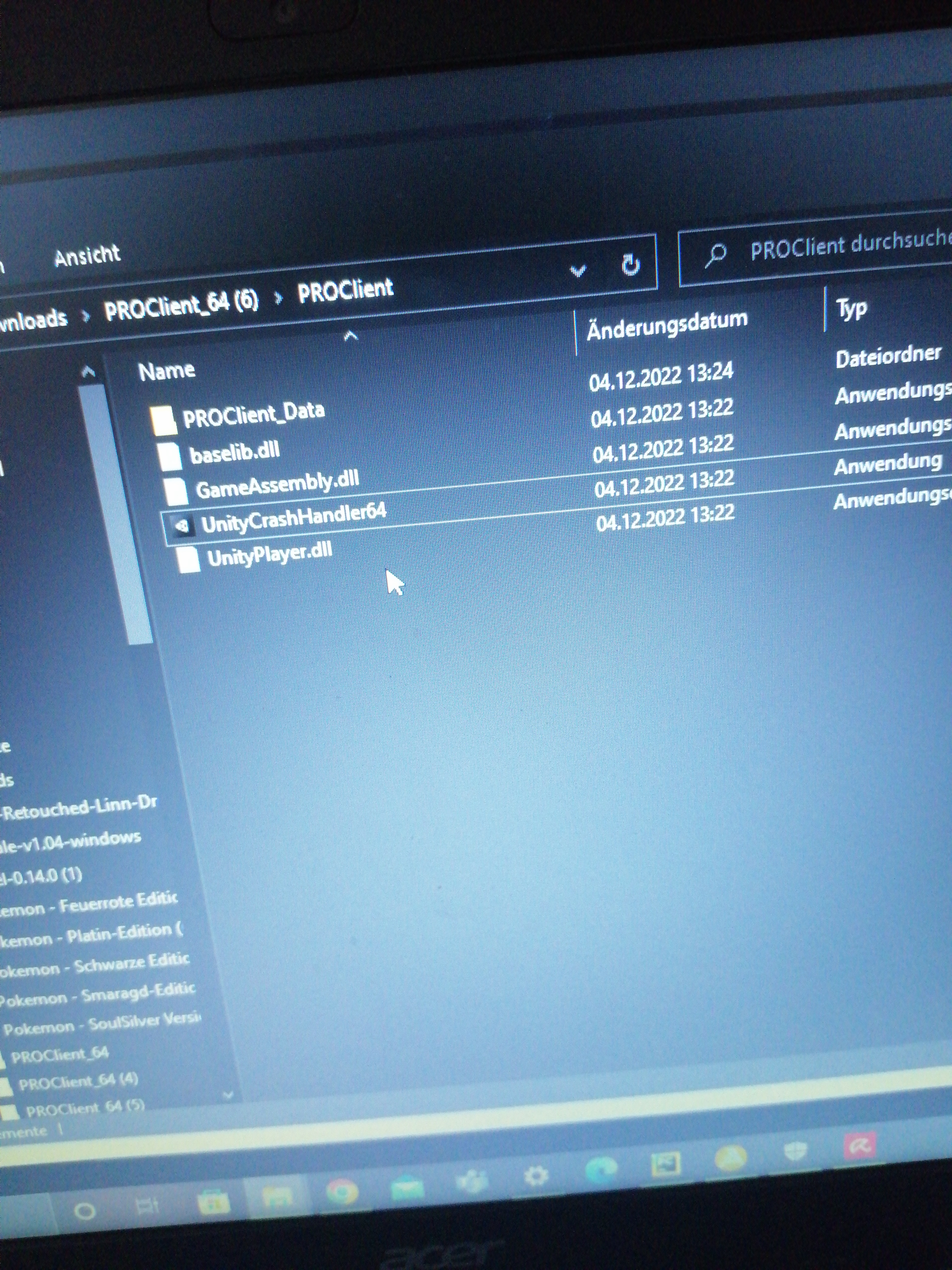
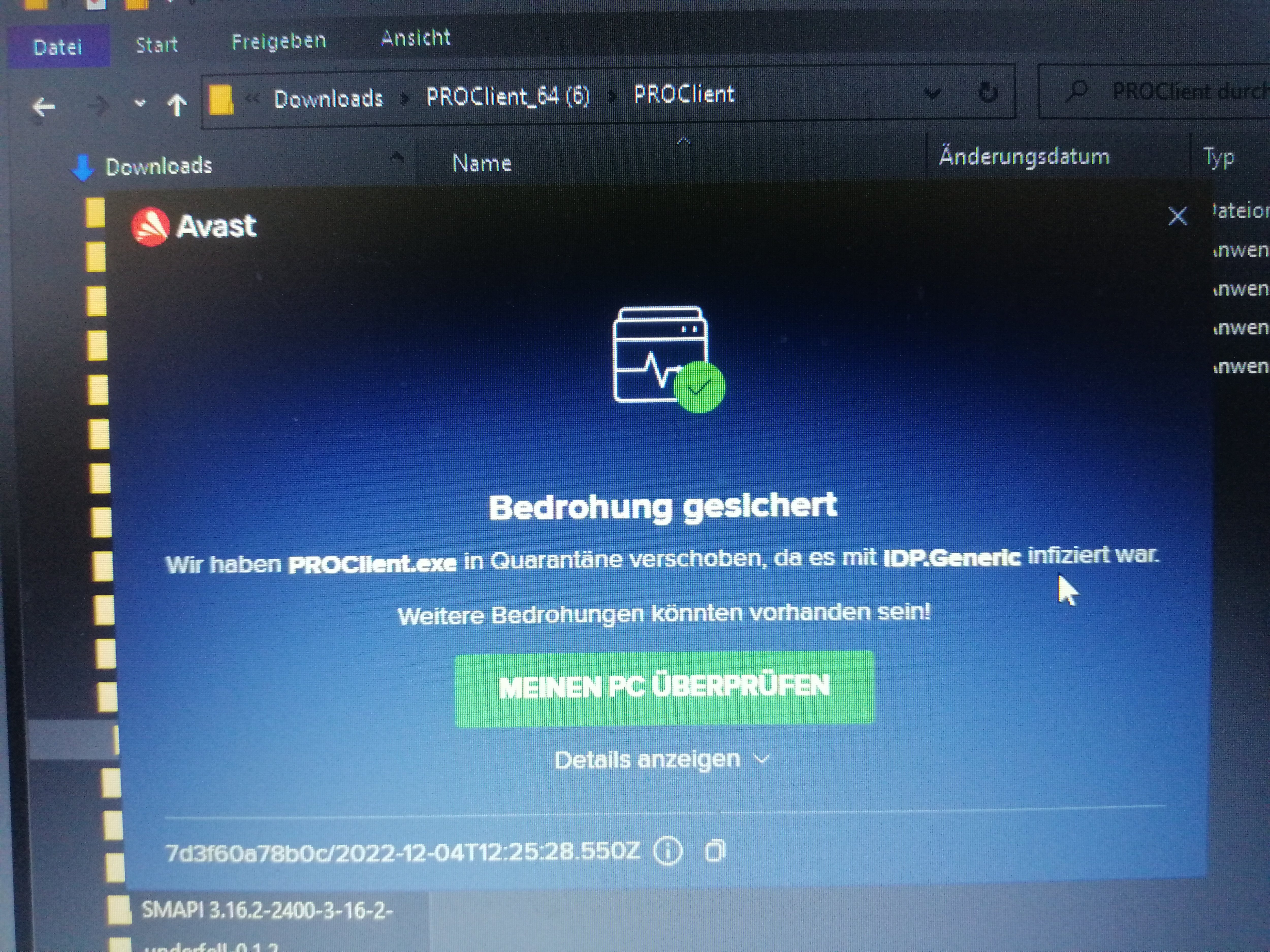
Heya, would be nice if someone could help me. I've been trying to download PRO since the new update on my windows PC, but I keep getting errors. My PC is set in German, but for this post I will translate it to English so someone might help me getting out of this situation Problem: My PC marks my pokemon revolution online files as a virus, even if I give them rights to administrate. They found a "virus" between the files so they blocked and deleted PROClient.exe(sent them to quarantine?) I would like to deactivate it, but I do not know how. I even tried to just patch an older instalation, but Avira and avast keep blocking it. PS: I've tried to download every version of PRO but they block every version so please help me Here are some Screenshots: "PROClient.exe keeps disappearing" "Thread located" "We have moved PROClient.exe to quarantine as it contains IDP.Generic. There might be more threads"

-
Start
-
Ty I‘ve messaged you 😄
-
Yea you won the gengar auction as well as I won the Azumaril auction. Unfortunately OP didn‘t see my direct message, but he was mysteriously online 20 min ago. I can provide my auction bid, incase I have to message a Trade Moderator. I suggest you to also take screenshots of every interaction with OP, so you might go to a Trade Moderator, if OP keeps not answering….
-
Start azumarill
-
25k for first torkoal!
-
Good luck! Seems to be a cool shop 🙂
-
1m 40k
-
Current offer 1m both
-
Thank you, I‘ve been offline recently @Zoruami! Congrats @Jessmartinez and sorry for the inconveniences!
-
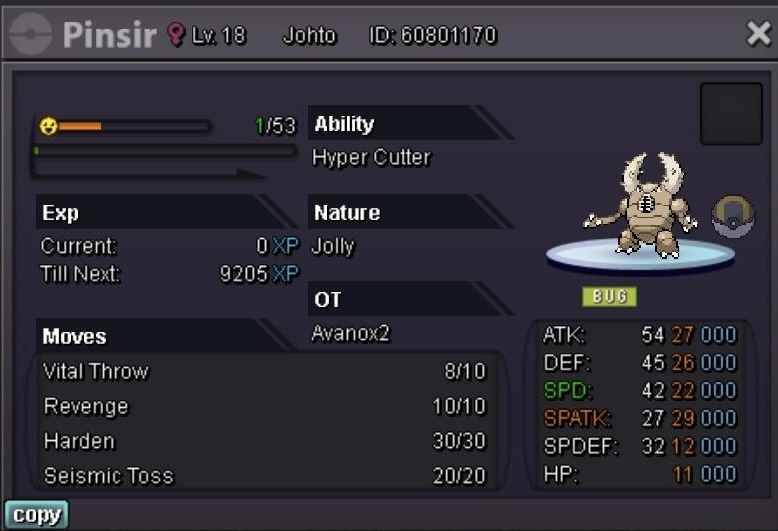
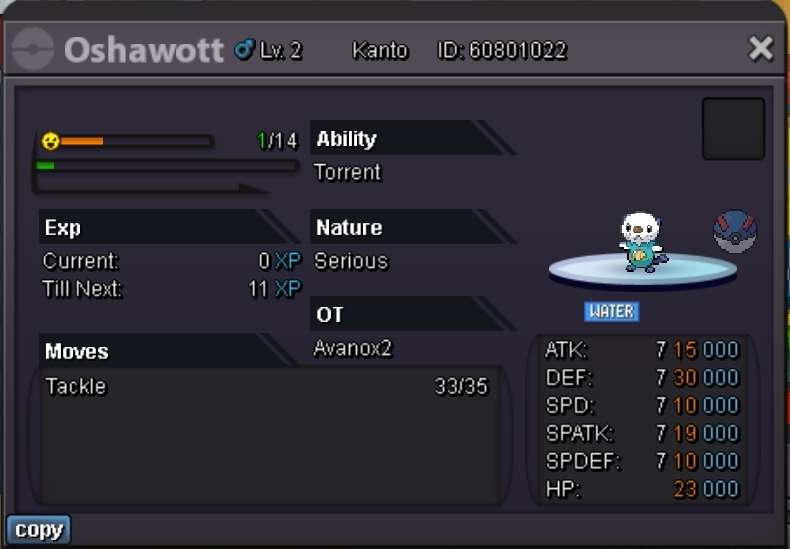
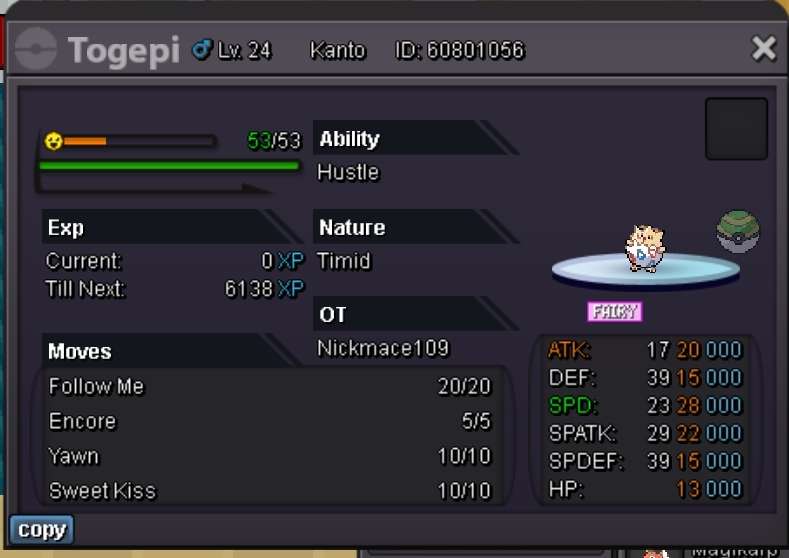
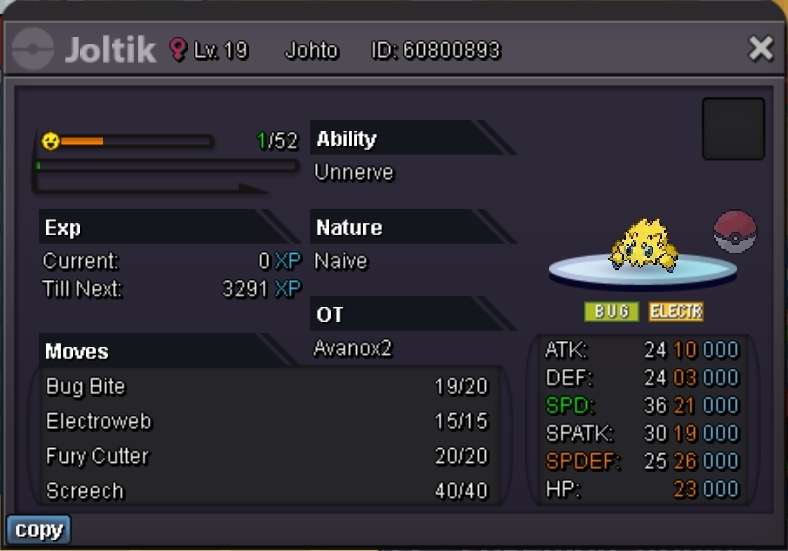
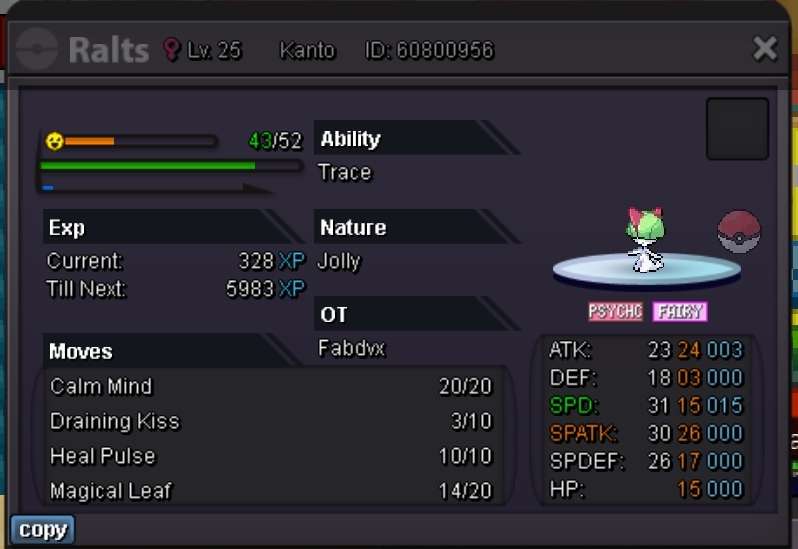
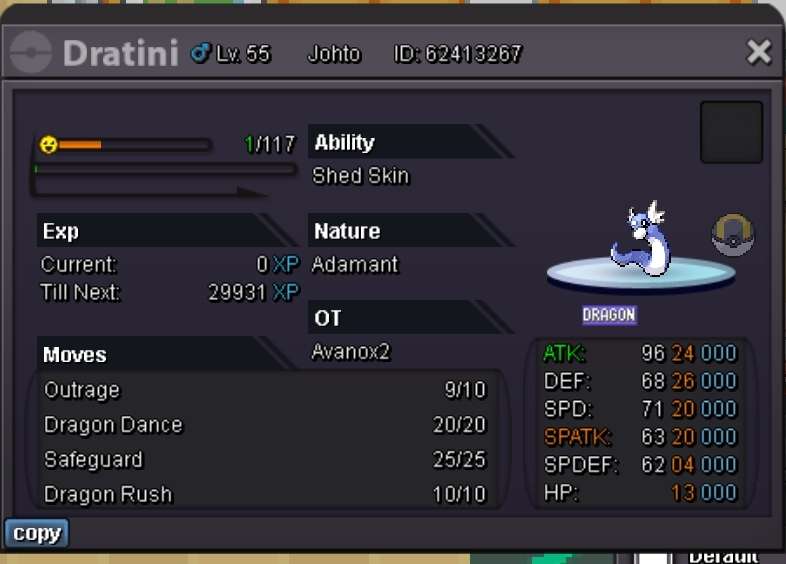
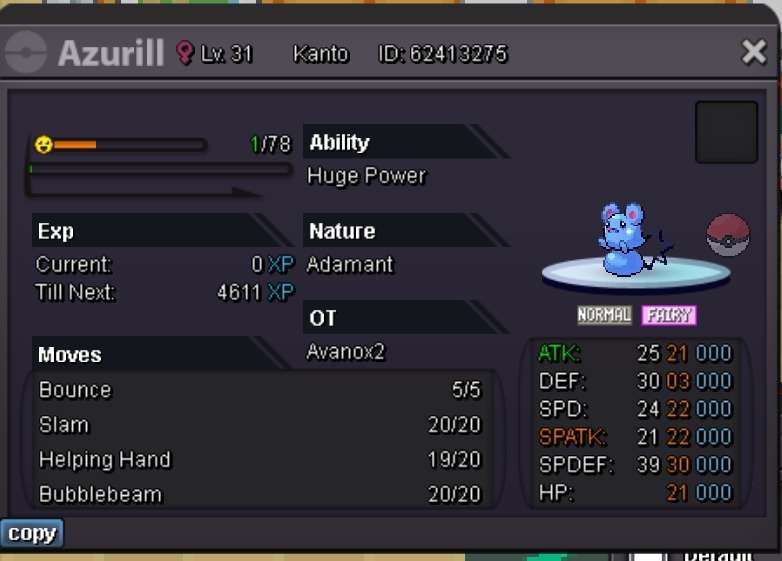
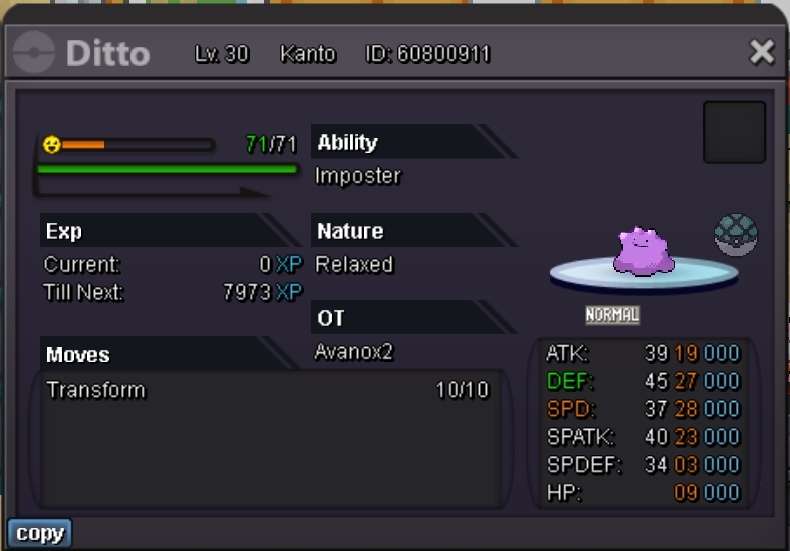
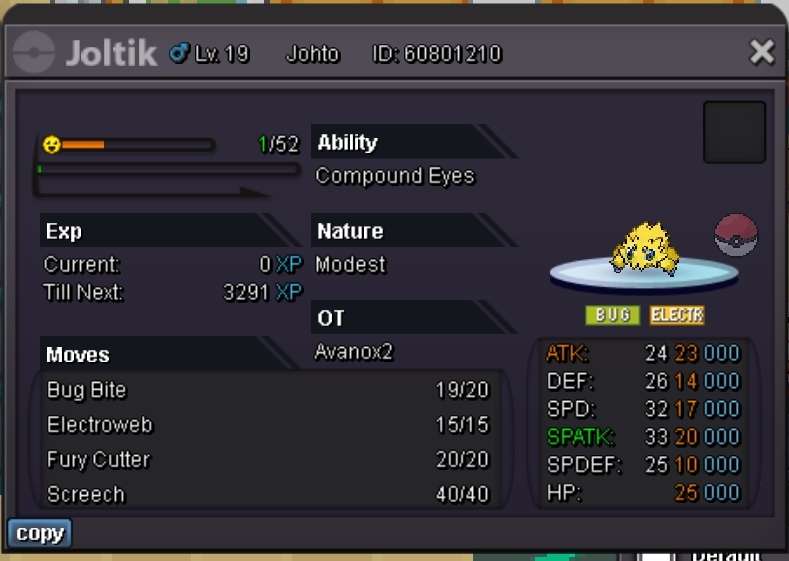
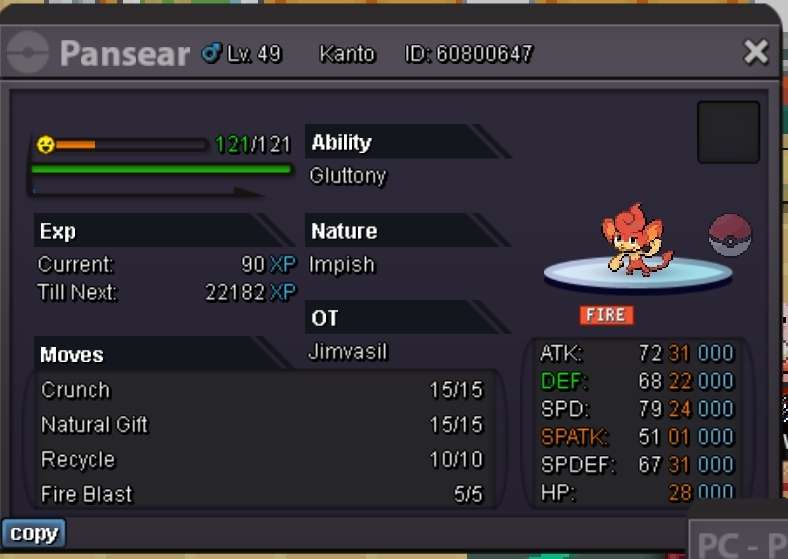
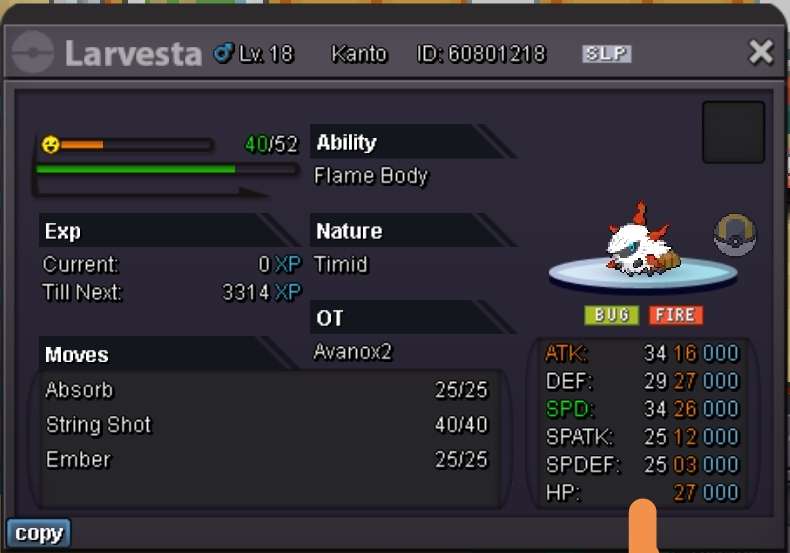
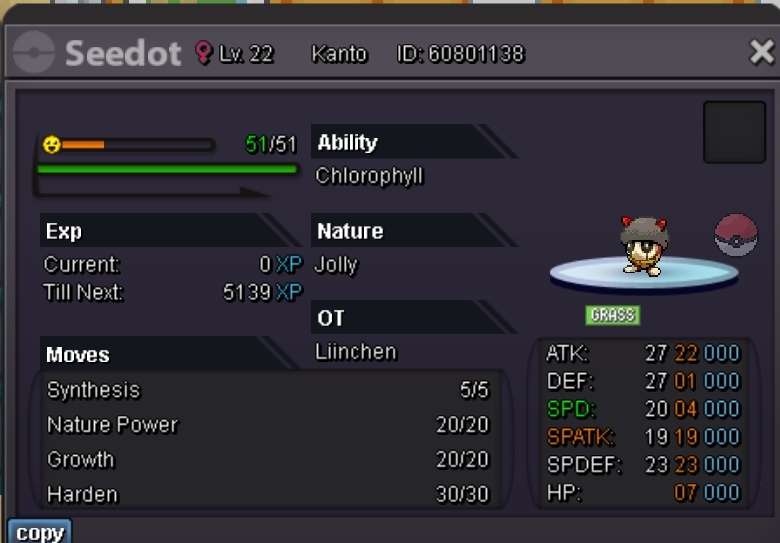
Hello I would like to sell some of my pokemon S.O: 50k Min bid:50k Duration: 24h Insta: 1m current bid: -
-
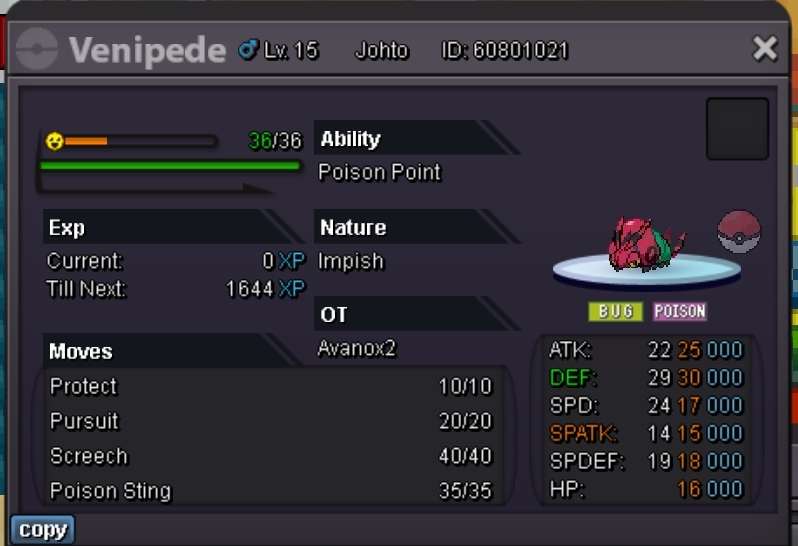
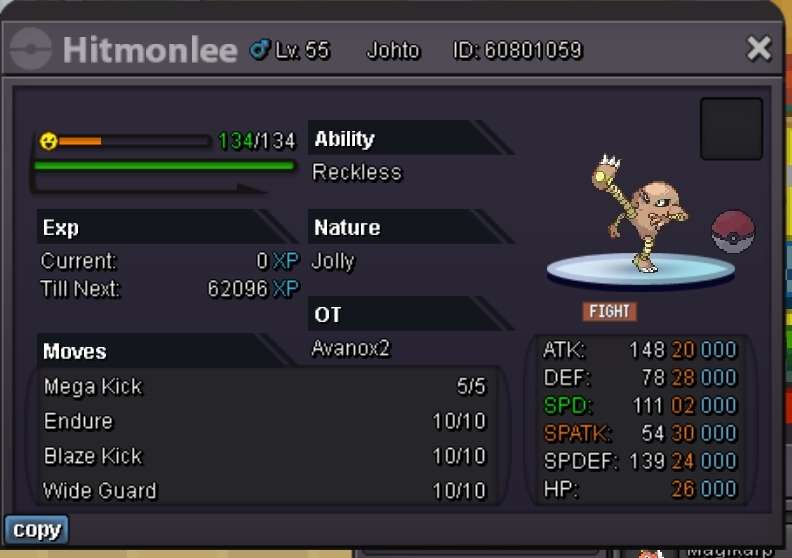
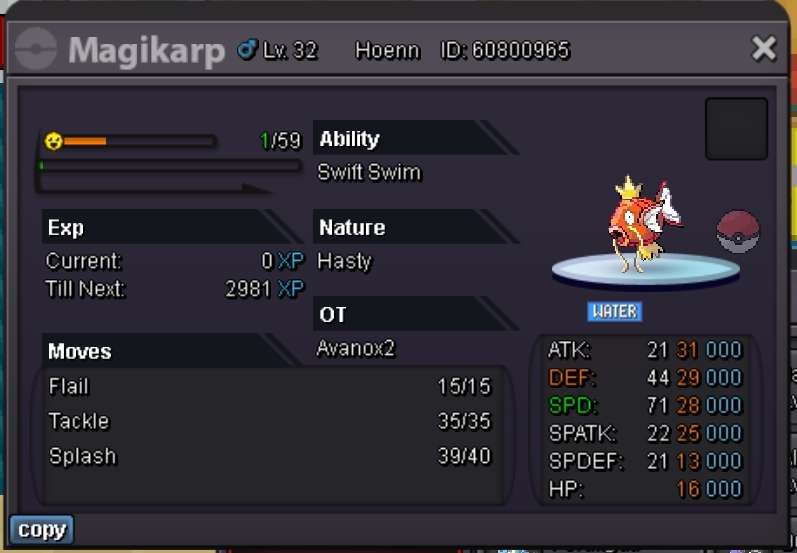
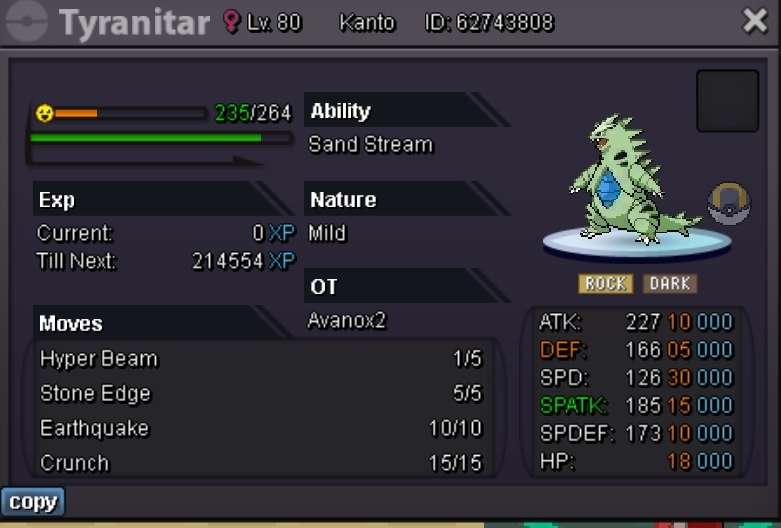
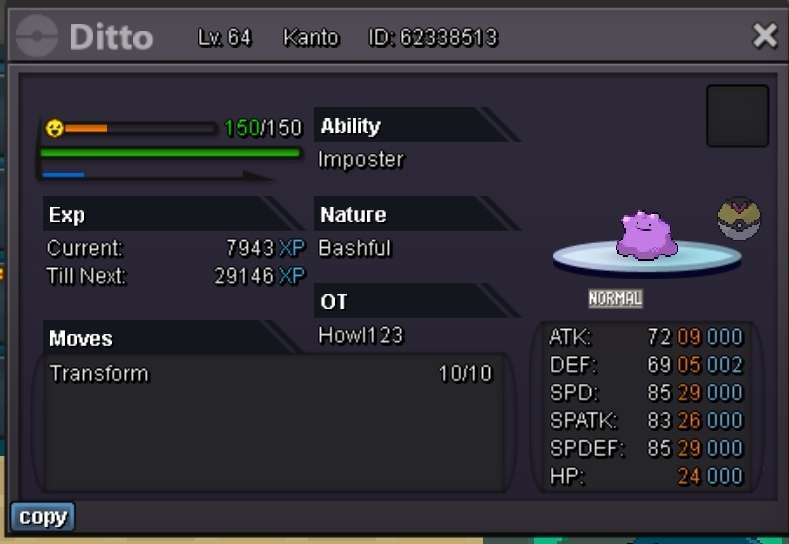
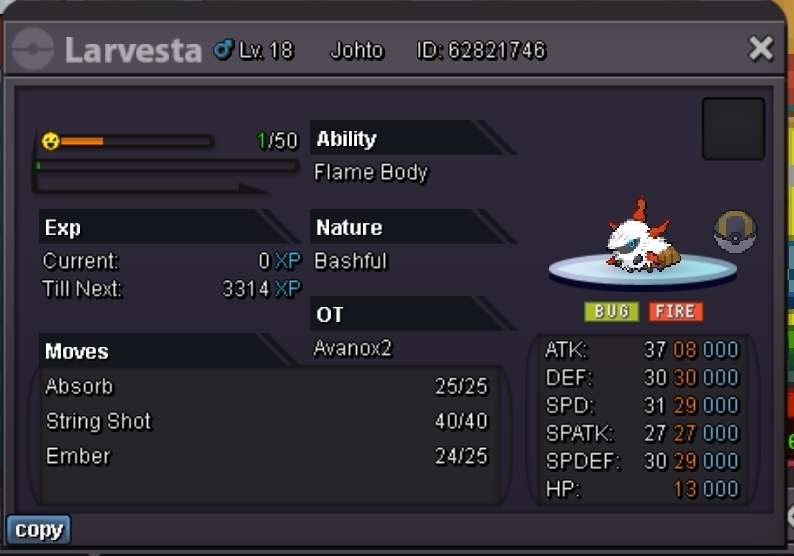
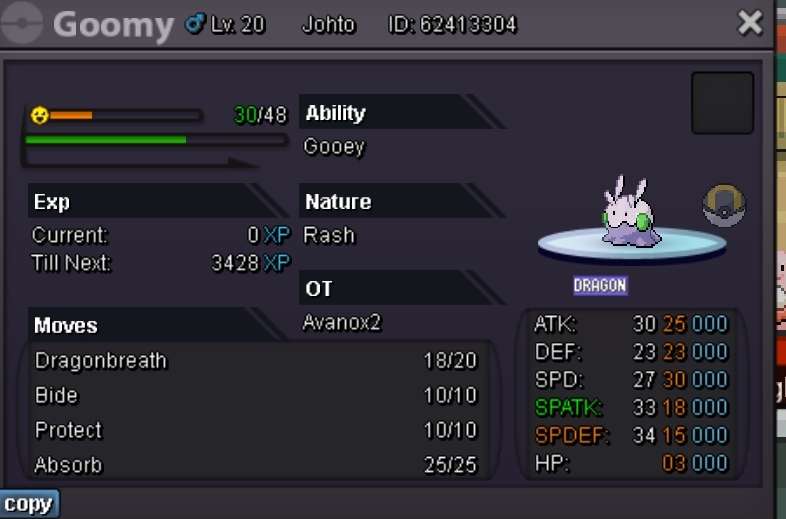
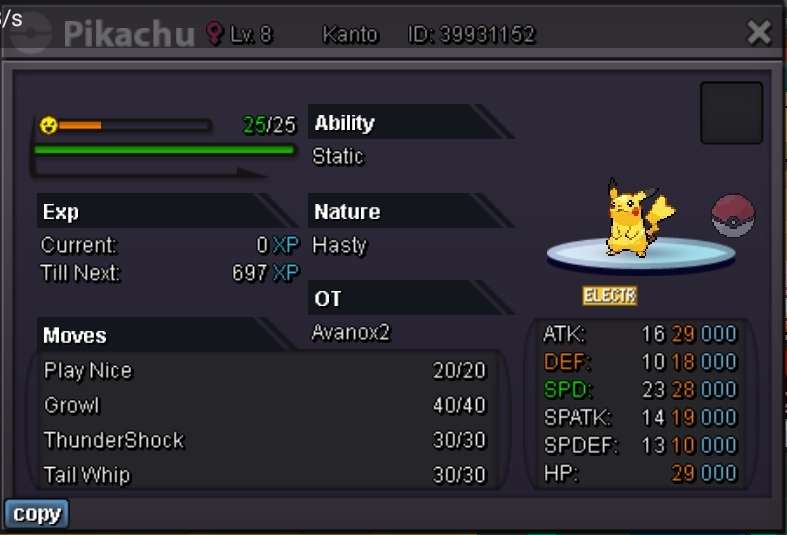
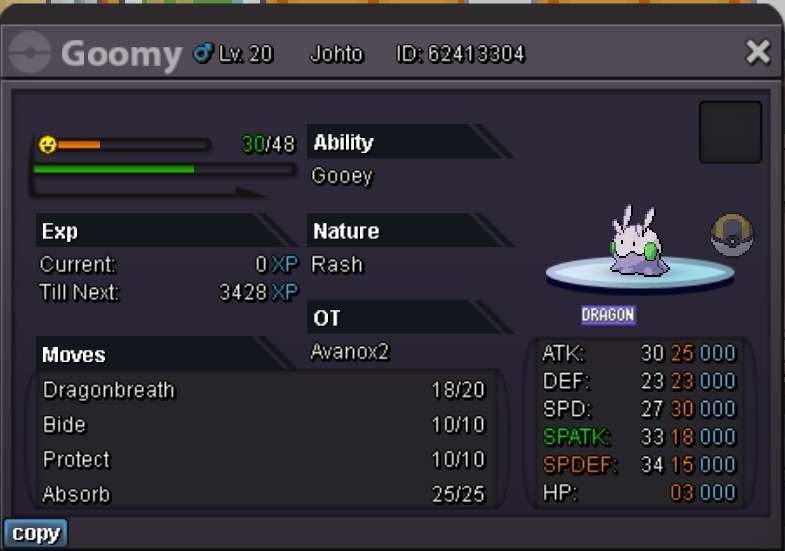
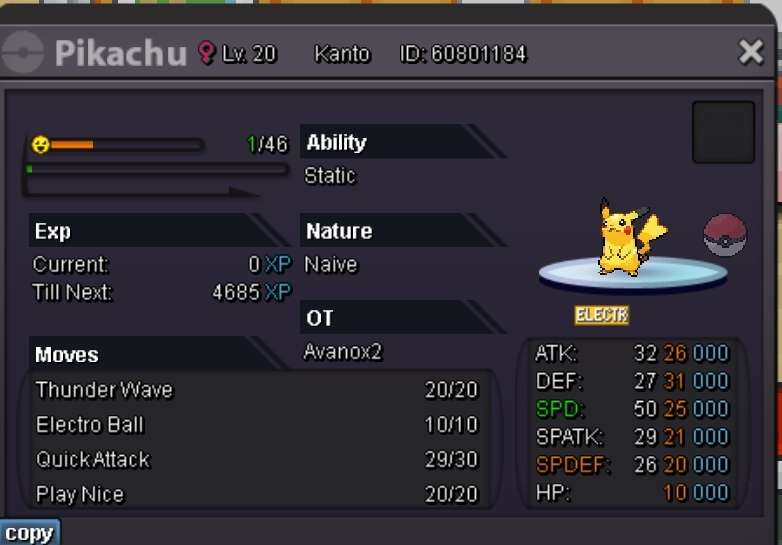
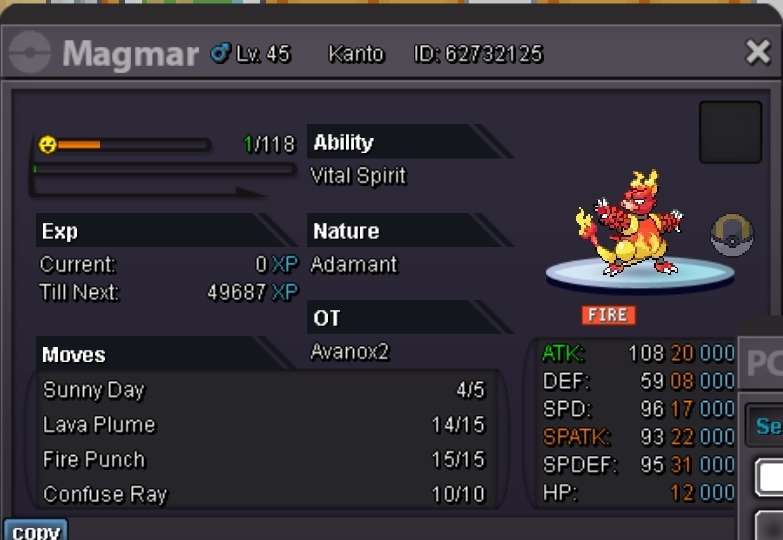
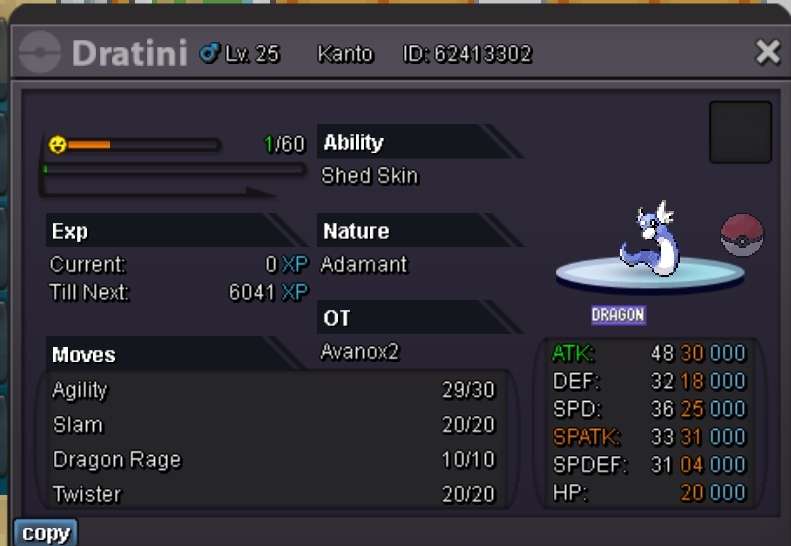
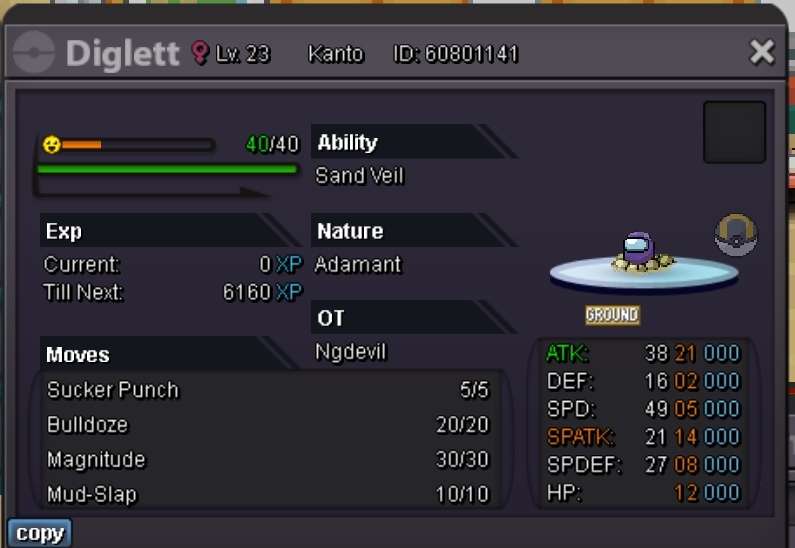
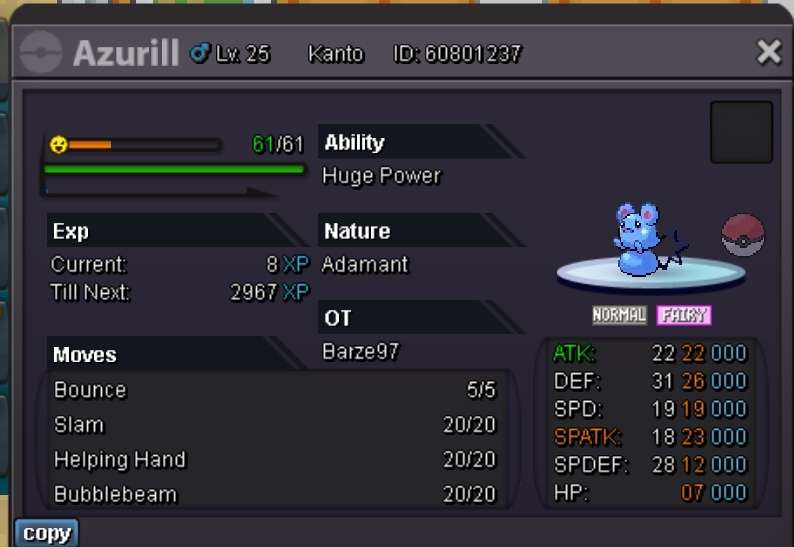
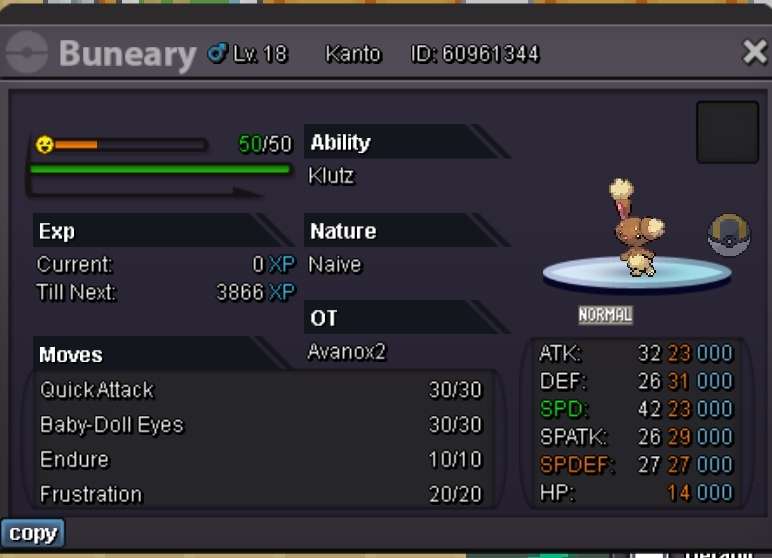
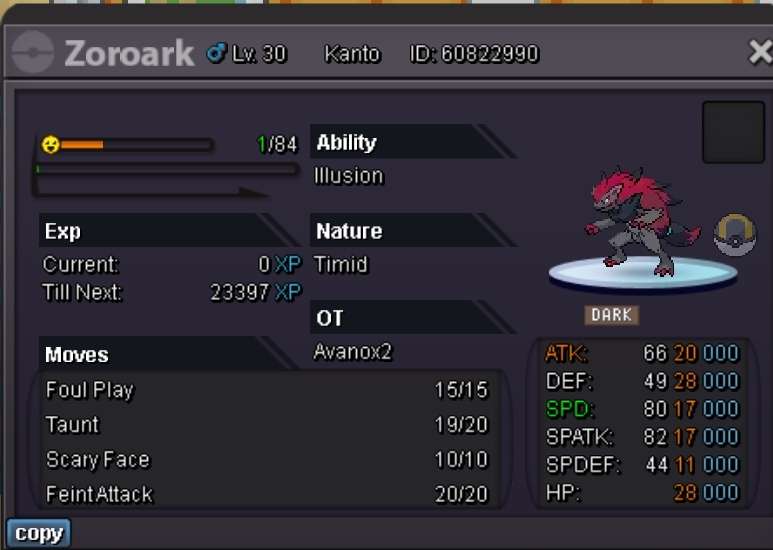
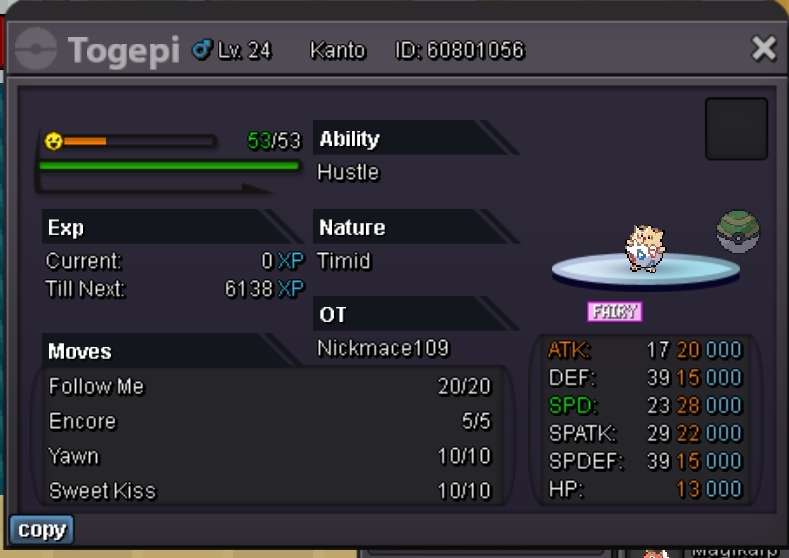
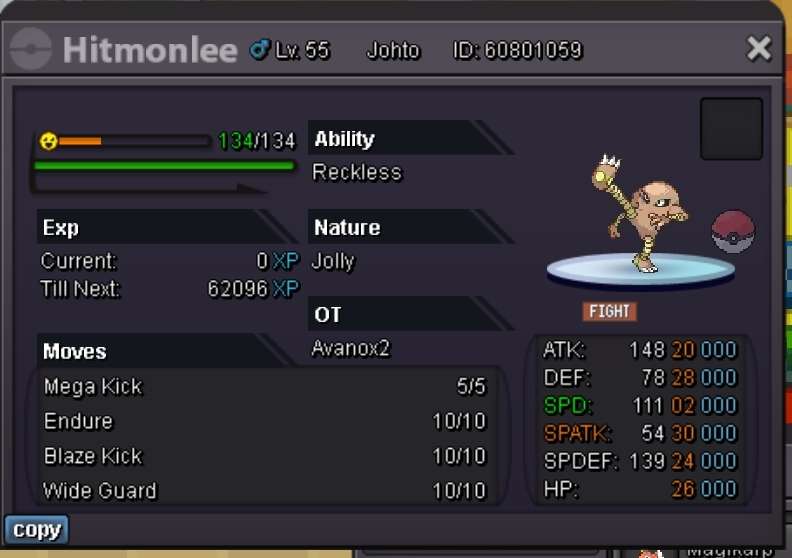
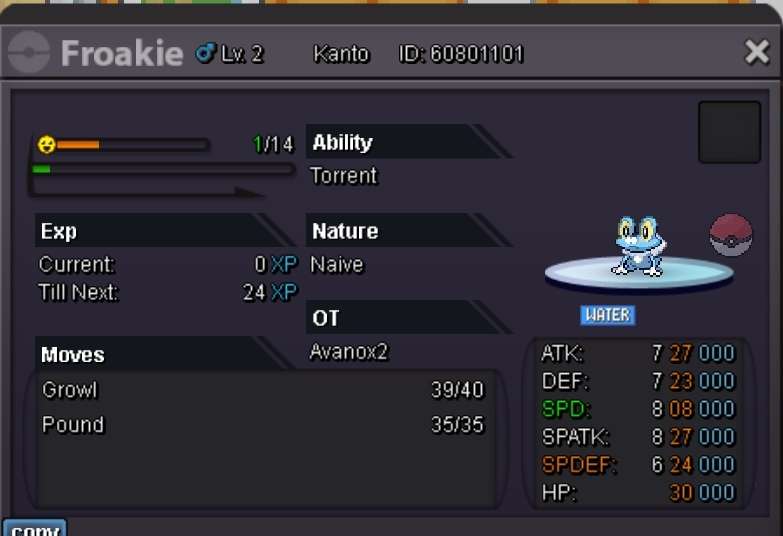
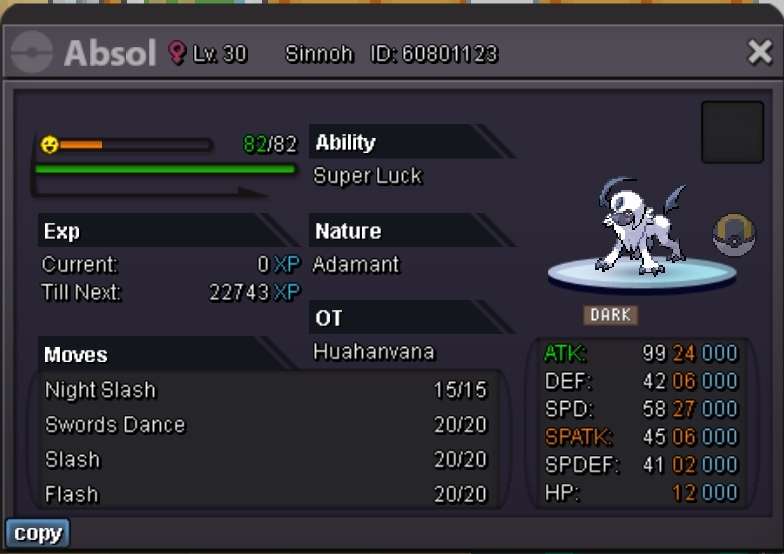
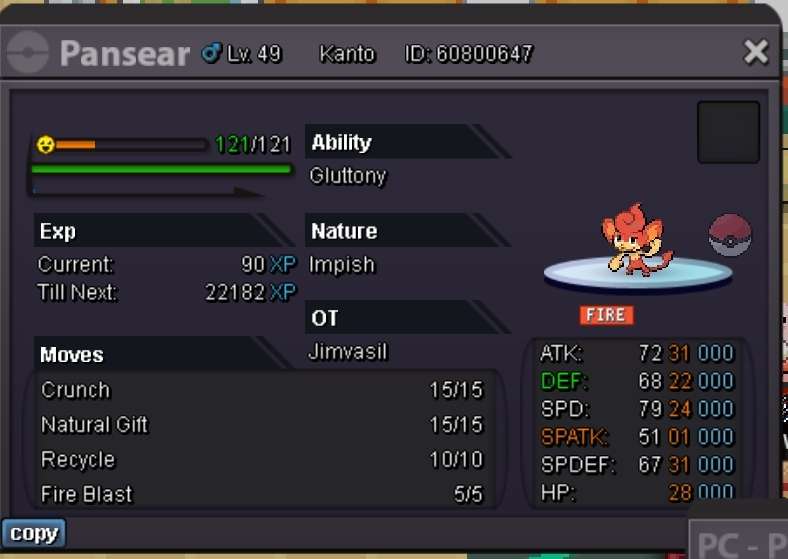
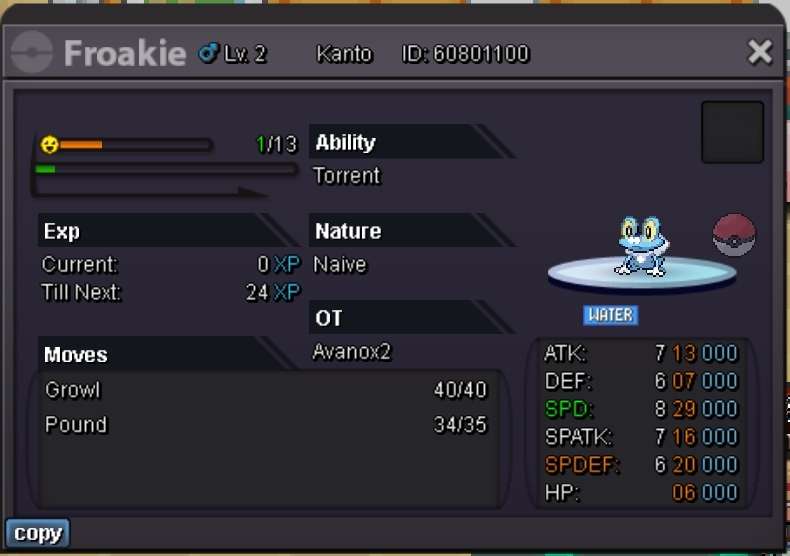
Welcome dear Trainer, Thank you for browsing in and I hope you might find something in my shop! Updates I will post more pokemon later tonight! I also rework on the shop Accepted currency Rules Pokemon Special- & shiny forms Thank you for browsing in! Please do not hesitate to negotiate in the comments or privately! Interested? Then contact me: Here in the comments A private message on the forums or in-game Avanox2 ALL TRADES MUST BE ABSOLVED IN VERMILLION PC OR CERULEAN PC











-
Nice shop! Good luck!
-
-
-
Hello @Sirnico1, Please add a starting offer! There is no starting offer written at all, so other player might not see your price! with kind regards