




New Trade Zone
Trade Zone is now live
Use the new Trade Zone for auctions and instant-price trades so Pokemon and item offers are easy to find.


Bunnaiii
Registered User
-
Joined
-
Last visited
-
WTB the greninja if still available! 😮
-
WTB the devil ears if they are still available! 😄
-
Two questions! Are you only taking certain methods of payment at this time (like money only) or something like CC is also ok to offer as payment? and what price(s) are you looking for each item? 😮
-
Thank you!! ❤️
-
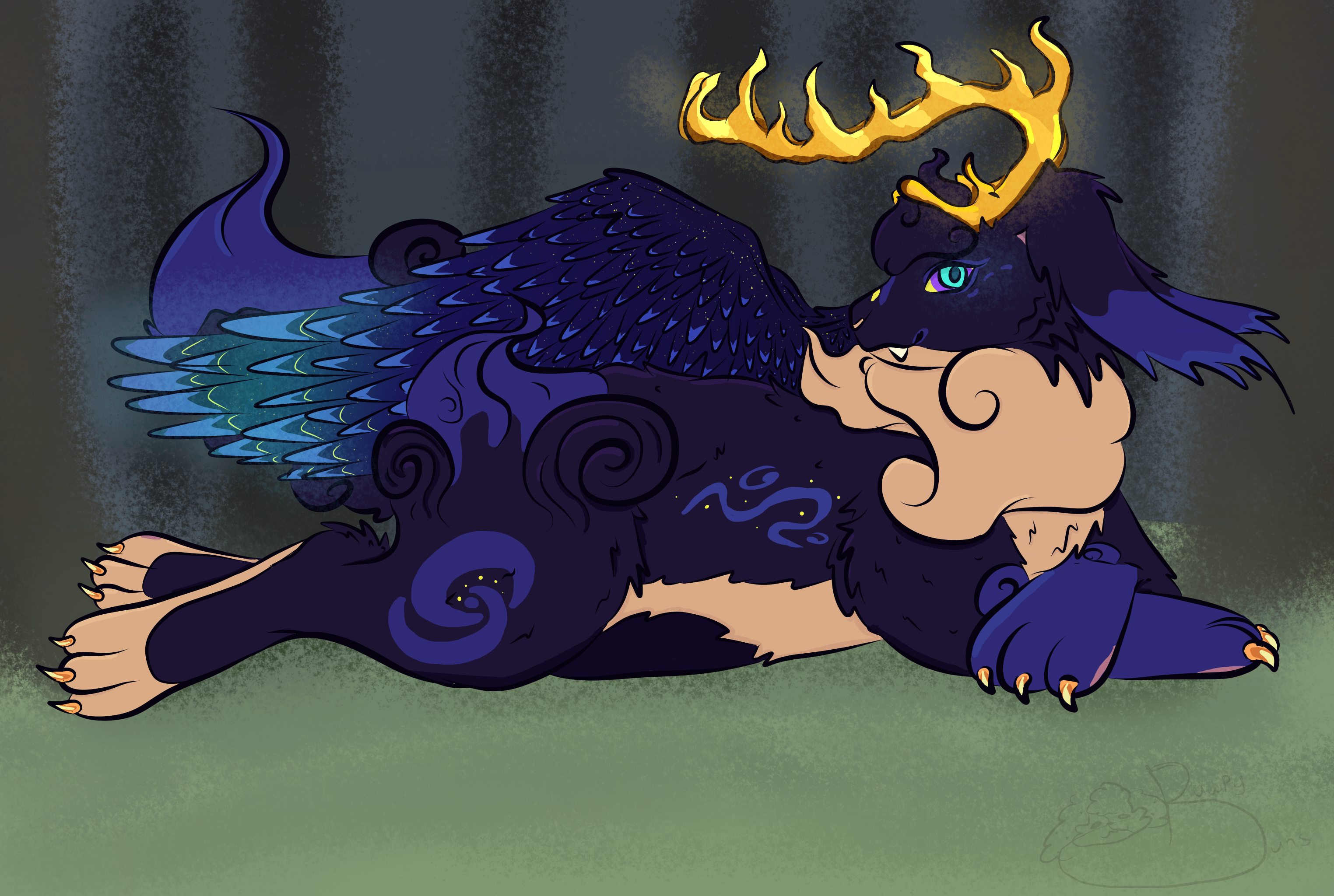
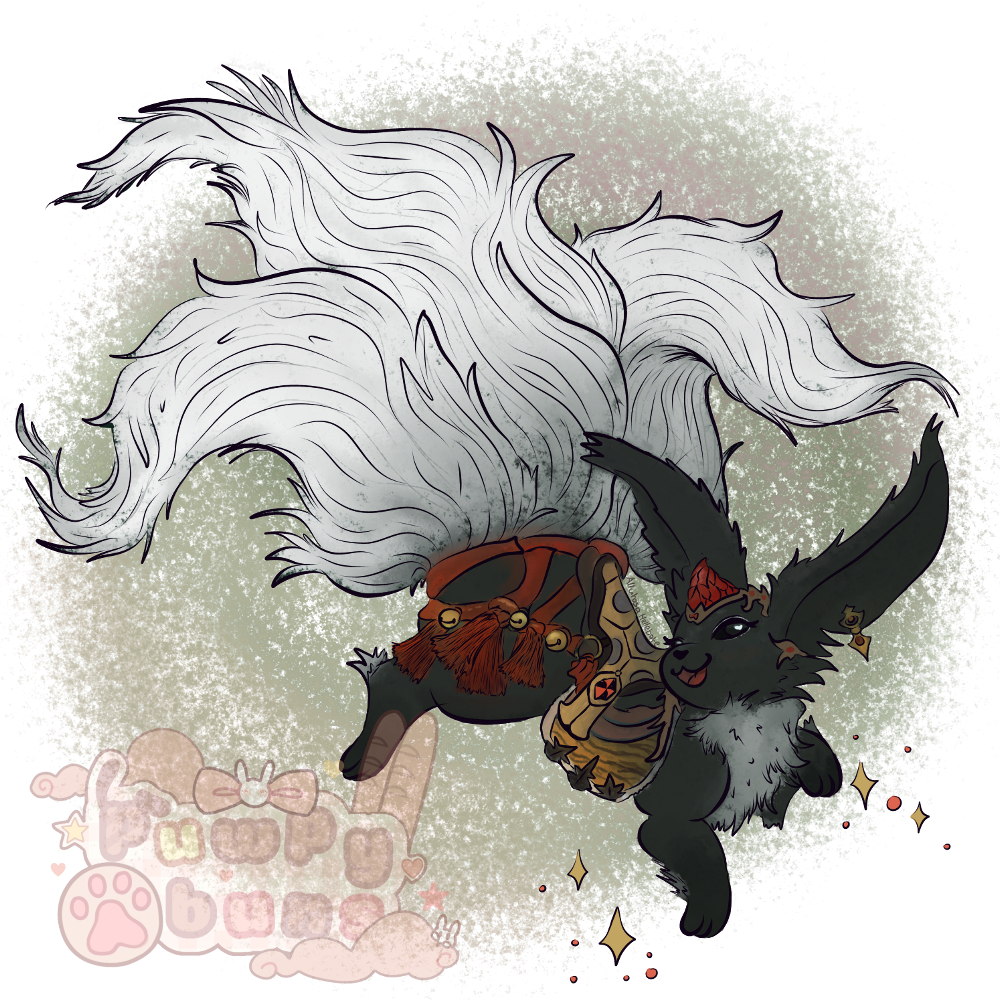
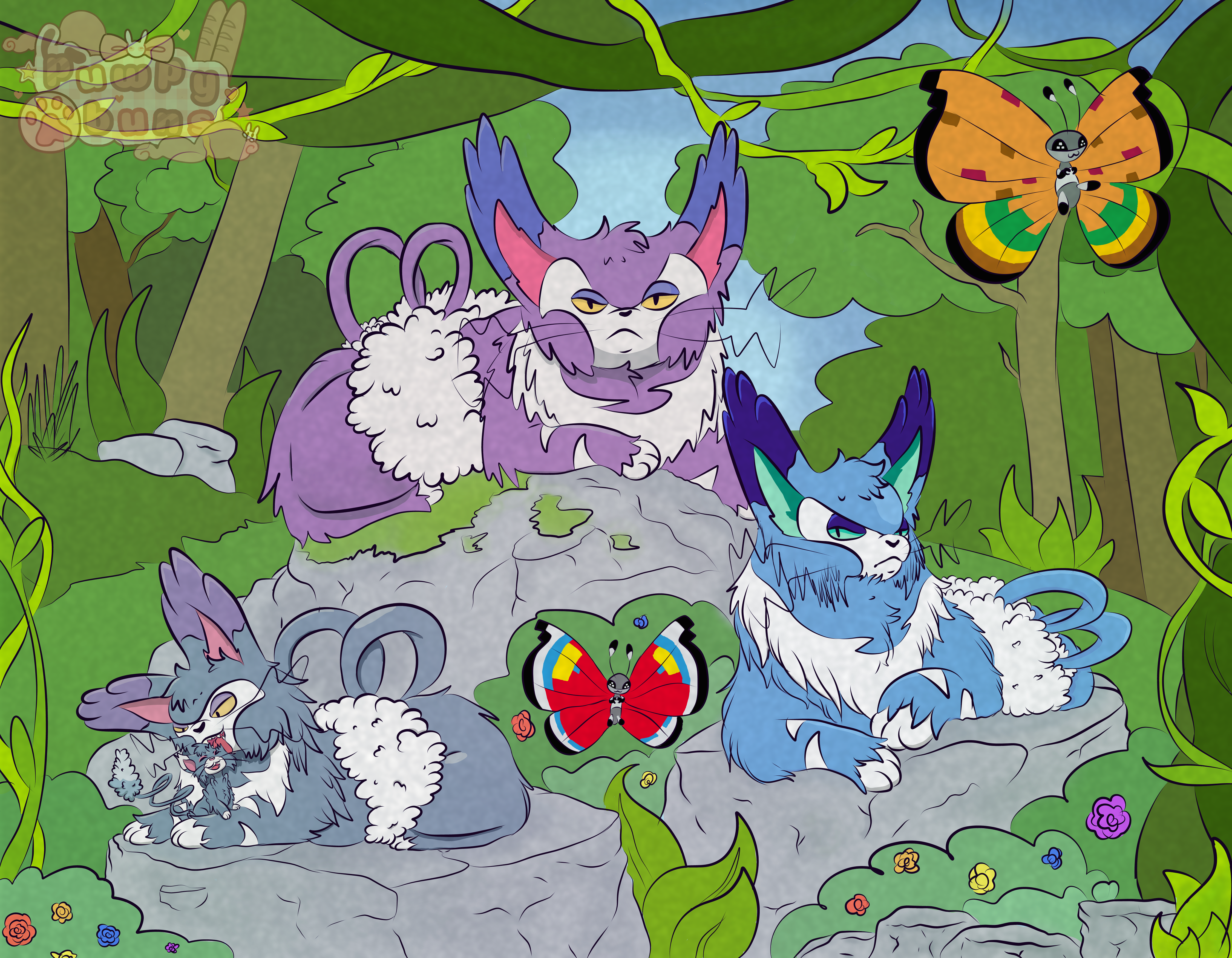
:] Been quite some time since I've logged on here, let alone posted art in the community, but heres some stuff I've done over the current year :3




-
Purugly Cresselia Cherrim
-
I'd like to buy the Foongus and Gligar if still Available :]
-
Wtb this Weavile for 100k if you still have it available. 😄
-
iiiannuB Wait, that sounds like "I'm a Nub" hold up 😭
-
200k for p1 (Assuming that's the label for the first pokemon 👀 ) Edit: LMAO message loaded late for me aha, 200k for p2 instead.
-
-
Hoi o/ Headbutting trees sounds fun, though it also sounds painful. 👀
-
This looks fun, I am in. 👀 Discord- Puwpybuns#6422 IGN- Bunnaiii
-
Buy Pika Belle if still available. xd
-
This might be a silly one but maybe how many abandoned pokemon you "found/rescued"?

