




New Trade Zone
Trade Zone is now live
Use the new Trade Zone for auctions and instant-price trades so Pokemon and item offers are easy to find.


Medu5a
Registered User
-
Joined
-
Last visited
Everything posted by Medu5a
-
3 days pass so i will give one latter of one of my fav pokes! For one of the 5 pokes remaining its R and its legendery
-
-
first starly 55k riolu 5kFrom my sec account
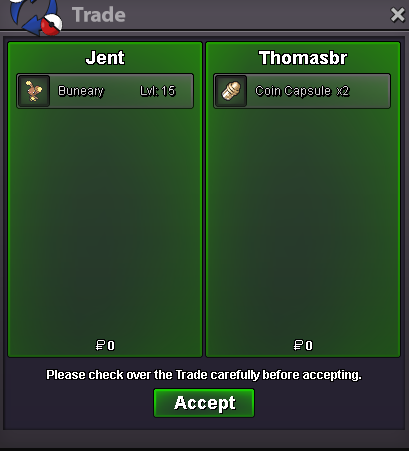 225k raltsthank brother (mute ban in game thats why i am not answering) xD ❤️100k shin staraptori am online now vermi 😄For help you a little the 2 of them its legednerys and all others its normal pokes!UpI will pm you tomorrow cause 5:02 at morning hereAnd c.o for shiny star pls ?Raise vday Ralts 150kYou diden't find any my friend i am sorry 😕@Saruron you find 2 dude 😕 thanks for playing my mini game ❤️up+1 for sure nice idea600k
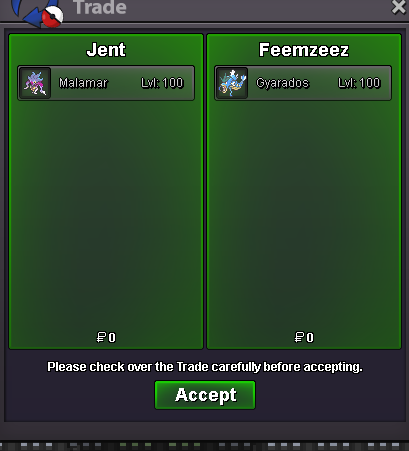


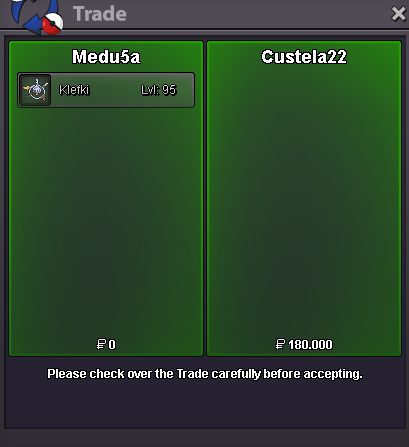
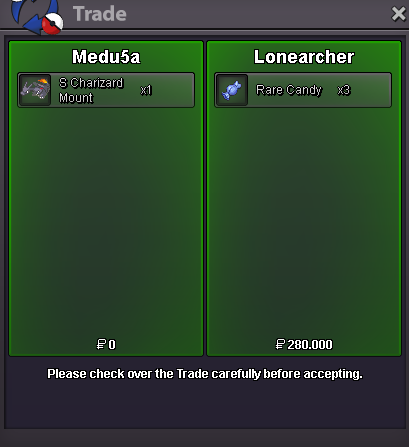
Account
Navigation
Search
Configure browser push notifications
Chrome (Android)
- Tap the lock icon next to the address bar.
- Tap Permissions → Notifications.
- Adjust your preference.
Chrome (Desktop)
- Click the padlock icon in the address bar.
- Select Site settings.
- Find Notifications and adjust your preference.
Safari (iOS 16.4+)
- Ensure the site is installed via Add to Home Screen.
- Open Settings App → Notifications.
- Find your app name and adjust your preference.
Safari (macOS)
- Go to Safari → Preferences.
- Click the Websites tab.
- Select Notifications in the sidebar.
- Find this website and adjust your preference.
Edge (Android)
- Tap the lock icon next to the address bar.
- Tap Permissions.
- Find Notifications and adjust your preference.
Edge (Desktop)
- Click the padlock icon in the address bar.
- Click Permissions for this site.
- Find Notifications and adjust your preference.
Firefox (Android)
- Go to Settings → Site permissions.
- Tap Notifications.
- Find this site in the list and adjust your preference.
Firefox (Desktop)
- Open Firefox Settings.
- Search for Notifications.
- Find this site in the list and adjust your preference.