New Trade Zone
Trade Zone is now live
Use the new Trade Zone for auctions and instant-price trades so Pokemon and item offers are easy to find.


Lacomus
Registered User
-
Joined
-
Last visited
Everything posted by Lacomus
-
@Dextrax I like the concept. As others have said, I do see people abusing such a system too. If the honest / reasonable players outweighed the toxic / disingenuous players, that would be a nice world to live in. The first class of players mentioned would give people a fair rating, its just that percentage of people on the side that would spoil it. Would even be neat if a smart AI could individually assess each rating (weighing up mitigating factors, a players tendencies in-game and other data), without such a system being affected, by that second class of players
-
Updated 15/04/2023
-
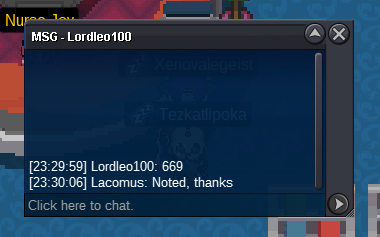
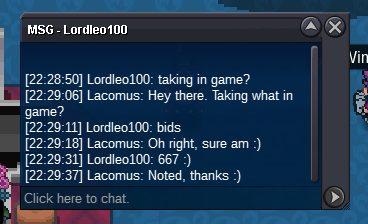
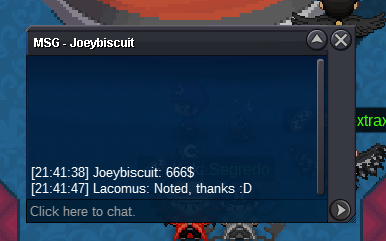
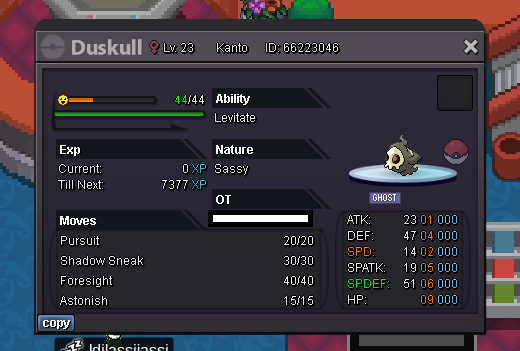
@Manbat @Zoruami Just found out that the winner has accidently bid when he's not on the Silver server. What is the appropriate thing to do here? Sell to the second best bidder?@Zenaclan Are you around the event map? You won the Shiny Gengar auctionWelcome to the auction 🙂 Start: 1 Pokedollar Min bid: 1 Pokedollar Payment: Pokedollars Duration: 1 Day (24 hours, after the first bid) Note: Trash IV poke, unique (for collectors) UPDATES - Highest bidder @Raikaisa665 2,500 Pokedollars - Auction closed
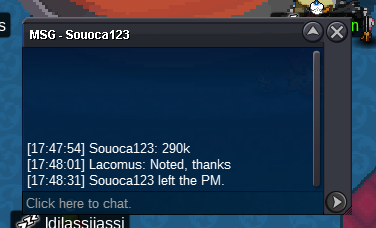
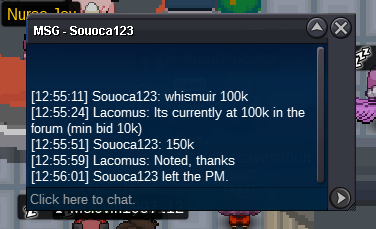
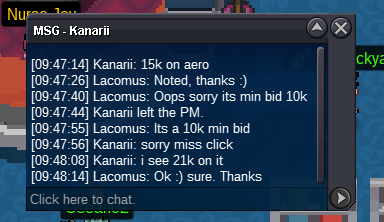
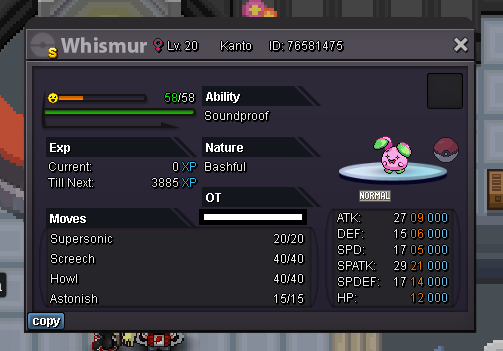
 If you have x999 of a certain item in the bag, and happen to have more...is the grand total still counted? Or should we be mindful that the limit is x999, and anything beyond this won't be countedWelcome to the auction 🙂 Start: 100k Min bid: 10k Payment: Pokedollars Duration: 48 hours (after the first bid) UPDATES - Highest bidder @Shellter 330k - Auction closed
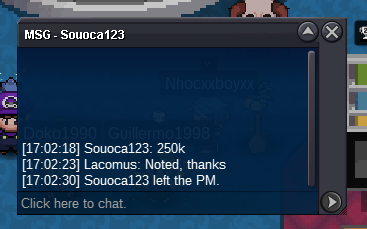
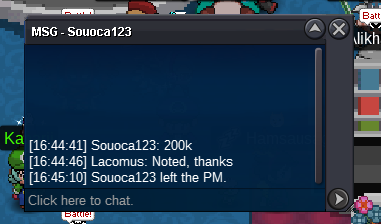
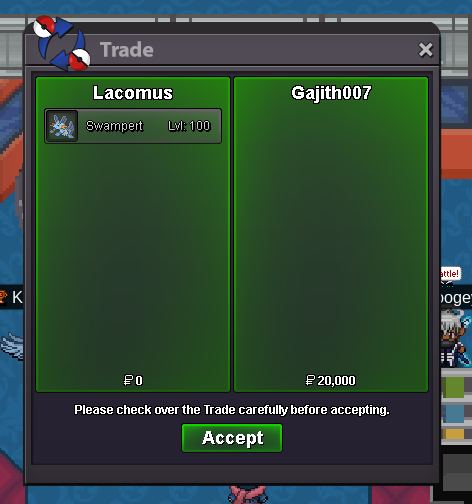
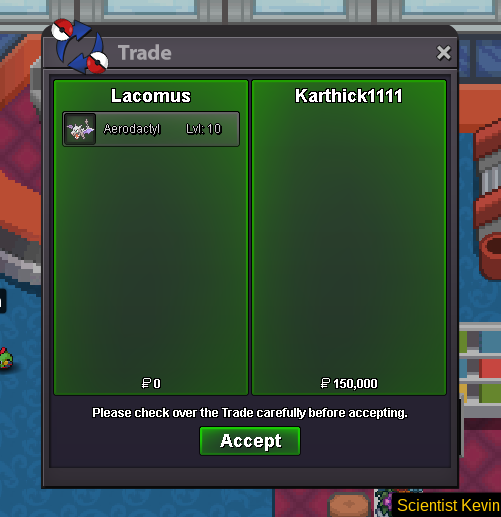
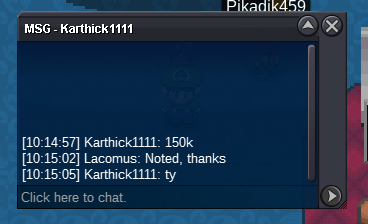
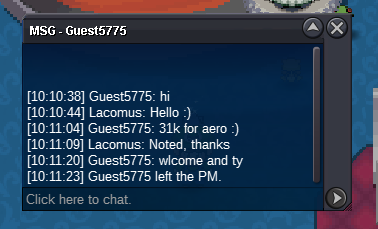
 Xatu 200kEnjoy @Gajith007You win @Redvarti I'm in vermi, if this is a convenient place. Let me knowEnjoy your Aero @Karthick1111
Account
Navigation
Search
Configure browser push notifications
Chrome (Android)
- Tap the lock icon next to the address bar.
- Tap Permissions → Notifications.
- Adjust your preference.
Chrome (Desktop)
- Click the padlock icon in the address bar.
- Select Site settings.
- Find Notifications and adjust your preference.
Safari (iOS 16.4+)
- Ensure the site is installed via Add to Home Screen.
- Open Settings App → Notifications.
- Find your app name and adjust your preference.
Safari (macOS)
- Go to Safari → Preferences.
- Click the Websites tab.
- Select Notifications in the sidebar.
- Find this website and adjust your preference.
Edge (Android)
- Tap the lock icon next to the address bar.
- Tap Permissions.
- Find Notifications and adjust your preference.
Edge (Desktop)
- Click the padlock icon in the address bar.
- Click Permissions for this site.
- Find Notifications and adjust your preference.
Firefox (Android)
- Go to Settings → Site permissions.
- Tap Notifications.
- Find this site in the list and adjust your preference.
Firefox (Desktop)
- Open Firefox Settings.
- Search for Notifications.
- Find this site in the list and adjust your preference.