New Trade Zone
Trade Zone is now live
Use the new Trade Zone for auctions and instant-price trades so Pokemon and item offers are easy to find.

Lacomus
Registered User
-
Joined
-
Last visited
Everything posted by Lacomus
-
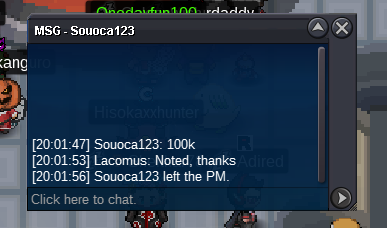
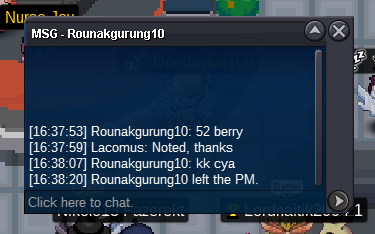
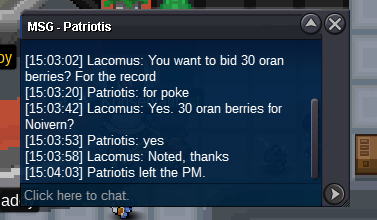
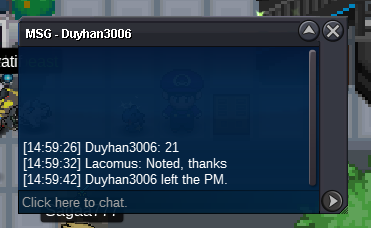
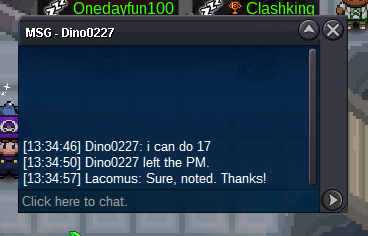
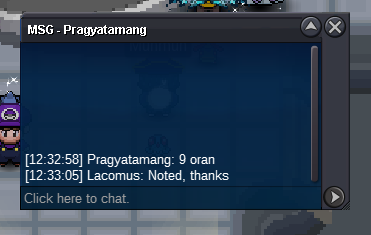
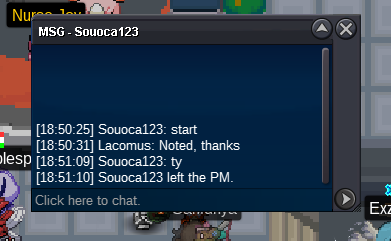
@Antonio425 Thanks. Sorry for inconvenience@Antonio425 Start taken by @Souoca123 was busy cropping
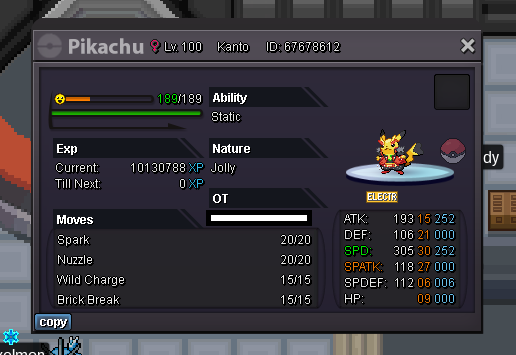
 Welcome to the auction 🙂 Start: 50k Min bid: 5k Payment: Pokedollars Duration: 48 hours (after the first bid) UPDATES - Highest bidder @Wildrover 360k - Auction closed
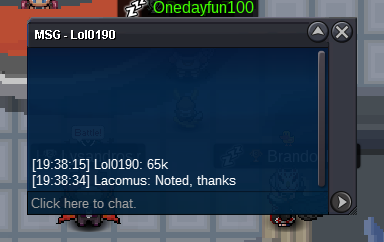
 Sorry @Raikaisa665 took me a couple minutes cropping this out. The bidder above has taken it at 102
 Yeah, I agree. Kinda fun going 1 at a time / gives people a chance. Can't really do much about it (or have influence over such things)@Acetzy
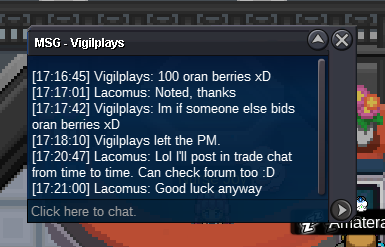
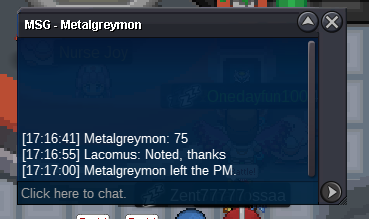
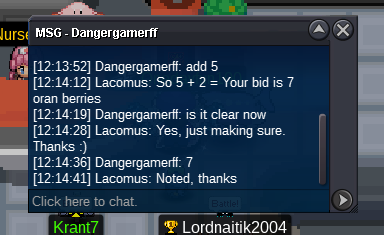
 @Acetzy You'd have to do 73, since @Bejs did 72. Sorry30 hours remainingAero 432kAero 345kStart Aero (100k)@Darksoul56 Appreciate that. Best being on the safe side@Darksoul56 When doing these fun auctions, I do want to be careful by not breaking any rules. Technically, you can't pay 12 and one half of an oran lol. Make it 12 or 13 for it be valid, if that's okTook me time preparing that screenshot, ah well. New leader for 10 Orans with @Acetzy 🙂
Account
Navigation
Search
Configure browser push notifications
Chrome (Android)
- Tap the lock icon next to the address bar.
- Tap Permissions → Notifications.
- Adjust your preference.
Chrome (Desktop)
- Click the padlock icon in the address bar.
- Select Site settings.
- Find Notifications and adjust your preference.
Safari (iOS 16.4+)
- Ensure the site is installed via Add to Home Screen.
- Open Settings App → Notifications.
- Find your app name and adjust your preference.
Safari (macOS)
- Go to Safari → Preferences.
- Click the Websites tab.
- Select Notifications in the sidebar.
- Find this website and adjust your preference.
Edge (Android)
- Tap the lock icon next to the address bar.
- Tap Permissions.
- Find Notifications and adjust your preference.
Edge (Desktop)
- Click the padlock icon in the address bar.
- Click Permissions for this site.
- Find Notifications and adjust your preference.
Firefox (Android)
- Go to Settings → Site permissions.
- Tap Notifications.
- Find this site in the list and adjust your preference.
Firefox (Desktop)
- Open Firefox Settings.
- Search for Notifications.
- Find this site in the list and adjust your preference.