New Trade Zone
Trade Zone is now live
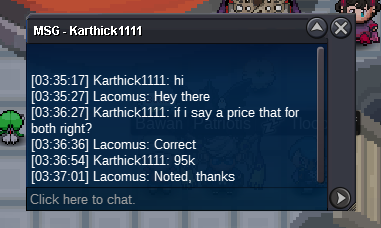
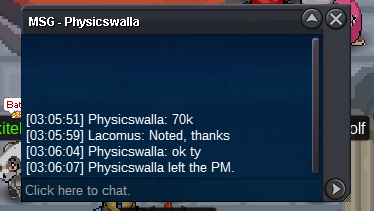
Use the new Trade Zone for auctions and instant-price trades so Pokemon and item offers are easy to find.

Lacomus
Registered User
-
Joined
-
Last visited
Everything posted by Lacomus
-
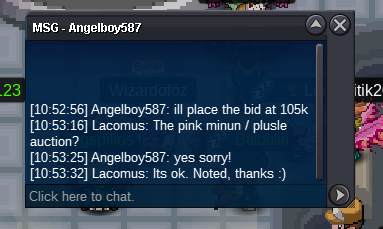
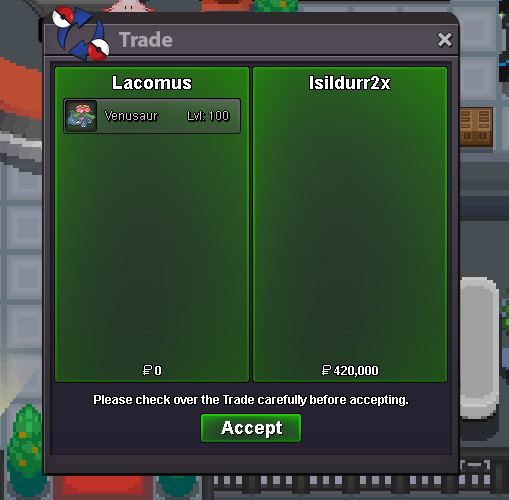
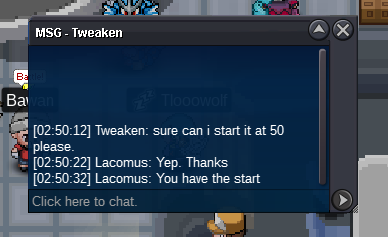
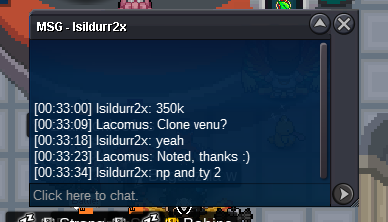
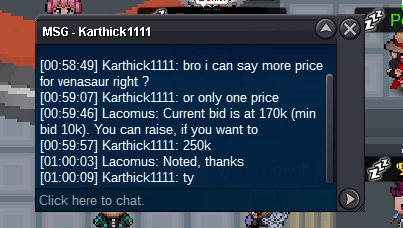
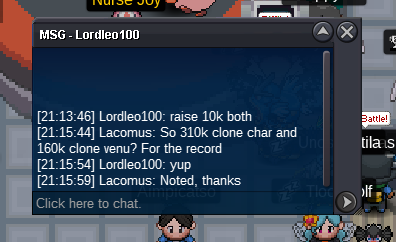
Thanks @Isildurr2x enjoy your venu. Thanks to everyone too@Isildurr2x Its like 4:40am UK time, I should probably get some sleep lol. If possible, maybe add me on my Discord. We'll find a suitable time to trade when its daylightYou win @Isildurr2x 🙂 can meet up whenever. I'm often in vermiWelcome to the auction. Yadi yadi yada Note: This is a package deal (both pokemon are being sold together, at the one price) Start: 50k Min bid: 10k Payment: Pokedollars Duration: 48 hours (after the first bid) No fake offers, no cancelling UPDATES - CO @Angelboy587 220k - Auction closed
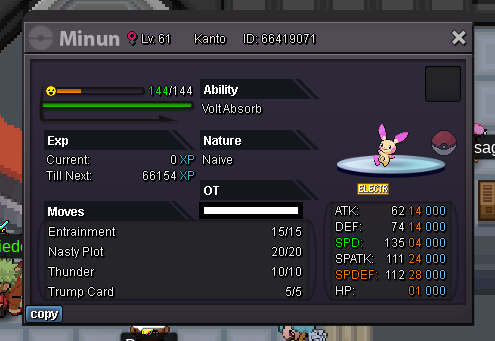
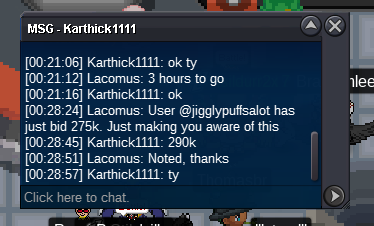
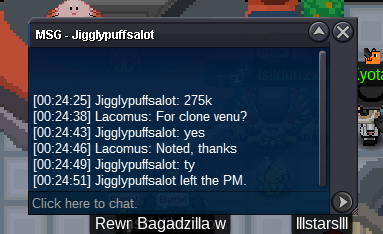
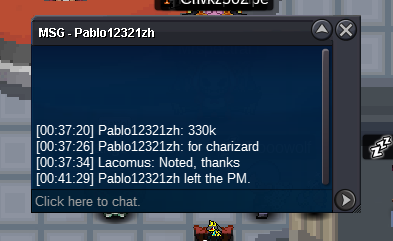
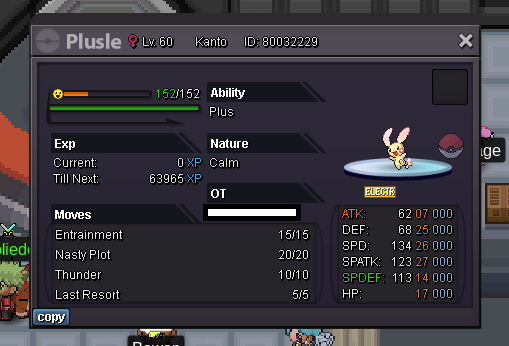 @Thomasbr Awesome collection, good effort PS The pikas are mine 😛@Pablo12321zh Time is up, your bid has won. I'm in vermi for the transaction, if that's convenient. ThanksUpdate: Approx 4 hours to go@Thegilbert you win. If you can get in touch here or in vermillion, that would be good. ThanksYou win again @Zenaclan I'll be in vermi most of the dayWas going to start Garchomp but didn't realise bidding had started. I'll keep an eye on this, good luck @PsygelEdit: Mistake, wrong auction
Account
Navigation
Search
Configure browser push notifications
Chrome (Android)
- Tap the lock icon next to the address bar.
- Tap Permissions → Notifications.
- Adjust your preference.
Chrome (Desktop)
- Click the padlock icon in the address bar.
- Select Site settings.
- Find Notifications and adjust your preference.
Safari (iOS 16.4+)
- Ensure the site is installed via Add to Home Screen.
- Open Settings App → Notifications.
- Find your app name and adjust your preference.
Safari (macOS)
- Go to Safari → Preferences.
- Click the Websites tab.
- Select Notifications in the sidebar.
- Find this website and adjust your preference.
Edge (Android)
- Tap the lock icon next to the address bar.
- Tap Permissions.
- Find Notifications and adjust your preference.
Edge (Desktop)
- Click the padlock icon in the address bar.
- Click Permissions for this site.
- Find Notifications and adjust your preference.
Firefox (Android)
- Go to Settings → Site permissions.
- Tap Notifications.
- Find this site in the list and adjust your preference.
Firefox (Desktop)
- Open Firefox Settings.
- Search for Notifications.
- Find this site in the list and adjust your preference.