




New Trade Zone
Trade Zone is now live
Use the new Trade Zone for auctions and instant-price trades so Pokemon and item offers are easy to find.

Kartik12342
Registered User
-
Joined
-
Last visited
Everything posted by Kartik12342
-
+1
-
Hp?
-
1.5m
-
start
-
Litwick hp?
-
1m scyter
-
Start
-
ty ^^
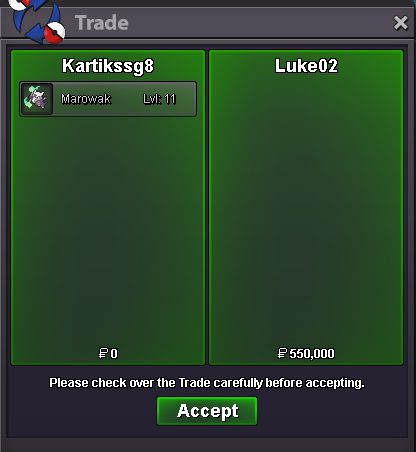 ty ^^
ty ^^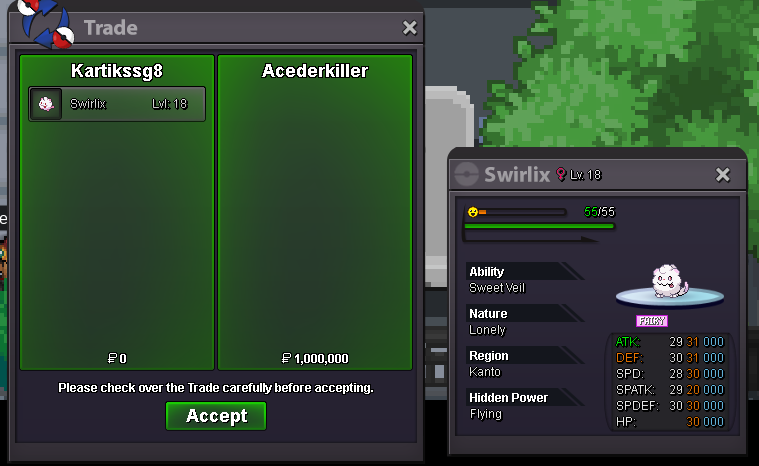 ty ^^
ty ^^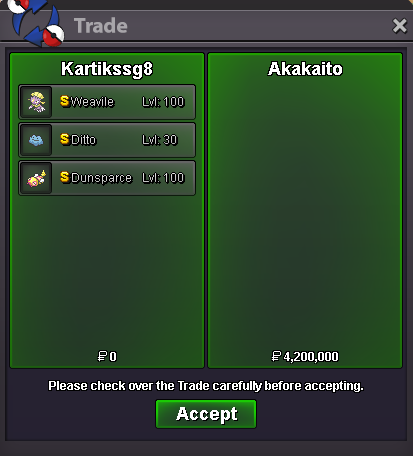 ty ^^
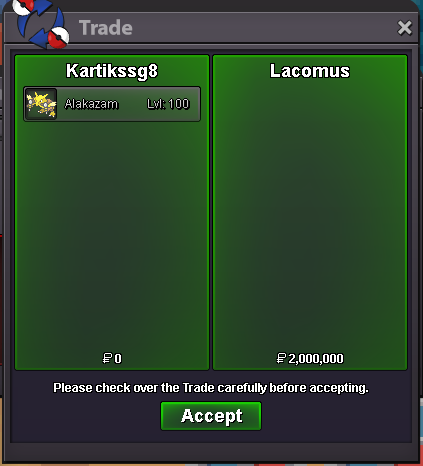
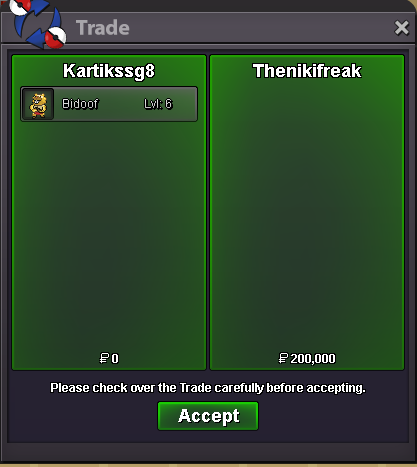
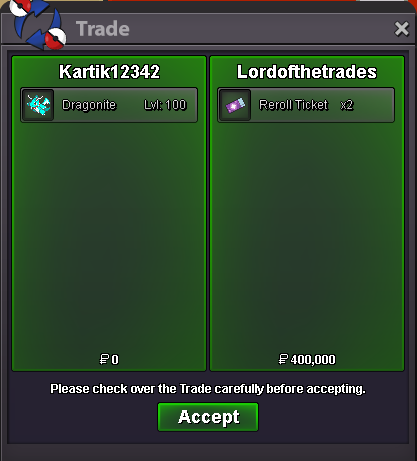
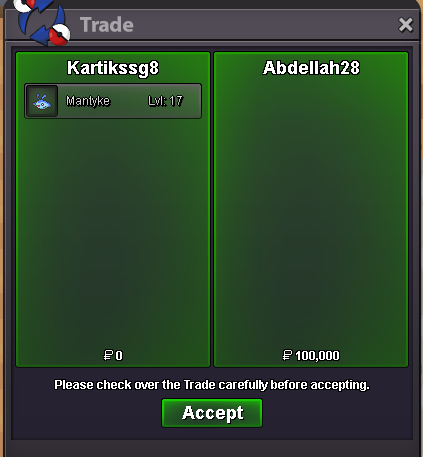
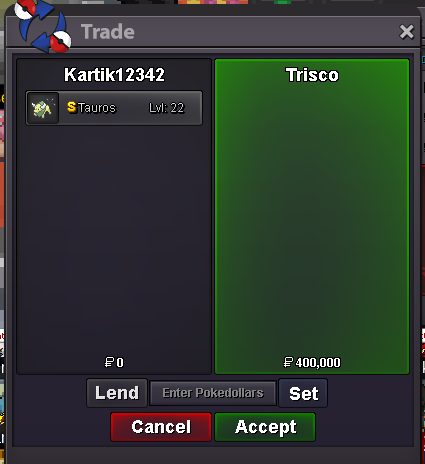
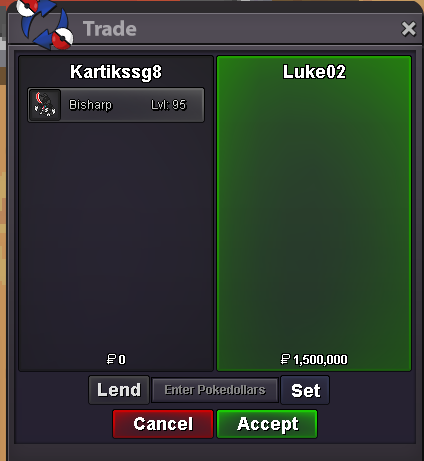
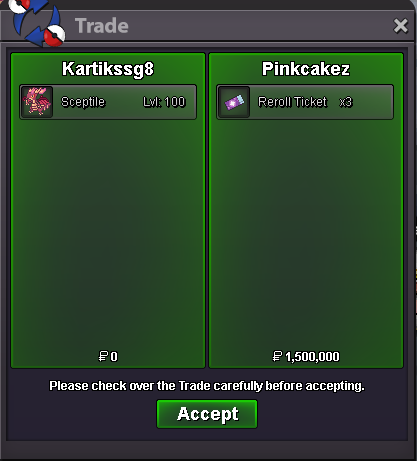
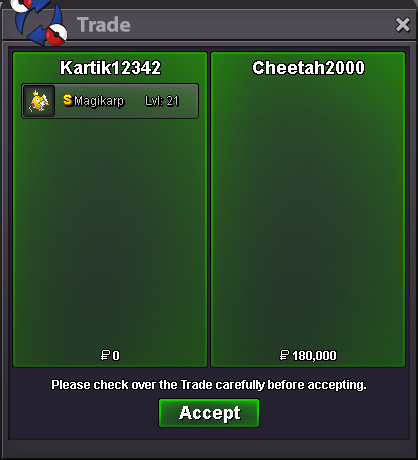
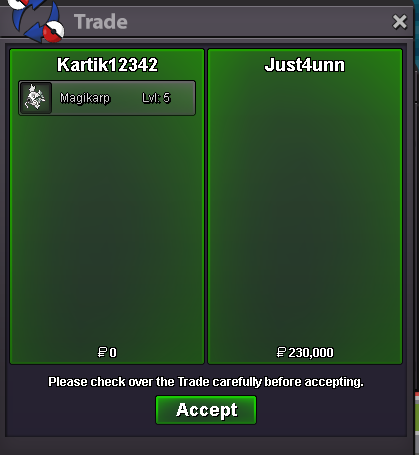
ty ^^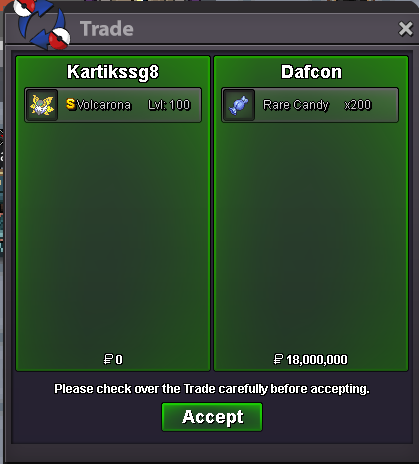 bump small request to the mod - i made a small mistake that i make this shop in 'selling Pokemon gold' can u transfer it into 'Pokemon shop gold' tyWELCOME TRAINERS TO OUR SHOP ACCEPT PAYMENTS: RE-ROLL TICKET: 500K NATURE RE-ROLL TICKET: 250k COIN CAPSULE: 450K CONTACTS: ING: Kartikssg8/kartik12342/Lonebeast01 DISCORD: kartikssg8#0211 RULES : 1. ALL TRADES FOLLOWING TRADES RULES. 2. YOU MAY NEGOTIATE PRICES BY POSTING HERE,PMS IN GAME,OR ON DISCORD. 3. DON'T BE MAD IF PRICE CAN'T BE LOWERED. 4. FAKE OFFERS WILL BE REPORTED. 5. WHILE AUCTIONS OFFER IN FORUM OR IN GAME NOT IN DISCORD. POKEMON BOTH TRAINED AND UNTRAINED A B C D E F G H I J K L M N O P Q R S T U V W X Y Z AUCTION MON MOUNT FOR SELL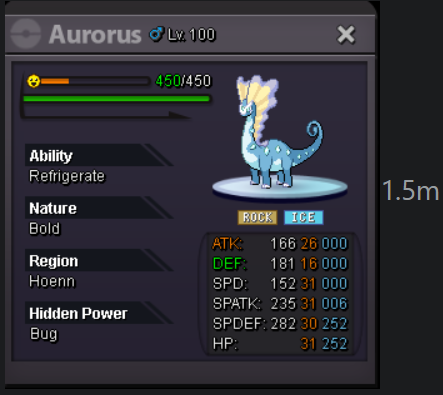
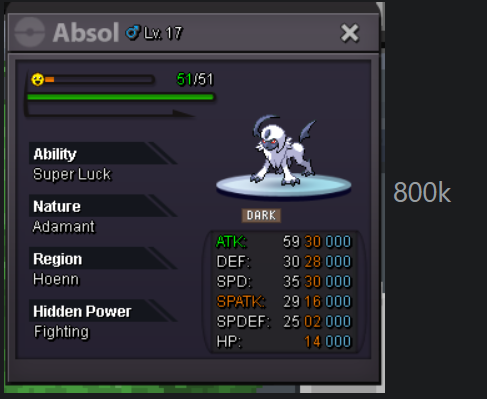
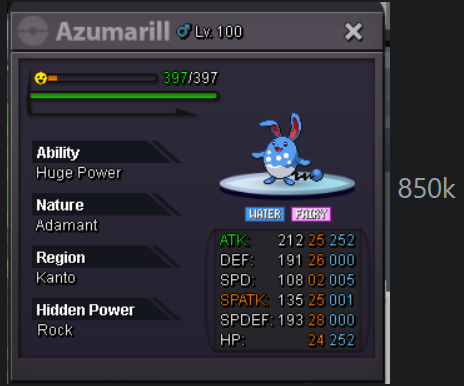
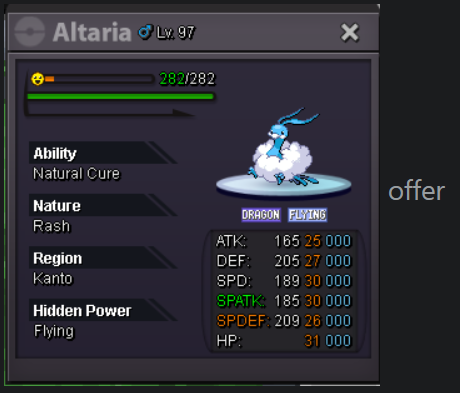
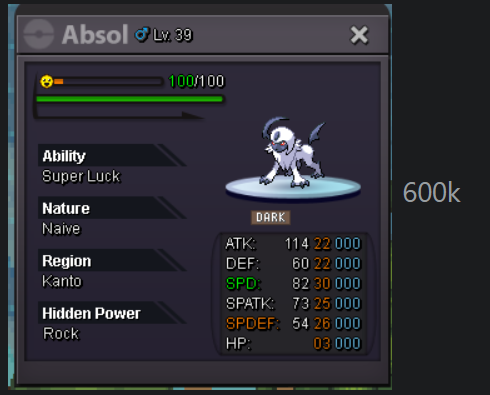
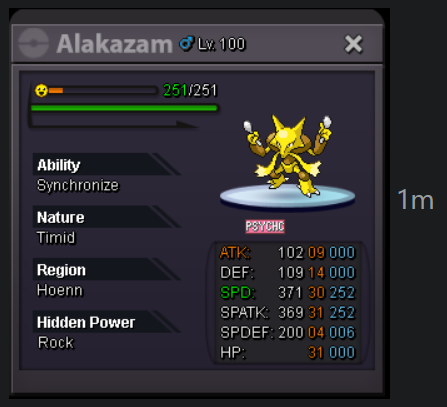
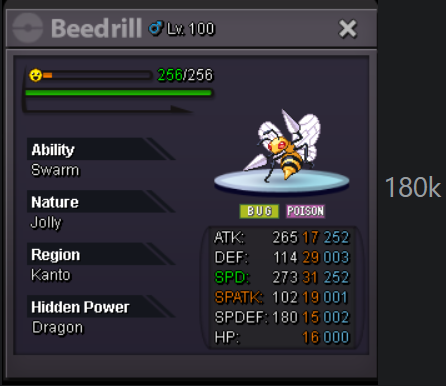
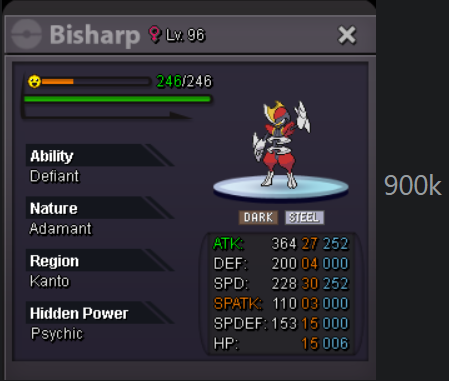
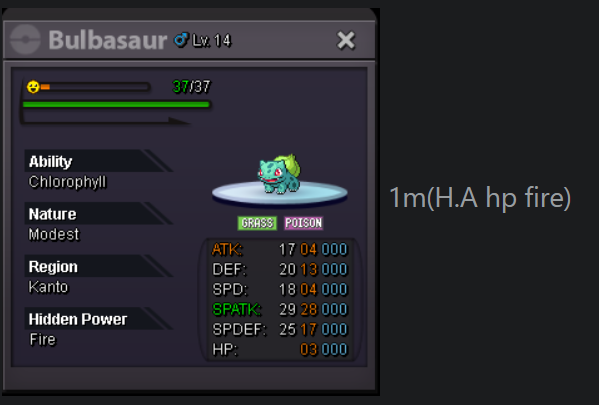
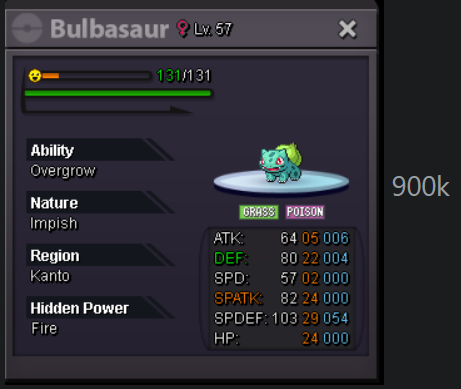
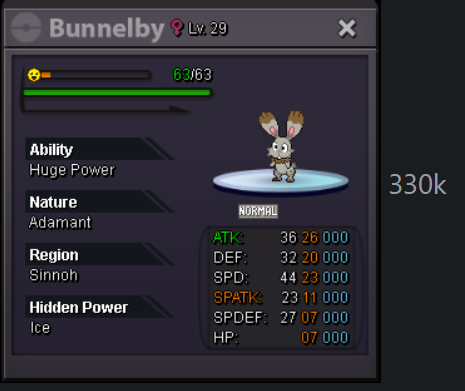
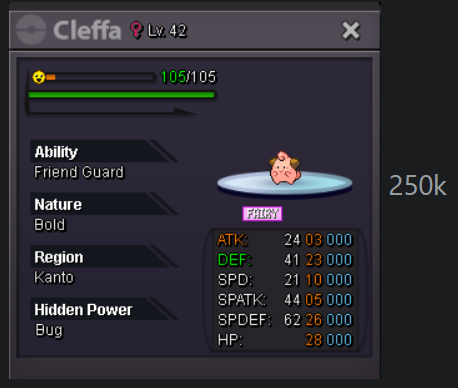
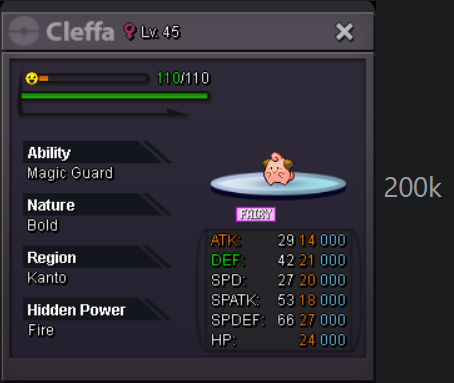
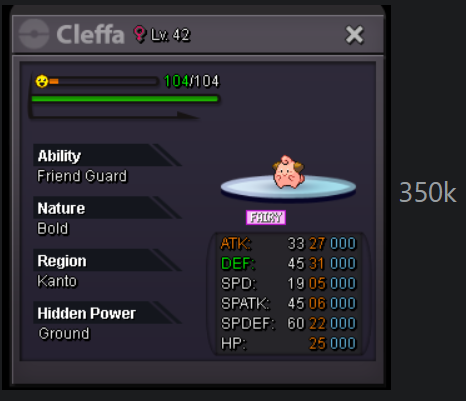
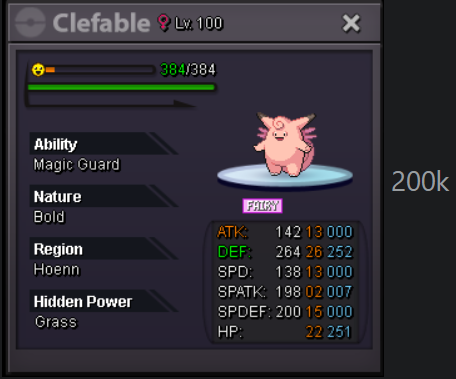
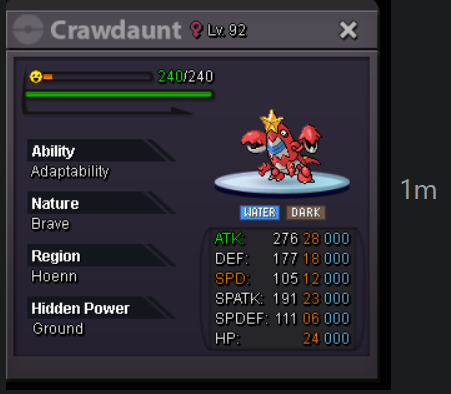
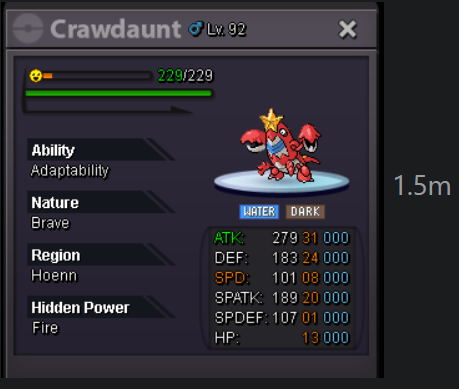
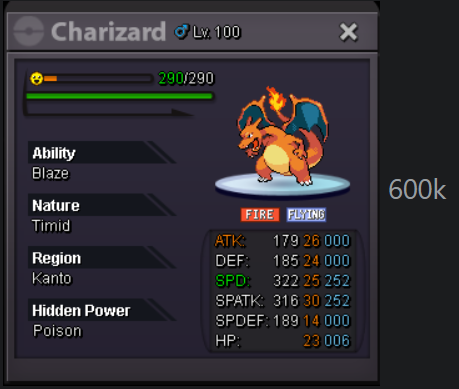
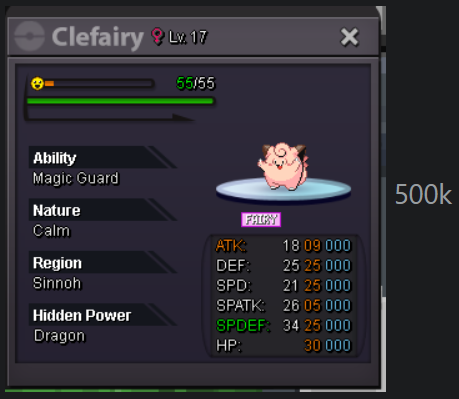
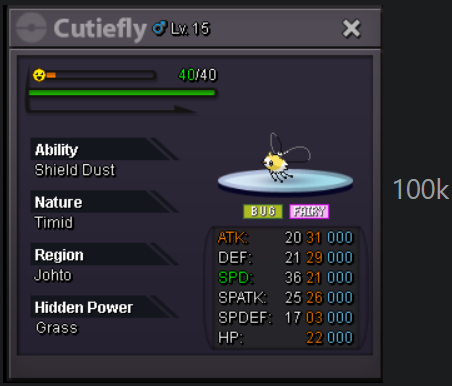
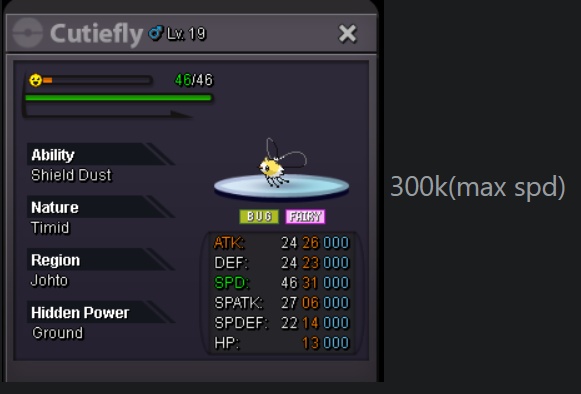
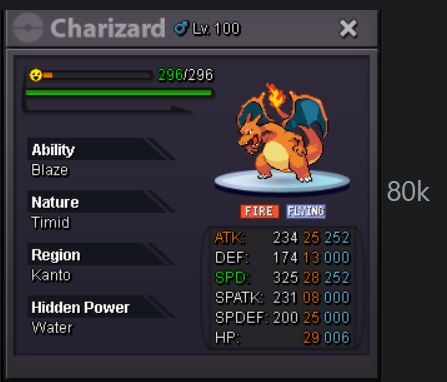
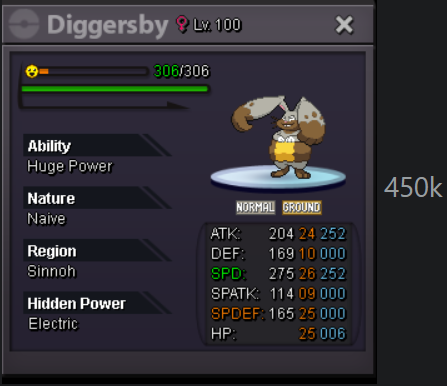
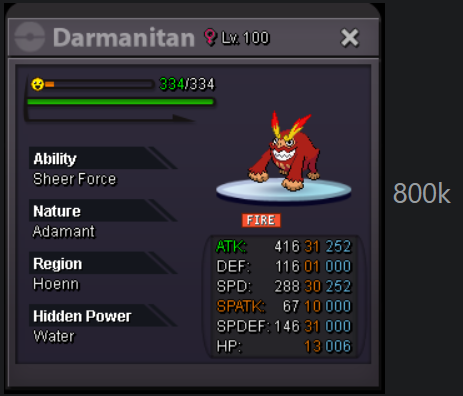
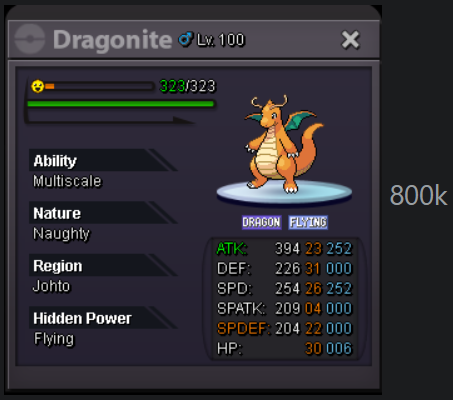
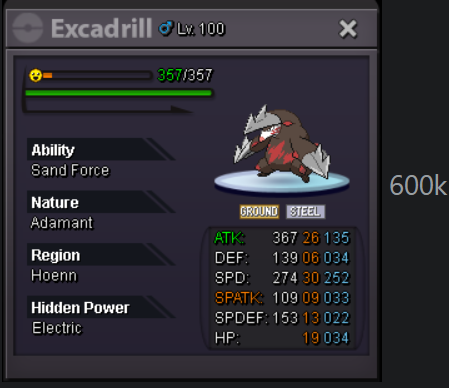
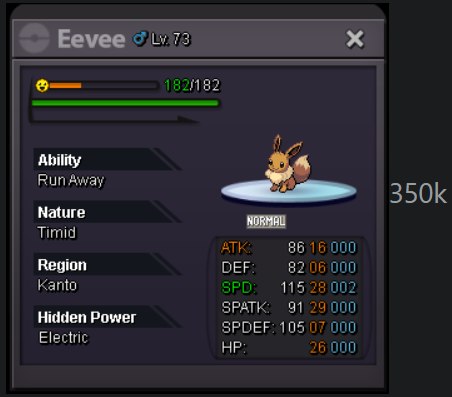
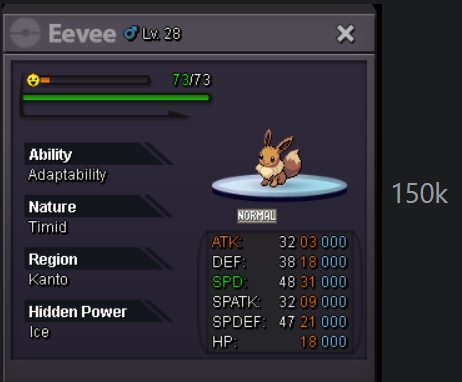
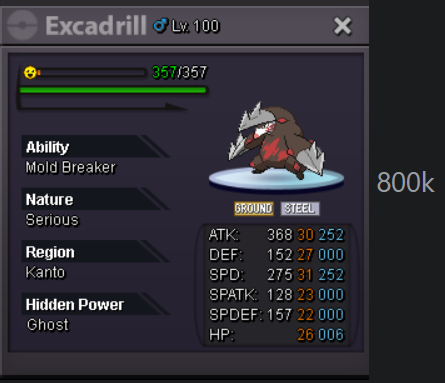
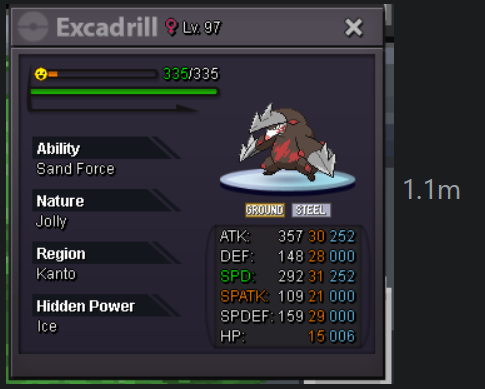
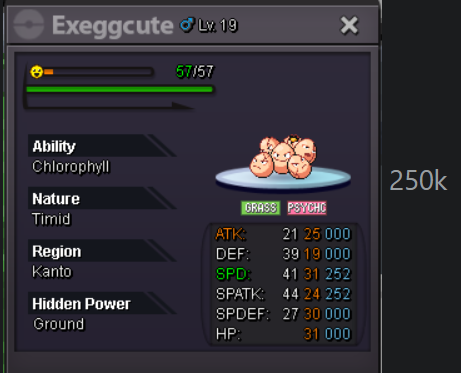
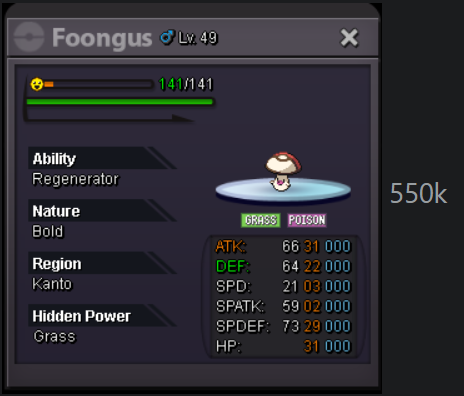
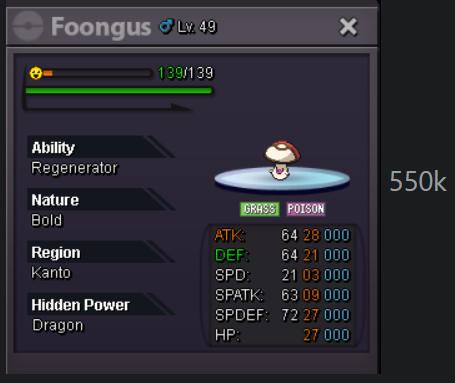
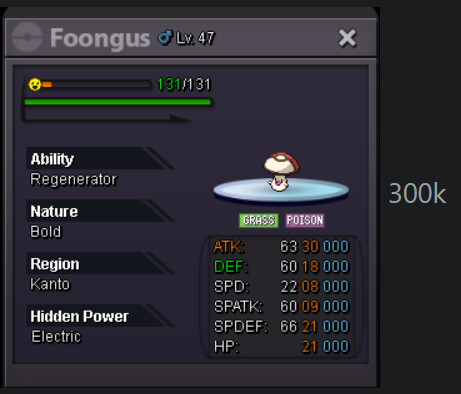
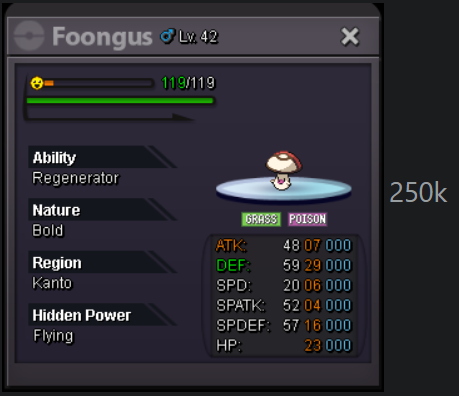
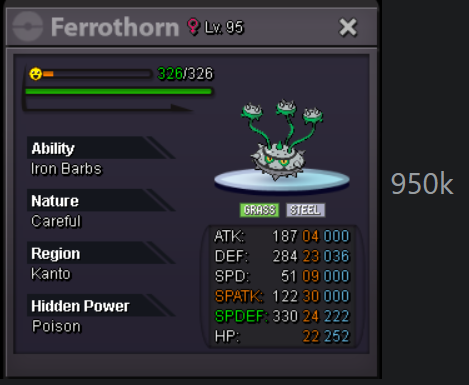
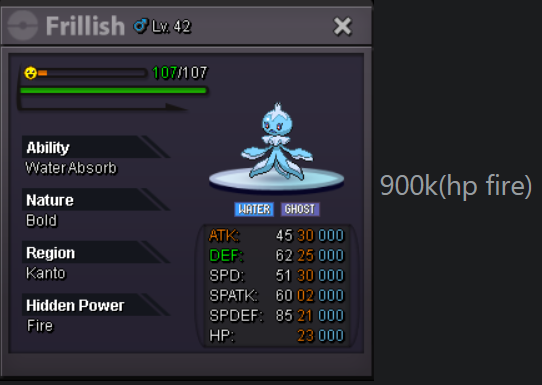
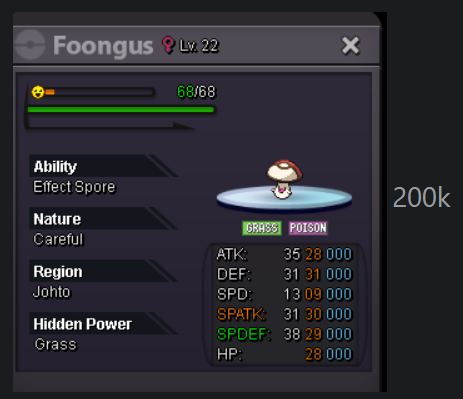
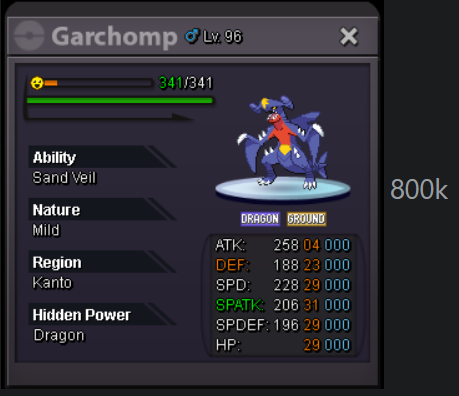
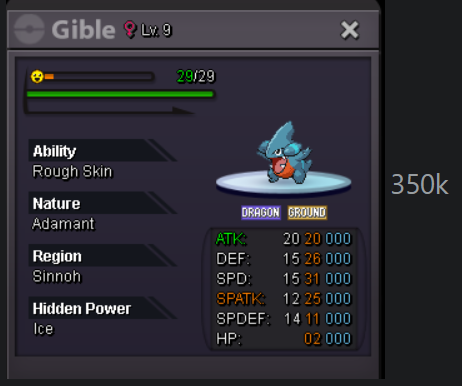
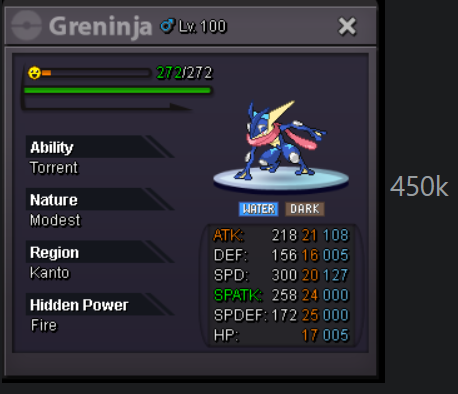
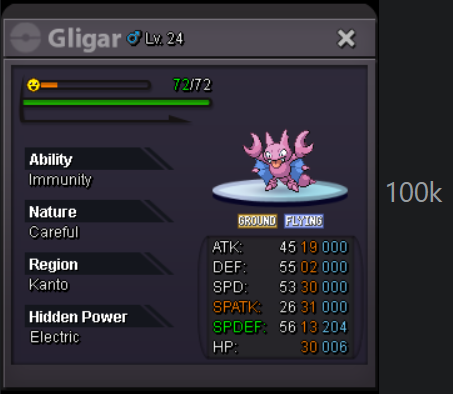
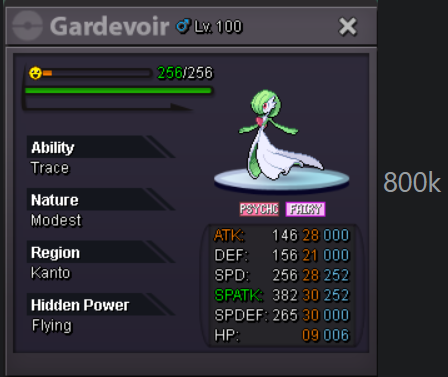
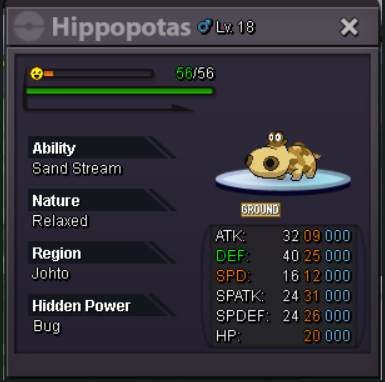
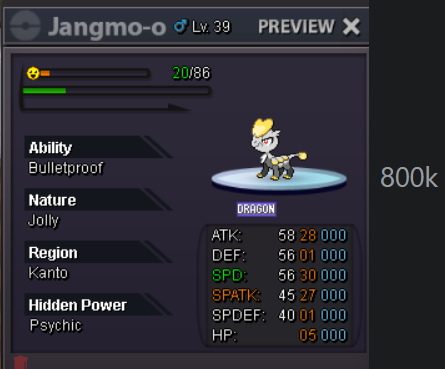
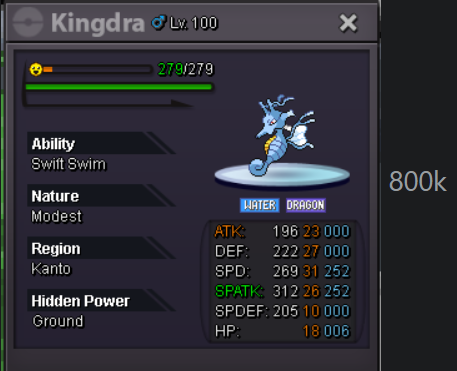
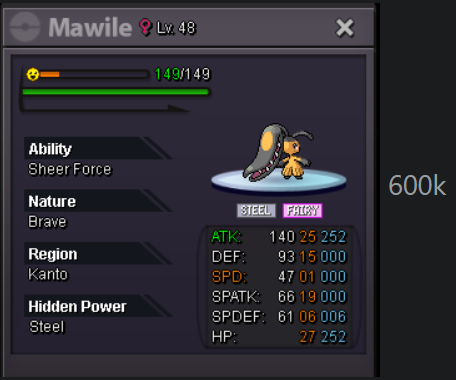
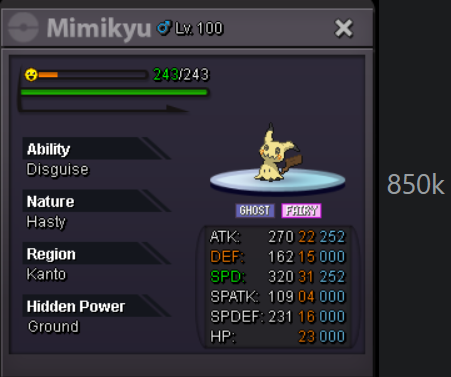
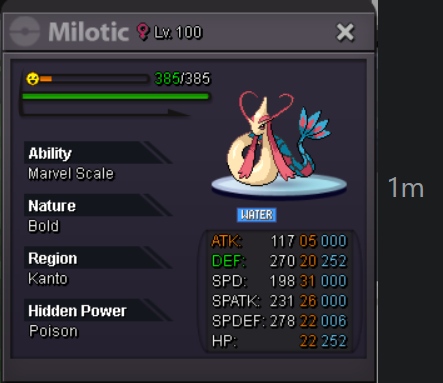
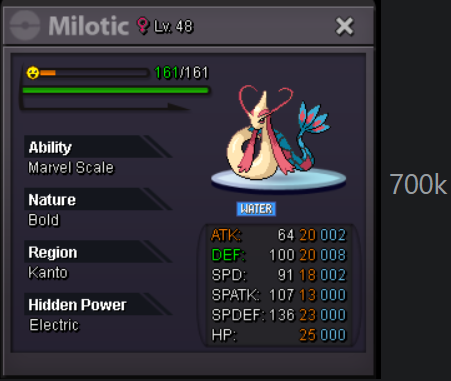
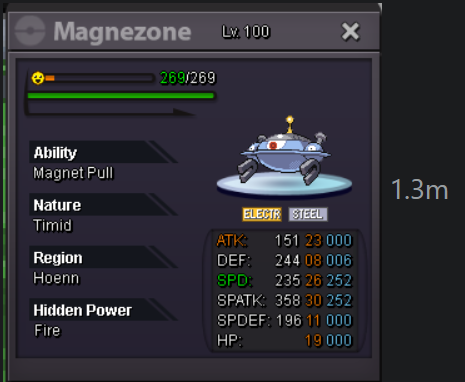
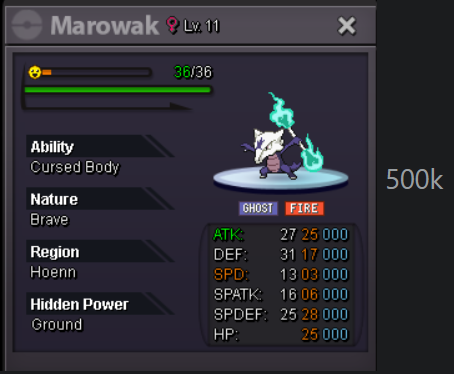
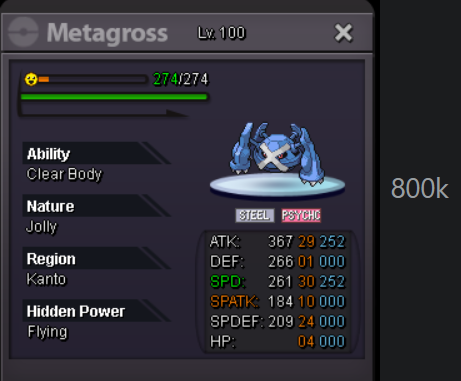
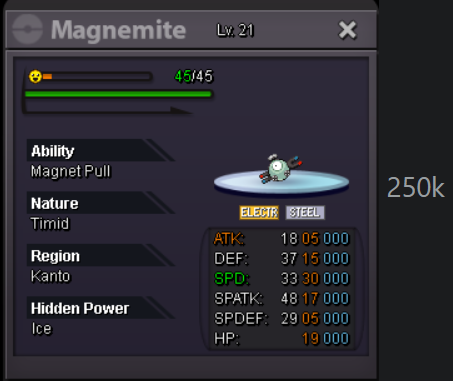
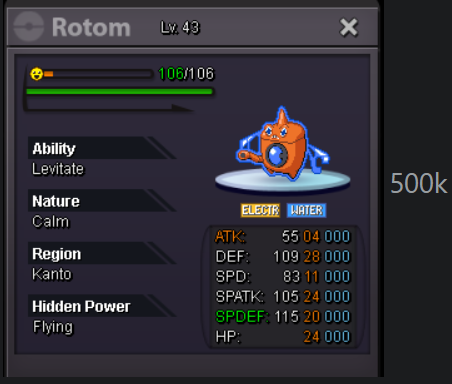
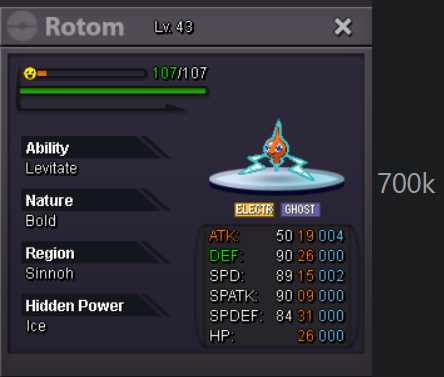
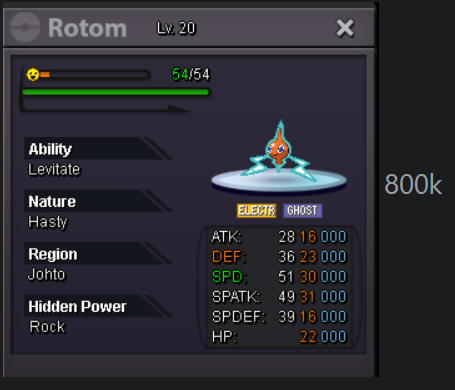
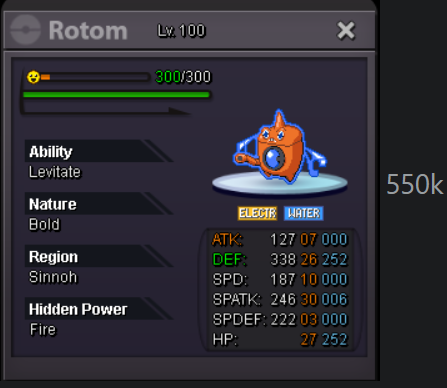
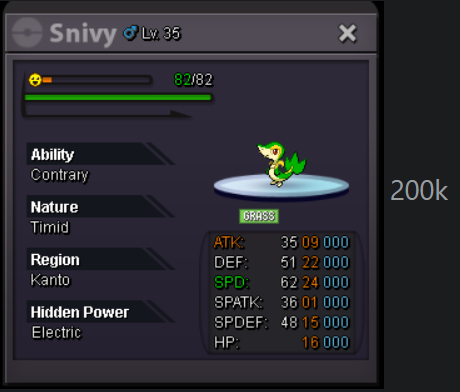
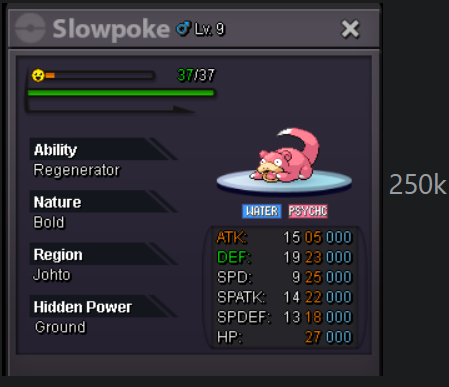
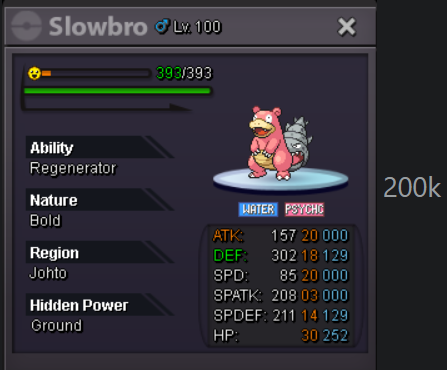
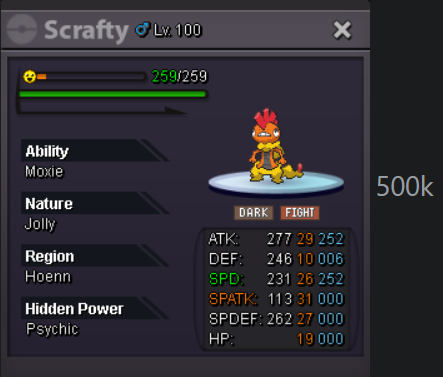
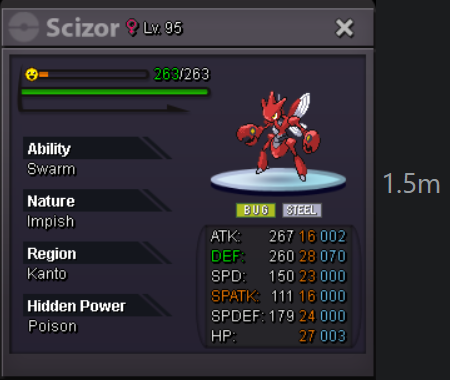
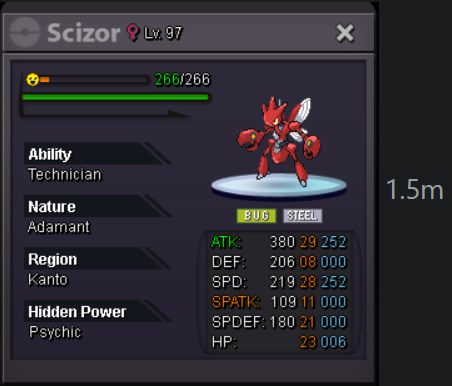
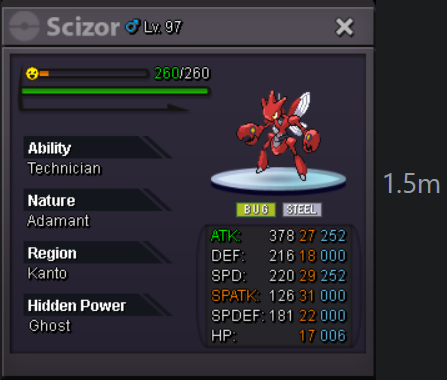
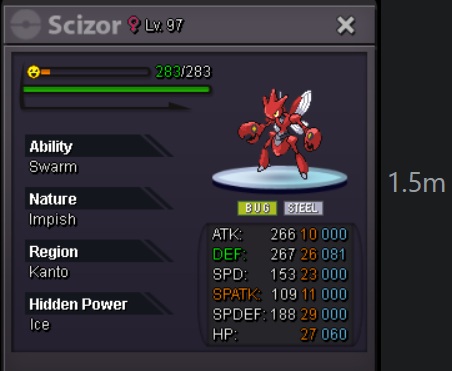
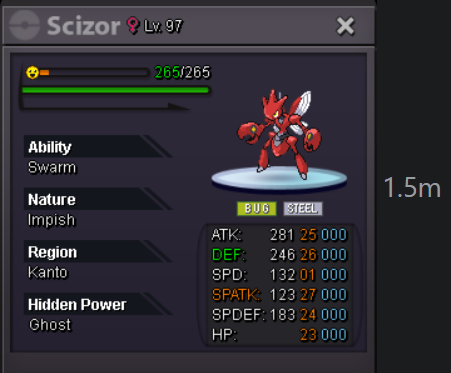
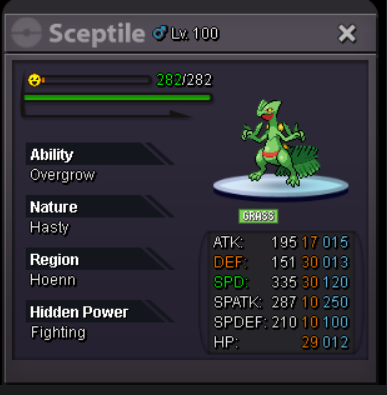
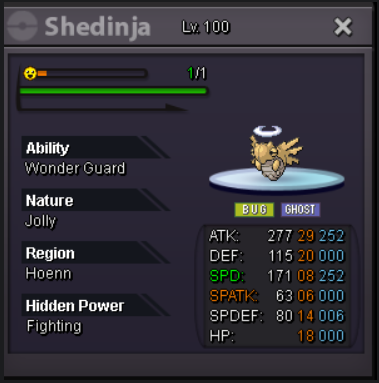
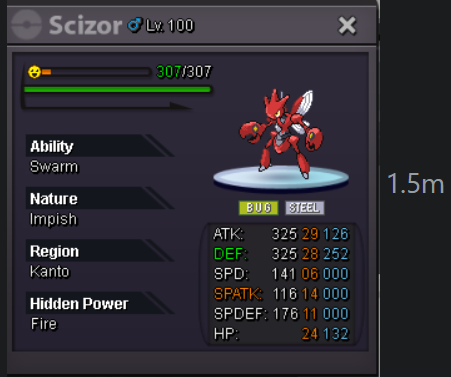
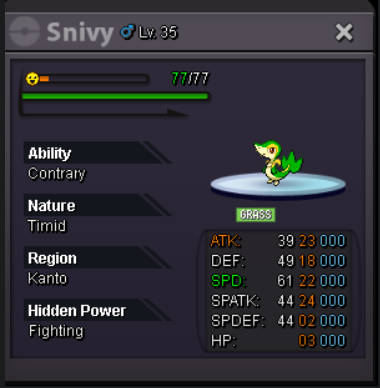
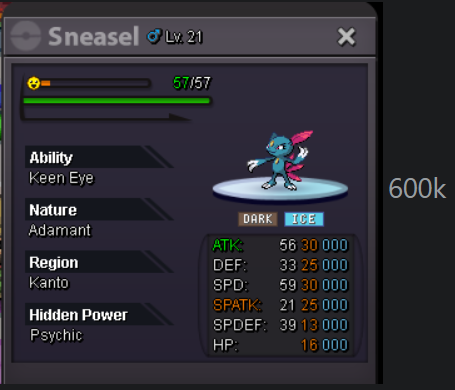
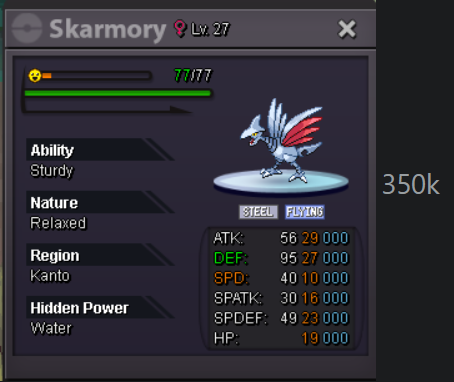
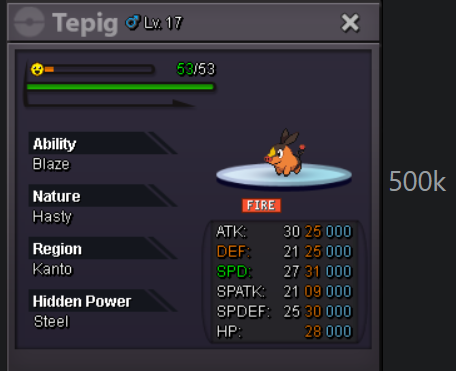
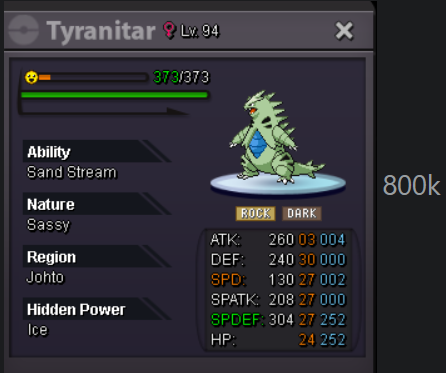
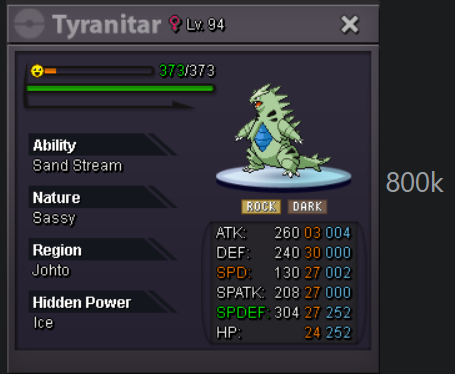
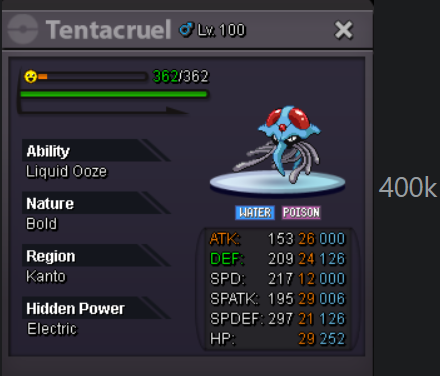
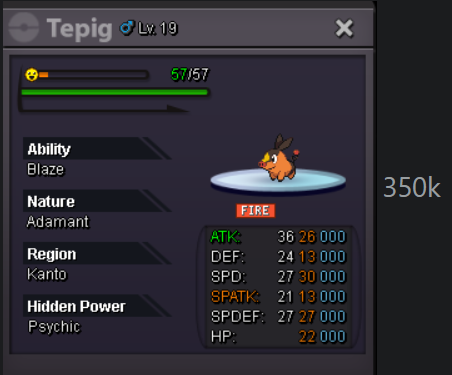
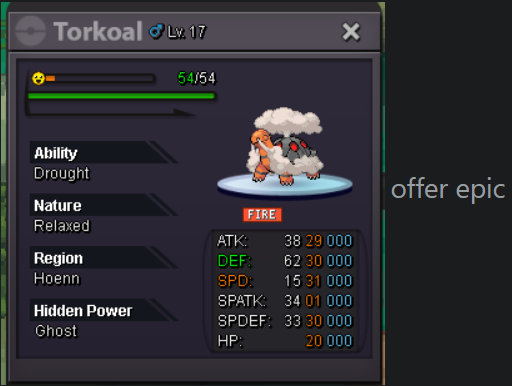
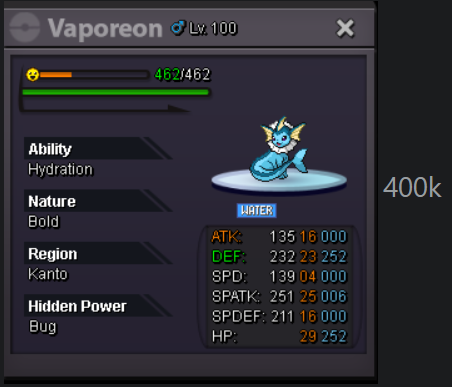 bump2.1Start 💲2.5mu have honedge or aegislash?shiny grimer,mienfoo,crawdaunt price?1.5 mane1.2m maneMane 500k


Account
Navigation
Search
Configure browser push notifications
Chrome (Android)
- Tap the lock icon next to the address bar.
- Tap Permissions → Notifications.
- Adjust your preference.
Chrome (Desktop)
- Click the padlock icon in the address bar.
- Select Site settings.
- Find Notifications and adjust your preference.
Safari (iOS 16.4+)
- Ensure the site is installed via Add to Home Screen.
- Open Settings App → Notifications.
- Find your app name and adjust your preference.
Safari (macOS)
- Go to Safari → Preferences.
- Click the Websites tab.
- Select Notifications in the sidebar.
- Find this website and adjust your preference.
Edge (Android)
- Tap the lock icon next to the address bar.
- Tap Permissions.
- Find Notifications and adjust your preference.
Edge (Desktop)
- Click the padlock icon in the address bar.
- Click Permissions for this site.
- Find Notifications and adjust your preference.
Firefox (Android)
- Go to Settings → Site permissions.
- Tap Notifications.
- Find this site in the list and adjust your preference.
Firefox (Desktop)
- Open Firefox Settings.
- Search for Notifications.
- Find this site in the list and adjust your preference.