New Trade Zone
Trade Zone is now live
Use the new Trade Zone for auctions and instant-price trades so Pokemon and item offers are easy to find.

Jesusrmoncivais
Registered User
-
Joined
-
Last visited
-
I cant start the Quest i have all the requirements
-
Player name: jesusrmoncivais Showdown name: jesusrmoncivais Server: silver Time zone: GMT-5 Rank on ladder : 25
-
playername : elnegas showdown name: jesusrmoncivais server: silver time zone: GMT -5 rank on ladder : 23
-
Username: jesusrmoncivais Server: silver Time zone: GMT-5 Country: México
-
Player name: elnegas Showdown name: jesusrmoncivais Server: silver Rank on ladder: 18 Timezone: GMT-5
-
Player name: elnegas Showdown : jesusrmoncivais Server: silver Time zone: gmt-5 Rank no ladder: 4
-
Player name: jesusrmoncivais Showdown name: jesusrmoncivais Server: silver Rank: 25 Gmt: -5
-
-
Player name: elnegas Player showdown: jesusrmoncivais Server: silver Rank on ladder 17 Time zone: gmt-5
-
Playername: jesusrmoncivais Showdown name: jesusrmoncivais Server: silver GMT+6 Rank on ladder: 22
-
-
player name: elnegas showdown name: jesusrmoncivais silver server gmt-6 rank on ladder 21
-
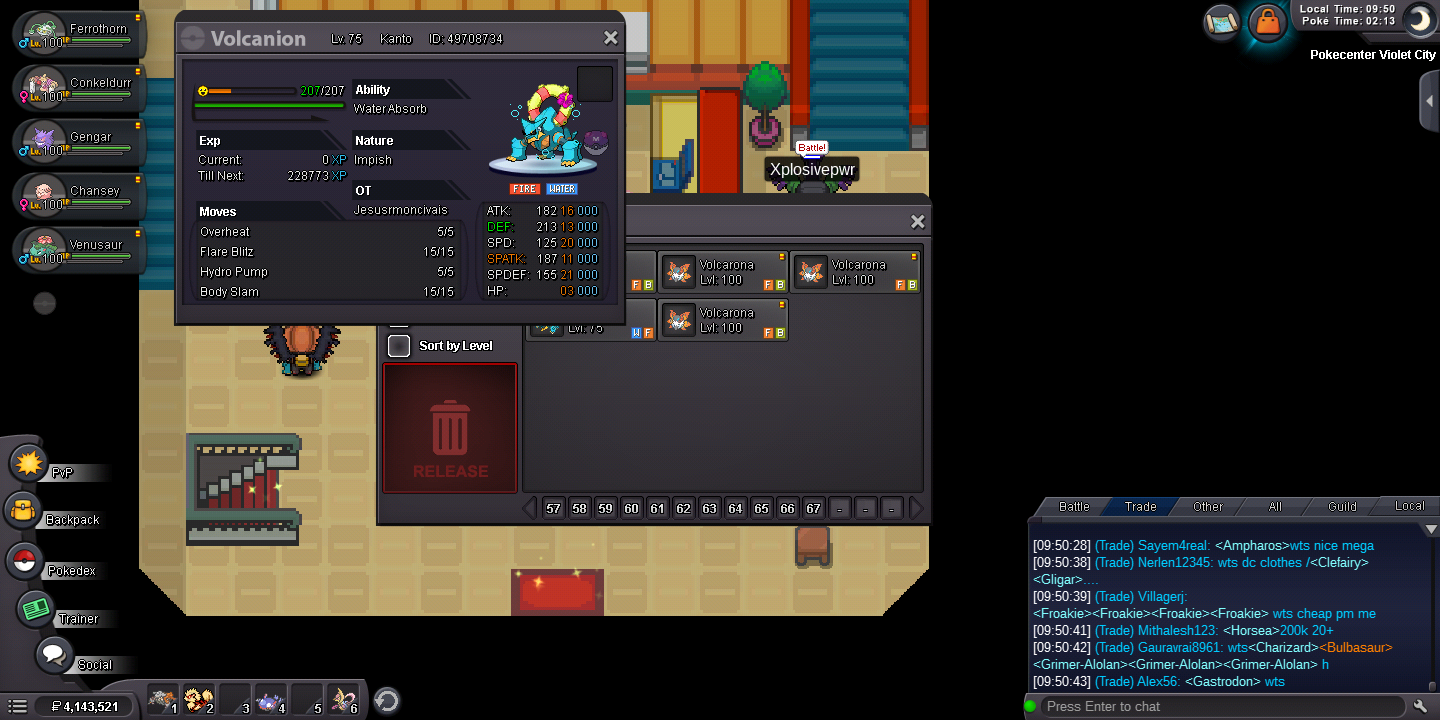
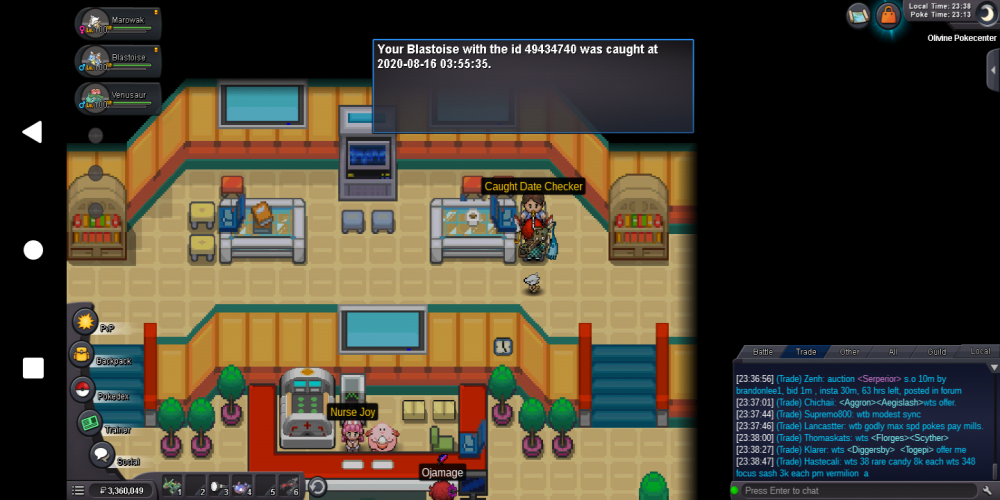
I reléase My Pokémon 😞 but only have this picture i don't know your ID I'm jesusrmoncivais silver server gmt-5
-
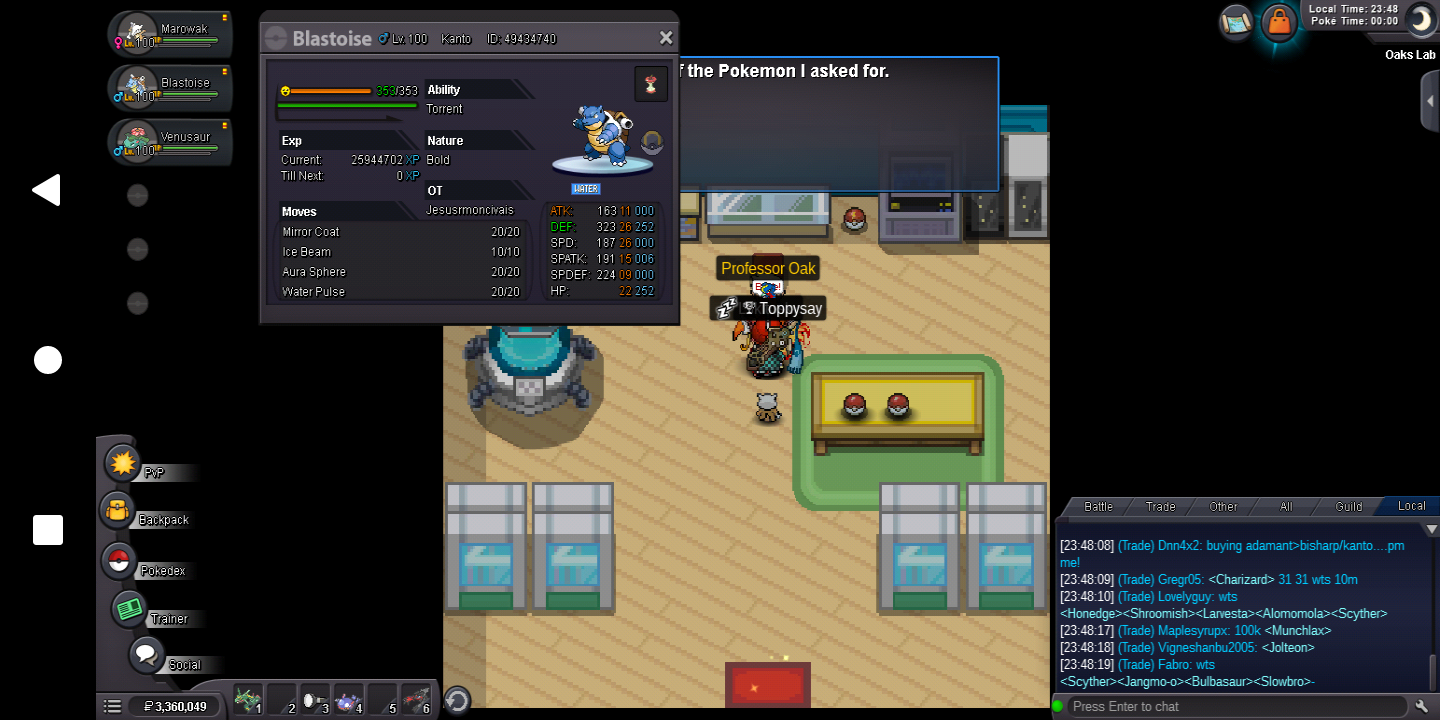
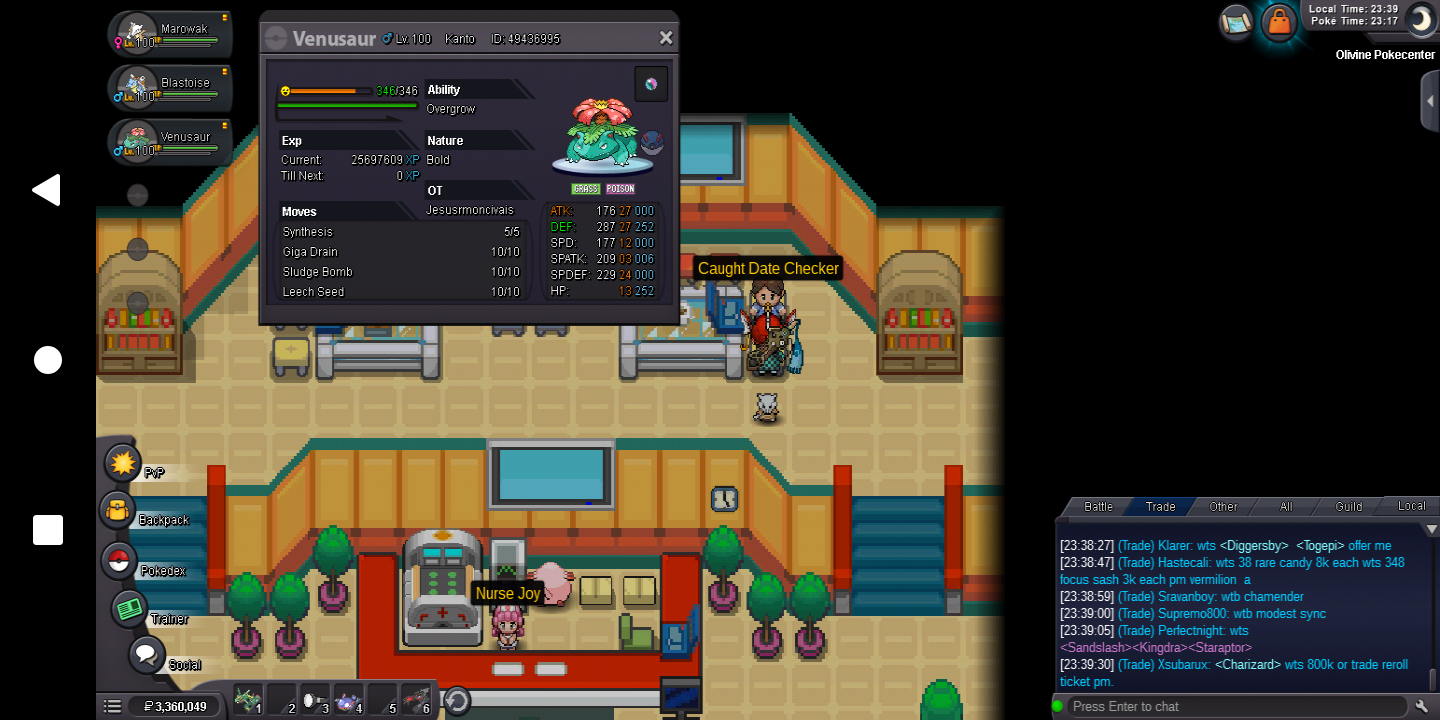
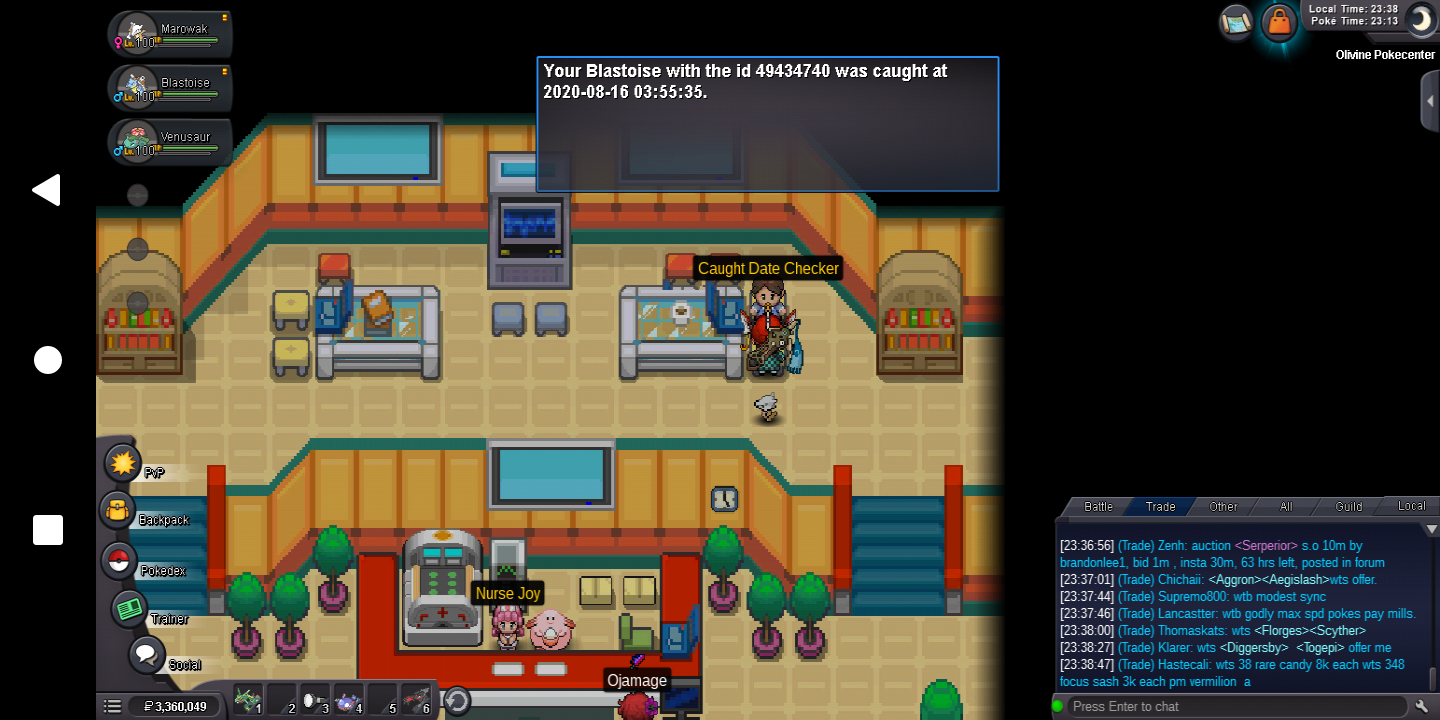
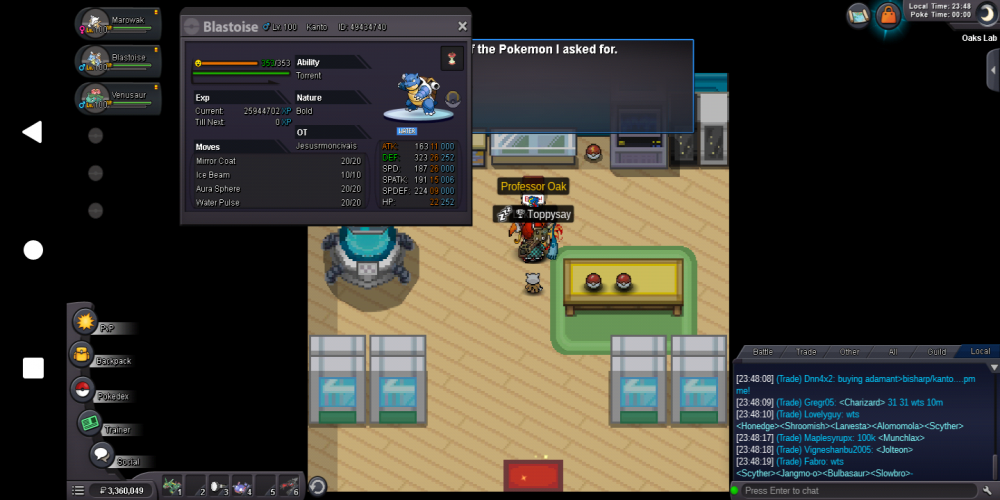
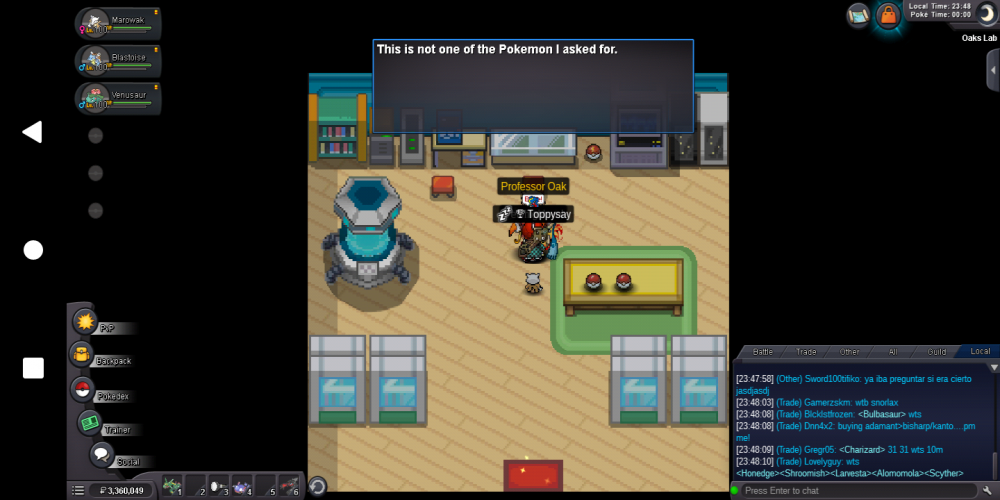
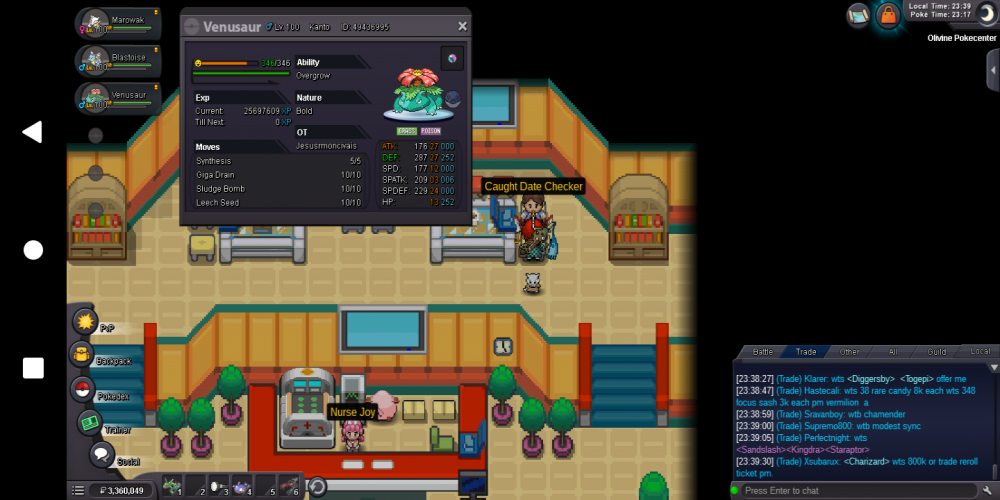
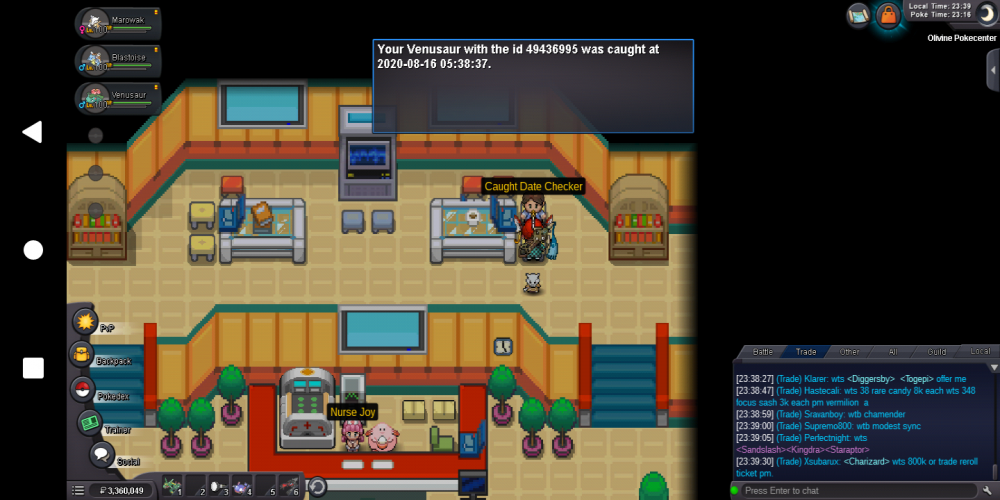
I have a problem whit my blastoise(quest for megablastoise) because did catched and trained and professor oak told me it's perfect for mega and then told me it's not the same pokemon can You help me make it a squirtle In Game jesusrmoncivais Server silver Gmt +3
-