




New Trade Zone
Trade Zone is now live
Use the new Trade Zone for auctions and instant-price trades so Pokemon and item offers are easy to find.

Darkspeedkiller
Registered User
-
Joined
-
Last visited
-
Hello, as a player that have played only the original gen 1-2-3 games i always had an issue remembering where each place is located. So when you want to hunt a pokemon you can see the areas in Dex. I would really love when your clicking a certain area the map to open and highlighting + center focusing that area. Its really a pain googling every single place especially on android device going back and forth.
-
Nice guide really helpful
-
Nice guide on the 7th island I couldn’t find Scientist Richard after beating the Pokemon.
-
non of the images work
-
Tyranitar doesnt appear
-
Interesting
-
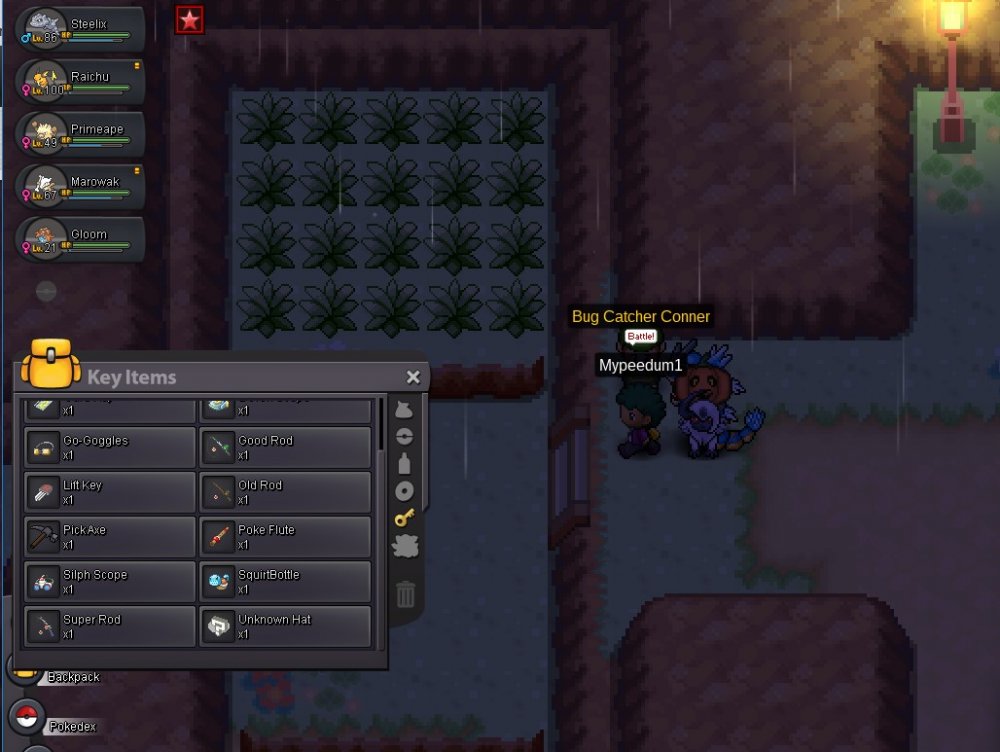
So recently i started playing pokemon again and i tought it was time doing some quests that i havent done at all and one of the is getting Ash's hat. So after obtaining his hat i cant find him anywhere to give it to him so i can finish the quest.
-
So how i get mudkip or Torchic?
-
5:19 was fighting pawniard while suddenly when i was about to throw a ball it stopped responding.When i reloged pawniard was dead...rip pokedex...rip free pokemon.
-
Re: Reborn [international Guild][Recruiting] <t>I have 92+ playtime <br/> can play more than 5 hours almost everyday<br/> Age:18<br/> Country : greece</t>

