New Trade Zone
Trade Zone is now live
Use the new Trade Zone for auctions and instant-price trades so Pokemon and item offers are easy to find.

Aybycy
Registered User
-
Joined
-
Last visited
Everything posted by Aybycy
-
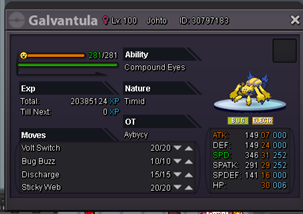
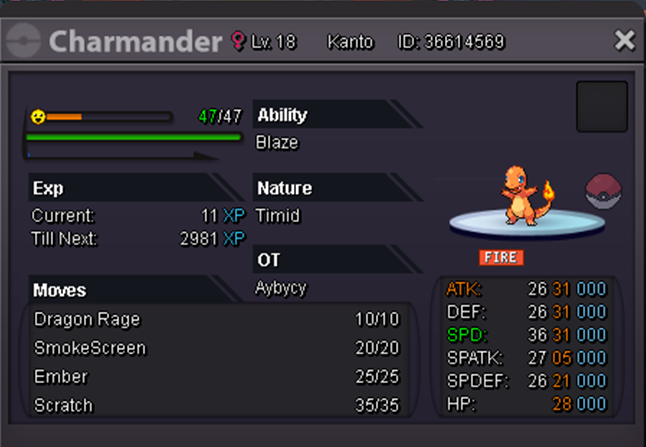
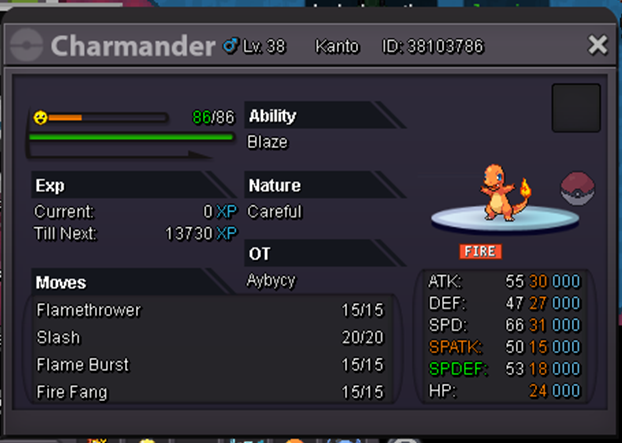
Server:Gold After hard farming for the shiny charmander for over 500hrs these are my top3 favorite poke(ಥ﹏ಥ) by the way this one is what I eventually use in pvp xd


-
500k gold
-
Overall the xmas event is good 🙂 But I don't like the last part in kledo quest.Before the guide release,you literally need to click every mushrooms,rocks,and trees or any possible things in the forest.I think this is pointless because it has no fun and puzzle.Kind of wasting time for me. By the way,the xmas form poke looks very cool.Tks the staffs:)
-
so 200k min bid 50k insta:1.5m auction 24 hrs
-
-
-
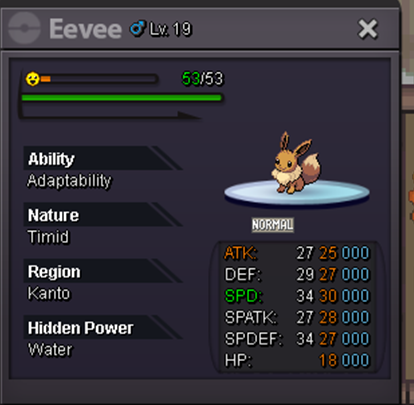
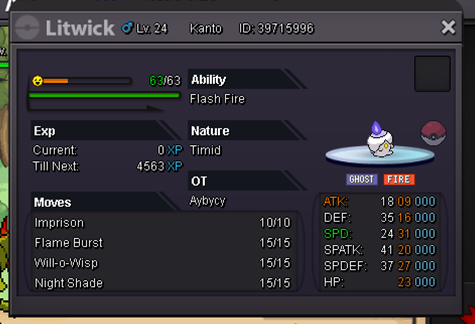
its hp grass so 1m min bid 100k auction for 36hrs accept cc 400k
-
Accept only cash?
-
-
+1 was about to farm exeggutor alolan
-
Hi staffs,I just purchase the shiny drifloon mount but it doesn't shine.Although it already looks sick,I still want it can shine.Hope you can understand. :(

-
I won right?
-
600k
-
found one ty
-
-
insta
-
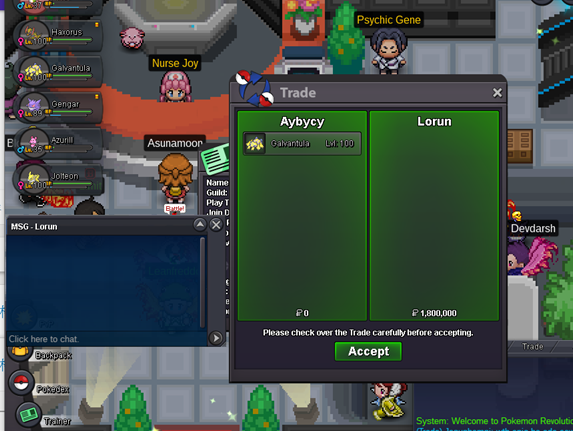
sold insta 1.8m to Lorun ty for all
-
ok bro whats your server if its gold we can trade now
-
not yet roughly 17 min left
-
bump roughly 5hrs left
-
1.1m by Klarer

-
co 750k

-
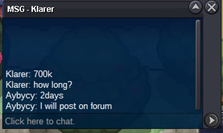
co 700k by Klarer
-
note auction end in Mar 5 12:59PM
-
s.o. 500k min bid:50k 2days auction insta:1.8m I'm currently in gold but planning transfer to silver