




New Trade Zone
Trade Zone is now live
Use the new Trade Zone for auctions and instant-price trades so Pokemon and item offers are easy to find.


Desumi
Suspended
-
Joined
-
Last visited
Everything posted by Desumi
-
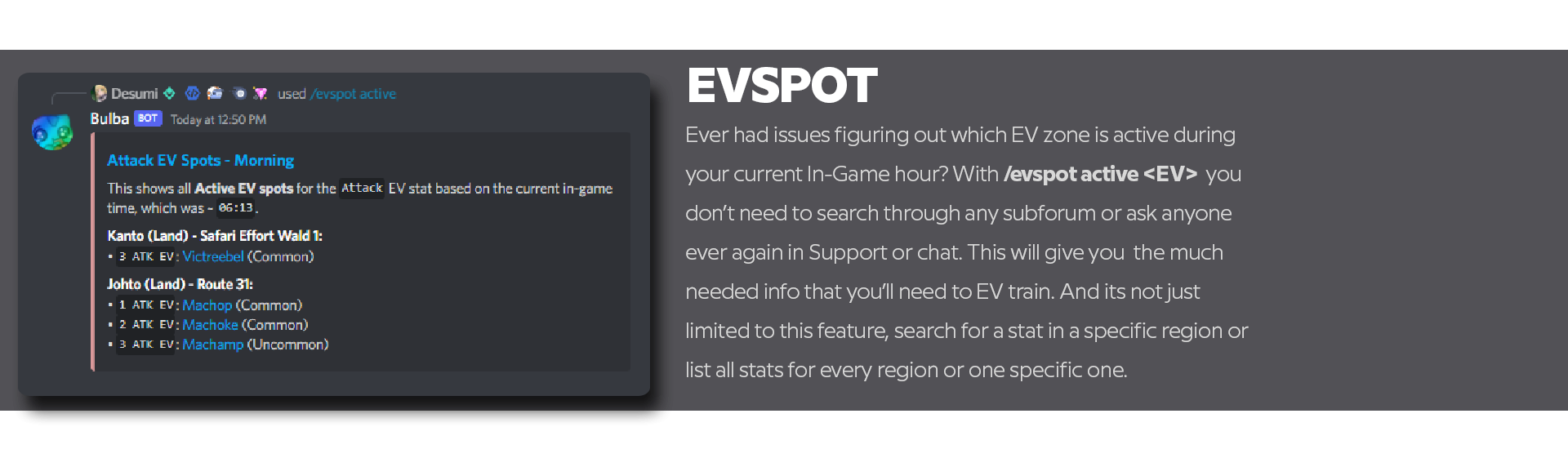
https//wiki.pokemonrevolution.net/index.php?title=Special:GetData/You can re-learn any moves that your Pokemon have learned throughout leveling up by visiting a Move Relearner found in either Cerulean City or Saffron City in the Kanto region or elsewhere similiar in the other regions. Here is a full list of all locations: Kanto - Cerulean City, Saffron City and Tutor Heaven (only for top PvP players) Johto - Goldenrod City and Blackthorn City Hoenn - Slateport City marketplace and Sootopolis City Sinnoh - Snowpoint City and Hearthome CityYeah, my bad. Manually added in these and probably forgot to change the EV value. I'll go through it later to check each one again for any typos. Thanks for letting me know. I hope so. 😛I want to clearify one thing to prevent confusion and potential harmful misinformation being spread about this deactivated tool/website. The actual website/tool in question was deactivated a while back. But that does not mean that the website's raw URL is by any means a "malware" or hosts any malicious content. Let me be more clear, whatever you have screenshotted and uploaded here is not relevant to the tool/website and is something you've installed or a setting which is locally shown on your own computer or mac and I have not been able to reproduce the same result as you. And thereafter I can assure anyone here that the URL link "https://map.djd.wtf" does not provide such a message or pop-up on entry and is not a tool hosting any malicious malware as claimed above. But the actual website is marked as "not secure" as it does not have a end-to-end decryption and any valid security certificates right now, but that is irrelevant to this.Check out Bulba's website today!
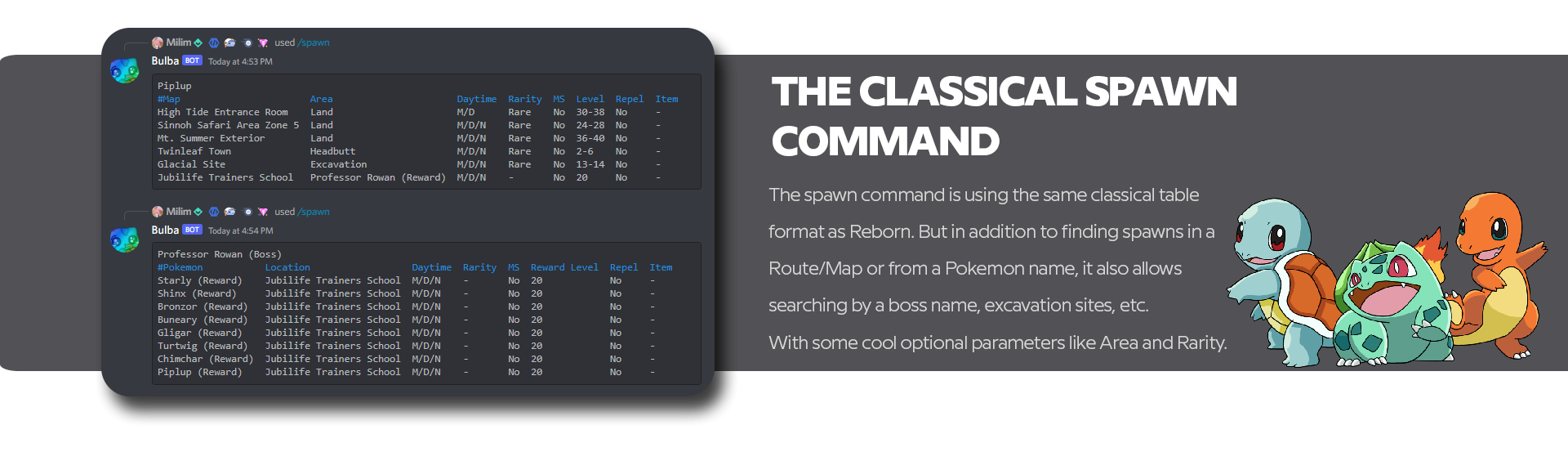
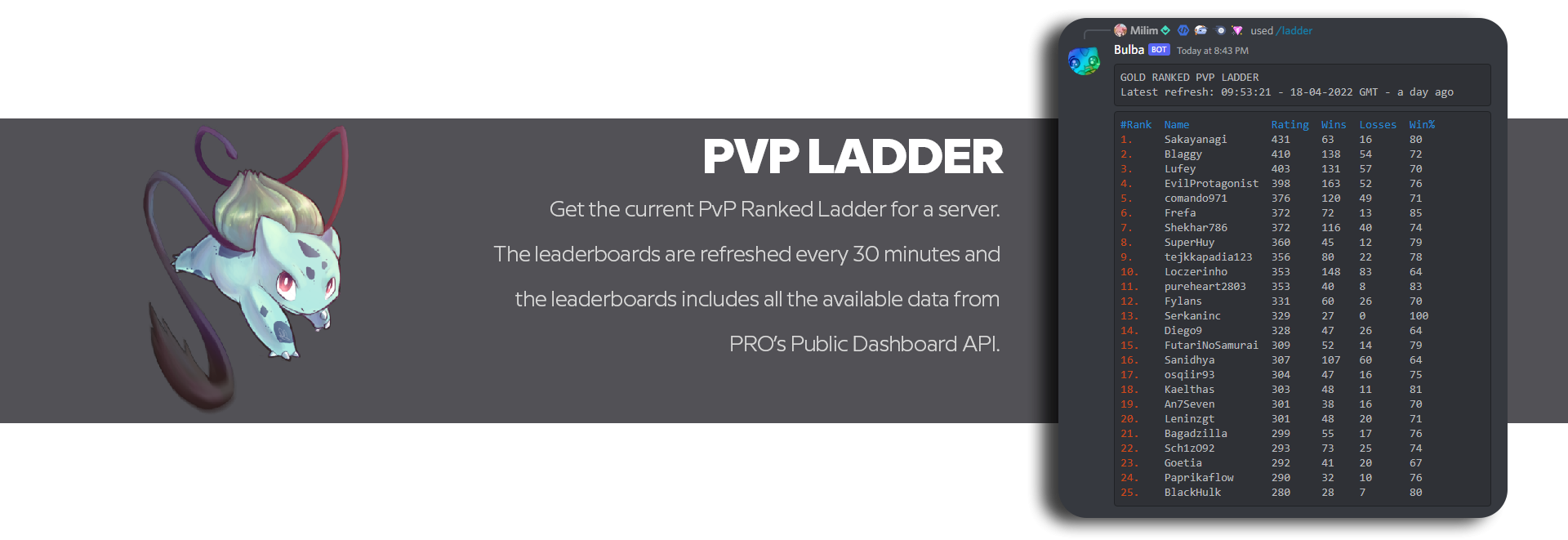
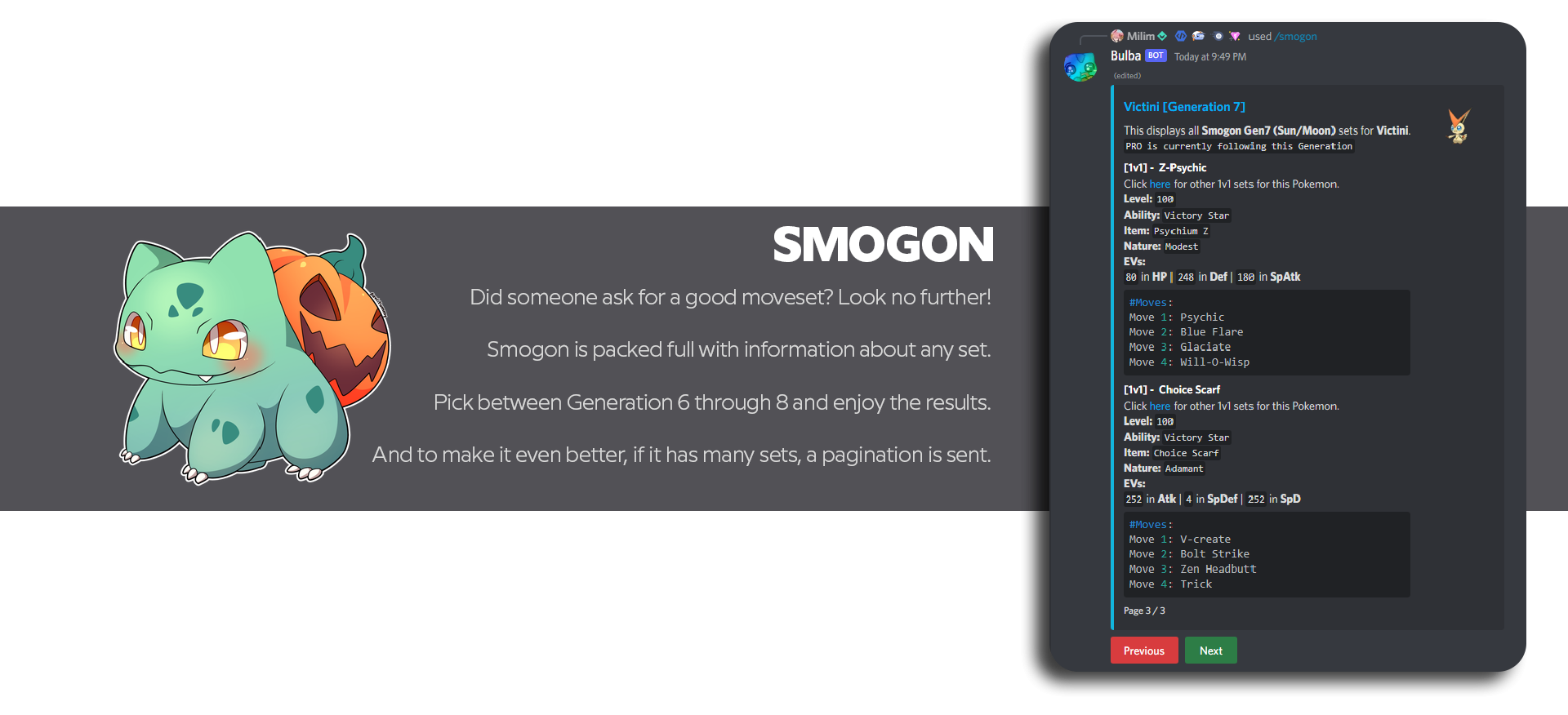

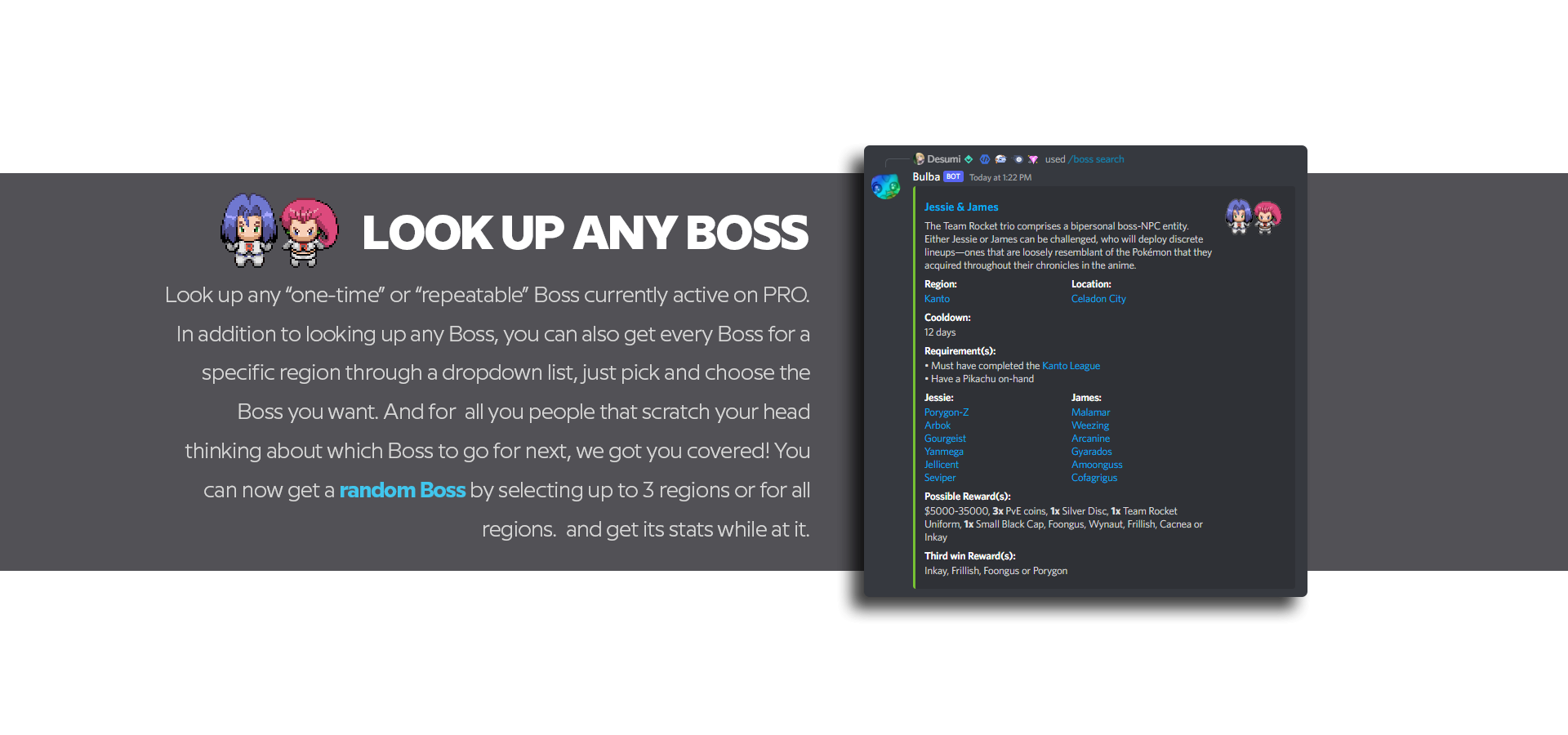
 {{BossNPCLineup|Boss=Erika|Lineup= {{BossPokemon|Name=Ferrothorn|Nature=Relaxed|Ability=Iron Barbs|Item=|Moveset= {{NPCMove|Iron Head}}{{NPCMove|Curse}}{{NPCMove|Self-Destruct}}{{NPCMove|Payback}} }} {{BossPokemon|Name=Volcarona|Nature=Timid|Ability=Swarm|Moveset= {{NPCMove|Signal Beam}}{{NPCMove|Heat Wave}}{{NPCMove|Amnesia}}{{NPCMove|Psychic}} }} {{BossPokemon|Name=Ludicolo|Nature=Timid|Ability=Swift Swim|Moveset= {{NPCMove|Mega Drain}}{{NPCMove|Icy Wind}}{{NPCMove|Surf}}{{NPCMove|Solar Beam}} }} {{BossPokemon|Name=Celebi|Nature=Timid|Ability=Natural Cure|Moveset= {{NPCMove|Magical Leaf}}{{NPCMove|Ancient Power}}{{NPCMove|Perish Song}}{{NPCMove|Leech Seed}} }} {{BossPokemon|Name=Torterra|Nature=Adamant|Ability=Overgrow|Moveset= {{NPCMove|Crunch}}{{NPCMove|Razor Leaf}}{{NPCMove|Stomping Tantrum}}{{NPCMove|Synthesis}} }} {{BossPokemon|Name=Tangrowth|Nature=Sassy|Ability=Leaf Guard|Moveset= {{NPCMove|Brick Break}}{{NPCMove|Knock Off}}{{NPCMove|Slam}}{{NPCMove|Giga Drain}} }} }}But I'll probably be a skelly before that happens 😛Casually waiting for Hundjager's name to pop up on top 4Currently passed the leading replies by 3
