New Trade Zone
Trade Zone is now live
Use the new Trade Zone for auctions and instant-price trades so Pokemon and item offers are easy to find.


Ardizone
Registered User
-
Joined
-
Last visited
Everything posted by Ardizone
-
-
very good service! fast respons! very satisfied!
-
is this service available? need fast.
-
if i just have 20 mons lvl100, then i cant go pvp. so i have to say no -1
-
I mean if you win the Boss you will get money, if you lose, money that should be yours will gone.
-
-1 if you lose in this battle, it clearly u will lose your money at the time. hard is enough.
-
-
+1
-
I think it would be awesome if you add some cool background for PVP / ranked mode. As we know, we battle in the PC and the background still in wild area. Please make stadium or other background that fit on ranked mode, maybe with crowd.
-
its sniped? lol
-
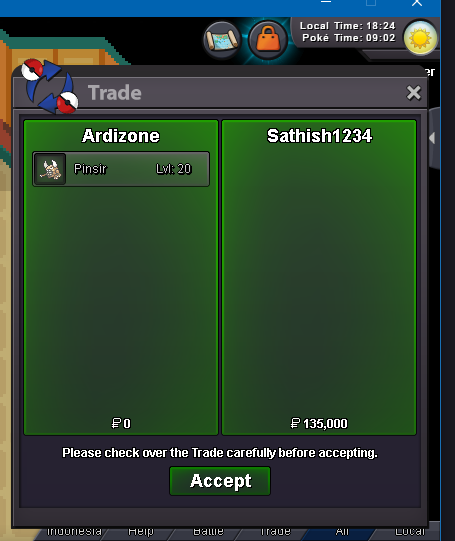
SOLD
-
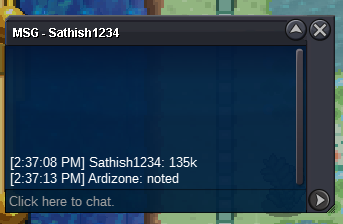
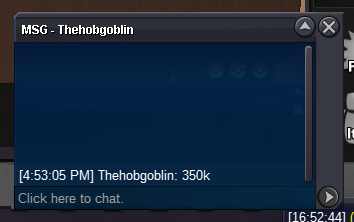
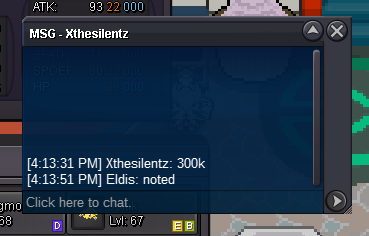
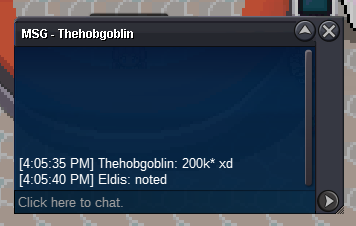
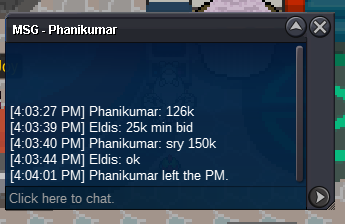
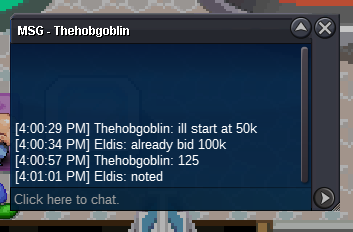
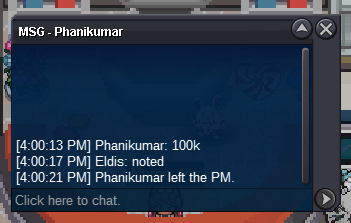
START OFFER : 50K MIN BID 10K ENDS 06.00 PM GMT+7 INDONESIA SILVER SERVER PAYMENT : CASH ONLY SOLD : 135K BY SATHISH1234
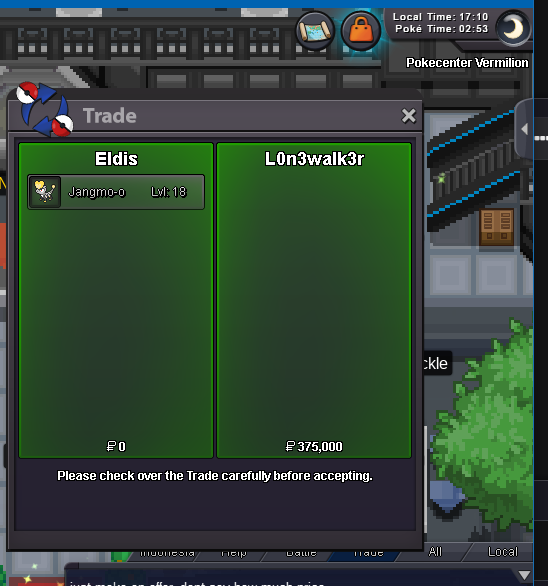
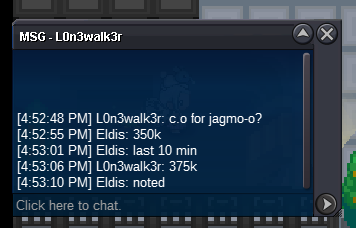
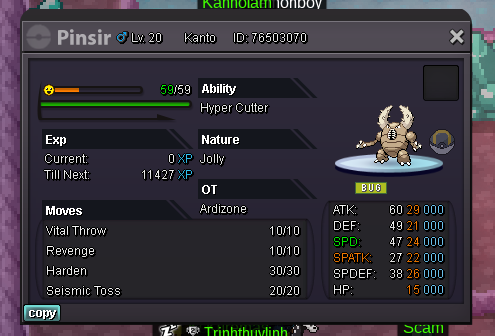 START : 50K MIN BID : 25K INSTA 1.5M ENDS 05.00 PM / 7 NOV 2022 / (GMT + 7) INDONESIA TIME SILVER SERVER SOLD : 375K BY L0N3WALK3R
Account
Navigation
Search
Configure browser push notifications
Chrome (Android)
- Tap the lock icon next to the address bar.
- Tap Permissions → Notifications.
- Adjust your preference.
Chrome (Desktop)
- Click the padlock icon in the address bar.
- Select Site settings.
- Find Notifications and adjust your preference.
Safari (iOS 16.4+)
- Ensure the site is installed via Add to Home Screen.
- Open Settings App → Notifications.
- Find your app name and adjust your preference.
Safari (macOS)
- Go to Safari → Preferences.
- Click the Websites tab.
- Select Notifications in the sidebar.
- Find this website and adjust your preference.
Edge (Android)
- Tap the lock icon next to the address bar.
- Tap Permissions.
- Find Notifications and adjust your preference.
Edge (Desktop)
- Click the padlock icon in the address bar.
- Click Permissions for this site.
- Find Notifications and adjust your preference.
Firefox (Android)
- Go to Settings → Site permissions.
- Tap Notifications.
- Find this site in the list and adjust your preference.
Firefox (Desktop)
- Open Firefox Settings.
- Search for Notifications.
- Find this site in the list and adjust your preference.