New Trade Zone
Trade Zone is now live
Use the new Trade Zone for auctions and instant-price trades so Pokemon and item offers are easy to find.

Dorade
Registered User
-
Joined
-
Last visited
Everything posted by Dorade
-
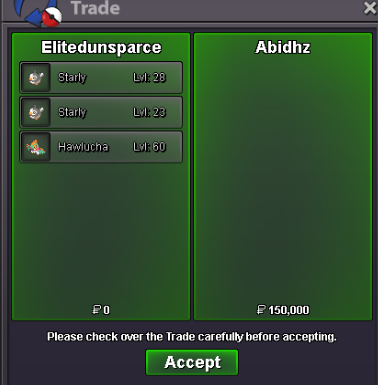
Ty Abidhz
-
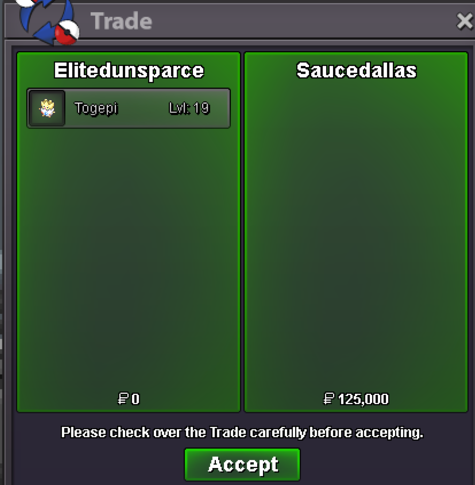
Thanks Saucedallas
-
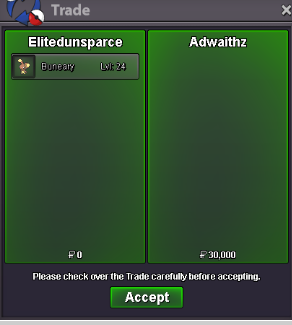
Ty Adwaithz
-
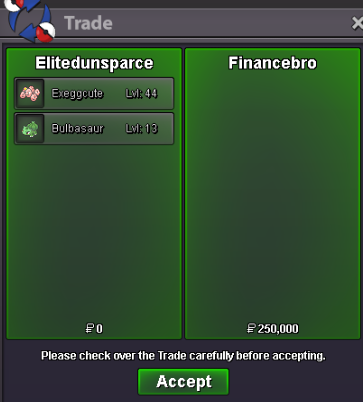
Ty financebro
-
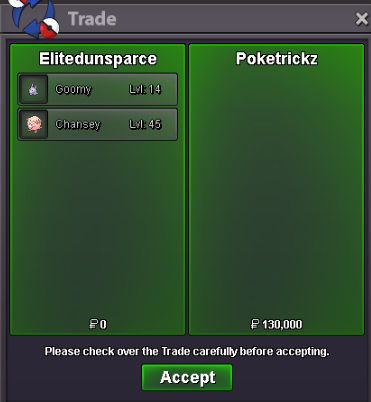
Thank you Poketrickz
-
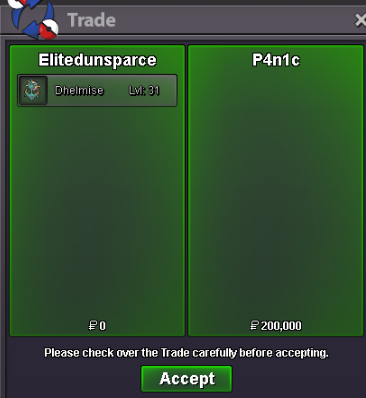
❤️❤️❤️❤️❤️❤️❤️
-
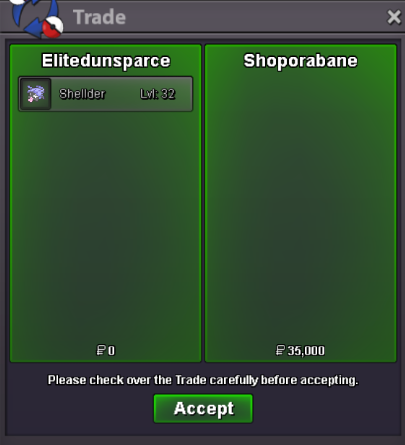
TY
-
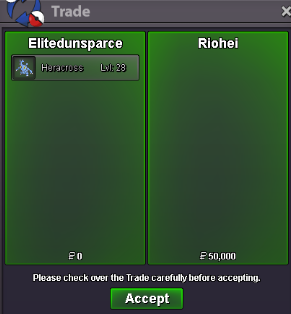
Ty Riohei
-
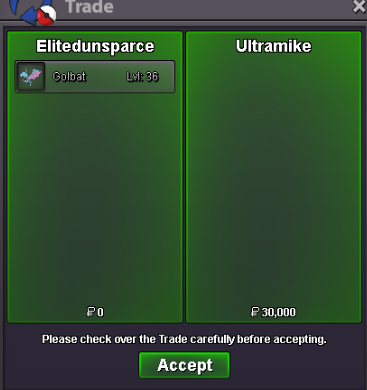
Ty Ultramike
-
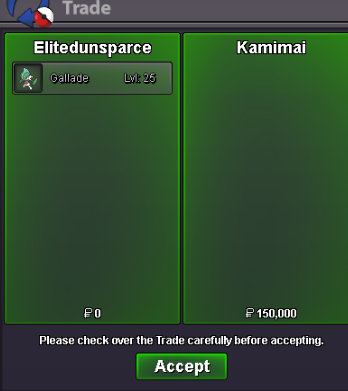
Thanks !
-
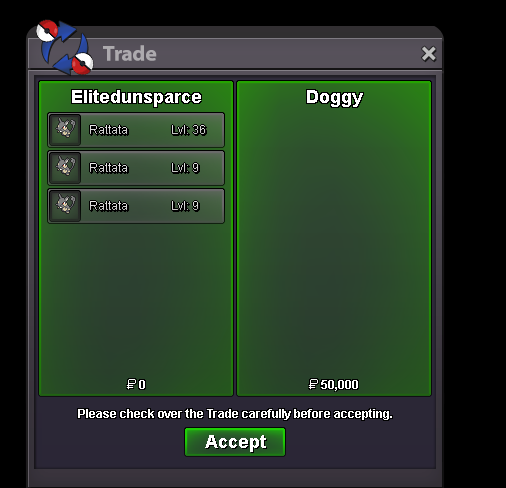
Thanks Doggy ❤️
-
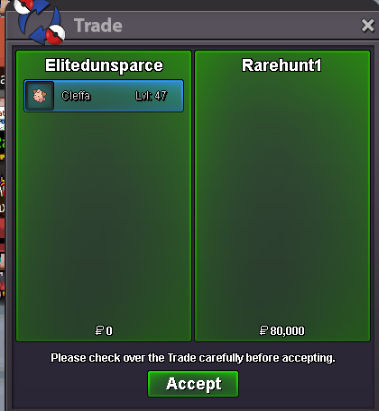
Ty Rarehunt1
-
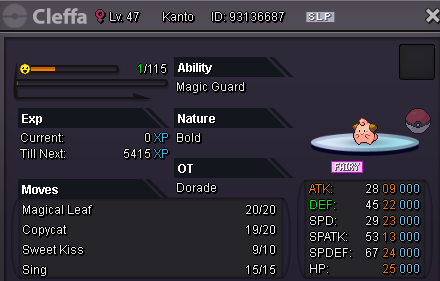
sure, let me know when you are online. I'm right now
-
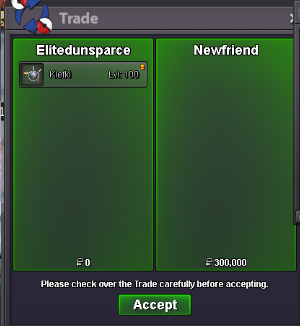
Ty Newfriend ❤️
-
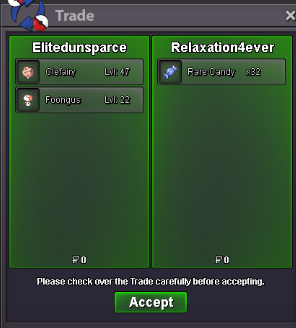
Ty Relaxation4ever !
-
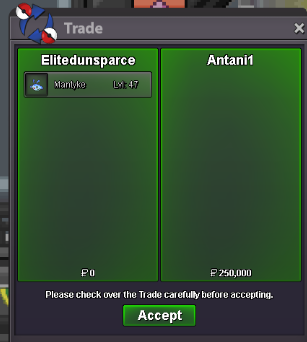
Thank you Antani1
-
Ty Fahimop1999
-
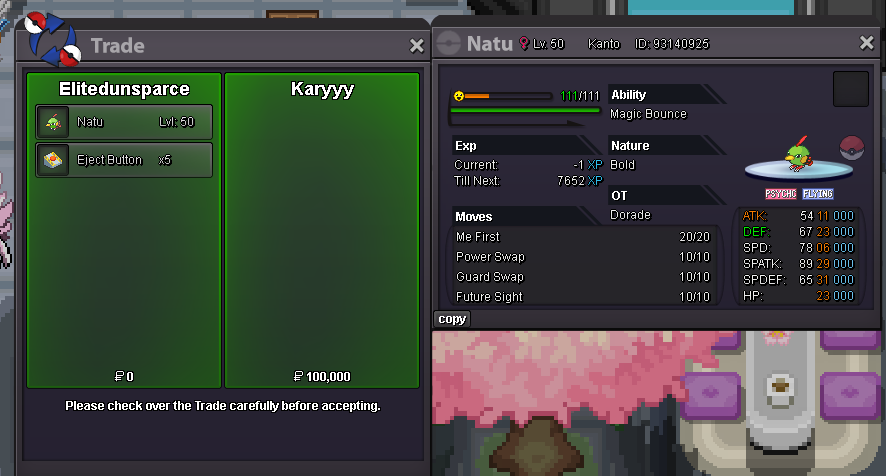
Ty Karyyy ❤️
-
Similarly to other pvp modes, making AG unranked ladder reset every season would maybe make this battle mode more dynamic and invite players to make it up here each month. Even tho it would still not be associated with any reward whatsoever. I think having rewards in AG was already discussed and refused (i'm not trying to reopen this debate). I fail to see the benefits of how it's currently working. If we wanna test teams we can just do friendlies with guild mates or friends (pvpers most likely just use an alt in ranked for it), making AG queue as dead as it could be.
-
why not just make the underground area where we find them the place for evolution ? like you'd have to return there with your hisui poke and use a rare candy there
-
2m
-
5.250m
-
+1 ! This feature is needed !
-
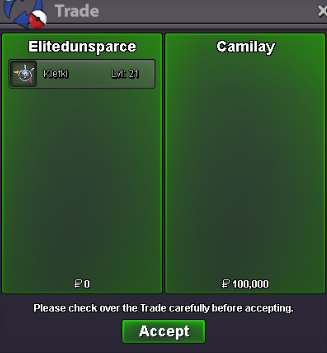
Ty Camilay
-