New Trade Zone
Trade Zone is now live
Use the new Trade Zone for auctions and instant-price trades so Pokemon and item offers are easy to find.

Fallen
Registered User
-
Joined
-
Last visited
Everything posted by Fallen
-
very helpful guide, thank u ᵘʷᵘ
-
best shiny store on the forums, check this stuff out
-
-
5.2m
-
In-Game Name: Fallen Discord Tag: ˢʰᵃᶰᵉ#0488 Server: Silver How often do you use Discord? a fair bit i try to pop in every now and then What is one suggestion you have for PRO Discord? nothing, you guys handle it so well in there, i miss you all btw <3
-
oh good, glad you're staying around, lucky hunt with the future mons then^^
-
count me in, GL to everyone. sad to see a player leave the game, hopefully its not forever
-
Take care buddy, hope all is well with you and i hope it never stops getting better for you, overall great person and someone i could call a friend. it wont be the same without you
-
Bump!
-
bump!
-
bump
-
Selling this epic Darmanitan as you can see Start bid is 2.5mil, 100k increase per bid 4.5m insta the auction will last 4 days starting from the first bid Enjoy!

-
-
yea, it was fixed thank you!
-
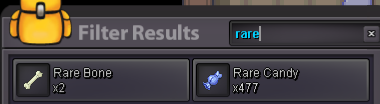
tried selling my rare bone to the item maniac in sinnoh and got this message, although i only get it at that maniac, not the other ones in the regions

-
ur a prize pool tbh
-
ur a gible tbh
-
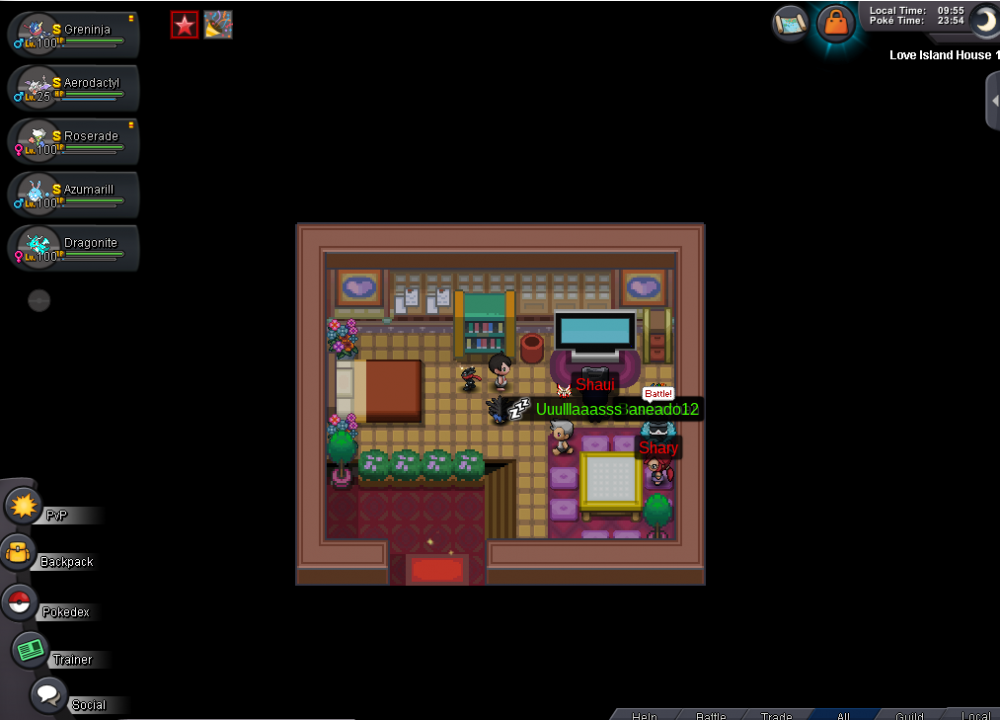
accidentally released my epic cofagrigus or at least cant find it in my pc, would be appreciated if it could be recovered
-
alomomola
-
ur a giveaway tbh
-
sure, where do you want to meet?
-
-
-
im here, IGN is Fallen
-
hi, where do you wanna meet? :)