




New Trade Zone
Trade Zone is now live
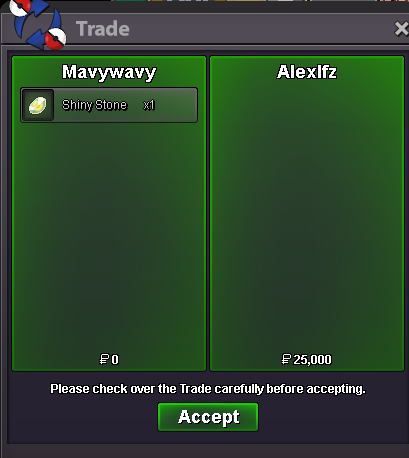
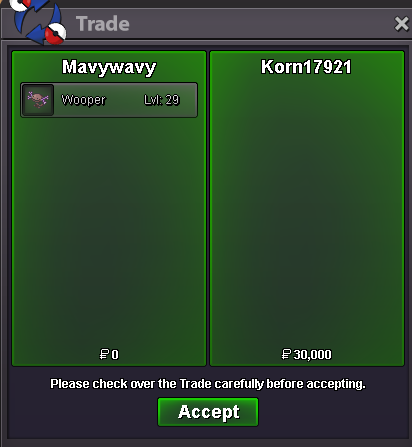
Use the new Trade Zone for auctions and instant-price trades so Pokemon and item offers are easy to find.
All Activity
Past hour
-
I have defeated Damon; I’ve completed 4 fights, but no one else wants to fight me. I’ve checked everything in YouTube videos. The scoreboard shows 9 points for Theschnigge and 3 points for Mako. I think it’s a bug—I’m pretty sure I’ve done everything correctly.
-
Hello Theschnigge, I'm sorry to hear of your troubles in the Zekrom quest. You'll want to make sure you've also defeated Damon before returning to Mannes and receiving the Dark Stone. If you need any help along the rest of the quest feel free to check out the guide at the link below! https://pokemonrevolution.net/forum/topic/274204-zekrom-and-reshiram-quest/ Hope we've addressed all your concerns. Feel free to reach out anytime! Happy Hunting, Lumberjak
Today
-
Hello Staff,IGN: Theschnigge Server: SilverI am stuck in the Zekrom Quest tournament in Eindoak Town. My scoreboard is stuck at Round 4 (Theschnigge: 9, Mako: 3), and none of the trainers across all the islands will battle me anymore. Even after selecting "I want to register another Pokemon" at Mannes and confirming a new Pokémon, the scoreboard still stays at Round 4 and I did not receive the Dark Stone to enter Dragonspiral Tower.Could a staff member please reset my tournament progress so I can finish the quest? Thank you in advance!
-
I liked that multi-farm on the same spot,now we can choose a specific area in the spot for a specific form of a poke,good idea,it should stay like that imo when a rare have multiple forms,and also like it was said adjusting these as well as possible for smooth sync farm and it will be great. 😉
-
That would be so cool!!
-
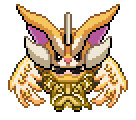
Make arcanine front match with back or front match with back?
-
Also add mirror to be allowed to change gender
-
94deadoralive joined the community
-
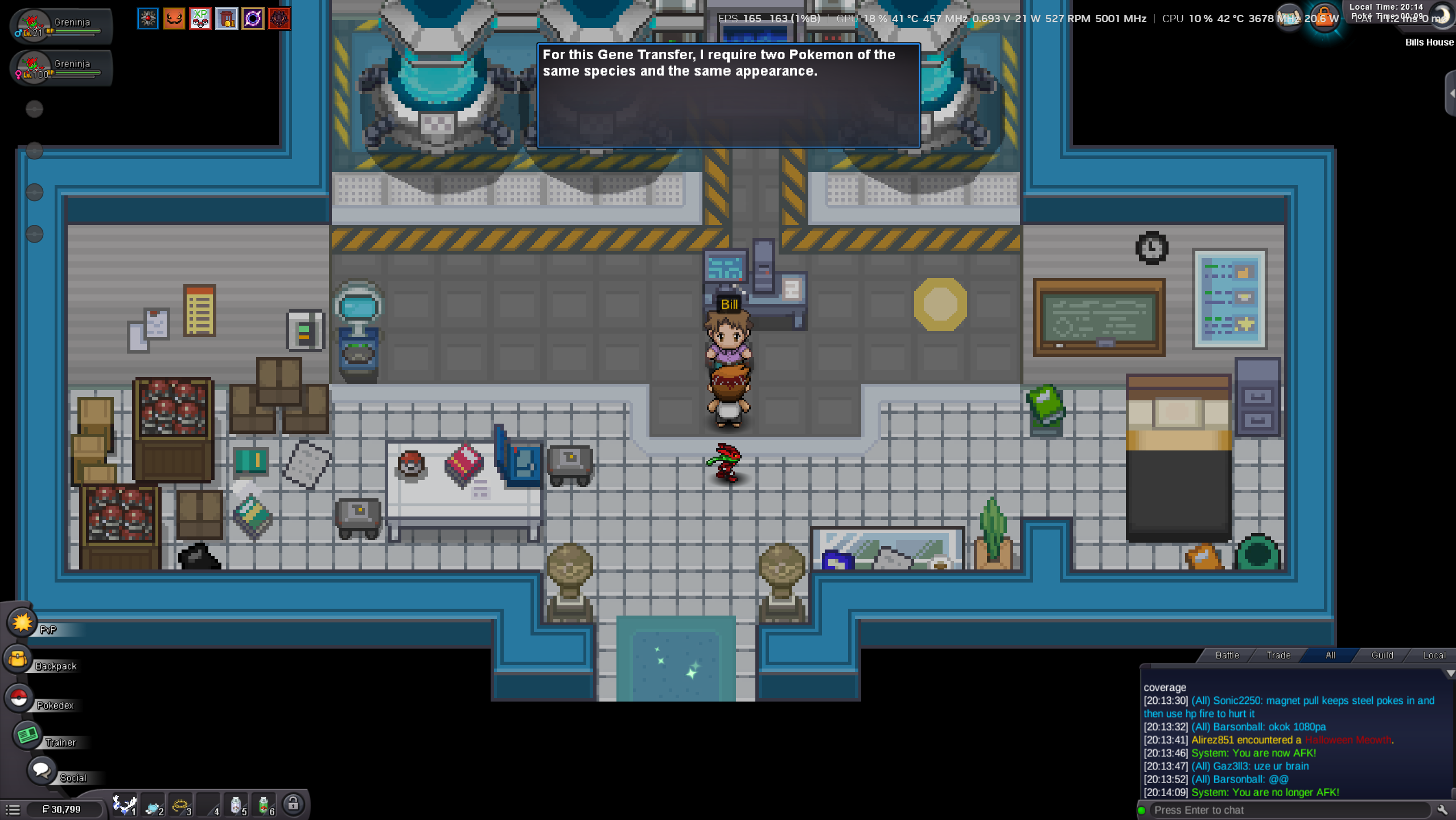
Hi there @1task4force1 ! The reason these two Pokemon cannot be fused is because is the game treats the Battle Bond Greninja line and Protean Greninja line as two separate Pokemon, even though visually they look the same. I'm sorry for the inconvenience. Let me know if you have any further questions. Kind regards, Brambleghast
-
So the arcanine front and back sprite doesn’t match can it be fixed?Jokerboy joined the communityLucas0072023 joined the communityKrazee joined the communitybumpEasyaccess joined the communityDug thru some old posts- Any update on this? @Eaty ☺️
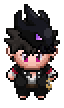
 Waytogodingo joined the communityNinapendakaa joined the communityUtulang joined the community😊Kumyama joined the communityBunniemi joined the communityMy outfit worth more than yourbump!Bump for helping others+1 but apexmonarch is copying my oitfitThank you, kinds regards.Hello! You're very welcome! Remember to catch all the Pokémon available in the Dark Realm to make the Mega Gengar battle easier! Best of luck with the quest! Since everything has been resolved, I'll go ahead and close this thread. If you need any further assistance in the future, please feel free to create a new one. Kind regards. Hallowglow.ohhh that's rlly it, i saw so many videos and walkthrough too, now i see the problem, thanks a lot, this helped me🙂














Account
Navigation
Search
Configure browser push notifications
Chrome (Android)
- Tap the lock icon next to the address bar.
- Tap Permissions → Notifications.
- Adjust your preference.
Chrome (Desktop)
- Click the padlock icon in the address bar.
- Select Site settings.
- Find Notifications and adjust your preference.
Safari (iOS 16.4+)
- Ensure the site is installed via Add to Home Screen.
- Open Settings App → Notifications.
- Find your app name and adjust your preference.
Safari (macOS)
- Go to Safari → Preferences.
- Click the Websites tab.
- Select Notifications in the sidebar.
- Find this website and adjust your preference.
Edge (Android)
- Tap the lock icon next to the address bar.
- Tap Permissions.
- Find Notifications and adjust your preference.
Edge (Desktop)
- Click the padlock icon in the address bar.
- Click Permissions for this site.
- Find Notifications and adjust your preference.
Firefox (Android)
- Go to Settings → Site permissions.
- Tap Notifications.
- Find this site in the list and adjust your preference.
Firefox (Desktop)
- Open Firefox Settings.
- Search for Notifications.
- Find this site in the list and adjust your preference.