




New Trade Zone
Trade Zone is now live
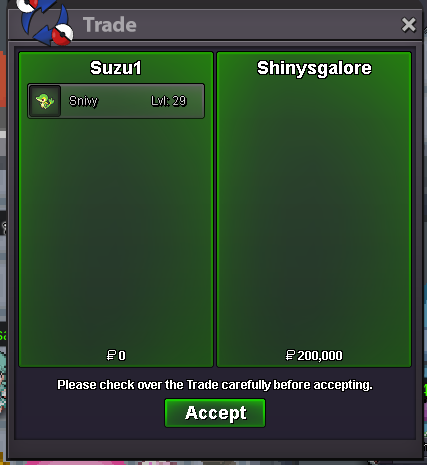
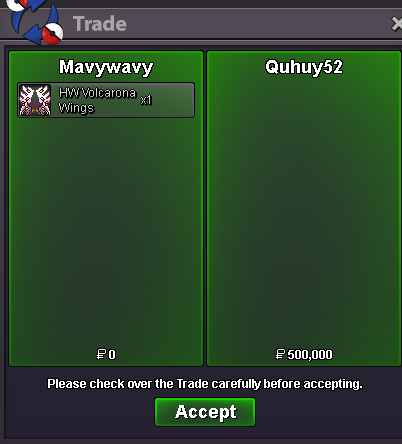
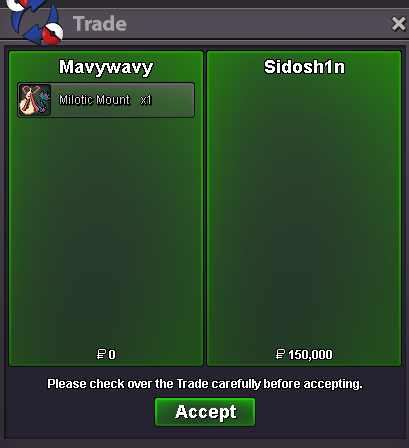
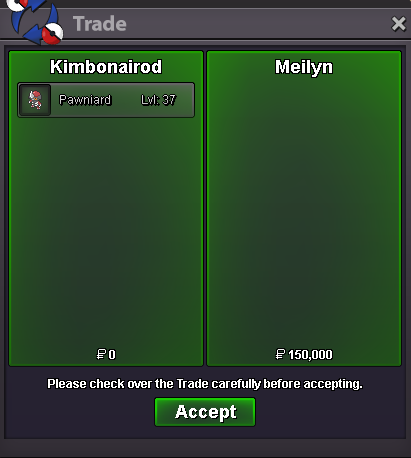
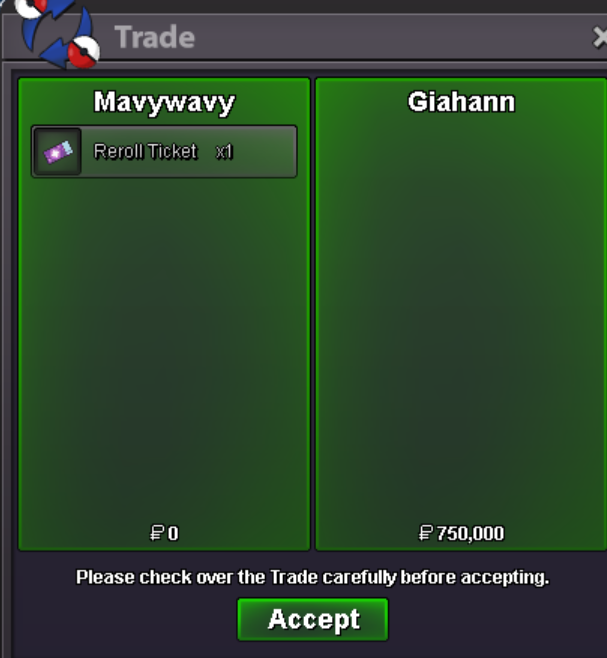
Use the new Trade Zone for auctions and instant-price trades so Pokemon and item offers are easy to find.
All Activity
Past hour
-
bumpy!
Today
-
Svennieboy2108 joined the community
-
Jeramie joined the community
-
Mrmog joined the community
-
Idotekfr joined the community
-
Zackraam joined the community
-
Northwestbest joined the community
-
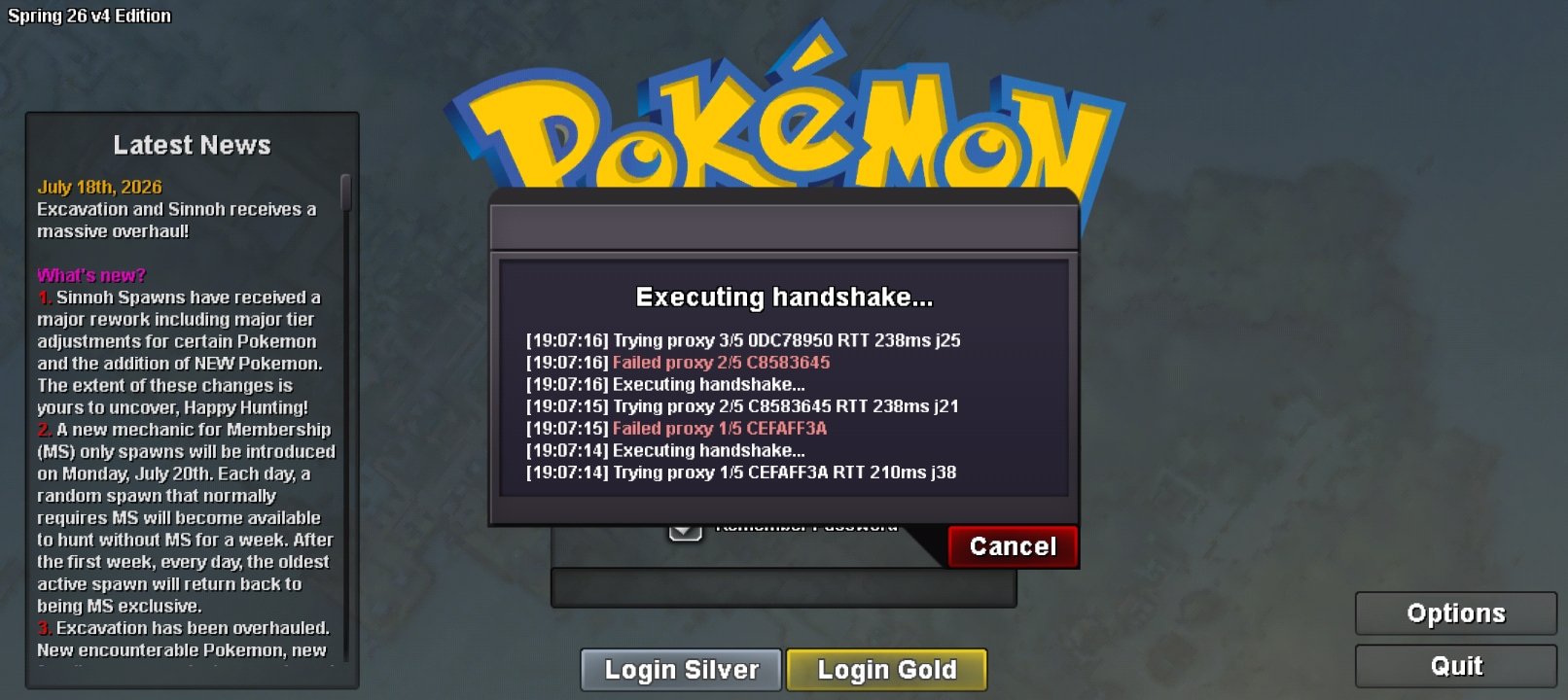
👀BUMP and started TWERKING ...oh la lasame with you, as well. I think this is a server outage on their side.Aubreyaan joined the communitybeen waiting for 10mins and it keeps saying failed proxy etc etc, kinda annoying please fix
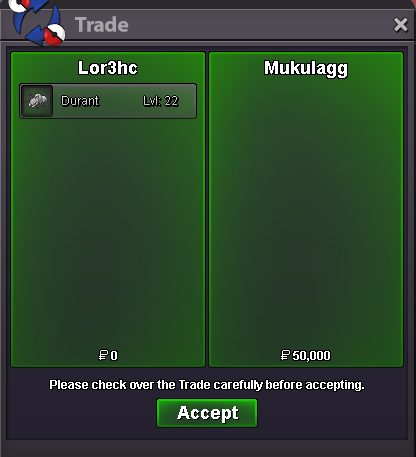
 Selled Durant at Mukulagg
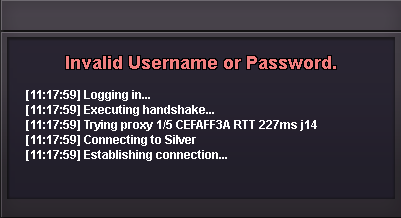
 Luka37 joined the communityPerpetual joined the community+1 more balls sounds funBumpShadowranger19 joined the communityOh that's great to hear! I'll go ahead and close your thread now, but I hope you have a very nice day! AyrooThank you. I changed it to a password that doesn't contain the "-" character, and I was able to log in successfully.Hey, There could be several things going on! Copy-Pasting Passwords: If you are copying your password from something like a notepad doc into the client's login bar, it's possible that you are accidentally copying an additional space character if you are copying more lines than just the line containing your password. Retyping the password by hand into the login screen would be one way to make absolutely certain this does not happen. If you are using auto-fill on your browser, it's possible that your auto-fill has the correct password while you have a different and incorrect password that you are typing into the game client. Double check your browser's auto-fill to see what you have saved! If you are already manually typing the username and password, make sure caps lock is not on. Double check to make sure you are not accidentally inputting the incorrect combination of username and password. For example, some users have essentially the same names for each of their accounts but just slightly different (eg Tim1, Tim2, Tim3, Tim4). If nothing suggested above works, try resetting your password! Then, try using the new password to access your account. Please let me know if you need further troubleshooting!....................I use the same username and password to log in to https://pokemonrevolution.net, but when I try to log in to the app, I get the error message: "Invalid Username or Password."
 IGN: legendeye10 Hours: 1100hr Fav Genereration: Gen 1 and 3 Interests: PvP and PvE Event: Halloween Dungeon Experience: None Yet PvP Rating: normal pvp 165 & Random pvp 175Good evening, could you help me change my email address since I lost the one I registered with for the game? I would appreciate your response. Sincerely, AlexyeiHello! Could you please verify that the email address linked to your account is correct by checking your Dashboard → My Account? Please make sure there are no typos or mistakes in the registered email address. If the email is incorrect or you no longer have access to it, please create a thread in 2FA Email Recovery & Assistance, where the appropriate team will be able to help you further. If the email address is correct, please try requesting the verification email again by double-clicking "here". Kind regards. Hallowglow.Hello! You can go to any region. We appreciate your patience while we look into this issue. Regards. Hallowglow.
Yesterday
Thanks Candy8205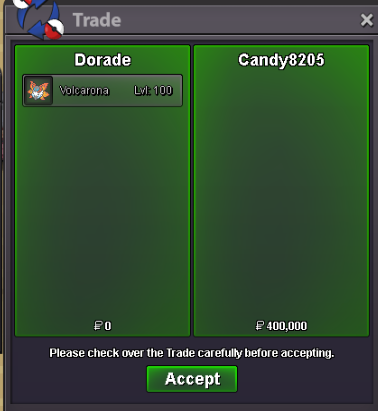 I'm back after JOHTO's LEAGUE for see if good news coming ... but nothing right now, i go to HOENN right now ... PS: I don't know if i need to be in KANTO to fix the quest if someone find something ... i'll back to Kanto (very) soon ... 🤗
















Account
Navigation
Search
Configure browser push notifications
Chrome (Android)
- Tap the lock icon next to the address bar.
- Tap Permissions → Notifications.
- Adjust your preference.
Chrome (Desktop)
- Click the padlock icon in the address bar.
- Select Site settings.
- Find Notifications and adjust your preference.
Safari (iOS 16.4+)
- Ensure the site is installed via Add to Home Screen.
- Open Settings App → Notifications.
- Find your app name and adjust your preference.
Safari (macOS)
- Go to Safari → Preferences.
- Click the Websites tab.
- Select Notifications in the sidebar.
- Find this website and adjust your preference.
Edge (Android)
- Tap the lock icon next to the address bar.
- Tap Permissions.
- Find Notifications and adjust your preference.
Edge (Desktop)
- Click the padlock icon in the address bar.
- Click Permissions for this site.
- Find Notifications and adjust your preference.
Firefox (Android)
- Go to Settings → Site permissions.
- Tap Notifications.
- Find this site in the list and adjust your preference.
Firefox (Desktop)
- Open Firefox Settings.
- Search for Notifications.
- Find this site in the list and adjust your preference.