




New Trade Zone
Trade Zone is now live
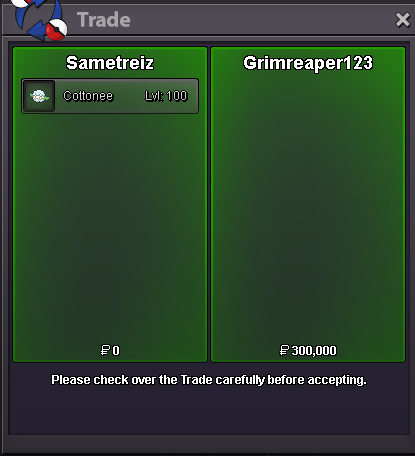
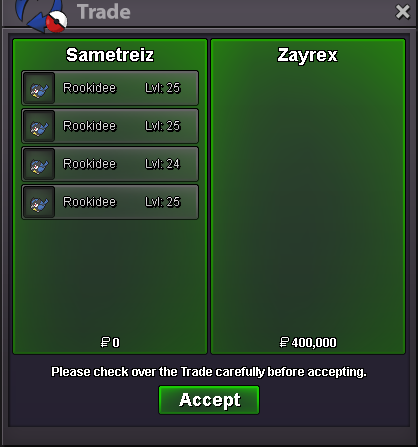
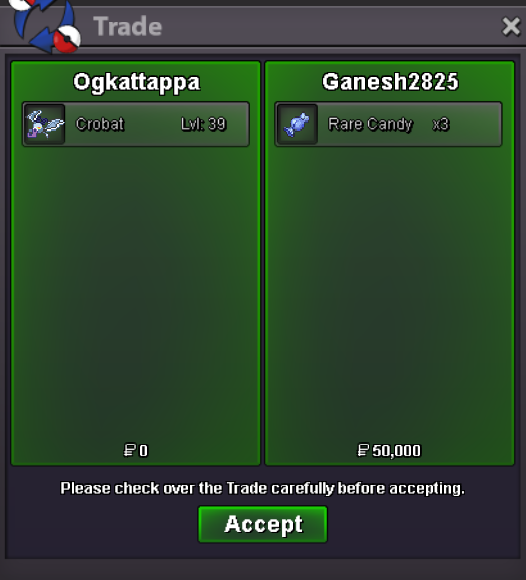
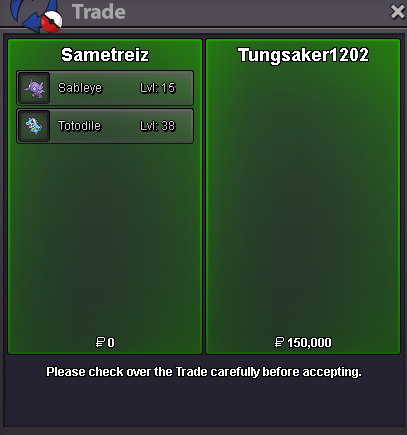
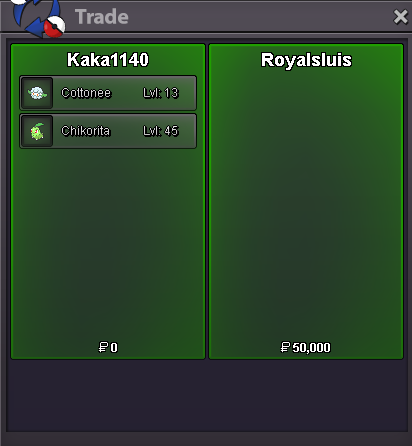
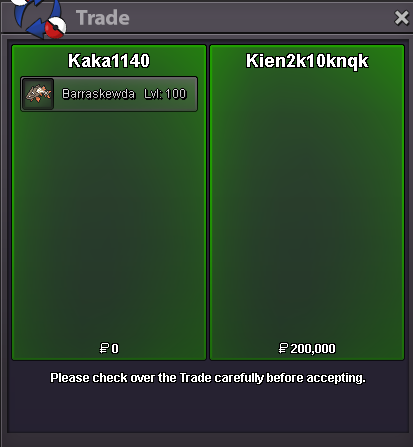
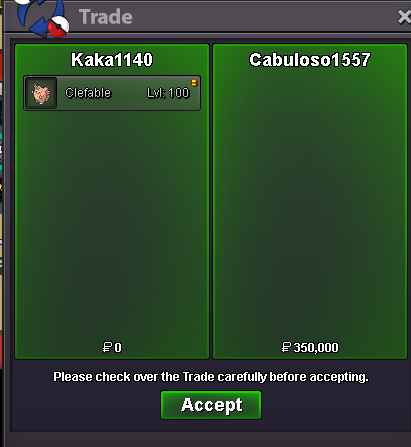
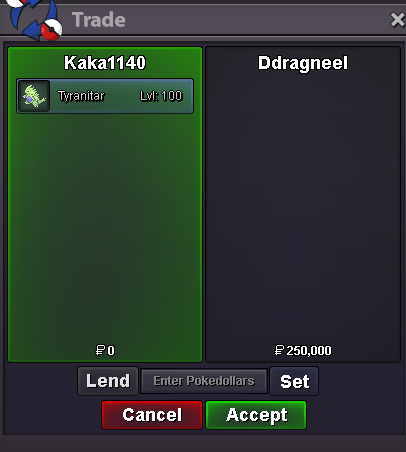
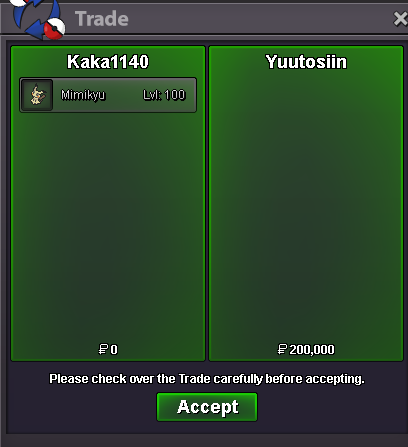
Use the new Trade Zone for auctions and instant-price trades so Pokemon and item offers are easy to find.
All Activity
Past hour
-
Betebszz joined the community
-
+1 it can help out people+1
Today
Shane04 joined the communityMpoipcvg joined the community+1 for new how is learning do the system like we can off or on that feature for certain lvl that feature is will there after some lvl or rate the feature will be removes this will be great for newbies+1Uiqzxtrh joined the community@Laviter first on the VPN and click on silver , when the number changes , then turn off vpn and click the server.Snqywmco joined the communityDjonasty1 joined the communityLjqemixp joined the community🙂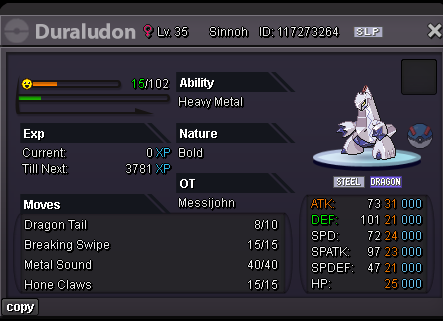 Tiwly joined the communityRomeu22sampaio joined the communityAtsuihi joined the communityHello! Since I haven't received a response from you in a while, I'll go ahead and close this thread. If you're still experiencing this issue or need further assistance, please feel free to make a new thread. Have a great day! Hallowglow.Hello! I'm sorry for the inconvenience. This issue can usually be resolved by completely closing the game client and launching it again. Please make sure the client is fully closed before reopening it. I hope this helps! If you're still experiencing the issue after trying this, please let me know. Kind regards. Hallowglow.Hello! I'm sorry for the inconvenience. Please try waiting a little longer than usual when logging in, as the process can sometimes take up to 10 minutes to complete. You can also try closing the game client completely and reopening it before trying again. If the issue persists, try restarting your router or connecting through a different network, such as switching from Wi-Fi to mobile data. You can also try using a VPN to see if that helps you log in. If you're still unable to log in after trying these steps, please let me know and provide a screenshot of the error you're receiving so we can look into it further. Kind regards. Hallowglow.@Tantankare67 3) means during connecting server, start VPN without cancel and then click silver? or start VPN and then click silver and cancel as many time? I can't still fix it...up+1 need something new+1 good for mewbiesHey Let me know if this fix can fix the game: 1)Check Your usual IP. 2) Start VPN. 3)Then click gold/silver as many times till the number/IP changes. 4)After that turn off the VPN. 5)Click cancel and retry as fast as possible. Hope This Works for you. Please let me know ! @Laviter
.png.395b8fcdd1b33f455c38201e07350da4.png)
.png.2cebff344868c398a98a2b02e455a3d5.png)
.png.7a2256b9a8308c525ebfc9b9717e80a3.png)
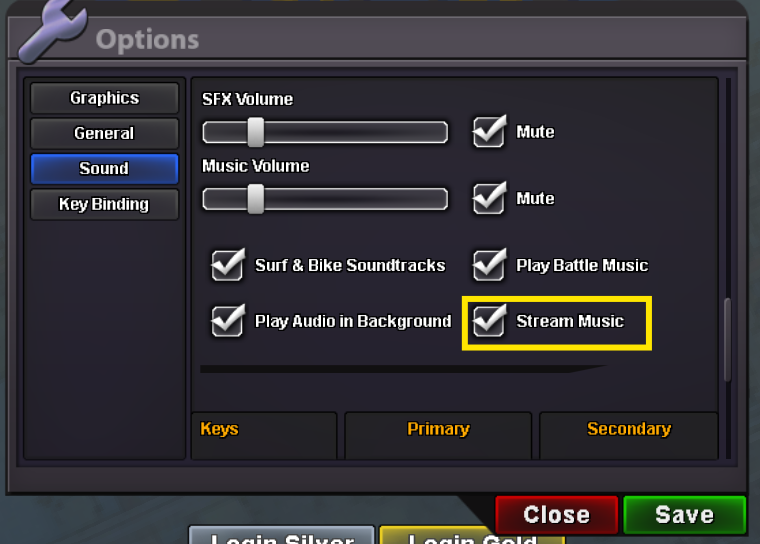
.png.c97f927ef15077d6c8141e4b607c385f.png) Hello again, If you press Esc key options pop up there nagivate to Sound > Disable Stream music You can try disabling some times it fixes.. Hope it gets fixed for you.
Hello again, If you press Esc key options pop up there nagivate to Sound > Disable Stream music You can try disabling some times it fixes.. Hope it gets fixed for you.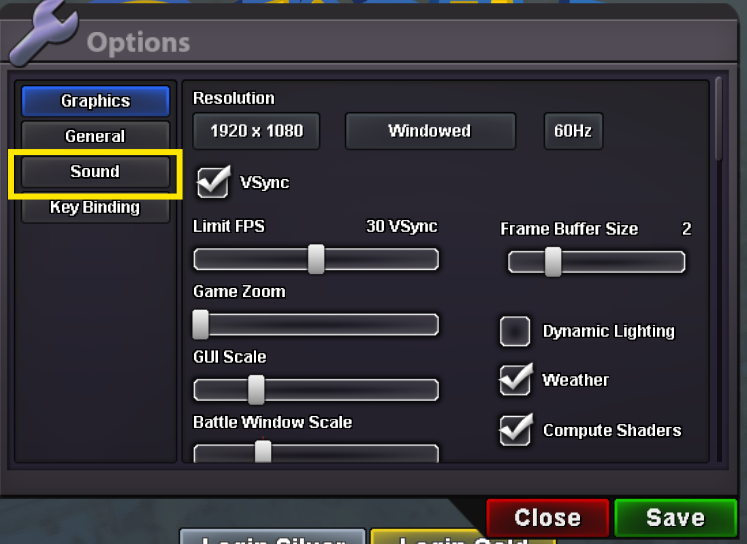
 Bumpbump!
Yesterday
















Account
Navigation
Search
Configure browser push notifications
Chrome (Android)
- Tap the lock icon next to the address bar.
- Tap Permissions → Notifications.
- Adjust your preference.
Chrome (Desktop)
- Click the padlock icon in the address bar.
- Select Site settings.
- Find Notifications and adjust your preference.
Safari (iOS 16.4+)
- Ensure the site is installed via Add to Home Screen.
- Open Settings App → Notifications.
- Find your app name and adjust your preference.
Safari (macOS)
- Go to Safari → Preferences.
- Click the Websites tab.
- Select Notifications in the sidebar.
- Find this website and adjust your preference.
Edge (Android)
- Tap the lock icon next to the address bar.
- Tap Permissions.
- Find Notifications and adjust your preference.
Edge (Desktop)
- Click the padlock icon in the address bar.
- Click Permissions for this site.
- Find Notifications and adjust your preference.
Firefox (Android)
- Go to Settings → Site permissions.
- Tap Notifications.
- Find this site in the list and adjust your preference.
Firefox (Desktop)
- Open Firefox Settings.
- Search for Notifications.
- Find this site in the list and adjust your preference.