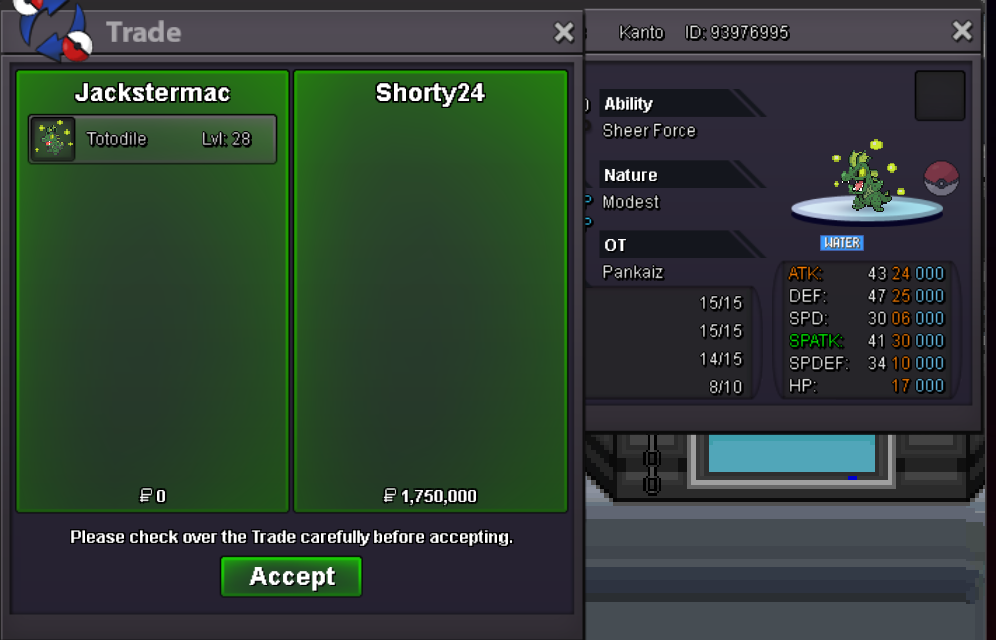
New Trade Zone
Trade Zone is now live
Use the new Trade Zone for auctions and instant-price trades so Pokemon and item offers are easy to find.
All Activity
Past hour
-
bump
-
Genlynx joined the community
Today
-
Elanobazucador joined the community
-
Kristynka joined the community
-
Tonyaas joined the community
-
-
Claraester960 joined the community
-
Monarky joined the community
-
Mahmoud980 joined the community
-
Loudawg joined the community
-
Kcajifycation joined the community
-
Great service very quick !!!! Good price as wellZmyfivca joined the communityIgn:Taushif Server: goldHello! I'm very sorry for the inconvenience. In this case, you'll need to create a thread in the [2FA] - Email Recovery & Assistance section, where the appropriate team will be able to assist you further. Since this matter requires assistance from that team, I'll go ahead and close this thread. If you need help with anything else in the future, please feel free to create a new one. Kind regards. Hallowglow.ID: Silvaurous Server: SilverHello mate welcome to the PRO community! Here you can find another Greek Pokemon Companion. Feel free to send me Friend Request in game and if you need any help with any obstacle you might find in your journey. My ingame name is Liakouras69. Enjoy the adventures!I am unable to update my email address to my current one because I cannot access the verification email sent to the address I originally registered with.It seems the verification was sent to my previous email address, but that old account has already been deleted.
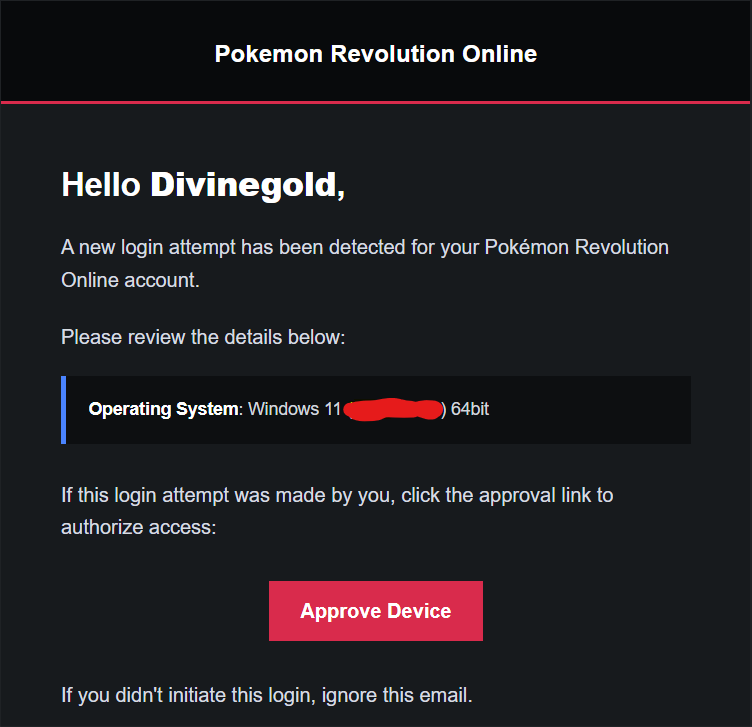
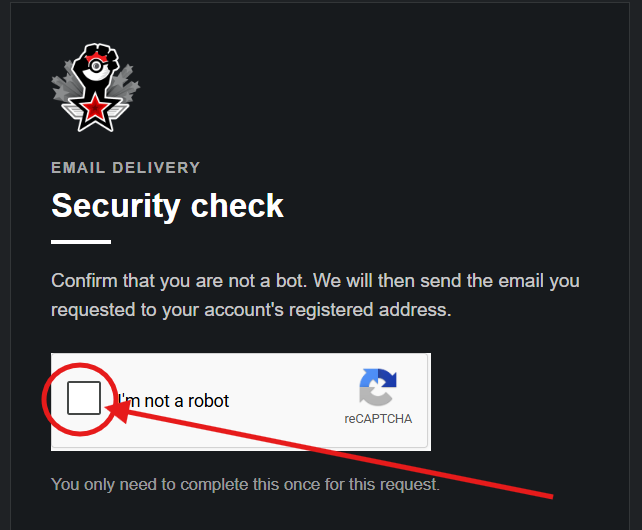
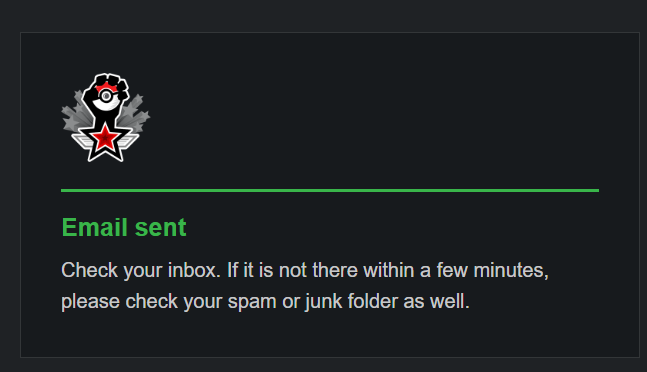
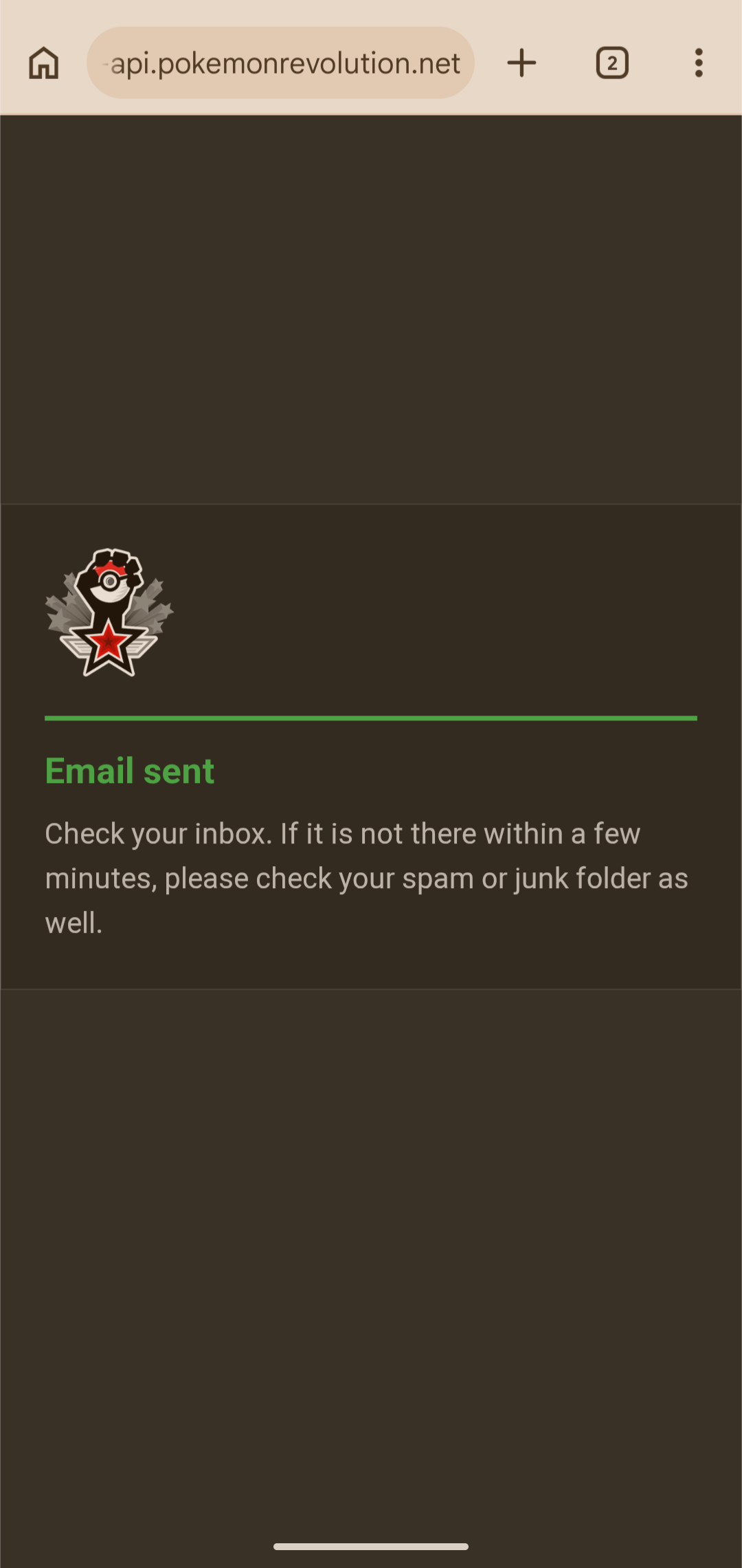 upHello there, If you’re logging in from a new device, a window will pop up asking you to verify it. Click the blue “here” text in that window and complete the CAPTCHA, and you’ll receive an email to approve the new device. Check the email account you updated, including your spam folder, You will find an email similar to this: Once approved, you can start playing with the device. If you’re logging in with the same account on a device you’ve already approved, you won’t need to approve it again, even after changing your email. Hope this was helpful..
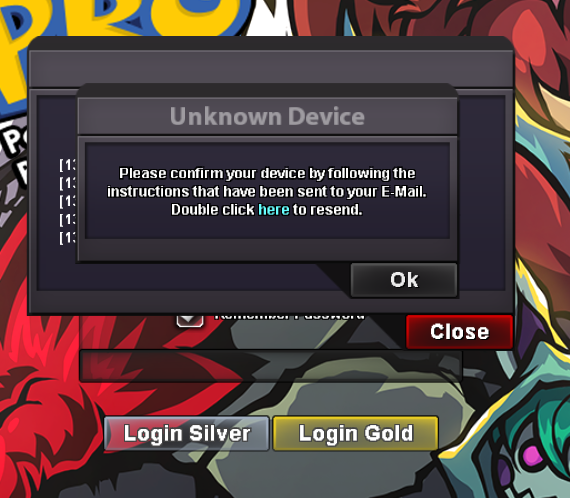
 I have updated my email address and would like to request assistance with logging into the game. Thank you.ID: Nab Server: SilverID: Sabito12 Server: SilverBump all hlw quests available dm me for priceDone in a timely manner. Would use againHpkauee Silver server :)a really good and fast service experience!
Yesterday
Username: Belzhar Server: GoldPappadolqq - SilverHello! I'm sorry for the delay! Are you still having trouble with the Elder Dragon quest? Kind regards. Hallowglow.Hello! I'm very sorry for the inconvenience. It's possible you may have missed a hidden pumpkin. There are actually more pumpkins available than the ones shown in the guide linked above. Kind regards. Hallowglow.Boredumb-Silver