




New Trade Zone
Trade Zone is now live
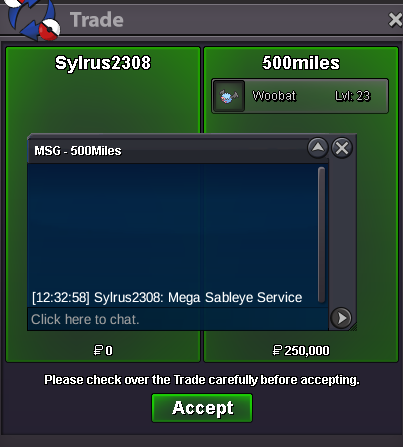
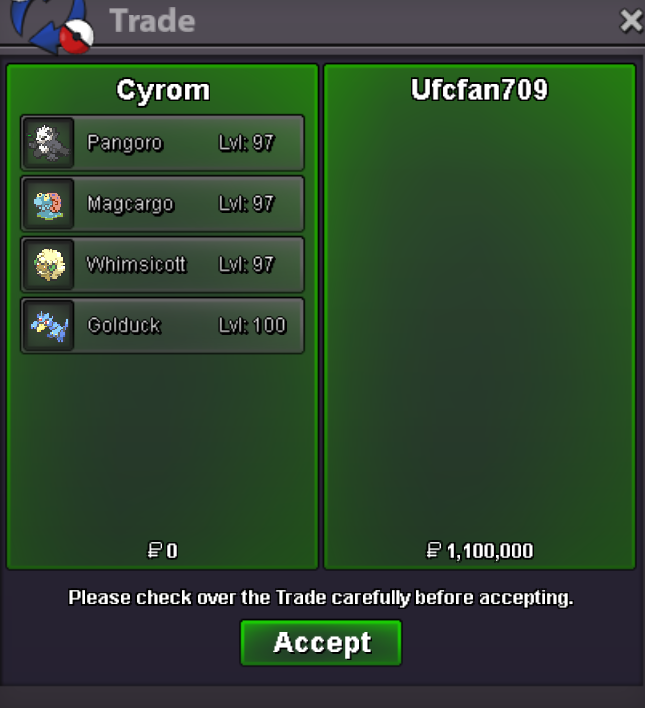
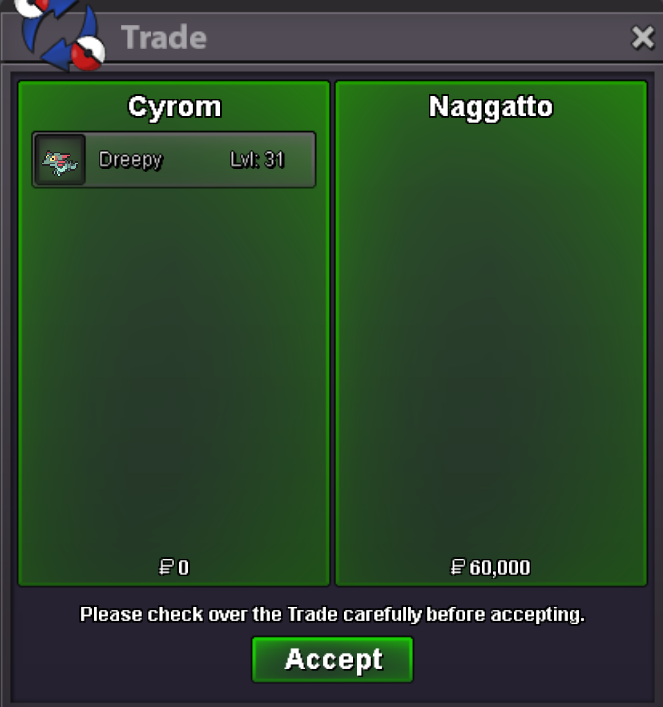
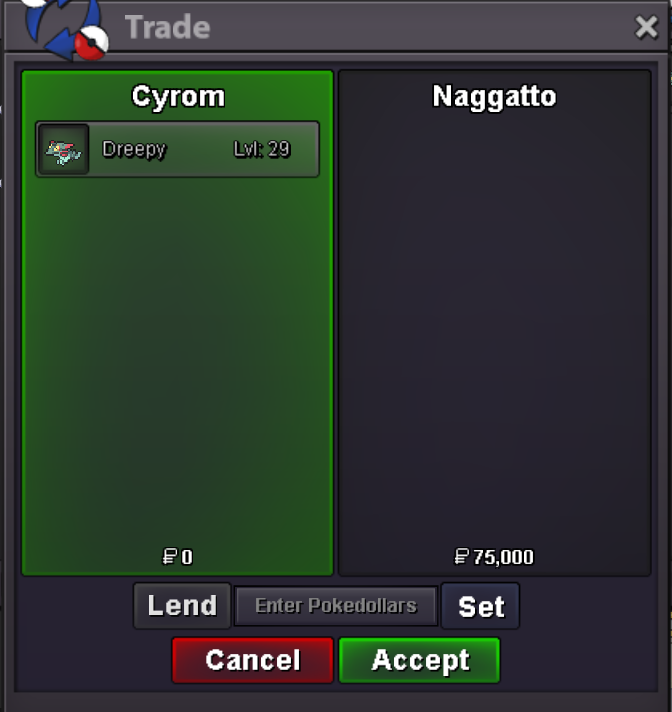
Use the new Trade Zone for auctions and instant-price trades so Pokemon and item offers are easy to find.
All Activity
Past hour
-
Rubens1 joined the community
-
Today
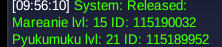
Hello,I'd like to propose a better way to play the game with controller,instead of having keybinds make it like the original pokemon games where you browse the options,for example in battle you get automatically highlighted the "fight" option you hit "A" and it goes to the moves then you select the move using arrows and hit "A" again to use it or "B" to go back that's much easier,better,simpler and "nostalgia" friendly to use than using actual keybinds for each option,of course the keybinds can be still used for the quick bar and menu options but basically would be great if we could just browse every tab using the arrows and A/B to either confirm or go backXtorpedo joined the communitybumpHello, I don't know if this is the right place to post this. I accidentally deleted two poke and would like to ask if they can be restored. I have ss of their release and IDs (the two Pyukumuku - it was today 21/07/2026. Ty.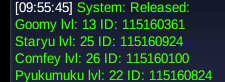
 Osjecanin joined the communityupThank you very much for your patience! Could you next please try to faint the Shellos and then level it by directly fighting with it again? If the above doesn't work, please try to trade the Shellos back and forth with another character, and then try leveling it directly again. This is an infrequent bug but it does occasionally happen and is actively being worked on, thanks again for your cooperation!I can surf now ,I didn't see that path before so thank you 😁using this app,its working awesome and havent found any bugs or any problem with it. cool thing about this we can also multi hunt or multitask with this app. very helpful to track spawns and your trash luck. thanks to shishagames for intoducing such a cool thing !!!Pierrefelipe joined the community07202026 Updates: Updated tracker available for download. Follow the instructions on the post. PSA: If you want accurate numbers in an area that has had its spawns changed, I recommend clearing your historical tracker section. If you want, go into your /data folder and save a copy of the .json for your own keeping. Notes: The Tracker has been updated with all of the newly update Sinnoh Spawns. BCC and FCC areas have been updated to include the newly added spawns. Secondary monitor selection support has been added You can now select your screen on monitors other than your main monitor. Resolution testing Testing varying resolutions and identified 1024x768 or higher as resolution that did not appear to miss any spawns. Added check sums for OCR parsing errors such as parsing a l into an I (looking at you Alolan variants). Revamped file I/O calls to reduce the amount of times files are referenced (increasing app speed) Removed day cycle information (may add back later but for now it was irrelevant information for the scope of this application) Removed the text label for Common, Uncommon, and Rare. This decision was made to allow the numbers to shine through. Added Excavations to selectable hunting areas! All sites and associated spawns have been added. Once you finish a site, select the Stop Tracking button, select the next site you are going to, and the resume hunting. That's all I can think of that was changed. If you run into any bugs please let me know and I will do what I can to address them. Be advised, this may not be in a very timely manner so apologies before hand. 🫠shop is closed temporarilyCanutin joined the communityDragondarkkk joined the communityTroll1 joined the communityUploading Attachment...
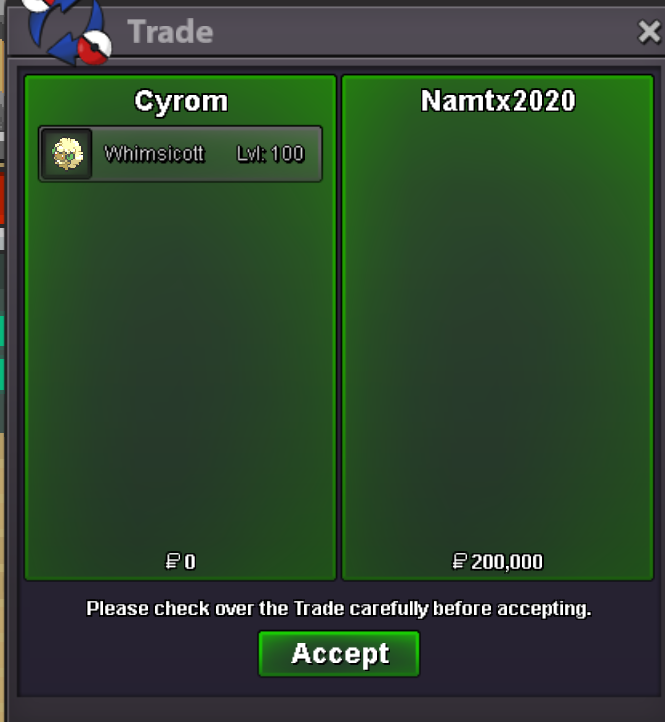 Hello,Sir Thank you for your help. You were correct. I had missed talking to Barry at Lake Acuity. After completing that interaction, the story progressed normally. Thank you for your time and assistance.Warr420 joined the communityMarselha joined the community
Yesterday
Meryphillia joined the communityyou can pm me in discord vaxildan8 or ingame KhontkarrkHello @Bunnypxnk ! From what I see you never talked to Barry in Lake Acuity, what happens if you try to go back there and talk to Barry ? Let me know. Very Respectfully, ZarachiHi, looking for a guild not focussed on pvp, not a great player except for randoms. Returning player after a couple of years, now just chilling between dailies and hunting. Uploading Attachment...
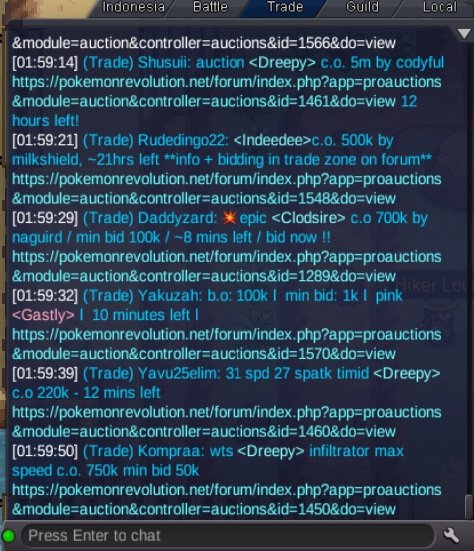
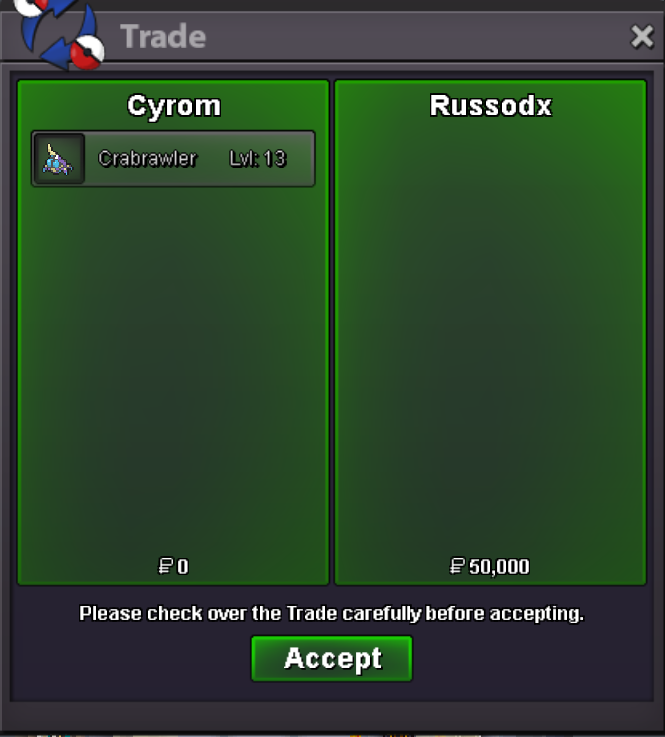 Apologies, I’d like to make a suggestion to make the trade chat easier to read in future. To the developers, could you simplify the link text in the in-game trade chat to just <link>? This would make it look tidier, as not all users want to see links; sometimes, if they’re clicked by accident, it can be a nuisance. Thank you in advance for taking the time to read this. That’s all I have to suggest. Thank you for providing such an engaging game and for keeping it up to date.
 @Atoums Hey I noticed you are using the graphic I made for the new Sinnoh spawns I have another graphic for excavation sites if you want to use itAdd possible natures besides the sites. Feral - Timid/Adamant Historical - Jolly Haunted - Adamant Mineral - Jolly Glacial - Timid/Modest Natural - Timid/Jolly Wondorus - Timid Briny - Bold/Calm Draconic - Naive
























Account
Navigation
Search
Configure browser push notifications
Chrome (Android)
- Tap the lock icon next to the address bar.
- Tap Permissions → Notifications.
- Adjust your preference.
Chrome (Desktop)
- Click the padlock icon in the address bar.
- Select Site settings.
- Find Notifications and adjust your preference.
Safari (iOS 16.4+)
- Ensure the site is installed via Add to Home Screen.
- Open Settings App → Notifications.
- Find your app name and adjust your preference.
Safari (macOS)
- Go to Safari → Preferences.
- Click the Websites tab.
- Select Notifications in the sidebar.
- Find this website and adjust your preference.
Edge (Android)
- Tap the lock icon next to the address bar.
- Tap Permissions.
- Find Notifications and adjust your preference.
Edge (Desktop)
- Click the padlock icon in the address bar.
- Click Permissions for this site.
- Find Notifications and adjust your preference.
Firefox (Android)
- Go to Settings → Site permissions.
- Tap Notifications.
- Find this site in the list and adjust your preference.
Firefox (Desktop)
- Open Firefox Settings.
- Search for Notifications.
- Find this site in the list and adjust your preference.