




New Trade Zone
Trade Zone is now live
Use the new Trade Zone for auctions and instant-price trades so Pokemon and item offers are easy to find.
All Activity
- Past hour
-
-
-
Gwenhwyfar94 joined the community
-
Czekun106 joined the community
-
is negotiation possible ?
-
ign name is Antizheng
-
Empanadalover joined the community
-
Sssang joined the community
-
Juanika joined the community
-
Fouy joined the community
-
Good day @Ramzi2525 The Lustrous Orb can be found one of two possible locations within Wayward Cave. The first location is in the North West corner of Wayward Cave and requires entering Wayward cave through the main entrance which is on the east side of Cycling Bridge. Possible Location 1 The second location requires entering Wayward Cave through the hidden entrance that is under the Cycling Bridge. Once you enter, continue down the ladder and then progress through the cave. Finally, cross the bridge and go up the ladder. Be sure to bring Flash with you. Possibly Location 2 If desired, you can follow the Lake Trio Quest Guide. If you are unable to find the orb in these locations, please post a screenshot of each location with the lack of item there. I hope this information finds you well and look forward to hearing from you. Regards, Bitterblade
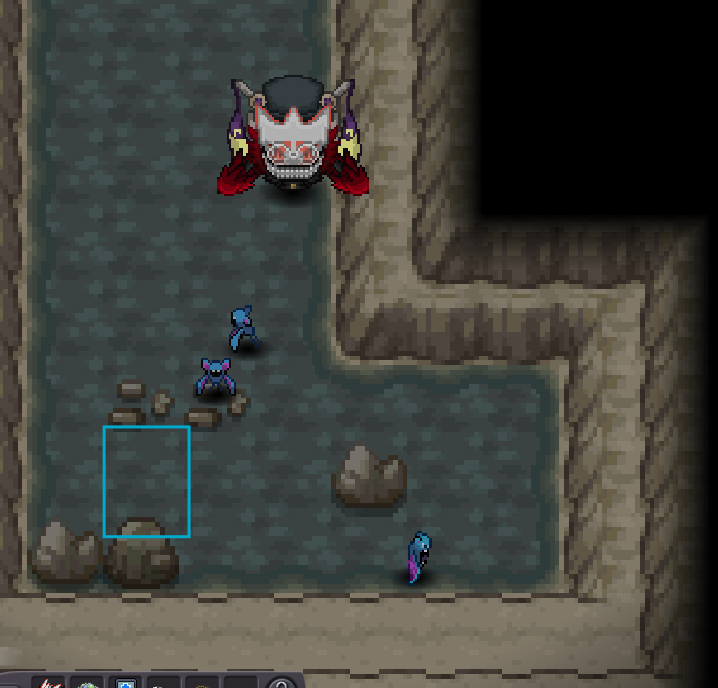
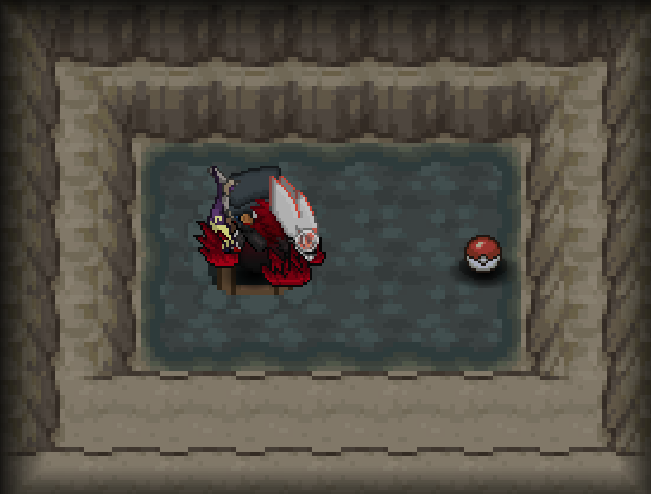
-
- Today
-
650k meta
-
Hello @Belzebabybel I have edited the title of your auction as it was misleading. Please be more careful in the future. best of luck, Glitterwing
-
0nabil0 changed their profile photo
-
Yuasuna changed their profile photo
-
Professoraichu joined the community
-
Molayne changed their profile photo
-
600k meta
-
Farrapovelho joined the community
-
Molayne joined the communityStarting price lowered to 13mVioforpeace joined the communityIGN: Hakunahydroo Timezone: GMT+2Yes im online, pm me ingamethanks for shopping! <3
.png.a0109163a256fe85895576d683bda6a5.png) Hello. Can we trade now?600kBumpTrade completed. Thank you for bidding.
Hello. Can we trade now?600kBumpTrade completed. Thank you for bidding.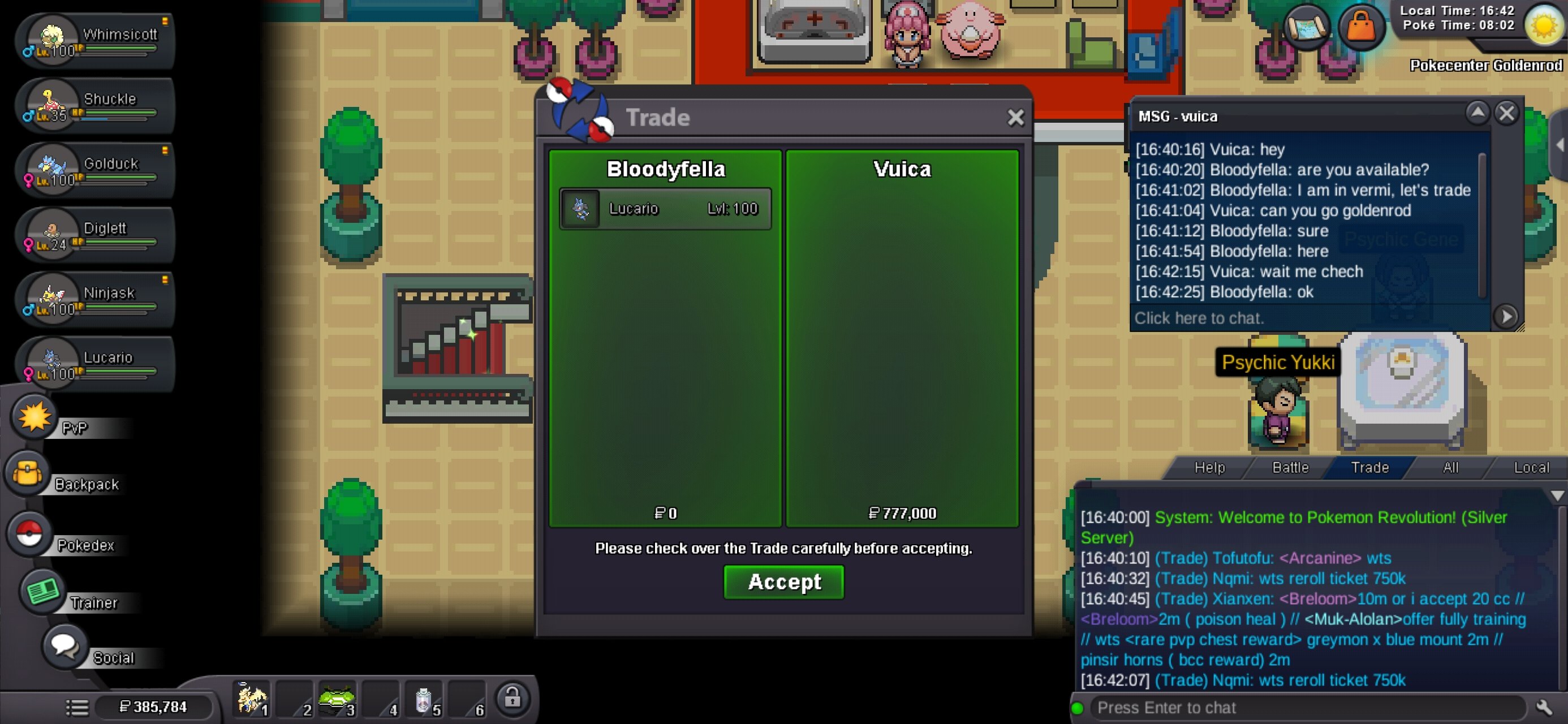 Varrtaa changed their profile photo16mcan i start it at 10m?





























.thumb.png.8639013211f9819a42fbe3b947cb606d.png)
.thumb.gif.5ca2bb8ab27bad84c457676cd94efcb7.gif)



Account
Navigation
Search
Configure browser push notifications
Chrome (Android)
- Tap the lock icon next to the address bar.
- Tap Permissions → Notifications.
- Adjust your preference.
Chrome (Desktop)
- Click the padlock icon in the address bar.
- Select Site settings.
- Find Notifications and adjust your preference.
Safari (iOS 16.4+)
- Ensure the site is installed via Add to Home Screen.
- Open Settings App → Notifications.
- Find your app name and adjust your preference.
Safari (macOS)
- Go to Safari → Preferences.
- Click the Websites tab.
- Select Notifications in the sidebar.
- Find this website and adjust your preference.
Edge (Android)
- Tap the lock icon next to the address bar.
- Tap Permissions.
- Find Notifications and adjust your preference.
Edge (Desktop)
- Click the padlock icon in the address bar.
- Click Permissions for this site.
- Find Notifications and adjust your preference.
Firefox (Android)
- Go to Settings → Site permissions.
- Tap Notifications.
- Find this site in the list and adjust your preference.
Firefox (Desktop)
- Open Firefox Settings.
- Search for Notifications.
- Find this site in the list and adjust your preference.