




New Trade Zone
Trade Zone is now live
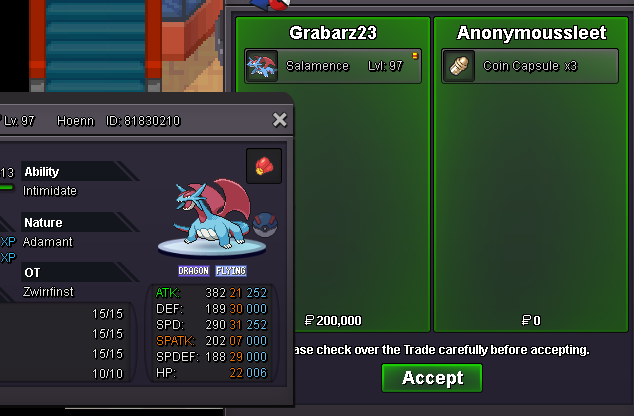
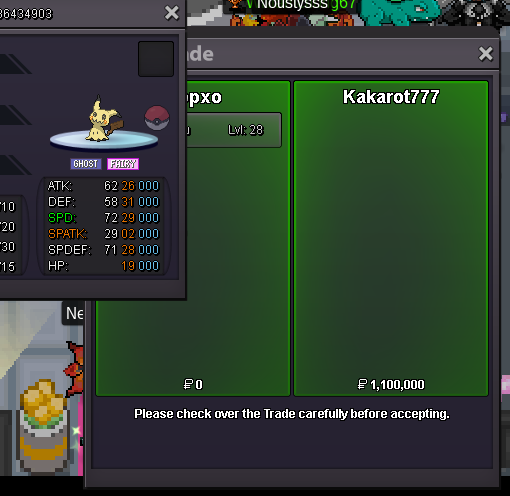
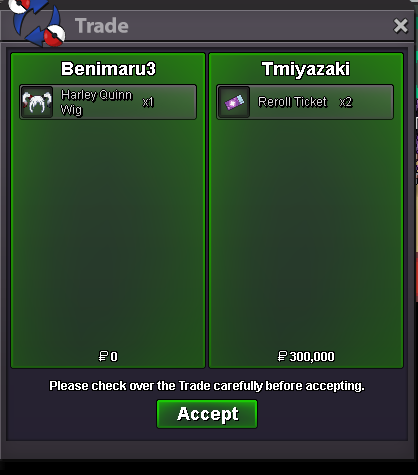
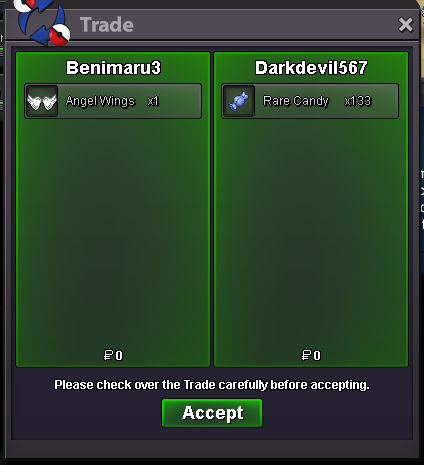
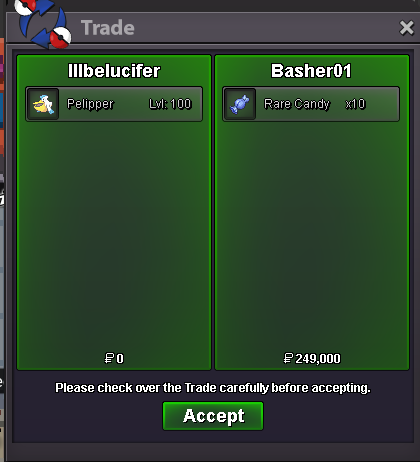
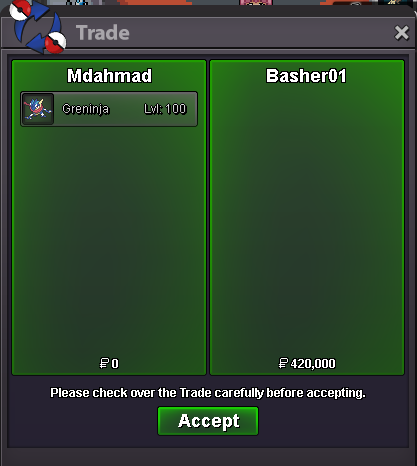
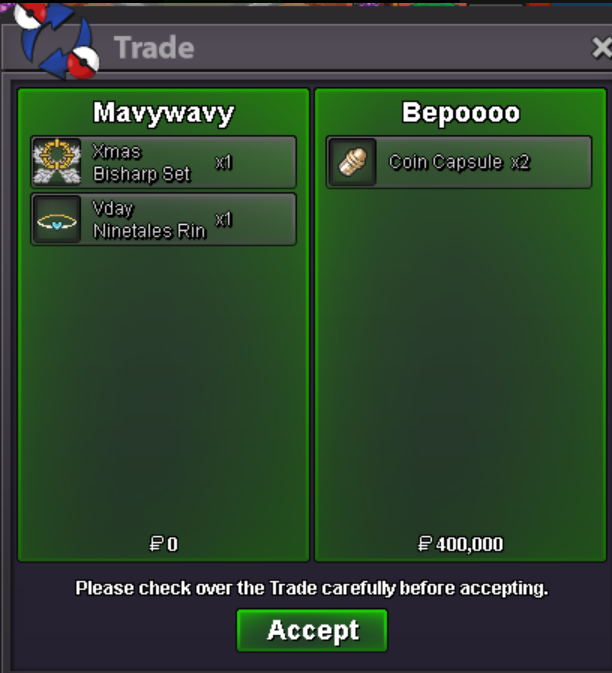
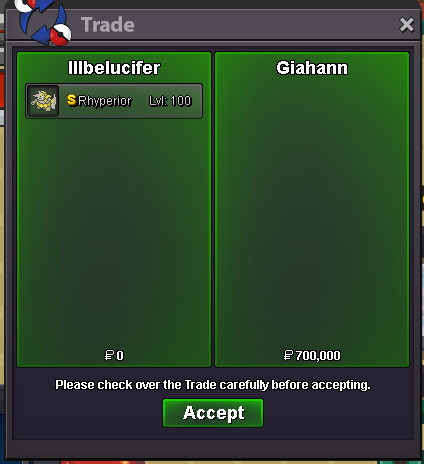
Use the new Trade Zone for auctions and instant-price trades so Pokemon and item offers are easy to find.
All Activity
Past hour
-
Ryuchik joined the community
-
Good day @3ttor3 I apologize for this inconvenience. Has Wonderaliss recently completed any quests such as the Pinkan Island quest line, Heatran, etc.? There are many quests in PRO that will temporarily remove the players Pokeballs (of all tiers). The balls will be held by the quest's respective NPC that has taken them. For example, in the Pinkan Quest, the ranger at the entrance to Pinkan Island Forest in Pinkan City will take the Pokeballs until the player has completed Part 1 of the Pinkan Island quest line. These Pokeballs can be retrieved by speaking to the respective NPC. I hope this information finds you well and I look forward to hearing from you. Regards, Bitterblade
-
Vickym joined the community
-
This sounds like a quest flag getting stuck rather than Dawn being permanently gone. Before asking for a full reset, I’d try a few basic checks: Go back to the Veilstone Gym and make sure you’ve spoken to the correct NPCs after beating Maylene. Check the Galactic Warehouse entrance and nearby areas, sometimes the NPC only appears after the previous dialogue trigger fully completes. Try a full relog (close the game completely, not just disconnect/reconnect) and move to another region before returning. If Dawn is still missing from both locations, then a staff member will probably need to manually fix the quest variable. When posting a ticket, include your username, server, and exactly which story step you completed (gym badge obtained, Dawn dialogue triggered, but double battle not started), because they’ll need that information to reset the correct stage rather than restarting the whole Sinnoh storyline.
-
Kirbyr joined the community
Today
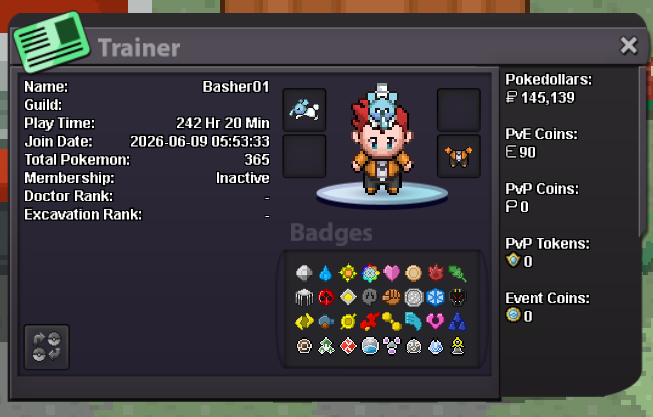
Ken0021 joined the communityShionlnxs joined the communityOoh yeah sorry my bad I didn't see that,any ways thank you so much 😀Rainychank joined the communityRomulus101 joined the communityYou can not surf from there. Walk left and up and right. You will see the roadI have been leveling it up in cerulean cave, using exp share. I tried with a few candies to pop the levels to see if it would trigger evolution, and i tried stones to evolve.BumpHello,I can't surf in sendoff spring water area I am sinnoh champion and I have surf mount and surf Pokemon but I can't surf in sendoff spring it says you need next to water to surf but I am next to water still not working please solve the problem. Thank you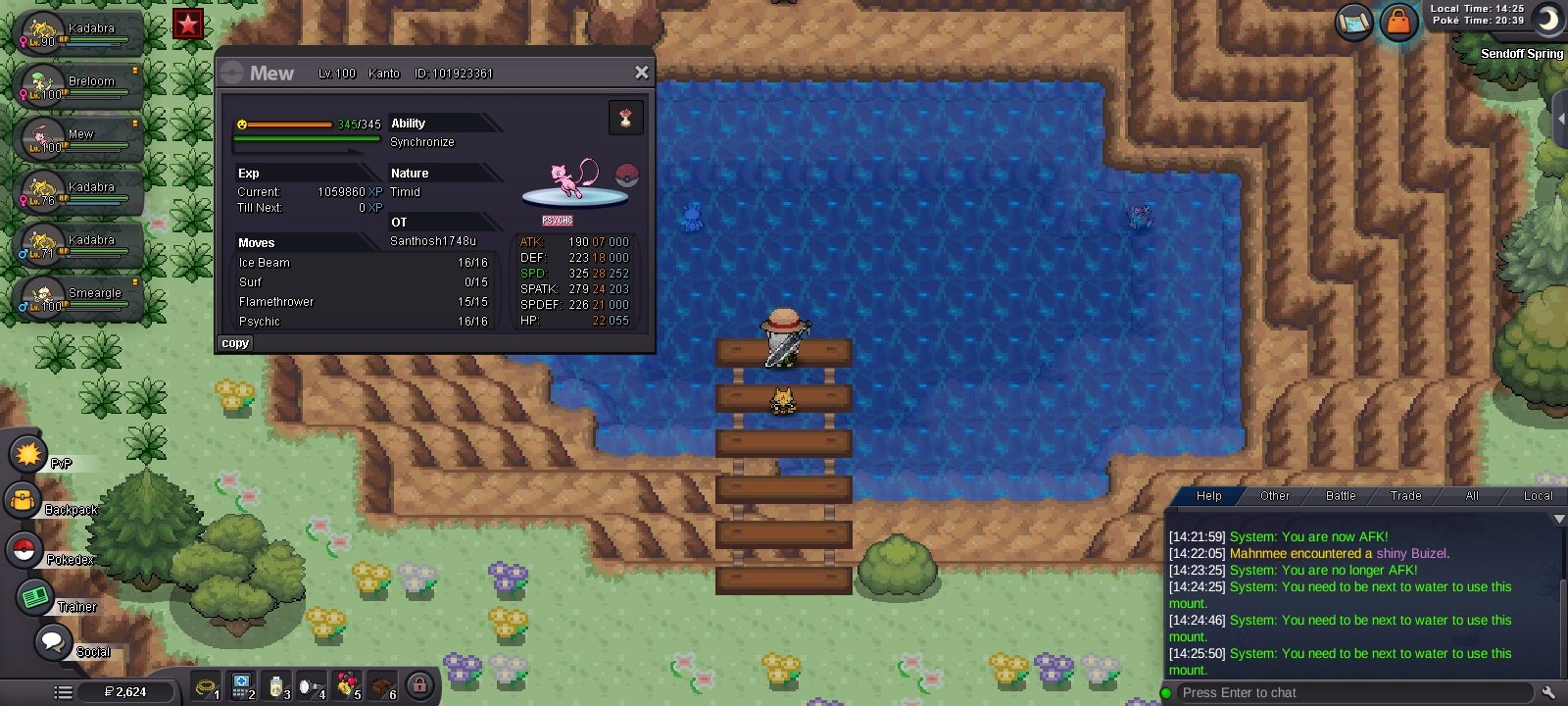 Hello, I'm writing for one of my friends. Its account is Wonderaliss (hope it is not a problem if i ask for her). It seems like all her pokeballs, including the masterball, are gone but she didn't use them. Do you have the possibility to check this matter?Age: 18 From: India Favourite thing: Pvp,making freinds Fav poke: Rayquaza discord:voltz_dark
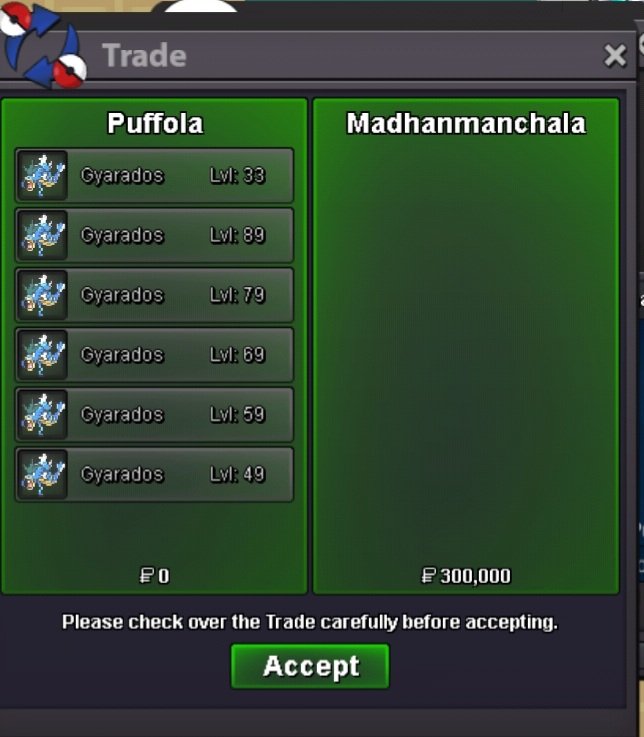
 Pergolettese03 joined the communityMujaddara joined the communityPergolettese joined the community61st service Thanks @Madhanmanchala for the trust!💚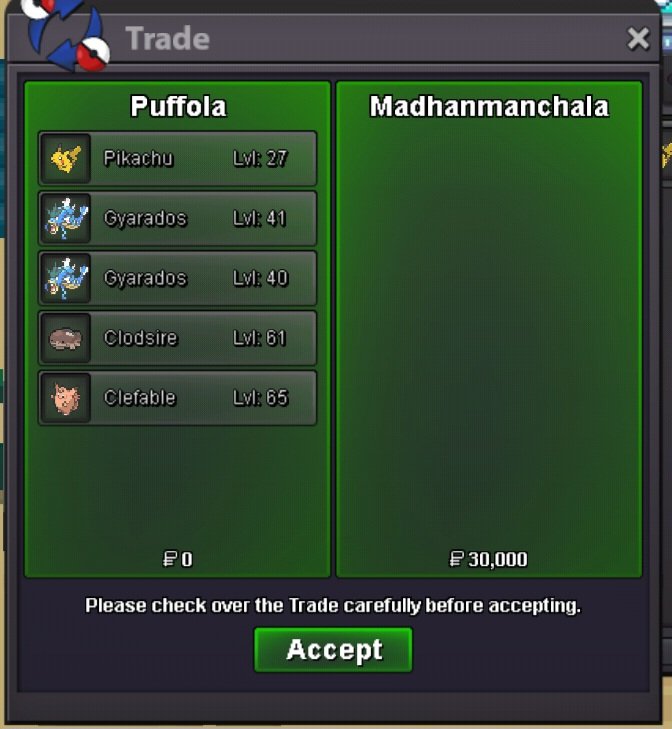
 Hey, I'm really sorry about the delay in getting back to you about this! Early on in the first few months after the box update was published, numerous players reported similar issues and bugs they encountered while using the brand new features. Since you've posted this bug report, there have been many patches pushed by the developers that have remedied these bugs, to the point where the same players now say that they no longer encounter these storage-related issues! Because many months have passed since you posted this, could I get confirmation whether or not you are still encountering these visual/storage bugs?Hello, Thank you for the report on this issue! I'm very sorry for the delay in getting a response to your post. Before we proceed, can you confirm whether you are still encountering this bug? Other players who have encountered this same bug you've been dealing with have reported that the issue was patched sometime in the last several months.No problem at all! I'll go ahead and close this thread now, but please make another if you encounter any other issues! AyrooI'm glad I was able to help! Good luck, and I'll go ahead and close your thread now, AyrooSalamance 31 spd 21+ sold
 Could you tell me a bit more about how you've been leveling up your Shellos? If you have been feeding it rare candies to level up, please try gaining experience via battling to level it up instead!@Hatree contact my discord : nnvntien.wtb upgrade












Account
Navigation
Search
Configure browser push notifications
Chrome (Android)
- Tap the lock icon next to the address bar.
- Tap Permissions → Notifications.
- Adjust your preference.
Chrome (Desktop)
- Click the padlock icon in the address bar.
- Select Site settings.
- Find Notifications and adjust your preference.
Safari (iOS 16.4+)
- Ensure the site is installed via Add to Home Screen.
- Open Settings App → Notifications.
- Find your app name and adjust your preference.
Safari (macOS)
- Go to Safari → Preferences.
- Click the Websites tab.
- Select Notifications in the sidebar.
- Find this website and adjust your preference.
Edge (Android)
- Tap the lock icon next to the address bar.
- Tap Permissions.
- Find Notifications and adjust your preference.
Edge (Desktop)
- Click the padlock icon in the address bar.
- Click Permissions for this site.
- Find Notifications and adjust your preference.
Firefox (Android)
- Go to Settings → Site permissions.
- Tap Notifications.
- Find this site in the list and adjust your preference.
Firefox (Desktop)
- Open Firefox Settings.
- Search for Notifications.
- Find this site in the list and adjust your preference.