




All Activity
- Past hour
-
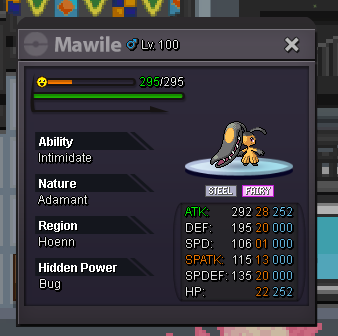
start.Ppzz joined the community6m5Ahmadarifeen is the WINNER of Drilbur!!!So:300k min bid:50k Insta:1.5m Auction time:24hrs after 1st bid.
 Asta1209 joined the community
- Today
Anirudh3099 joined the communityArkseph joined the communityMeiocan joined the communityCongratulations to @Shellos for winning the auc with a bid of 350k!Auction may now be closed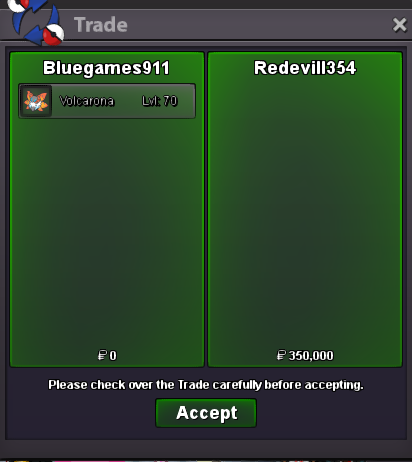 Congratulations to @Redevill354 for winning the auc with a bid of 350k!bumpbumpbumpbumpStart2m gliscorupS.o:1m insta:4m min bid 50k 24hrs auction after 1st bid.
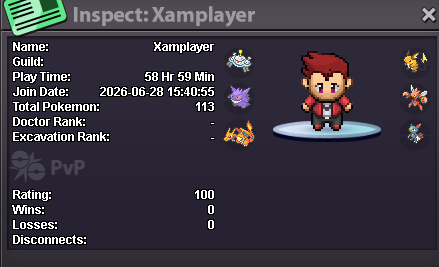
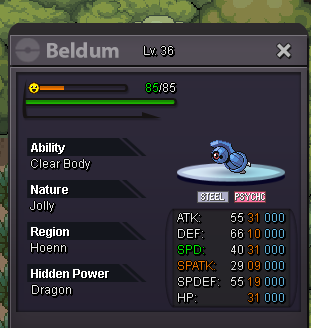 Hello guys! Me and 1 friend are looking for a Guild in Gold server. We are new, we like the game and we are active. Actually farming to beat Giovanni's Mewtwo 🤣 (my friend beated him) we're learning a lot of stuff on our own but we both think that joining a guild could be the right choice. Can we join you? My Favourite Pokèmon: Toxicroak My 1st Friend's: Greninja PVE, PVP or BOTH: Mostly PVE for all 2 Country: Italy for everybody Lannguages: Italian, English, un poquito espanol. Age: 29 me, 28 1st friend IGN: trikyosweet me, Xamplayer 1st friend Discord tag: trikyosweet me, thealexgaming 1st friend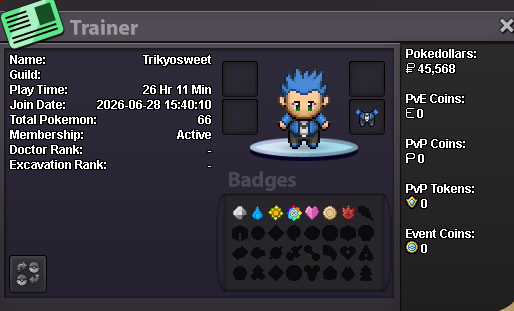
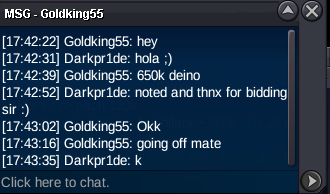
 Kraddenn87 joined the community1.5m gliscor650K by Goldking55
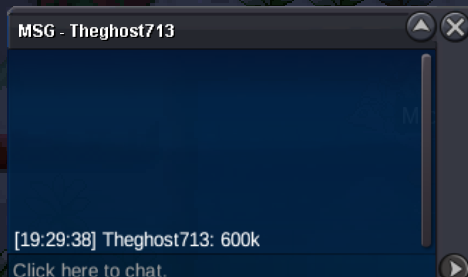
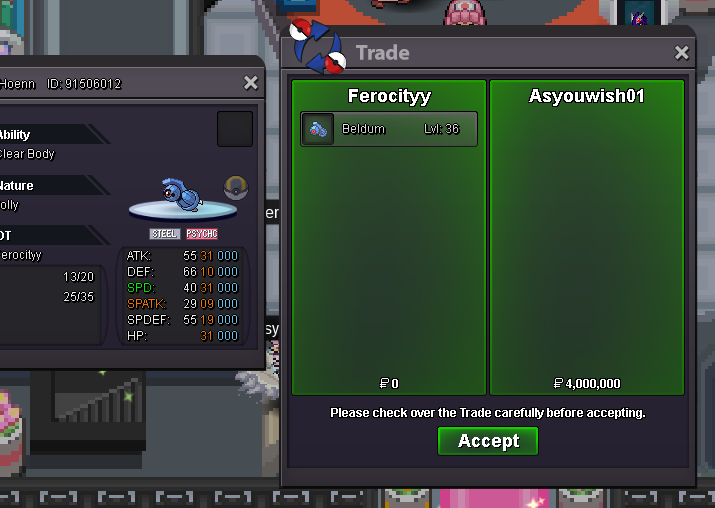
 Andie98 joined the community1.5m clod@Hizukii I think I was the winner after the forum was closed for upgrades. Please explain why. Thank you.



.thumb.gif.9acc072195fed7e9e788846f3f8a632e.gif)








.thumb.png.65ec3814f0dbaef639a5422a70380ad2.png)





Account
Navigation
Search
Configure browser push notifications
Chrome (Android)
- Tap the lock icon next to the address bar.
- Tap Permissions → Notifications.
- Adjust your preference.
Chrome (Desktop)
- Click the padlock icon in the address bar.
- Select Site settings.
- Find Notifications and adjust your preference.
Safari (iOS 16.4+)
- Ensure the site is installed via Add to Home Screen.
- Open Settings App → Notifications.
- Find your app name and adjust your preference.
Safari (macOS)
- Go to Safari → Preferences.
- Click the Websites tab.
- Select Notifications in the sidebar.
- Find this website and adjust your preference.
Edge (Android)
- Tap the lock icon next to the address bar.
- Tap Permissions.
- Find Notifications and adjust your preference.
Edge (Desktop)
- Click the padlock icon in the address bar.
- Click Permissions for this site.
- Find Notifications and adjust your preference.
Firefox (Android)
- Go to Settings → Site permissions.
- Tap Notifications.
- Find this site in the list and adjust your preference.
Firefox (Desktop)
- Open Firefox Settings.
- Search for Notifications.
- Find this site in the list and adjust your preference.