




New Trade Zone
Trade Zone is now live
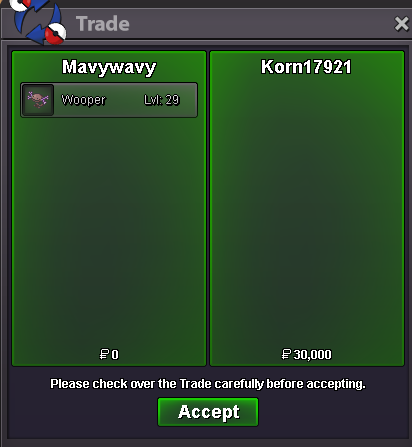
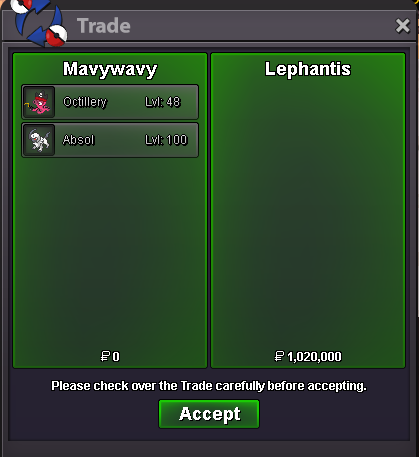
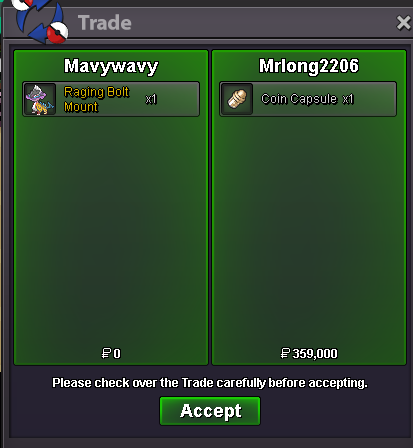
Use the new Trade Zone for auctions and instant-price trades so Pokemon and item offers are easy to find.
All Activity
Past hour
-
Ninapendakaa joined the community
-
Utulang joined the community😊Kumyama joined the communityBunniemi joined the communityMy outfit worth more than yourbump!
Today
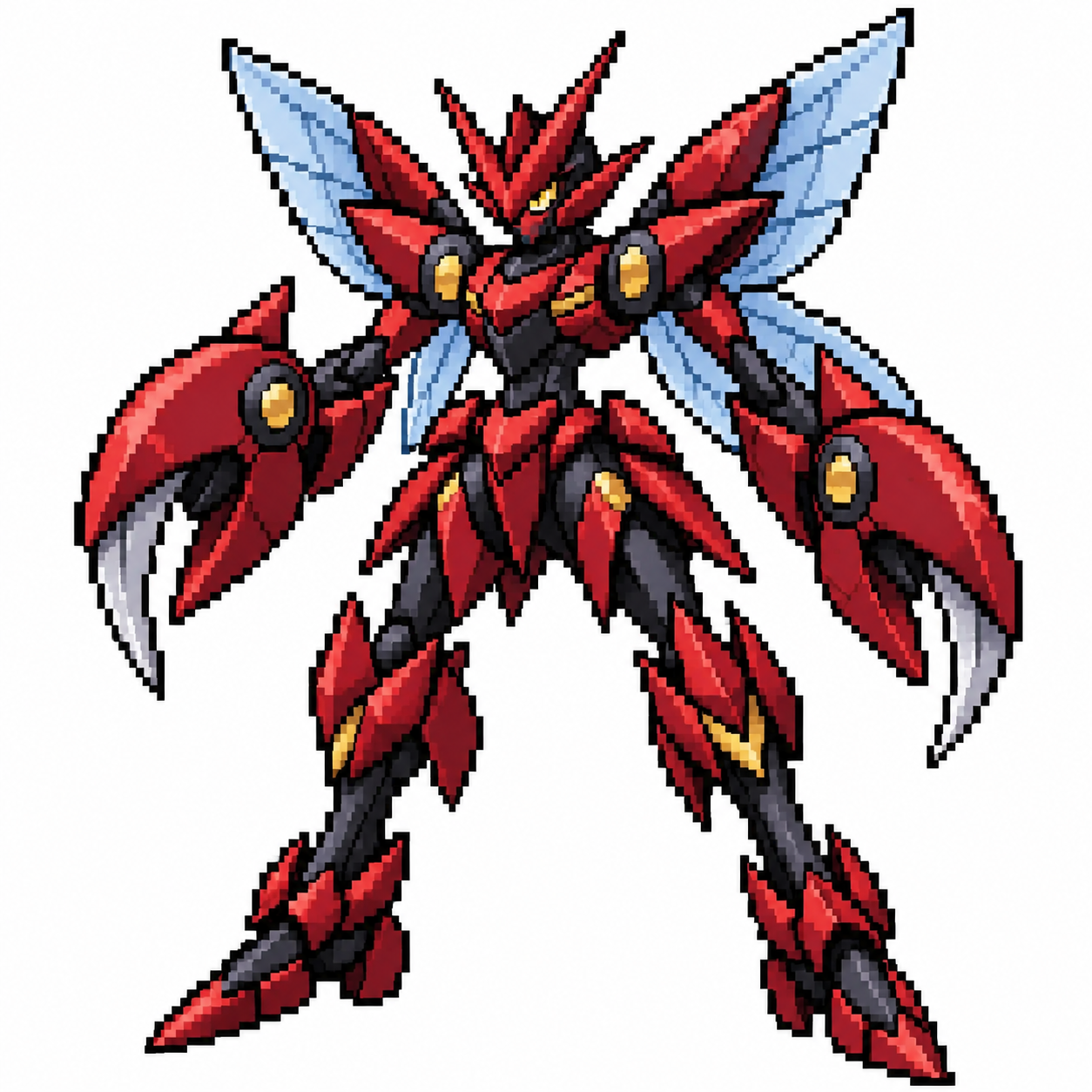
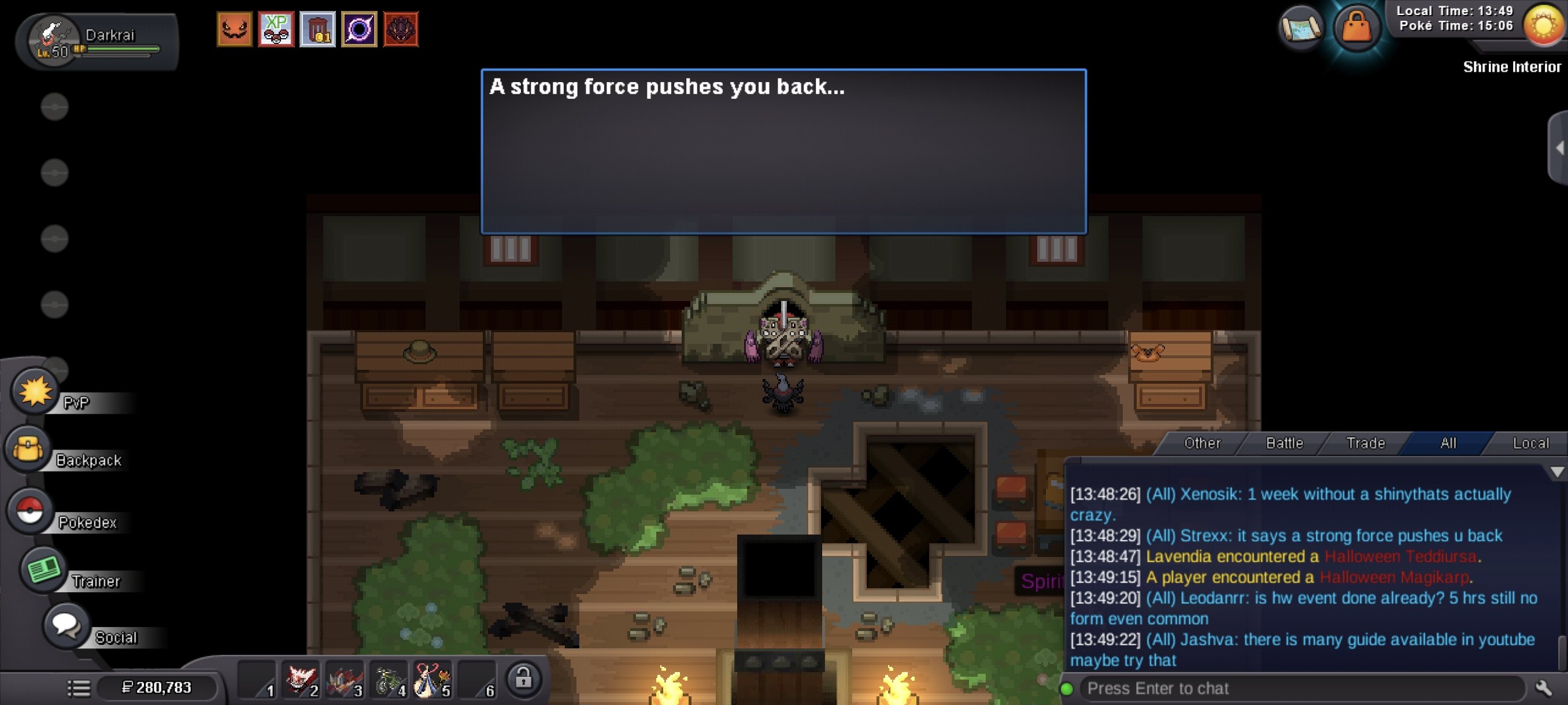
Bump for helping others+1 but apexmonarch is copying my oitfitOsman200200 joined the communityCasper110 joined the communityArvane joined the communityRosenma joined the communityShinylivingdex joined the communityThank you, kinds regards.Hello! You're very welcome! Remember to catch all the Pokémon available in the Dark Realm to make the Mega Gengar battle easier! Best of luck with the quest! Since everything has been resolved, I'll go ahead and close this thread. If you need any further assistance in the future, please feel free to create a new one. Kind regards. Hallowglow.Termanuwat joined the communityohhh that's rlly it, i saw so many videos and walkthrough too, now i see the problem, thanks a lot, this helped me🙂Hello! I'm really sorry for the inconvenience! This may be because, when you completed the Darkrai quest two years ago, you didn't defeat Umbra (Mega Gengar) during your Dark Realm run. This battle is required to unlock access to the Gengarite quest. To access the Dark Realm again, you'll need to defeat Horon, Thief of Souls, in Dark Valley without losing any Pokémon. This means you must bring a full team of six Pokémon, and all of them must finish the battle with at least 1 HP. If any of your Pokémon faints during the battle, you'll have to wait for the 3-day cooldown before attempting it again. Once you've successfully defeated Horon, head to Alucard's Castle with a Pokémon that knows Miracle Eye and battle Alucard again. This will allow you to return to the Dark Realm, where you'll need to defeat Umbra (Mega Gengar) to unlock access to the Gengarite quest. I hope this helps you get back on track! Please let me know if you have any further questions. Kind regards. Hallowglow.rlly??🫠🫠Nice form but not possible Ig +1 if it can be addedit would be like, players will catch a normal scyther or pawniard but there's a slight chance that it would evolve into gundam formswouldn't it be too cool if bishrap got a gundam form?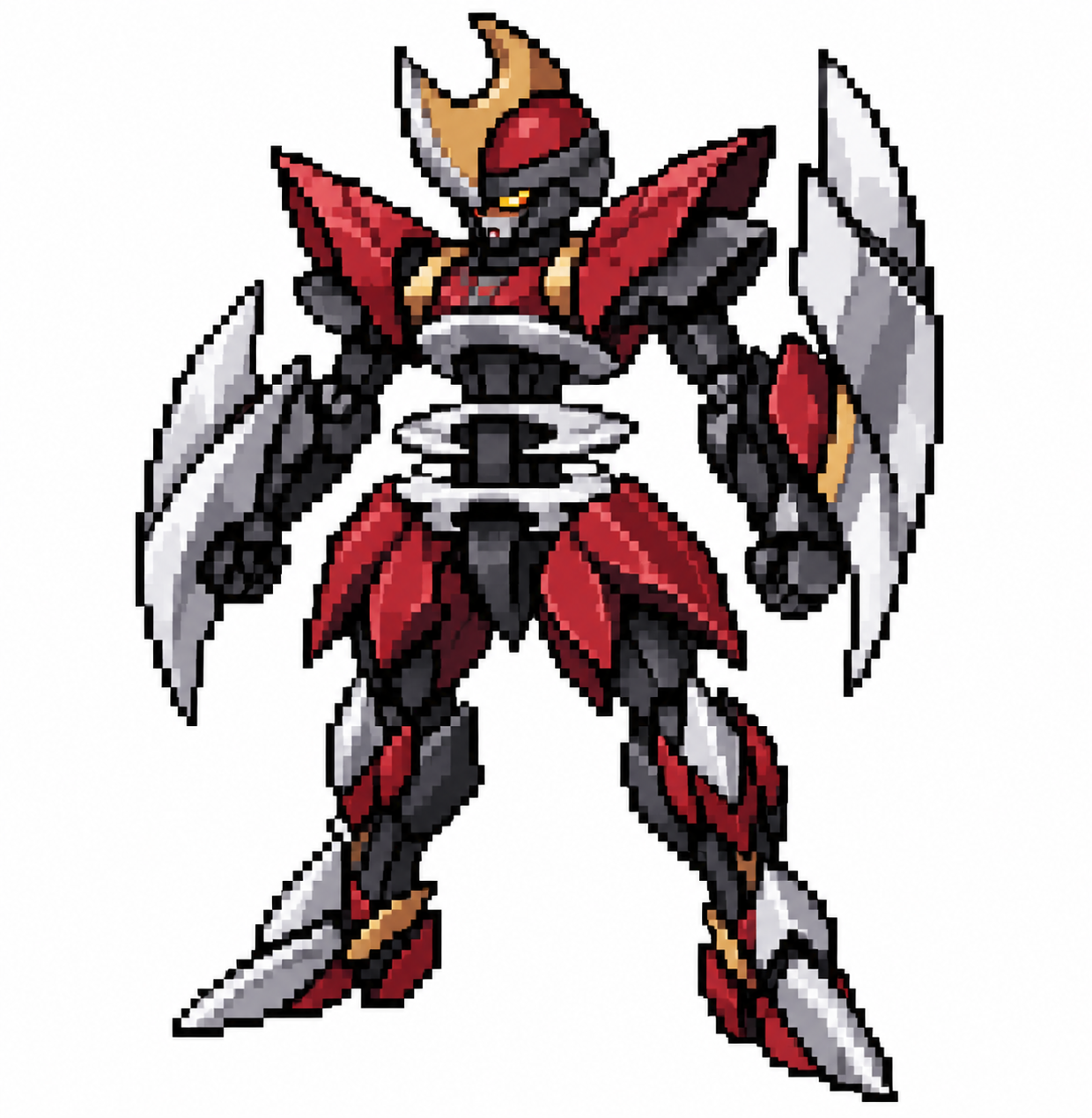
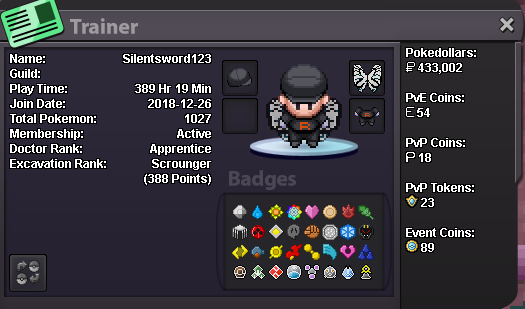
 Favorite Mon:Shiftry, Alakazam PVE or PVP:Both, but i prefer PVE Age:18 DC:ordis8720 Country:Hungary
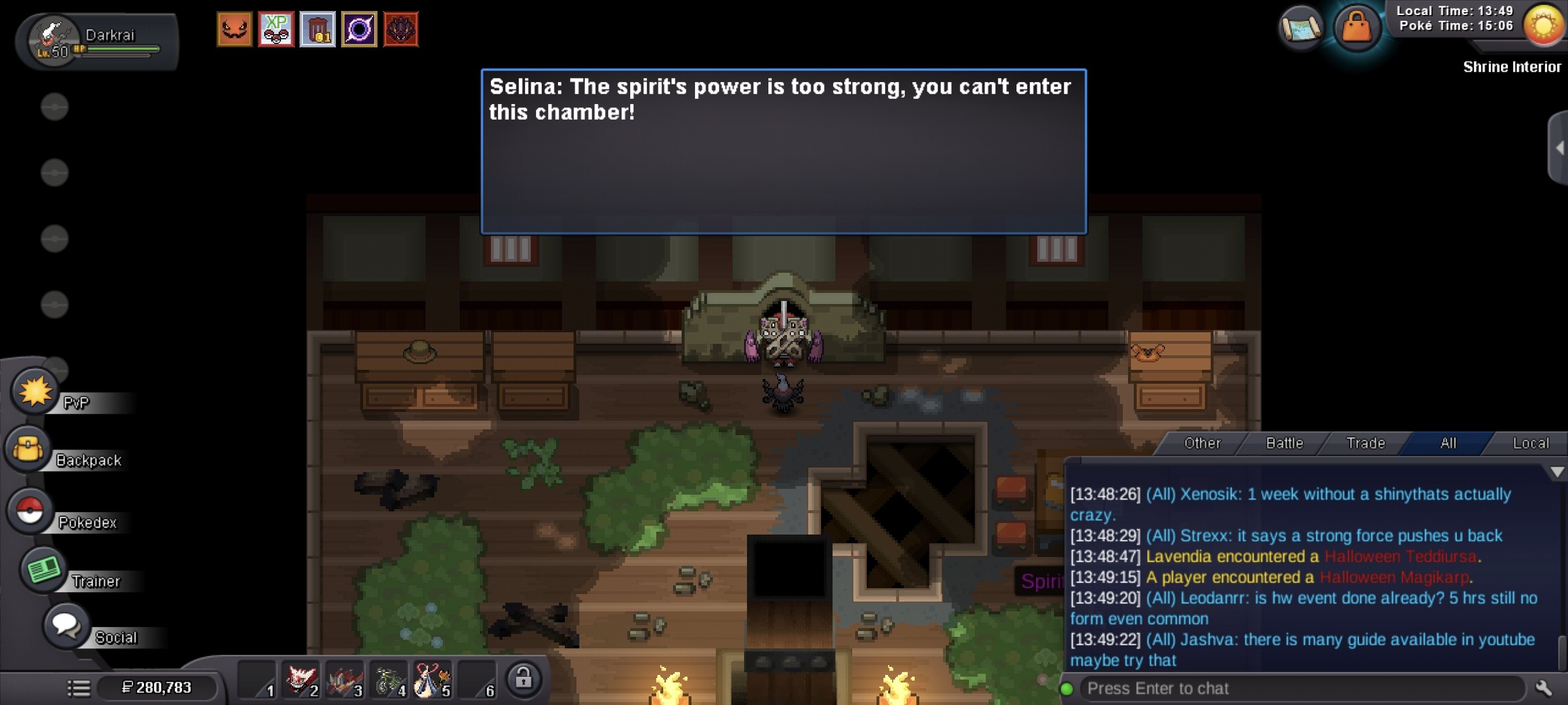
 Hey there! Welcome to the community! Hope you have a great time playing. Here are some useful links to get started: PRO Wiki · Farming Game Currency · Newbie Guide · Getting Strong Hope this helps! Good luck with your journey in PRO!Bump againHello @Threadz , welcome to PRO! The communitty here is helpful and nice 😄 i am sure you will have great time playing! See you in game 😄i already finished the darkrai quest,i got the darkrai but i cannot access the gengerite quest, idk y, i saw yt i saw game guide,asked people, it seems i have to do the darkrealm quest again (catching munna and others),but why, i already finished it,i asked other players they said they could do the gengerite quest right after finishing the darkrai and didn't had to do the darkrealm quest again, I'M STUCK ON THIS GENGERITE QUEST FOR DAMN 2 YEARS NOW, PLEASE MODS DO SOMETHING BEFORE THE EVET ENDS











Account
Navigation
Search
Configure browser push notifications
Chrome (Android)
- Tap the lock icon next to the address bar.
- Tap Permissions → Notifications.
- Adjust your preference.
Chrome (Desktop)
- Click the padlock icon in the address bar.
- Select Site settings.
- Find Notifications and adjust your preference.
Safari (iOS 16.4+)
- Ensure the site is installed via Add to Home Screen.
- Open Settings App → Notifications.
- Find your app name and adjust your preference.
Safari (macOS)
- Go to Safari → Preferences.
- Click the Websites tab.
- Select Notifications in the sidebar.
- Find this website and adjust your preference.
Edge (Android)
- Tap the lock icon next to the address bar.
- Tap Permissions.
- Find Notifications and adjust your preference.
Edge (Desktop)
- Click the padlock icon in the address bar.
- Click Permissions for this site.
- Find Notifications and adjust your preference.
Firefox (Android)
- Go to Settings → Site permissions.
- Tap Notifications.
- Find this site in the list and adjust your preference.
Firefox (Desktop)
- Open Firefox Settings.
- Search for Notifications.
- Find this site in the list and adjust your preference.