




New Trade Zone
Trade Zone is now live
Use the new Trade Zone for auctions and instant-price trades so Pokemon and item offers are easy to find.
All Activity
Past hour
-
Everything is working fine now. Thank you!
-
Ggren joined the community
-
Sadai joined the community
-
Luckych joined the community
-
Ultimate Team's opening week is usually messy in the best possible way. Prices jump, rewards arrive in bursts, and one smart purchase can save you thousands later. You don't need a superstar squad on day one. You need room to move, a few dependable players, and enough currency to react when the market shifts. That's why FC 27 Coins can shape your early progress, especially when every upgrade competes with contracts, squad challenges, and fresh content. Why Early Spending Has More Weight The first few days feel different from the rest of the cycle. A small rating increase can make a card much more expensive because everyone wants the same positions at once. Strikers with pace, midfielders who can turn quickly, and defenders with decent strength tend to attract attention straight away. That doesn't mean every popular card is worth the price, though. Sometimes a less fashionable player performs just as well in actual matches. Watch how a player fits your team, not just how impressive the card looks. Chemistry links, work rates, stamina, and weak-foot quality can matter more than a couple of rating points. I'd rather use a reliable midfielder who keeps possession than spend everything on a flashy name who disappears after sixty minutes. Build the spine first, then improve the wide areas when your income becomes steadier. Three Moves That Protect Your Budget 1. Finish early objectives before buying replacements. 2. Track useful cards across several market windows. 3. Keep spare currency for sudden content drops. Reality check: Plenty of players burn through their whole balance on day one, then spend the next week wishing they had waited. Where Each Coin Should Go There's no perfect budget split, but having a rough plan stops emotional shopping. If your starting squad is playable, put some currency toward one meaningful upgrade rather than six minor ones. A stronger striker may create more chances every match, while a quicker centre-back can cover mistakes that would otherwise cost goals. Look for changes you'll actually feel during gameplay. Priority What to look for Why it matters early Attack Pace and finishing Creates more clear chances Midfield Stamina and passing Keeps matches under control Defence Recovery pace and strength Limits easy counters Questions Players Ask After Launch Someone recently asked me whether they should sell every reward card immediately, even when the player might fit their first squad. Not always. Use the card for a few matches first. If it feels useful, keep it; if not, sell when demand is strong. Play the Market Without Chasing Every Trend Checking prices once isn't enough. A card may look cheap in the afternoon and drop again after rewards arrive. Pick five or six players you understand, then note their prices at different times. You'll start seeing familiar patterns. Weekend demand, new objectives, and pack supply can all change the picture. Don't treat every movement as a must-buy moment. Set a price you're comfortable with before opening the market, and walk away when the card goes above it. Patience sounds boring, but it's often the difference between a useful purchase and a squad upgrade that leaves you broke. Keep some currency untouched, collect your rewards first, and spend when the improvement is clear. If you're preparing your opening team and need extra flexibility, buy Fut Coins only after checking your squad needs and market timing.
-
Raid success isn't only about winning the next firefight. It starts with knowing what deserves a slot in your stash and what can be moved on without regret. That choice gives you more control over preparation, spending, and future upgrades. I treat Delta Force Items as working parts of a wider plan, not random loot piled into a crowded screen. What Makes an Item Worth Keeping? Value changes with your current mission, build, and available storage. A cheap-looking part can matter more than an expensive item if it unlocks your next upgrade. Think in layers: immediate use, future progress, and trade value. You can switch priorities between raids instead of locking yourself into one routine. 1 Mission-Critical Finds Mission items suit players who want steady progress without repeating old searches. Keep them visible before you start clearing space. Useful checks include. • Hold at least one copy of any item tied to an active objective. • Read the task details before moving rare loot to the market. • Mark duplicate pieces for sale only after the mission count is complete. This small habit saves time and stops a rushed storage cleanout from slowing your next session. 2 Flexible Upgrade Materials Upgrade resources matter most to players building several weapons or equipment sets. Prioritize materials that appear in more than one improvement path. Watch for these traits. • Keep uncommon resources used across multiple upgrade screens. • Store a modest reserve instead of filling every slot. • Move excess common materials when your next upgrades are already covered. Flexible supplies give you room to change builds when your preferred weapon stops feeling right. 3 Multi-Recipe Crafting Parts Crafting parts are ideal for patient players who like preparing before a busy raid cycle. Their value often appears after you unlock more recipes. Before clearing them, check. • Whether the component appears in several recipes. • Whether the crafting screen lists it as uncommon or difficult to replace. • Whether your current stock is enough for one complete build. A quick recipe check prevents useful parts from disappearing just before you need them. 4 Strong Medical Supplies Medical items suit players who take longer fights or enter high-risk areas. You don't need to carry your whole reserve every time. A practical setup includes. • Basic healing for routine runs and low-pressure objectives. • Stronger recovery items for valuable raids. • A separate storage reserve that remains untouched between matches. Keeping supplies split by purpose makes preparation faster and protects your best recovery options. 5 Useful Ammunition Stocks Ammo management helps players who rotate between several weapons. Storage disappears quickly when every caliber is treated as essential. Sort it by. • The weapons you actually bring into matches. • The amount needed for one normal raid. • Types that are easy to replace compared with rare rounds. Carry enough for your plan, not every possible situation. Extra space can support more valuable equipment. 6 Build-Matched Attachments Attachments are valuable when they improve a weapon you already understand. This category suits players who prefer tuning one reliable setup. Keep parts that offer. • Better sight use for controlled, distant shots. • Faster handling when fights happen at close range. • Cleaner reloads, steadier aim, or a useful range increase. There's little reason to save every grip or scope. Keep the pieces that change how your build performs. 7 High-Return Trade Materials Trade materials work well for players who enjoy regular market planning. Storage space matters just as much as the listed price. Compare each item by. • How often you find it during normal raids. • How much space it occupies in storage. • Whether its return justifies keeping several copies. Easy-to-replace materials can be sold in sensible batches, leaving room for harder-to-find resources. 8 Future Progression Resources Some items look useless until the next progression stage opens. This category suits players who prefer staying ready rather than making emergency searches. Keep an eye on. • Rare parts linked to upcoming equipment improvements. • Materials that take several raids to collect again. • One small reserve for each major upgrade path. A little foresight keeps new unlocks from sitting unfinished because one component is missing. 9 Event-Specific Rewards Event materials deserve their own check because their purpose may be temporary. Players who follow limited objectives should separate these items from ordinary loot. Review the event page for. • Required quantities and reward milestones. • Items that can be exchanged only during the active period. • Extra copies that no longer serve a useful purpose. Don't mix event stock with routine materials. Clear labeling makes quick decisions much easier. 10 Gear That Fits Your Main Build Your strongest inventory supports the way you actually play. Long-range players need different reserves from aggressive close-quarter players. Match your stash to. • Precision tools and stable weapons for patient engagements. • Fast handling gear and recovery items for close fights. • Backup equipment that uses familiar ammunition and parts. A focused stash beats an expensive collection that rarely reaches the loadout screen. Which Items Should You Prioritize? Keep mission items for progress, flexible materials for upgrades, medical supplies for survival, and build-matched gear for consistency. Trade excess stock when replacement is easy, but protect rare components needed later. For players preparing a stronger resource base, Delta Force Tekniq Alloy for sale can fit neatly into a focused plan when your next upgrade needs dependable material support.
-
Walking into Madden 27 Ultimate Team for the first time can be a bit much. There are challenges, player items, sets, objectives, and a market that never seems to sit still. Give yourself a few minutes before buying anything. Finish the opening content, look through the rewards, and see what your roster can already do. Early on, Madden 27 coins are more useful when they stay in your account than when they disappear on a flashy card. You do not need a perfect lineup on day one. You need a sensible start, a little patience, and a clear idea of how you like to play. Use the Early Content Properly The starter challenges should be your first stop. They usually provide players, packs, training items, and other rewards that can fill several weak spots without touching your coin total. Play through them before heading to the auction market. Check your lineup after each set of activities, too. A reward may quietly solve a position you were ready to buy for. Keep the players who fit your scheme, even if their overall rating is not the highest. Speed, throwing accuracy, blocking, coverage, and tackling often matter more once you are actually on the field. It is easy to chase a bigger number and end up with a card that feels awkward in your offense or defense. Make Your Coins Work Harder New players often spend too soon, then have nothing left when a genuinely useful card appears. Try splitting your funds into three simple groups. One portion can cover a needed upgrade, another can sit ready for a good market opportunity, and the rest should stay untouched for now. You do not have to follow those portions perfectly. The point is to keep some breathing room. Before every purchase, ask whether the player will start, whether the attributes suit your playbook, and whether a cheaper option would do the same job. Compare speed and acceleration for skill positions. For linemen, look closely at strength, pass blocking, and run blocking rather than relying on the overall number alone. Plan Around Your Actual Play Style Your best lineup is not always the one with the highest score. If you throw often, build around a quarterback you can control, receivers who separate quickly, and an offensive line that gives you time. A running-focused offense needs a dependable back and blockers who can open lanes. On defense, think about the calls you use most. Frequent zone coverage makes speed and awareness valuable in the secondary. If you bring pressure, look for pass rushers with the right acceleration and power. Madden NFL 27 also has different access dates by edition and membership: MVP+ Members on PlayStation 5 and Xbox Series X|S receive seven-day early access from August 6 at 2:00 p.m. ET, while worldwide access begins August 13 at 2:00 p.m. ET. That extra time can help you learn the menus and complete useful content before the wider player base arrives. Build a Routine That Fits the Season Daily and weekly objectives are worth checking before you start a game. You may be able to combine several tasks in one match, which saves time and keeps your progress moving. Solo content is handy when you want steady rewards or need to learn a new playbook without the pressure of an online opponent. Open earned packs and reward bundles regularly so useful items do not sit unnoticed in your account. When a new program arrives, do not rush to sell or replace everything. Watch how prices move for a day or two, then decide. A roster built through small, deliberate improvements will usually feel better than one assembled in a single spending spree. Keep some Madden nfl 27 coins available, and you will have room to respond when the right upgrade shows up.
-
Lukwin joined the community
-
Uy5cuti joined the community
-
Greatkunglao2 joined the community
-
Crystalvibe joined the community
-
Aoyamayuga joined the community
Today
-
Frozenchoco joined the community
-
Thanks! Everything works!
-
Veinss joined the community
-
Hello @Lgxt Apologies for the downtime as always since the maintenance was going on when you were tryna log in. As @Lugario already informed, the servers are all up now and you should be able to login just fine now. Feel free to let me know if you need further assistance. Have a great day, Fusionflair
-
Heya there, Apologies for the inconvenience caused. Could you please try downloading the client again since earlier on the only provider who had the new client was the Mediafire one and now all the options have the new client on the ready to be downloaded now?
-
Heya there, Apologies for the inconvenience caused. Could you please try downloading the client again since earlier on the only provider who had the new client was the Mediafire one and now all the options have the new client on the ready to be downloaded now?Good day! I already installed the new version for android but when I try to log in it still says that the client is still the older version. Please help me resolve this. Thank you!
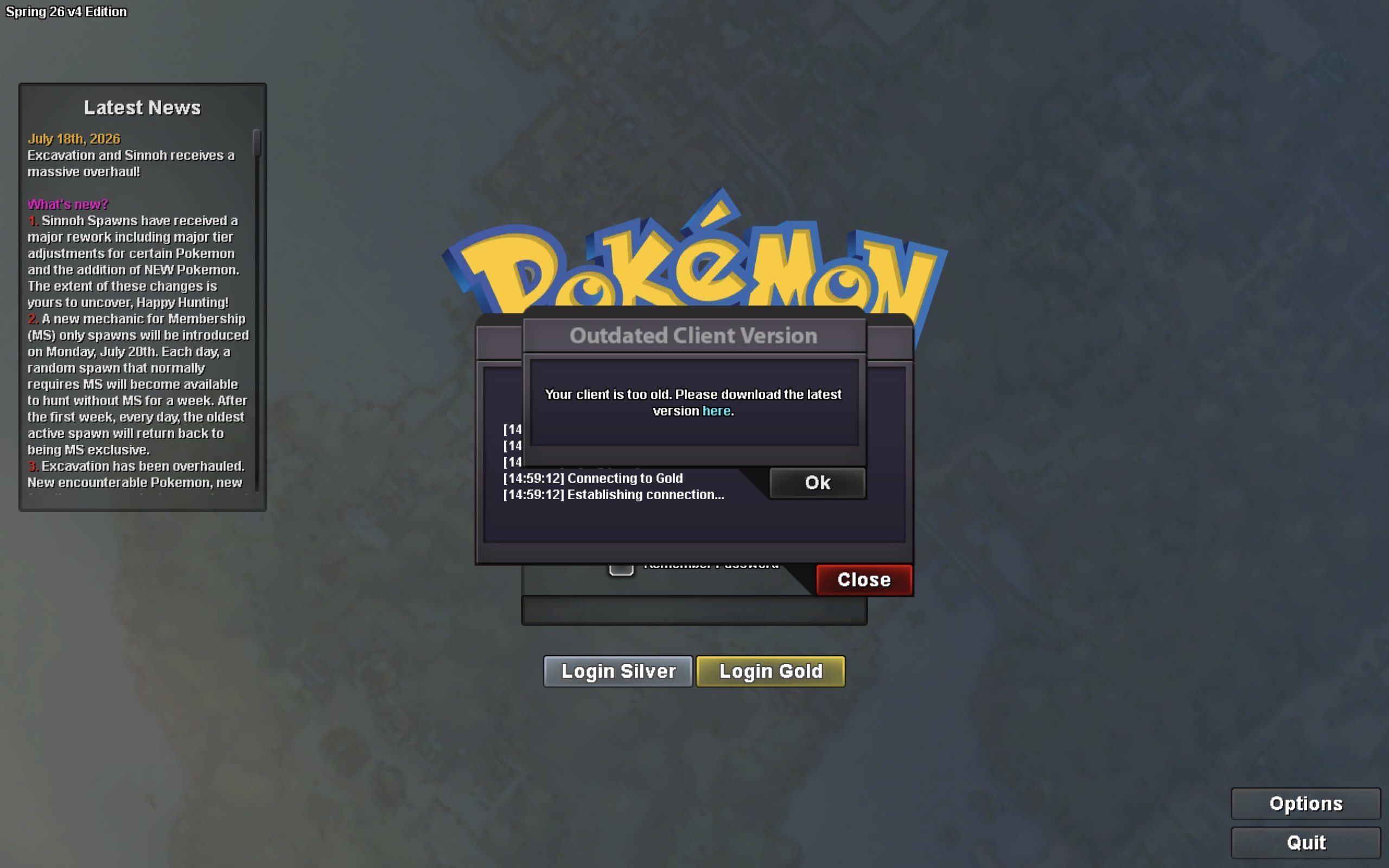 Tried to login and got this message. Deleted and re-downloaded but still get the same. I am a mac user
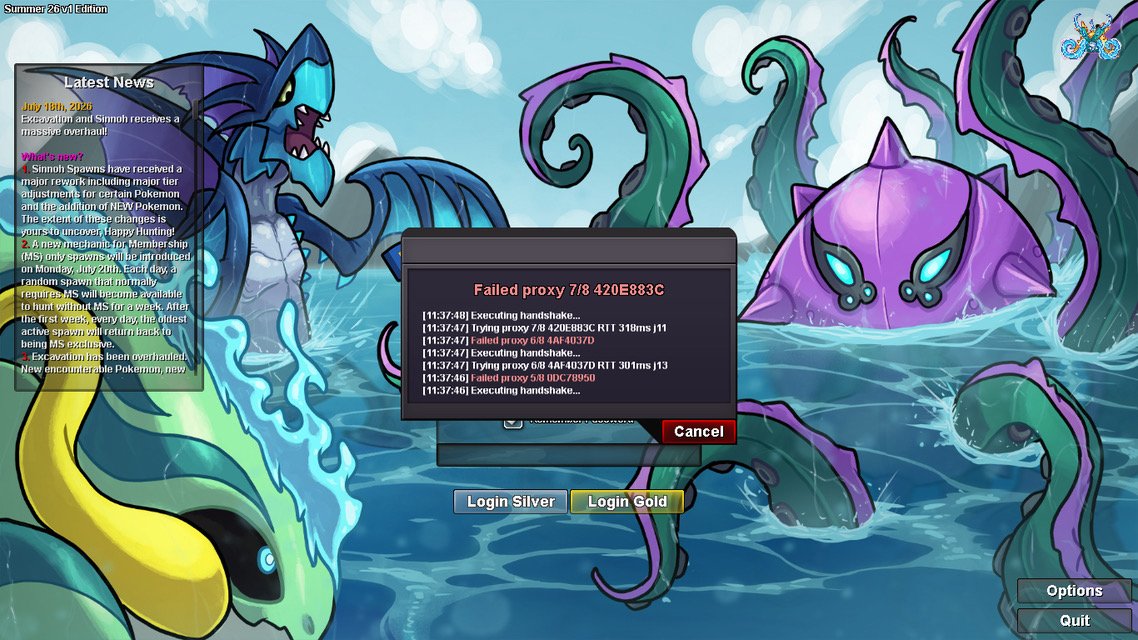
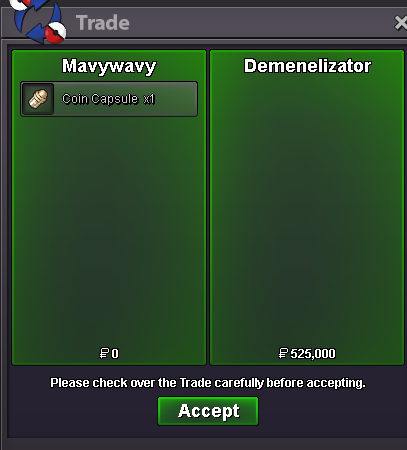
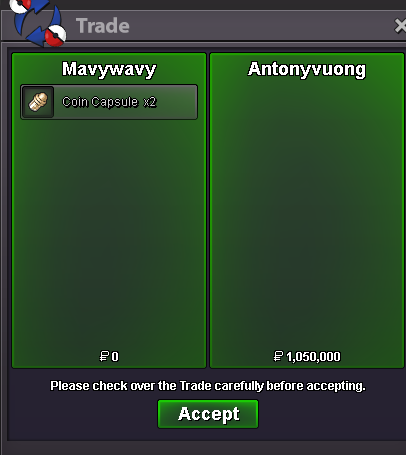
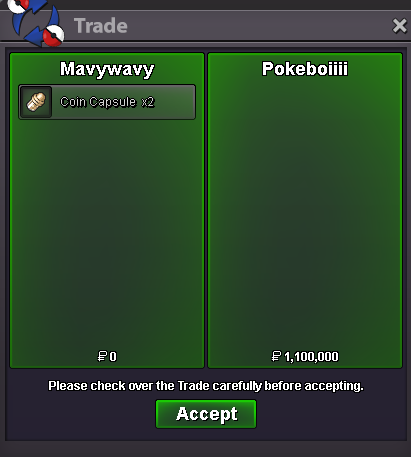
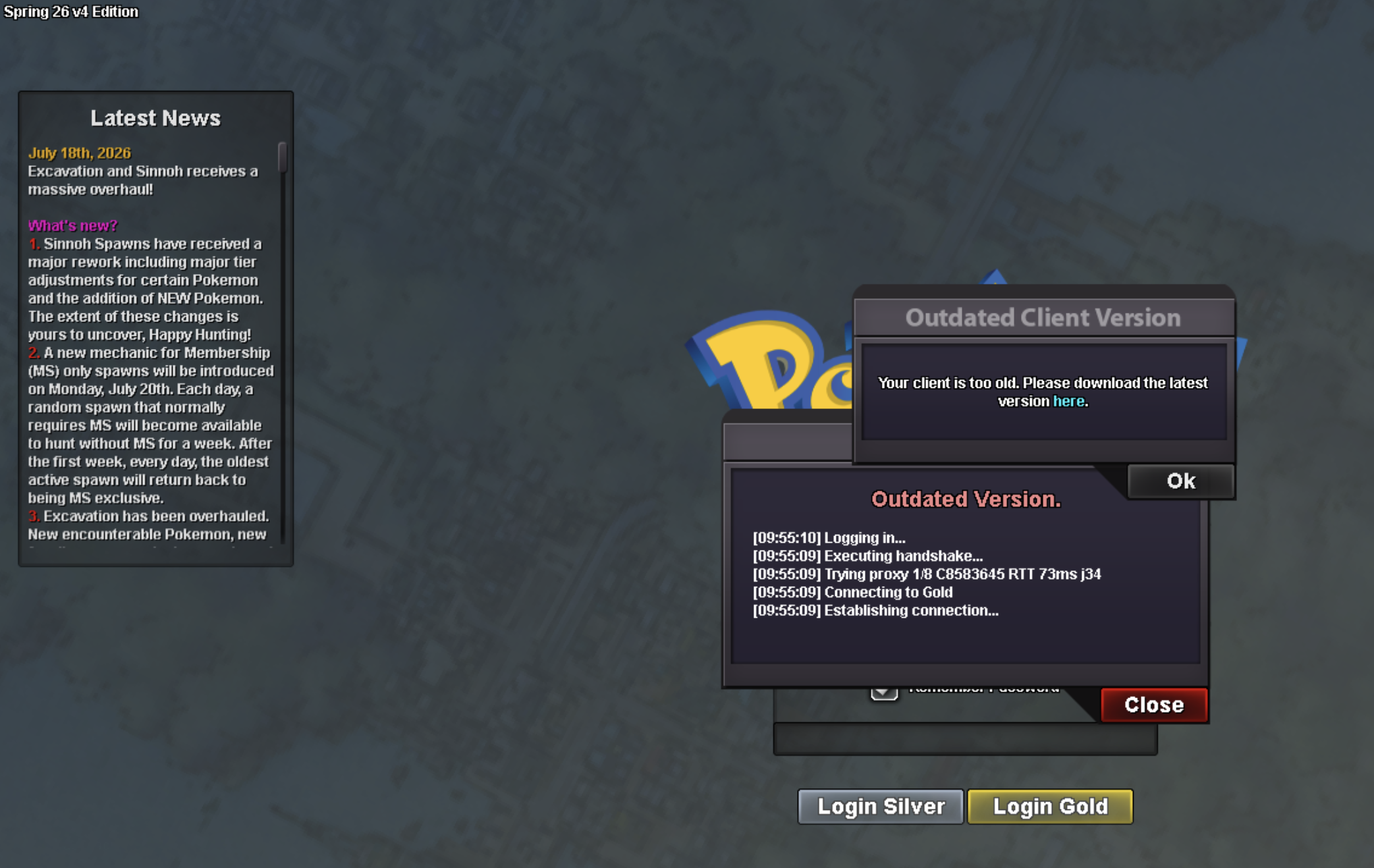 Hey @Lgxt , the servers are up now and we can play the game again. :D Kind Regards, LugarioI want to organize a small hunting event for my guild, including CoinCapsule and Reroll Ticket. Does that violate any rules in this game?Hey there @Lgxt , at the moment the servers are under maintance for the new update. There is no ETA on how long it will take, so we need to have patience. You can check the newest updates regarding those things from the Official Discord Server of PRO. Kind Regards, LugarioHello, I’ve been having trouble logging into the game after the recent update. I’ve tried both servers (I have played on both) and none of them seem to be able to let me log in. I’m stuck on the boot menu with an infinitely repeating retrying login message. Help would be much appreciated.
 Red's eevee in manga can freely evolve and de-evolve was mainly due to the genetic experiments conducted by team rocket . Slowbro and slowking are rare exception. There is nothing a concept of de-evolution stone showed in anime nor manga. Its just a fan based theoryHello again! Nice to hear your issue got resolved! Since it is resolved, I'll now proceed to lock this topic but dont hesitate to create another one if you need any further help, have questions etc... I wish you a wonderful day and a fun time playing PRO ! Very Respectfully, ZarachiHello @Atilav ! Apologies for the inconvenience caused. As stated by @Dev91 (thanks you a lot) you will require all the gen4 pokemon to be caught excluding legendaries. Be sure to check if you have the pokeball icon next to every Generation 4 Sinnoh pokemon! Once you done with the caught data, you will be able to start the quest From Prof Rowan in Eterna Town! Meanwhile I highly recommend you to check the new Community Coordinator guide, you can found many there Here is the updated guide for Cresselia also! HERE Hope it solve your issue, dont hesitate to ask questions if you need help! I wish you a wonderful day and Good Luck for your legendaries quest! Take care, ZarachiYou need all sinnoh caught data Nr. 387 to 493 (legendaries seen data) to start cresselia quest. Some guides on youtube and forum are outdated.
Yesterday
Hi, ive been trying to start Cresselia quest but Professor Rowan only tells me how beautiful Dialgas statue is. https://pokemonrevolution.net/forum/topic/146797-cresselia-quest/ I was following this guide but i dont get past Rowan. Im Sinnoh champion, have enough pokedollars and a pickaxe. I would appreciate any help :)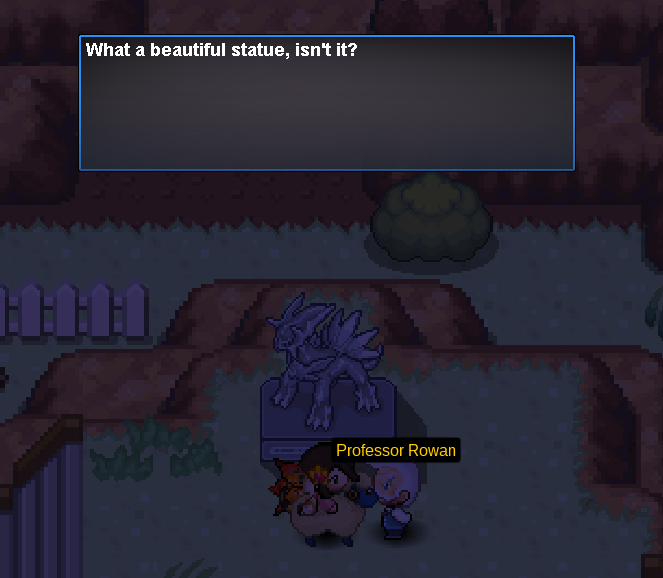 bumpI did get in! I checked the wrong floaty tubes and thought I missed the text. Thank you for the support!












Account
Navigation
Search
Configure browser push notifications
Chrome (Android)
- Tap the lock icon next to the address bar.
- Tap Permissions → Notifications.
- Adjust your preference.
Chrome (Desktop)
- Click the padlock icon in the address bar.
- Select Site settings.
- Find Notifications and adjust your preference.
Safari (iOS 16.4+)
- Ensure the site is installed via Add to Home Screen.
- Open Settings App → Notifications.
- Find your app name and adjust your preference.
Safari (macOS)
- Go to Safari → Preferences.
- Click the Websites tab.
- Select Notifications in the sidebar.
- Find this website and adjust your preference.
Edge (Android)
- Tap the lock icon next to the address bar.
- Tap Permissions.
- Find Notifications and adjust your preference.
Edge (Desktop)
- Click the padlock icon in the address bar.
- Click Permissions for this site.
- Find Notifications and adjust your preference.
Firefox (Android)
- Go to Settings → Site permissions.
- Tap Notifications.
- Find this site in the list and adjust your preference.
Firefox (Desktop)
- Open Firefox Settings.
- Search for Notifications.
- Find this site in the list and adjust your preference.