




New Trade Zone
Trade Zone is now live
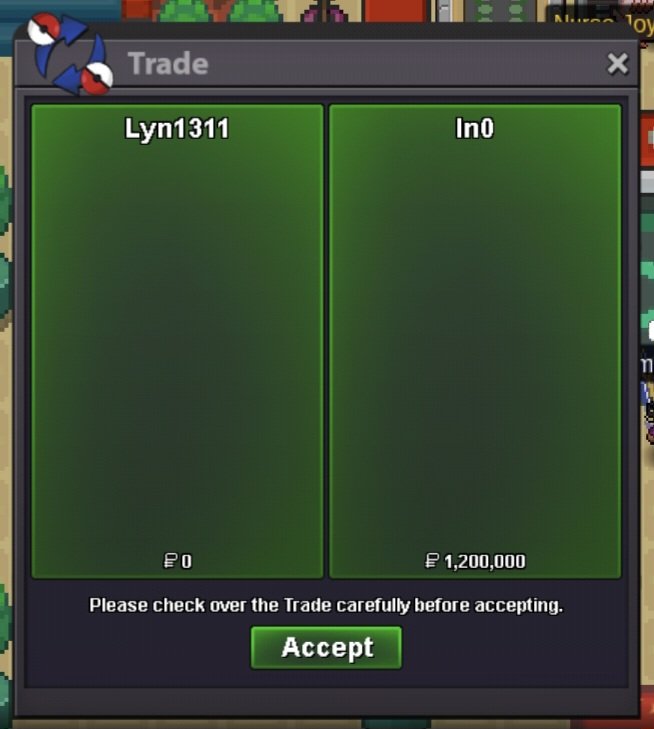
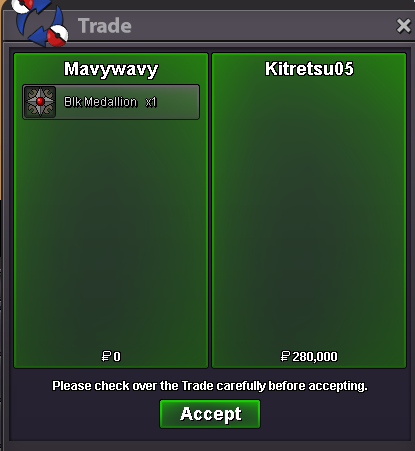
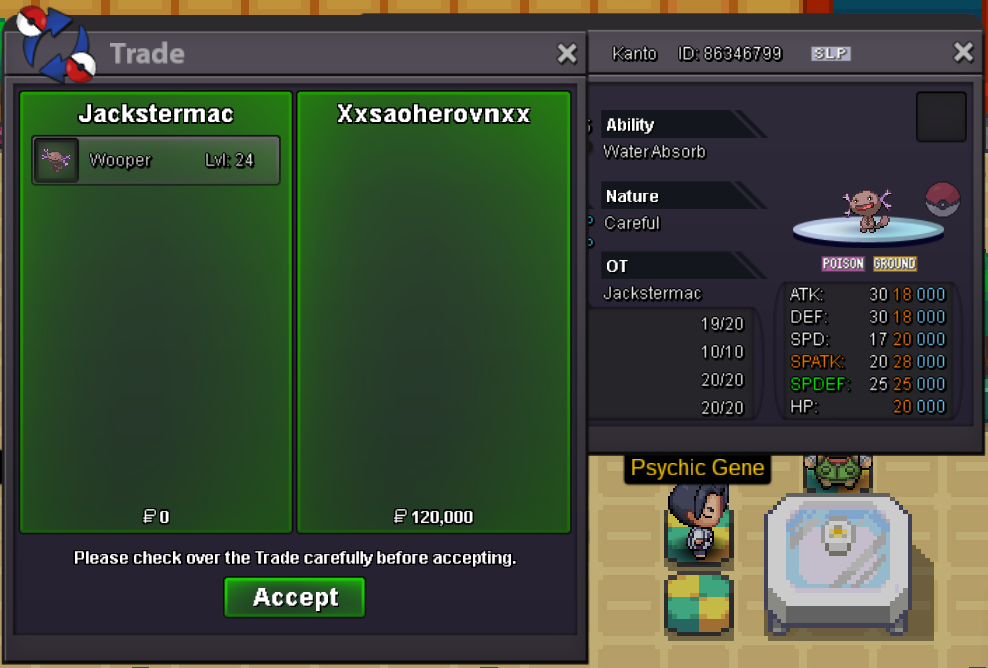
Use the new Trade Zone for auctions and instant-price trades so Pokemon and item offers are easy to find.
All Activity
Past hour
-
Bboyhyper joined the community
-
Landasman joined the community
-
Baboon1 joined the community
-
Adalbertoclavel joined the community
-
Martos4i20 joined the community
-
Hungkun93 joined the community
Today
Hello, the reason it didnt evolve is because you dont have the same atk and def, as stated by bulbapedia, Hitmontop need to be same atk and def to evolve. You will require to add some atk EVs to get 30 in atk and it will evolve.Sold for 1 cc + 720k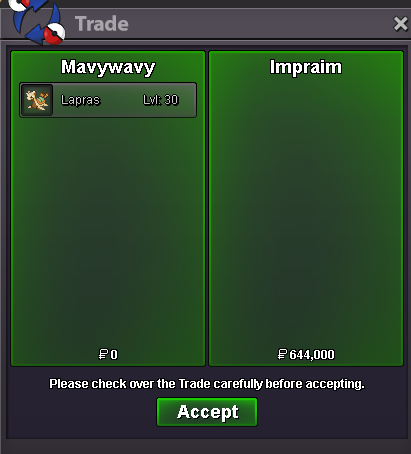 shroomish sold
.png.19b8735852f509b11b3b399ada2f7135.png) Ashgibon joined the communityRealdevil joined the communityZunaied joined the communityAge: 27 From: Netherlands Favorite thing: Pokemon Hunting, PvE Favorite Pokemon: Pikachu
Ashgibon joined the communityRealdevil joined the communityZunaied joined the communityAge: 27 From: Netherlands Favorite thing: Pokemon Hunting, PvE Favorite Pokemon: Pikachu Vials joined the communityQuest service Latis twin, Latis mega stone, Volcanion and Keldeo. Thnx much, GLhf!
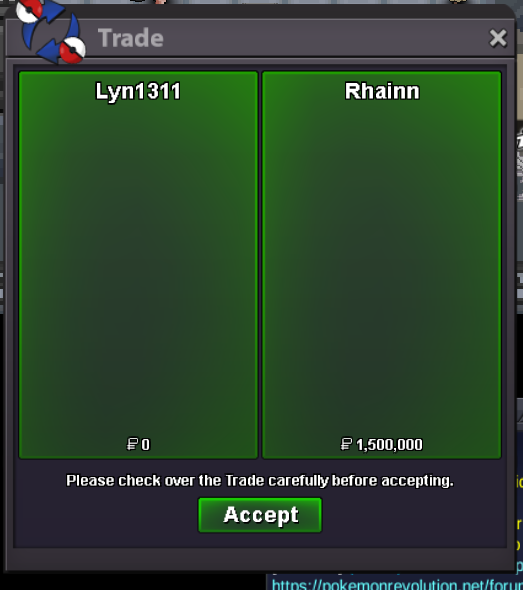 this is after I used rare candy I alread used lots of protein I even EV train it cause I dont want to use my money to but Vitamins
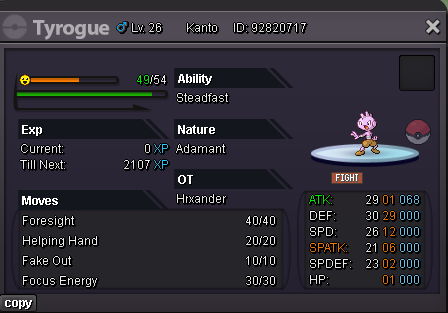 Why my tyrogue didn't evolve in hitmontop even though that the attack and defense are equal - both 29 the I used rare candy to lvl up again and still it still evolving to hitmonchanBump ❤️upWelcome back Xrevolutionx94.🫡🫡Welcome to the community!have you bought kaisel mount tyWelcome to Phantom, @Harutoii! 👻💜 Glad to officially have you with us! Thanks for taking the time to put in an application and help bump the forum post too. You already know some of us, so make yourself at home 😄 Looking forward to watching you grow into PvP with us!IGN: Harutoii Timezone: UTC-7 How many hours per week do you play PRO? everyday atleast an hour What is your main focus? (PvP / PvE / Both) I'm mainly focused on PvE but I'm planning onto start doing PvP Have you been in a guild before? If yes, why did you leave? This is my first guild When did you start playing Pokémon, and how long have you been playing PRO? I started playing around the start of August 2026, it's been like a month since I started playing. Culture & Knowledge: 7. What is one Pokémon you think is underrated and why? Slowbro. It has somehow mastered the art of doing absolutely nothing and still being a good pokemon. 8. What is your favorite held item and how do you use it? Leftovers. Free food every turn? Honestly, that's a strategy I can get behind. 9. If Phantom hosted a BBQ, what would you bring? A huge bag of chips. BBQ without snacks is basically just people standing around with meat Final Question: 10. What made you choose Phantom, and what can you contribute? I chose Phantom because everyone seems chill and I feel like I'd get along with you guys. I've only been playing again since the start of August, so I'm still learning a lot, but I'm hoping I can become more useful to the team as I get better.noQuest service minigames, minigames boss and rockethideout quest. Thnx much,Glhf! Hunting sucks! Shop is back now, open for both silver and gold!
 Do you have Victini Dungeon Service?yesI'd like a Volcanium mount—450k, right?
Yesterday
Invite me uwuHi! @Duglaszh I'm glad that worked! If that is everything i will go ahead and lock this thread! Please feel free to reach out in a new topic in the future if you need help! Thanks! Satellar ✨













Account
Navigation
Search
Configure browser push notifications
Chrome (Android)
- Tap the lock icon next to the address bar.
- Tap Permissions → Notifications.
- Adjust your preference.
Chrome (Desktop)
- Click the padlock icon in the address bar.
- Select Site settings.
- Find Notifications and adjust your preference.
Safari (iOS 16.4+)
- Ensure the site is installed via Add to Home Screen.
- Open Settings App → Notifications.
- Find your app name and adjust your preference.
Safari (macOS)
- Go to Safari → Preferences.
- Click the Websites tab.
- Select Notifications in the sidebar.
- Find this website and adjust your preference.
Edge (Android)
- Tap the lock icon next to the address bar.
- Tap Permissions.
- Find Notifications and adjust your preference.
Edge (Desktop)
- Click the padlock icon in the address bar.
- Click Permissions for this site.
- Find Notifications and adjust your preference.
Firefox (Android)
- Go to Settings → Site permissions.
- Tap Notifications.
- Find this site in the list and adjust your preference.
Firefox (Desktop)
- Open Firefox Settings.
- Search for Notifications.
- Find this site in the list and adjust your preference.