




New Trade Zone
Trade Zone is now live
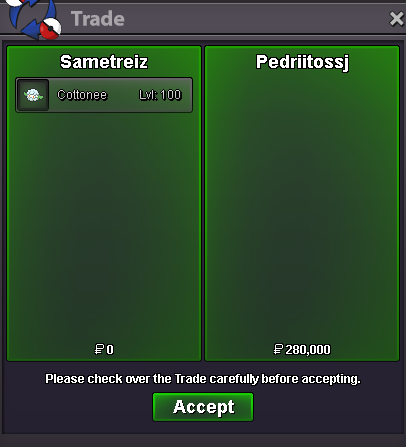
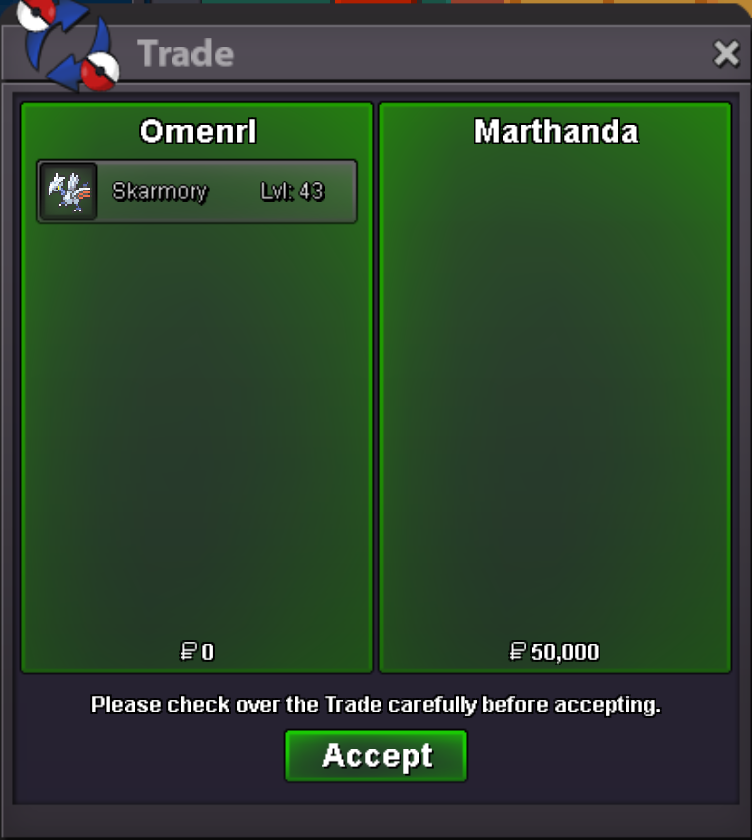
Use the new Trade Zone for auctions and instant-price trades so Pokemon and item offers are easy to find.
All Activity
Past hour
-
Haophuoh joined the community
-
Xero6997 joined the community
-
Bezinn123 joined the communityCsvrihmb joined the community
Today
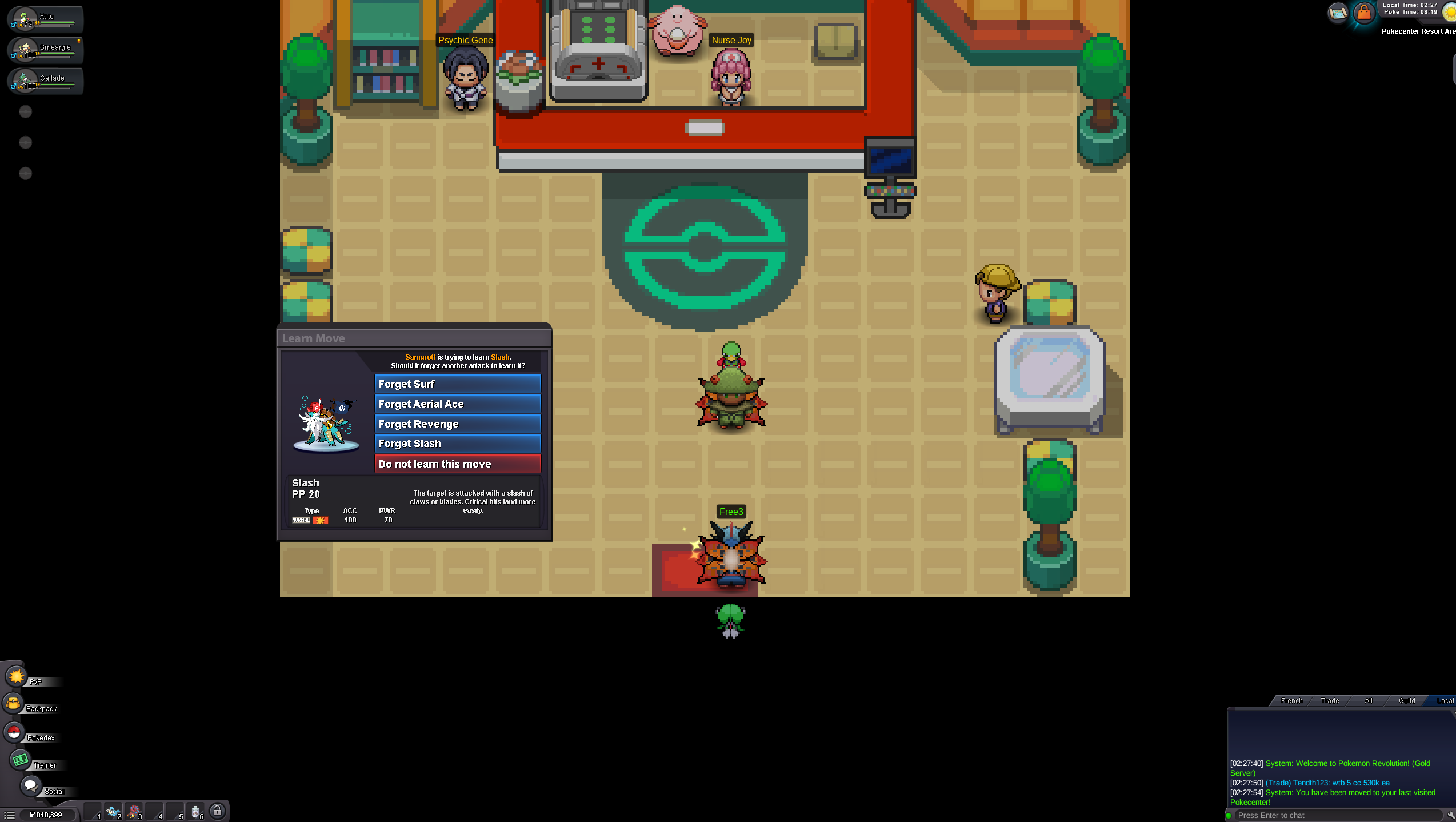
Derrel joined the communityUjiknqde joined the community+1 make them freeSlkxpcez joined the communityMbxmwrxn joined the communityElnur12 joined the communityStzp1 joined the communityMy Submission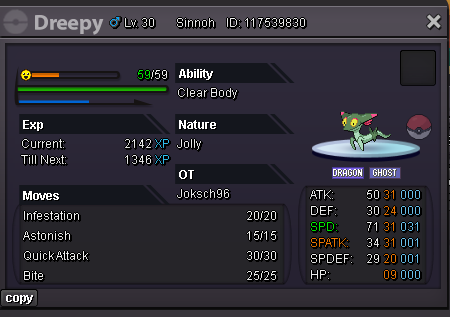 upHello I just completed the first part of the Swords of Justice and even once I left the Cobalion area and logged off and on, this window is still stuck open... I can't make him learn it or not and the island is now closed.
 Thanks for the clarification, Satellar. That answers my question. I was mainly confused because Sinistea is currently obtainable and its Wiki page lists the Cracked Pot and Chipped Pot as the evolution requirements, but there wasn't any indication that the items themselves haven't been implemented yet. If possible, it might be helpful to add a small note on Sinistea's Wiki page stating that the Cracked Pot and Chipped Pot are currently unavailable in PRO, and therefore Sinistea cannot currently be evolved into Polteageist. That could help prevent the same confusion for other players who obtain one and start looking for the evolution items. I'll keep an eye on the announcements for any future updates regarding the items. Thanks again for confirming this. You can close the thread.In-game name: Trihaohao2 Server: Gold Timezone: GMT+7 I need help evolving my Haunter into a Gengar. I'm available from 9:30 AM till 3 PM GMT+7. Thanks!And make them freeIf its not tradeable, 90% of player cant get it. If you not ladder player, you will need 10 years to get prestige without trade while normal pvp mount only takes few months. Also it can be ladder player main income.
Yesterday
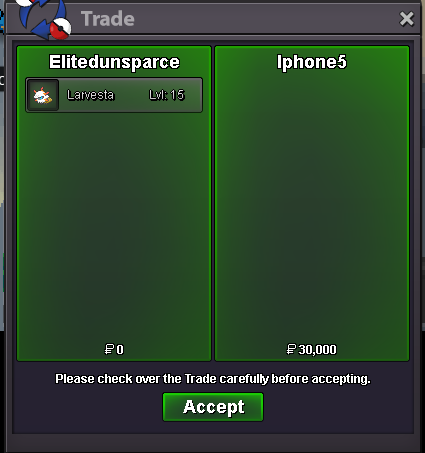
Hi! @Margar3tt3 At the current moment, Both Cracked Pot and Chipped Pot are not in the game. This is also why the Wiki page and any other external sources do not have any information on them. When those items are heading to be put into the game, you will be able to see that and any other information in the Discord in Announcements and/or Game Happenings, And also on the front page when logging into the game! I cannot say for certain when the items will be put into the game, so id advise on keeping an eye out for any future updates that may have those changes included! Please let me know if you have any other questions regarding this, Otherwise i will Close this thread! Thanks, Satellar ⭐ Please refrain from contacting staff members directly for private support Ty Iphon5
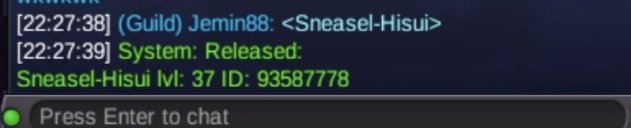
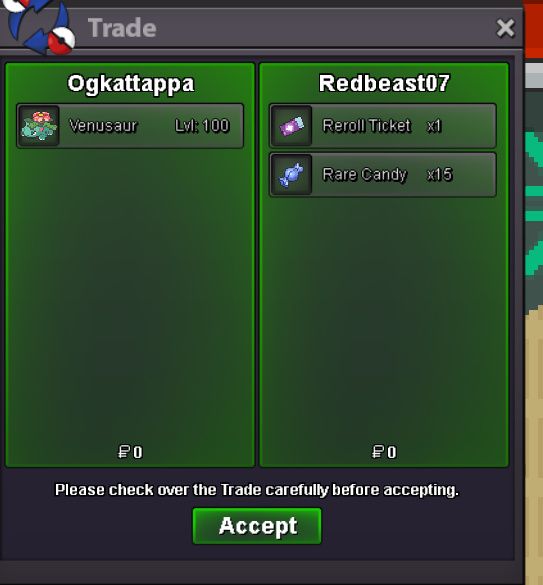
 Shop updated - bumpbig +1bump!You can buy Reroll Tickets at 150PvP coins each, sell them for 700k each and receive the same amount (14m). There is no difference whether you sell your 3000PvP coins with a prestige mount or 20 reroll tickets.I get what you are saying but prestige mounts is how players get money from pvp. Itll take them 2-3 months of collecting to get around 14m . Pretty sure its still hard to get cause its worth so much pvp coin.Excidently realese Gold
 SHOP IS CLOSED TILL 25TH OCTOBER!bump!I read other forums and got to know I need seen data for all sinnoh as well acc to updated requirements of the quest. Sorry for raising this without checking out for already raised request.Bump















Account
Navigation
Search
Configure browser push notifications
Chrome (Android)
- Tap the lock icon next to the address bar.
- Tap Permissions → Notifications.
- Adjust your preference.
Chrome (Desktop)
- Click the padlock icon in the address bar.
- Select Site settings.
- Find Notifications and adjust your preference.
Safari (iOS 16.4+)
- Ensure the site is installed via Add to Home Screen.
- Open Settings App → Notifications.
- Find your app name and adjust your preference.
Safari (macOS)
- Go to Safari → Preferences.
- Click the Websites tab.
- Select Notifications in the sidebar.
- Find this website and adjust your preference.
Edge (Android)
- Tap the lock icon next to the address bar.
- Tap Permissions.
- Find Notifications and adjust your preference.
Edge (Desktop)
- Click the padlock icon in the address bar.
- Click Permissions for this site.
- Find Notifications and adjust your preference.
Firefox (Android)
- Go to Settings → Site permissions.
- Tap Notifications.
- Find this site in the list and adjust your preference.
Firefox (Desktop)
- Open Firefox Settings.
- Search for Notifications.
- Find this site in the list and adjust your preference.