




New Trade Zone
Trade Zone is now live
Use the new Trade Zone for auctions and instant-price trades so Pokemon and item offers are easy to find.
All Activity
Past hour
-
Hello! I'm glad to hear that the issue has been resolved. If you need any further assistance, please don't hesitate to contact us. Kind regards. Hallowglow.
-
The issue resolwad now. However,it took 2days for the mini-game to end and kicket me out.You can close this topic now.
-
Alfredodanilo joined the community
-
Pro652 joined the community
Today
-
wtb ur services
-
Tempestsuba joined the community
-
Ty kidneystone
-
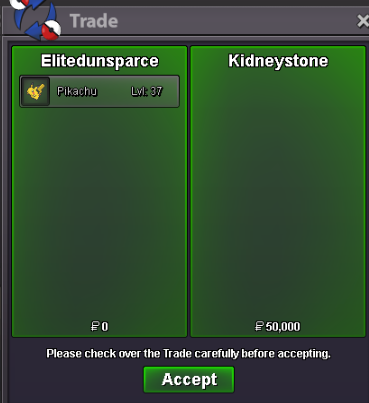
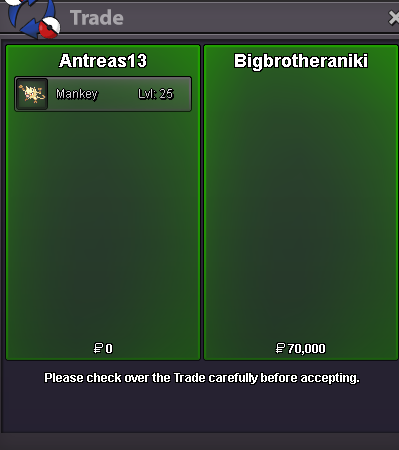
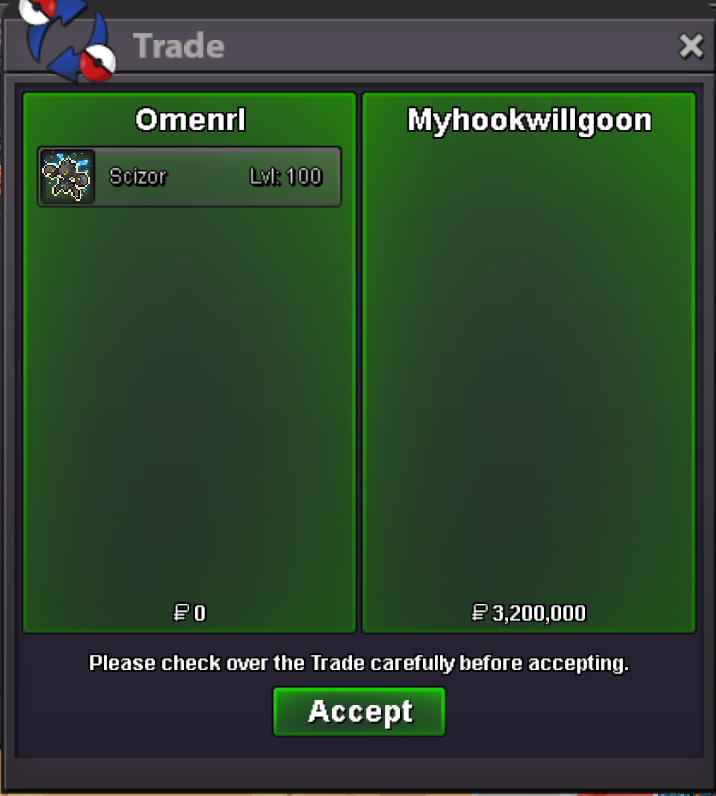
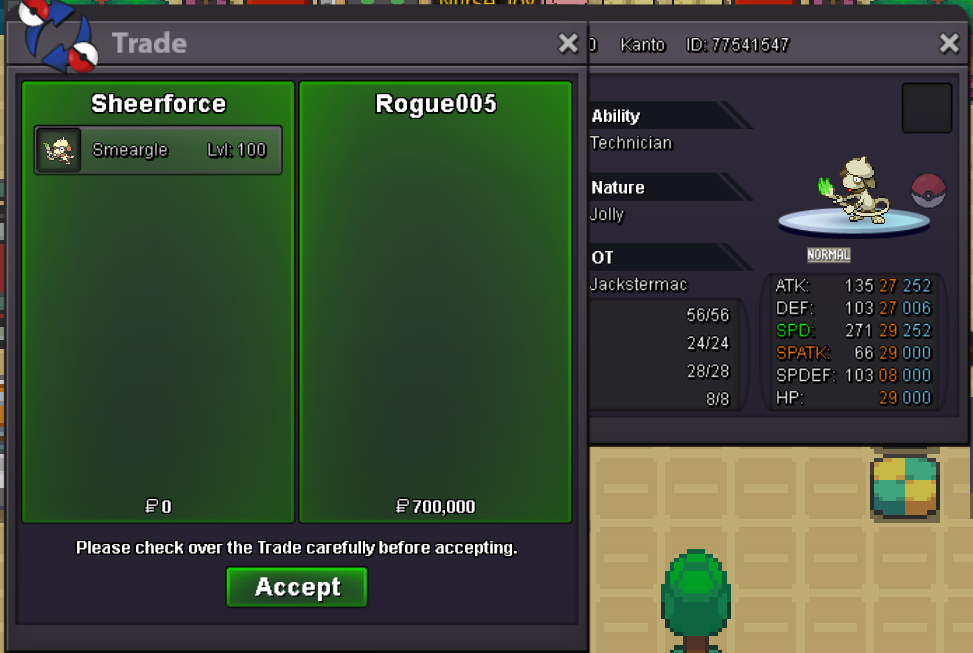
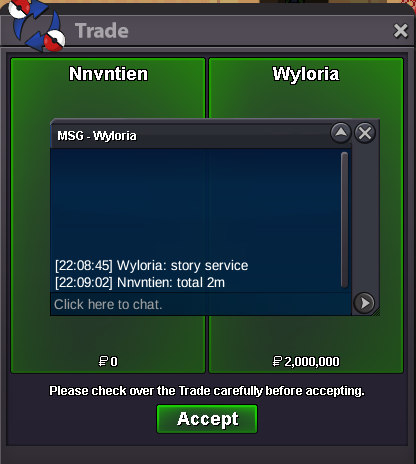
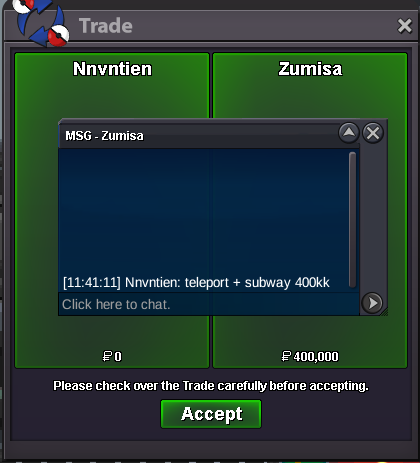
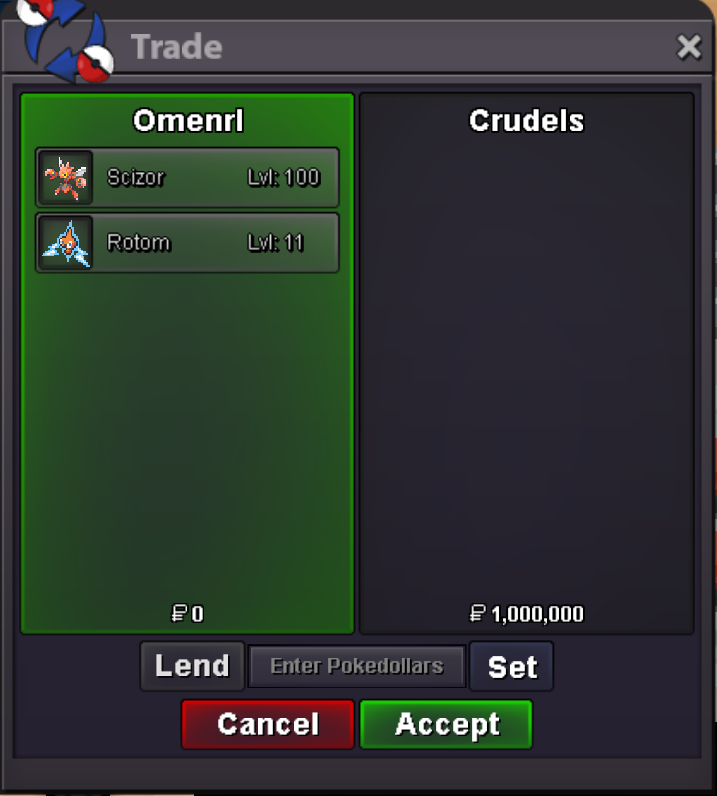
I'dont have a escape rope.Also i cannot pvp here.please teleport meValuee joined the communityHello! I'm sorry for the inconvenience. Please try using an Escape Rope to return to your last visited Pokémon Center. Regarding the PvP battle, could you please confirm whether you lost the battle after all of your Pokémon fainted, or if you surrendered? Surrendering the battle will not move your character to the last visited Pokémon Center. You need to lose the battle by having all of your Pokémon faint in order to be returned to the last Pokémon Center. Please let me know which one happened in your case. Kind regards. Hallowglow.Nexusbr joined the communityHello,My character has been completely stuck inside the Vulcan Fair Whirl Pool mini-game for 2 days on the Gold Server.I tried /unstuck, relogging, and engaging in a PvP battle, but nothing works. Since Discord is banned in my country, I cannot use the support bot there.Could an admin or GM please manually teleport my character to a safe zone? Thank you.In-game Name: rayquaza527Server: GoldHello! As there has been no further activity on this thread, I will proceed to close it. If you need any assistance in the future, please don't hesitate to create a new thread. Kind regards. Hallowglow.Luffy00x joined the communitySoybean907 joined the communityhelp meYomy7 joined the communityHello! I'm sorry for the inconvenience. Since you are able to connect to the Gold server normally, please try connecting through a different network, such as switching from Wi-Fi to mobile data or vice versa. Restarting your router may also help establish a different connection. If the issue persists, you can also try using a VPN to establish a different connection to the server. Please let us know if the issue continues after trying these steps. Kind regards. Hallowglow.Estarossazk joined the communityHello! I'm sorry for the inconvenience. Since you are able to connect to the Gold server normally, please wait a few minutes and try connecting to Silver again, as the issue may be temporary. You can also try connecting through a different network, such as switching from Wi-Fi to mobile data or vice versa. Restarting your router may also help establish a different connection. If the issue persists, you can also try using a VPN. Please let us know if the issue continues after trying these steps. Kind regards. Hallowglow.Hello! From what I can see, this trade was completed without a lending period being set. To submit the appropriate claim, please create a post in the Report Center. Make sure to provide as much evidence as possible regarding the lending agreement and explain the situation in as much detail as possible. This will allow the appropriate team to review the case and assist you accordingly. Kind regards. Hallowglow.Klakistis joined the communitybump@Jashva you can msg me ingame JuliebeeWtb grass cloak and hoodupHey @Kidneystone Once the lent time is passed it automatically return to your box.bumpBUMP























Account
Navigation
Search
Configure browser push notifications
Chrome (Android)
- Tap the lock icon next to the address bar.
- Tap Permissions → Notifications.
- Adjust your preference.
Chrome (Desktop)
- Click the padlock icon in the address bar.
- Select Site settings.
- Find Notifications and adjust your preference.
Safari (iOS 16.4+)
- Ensure the site is installed via Add to Home Screen.
- Open Settings App → Notifications.
- Find your app name and adjust your preference.
Safari (macOS)
- Go to Safari → Preferences.
- Click the Websites tab.
- Select Notifications in the sidebar.
- Find this website and adjust your preference.
Edge (Android)
- Tap the lock icon next to the address bar.
- Tap Permissions.
- Find Notifications and adjust your preference.
Edge (Desktop)
- Click the padlock icon in the address bar.
- Click Permissions for this site.
- Find Notifications and adjust your preference.
Firefox (Android)
- Go to Settings → Site permissions.
- Tap Notifications.
- Find this site in the list and adjust your preference.
Firefox (Desktop)
- Open Firefox Settings.
- Search for Notifications.
- Find this site in the list and adjust your preference.