




New Trade Zone
Trade Zone is now live
Use the new Trade Zone for auctions and instant-price trades so Pokemon and item offers are easy to find.
All Activity
Past hour
-
Bomg joined the community
Today
-
Nexoor joined the community
-
Corosas joined the community
-
Asepa joined the community
-
We are The Walking Dead!

-
up
-
Page 667 is over :0
-
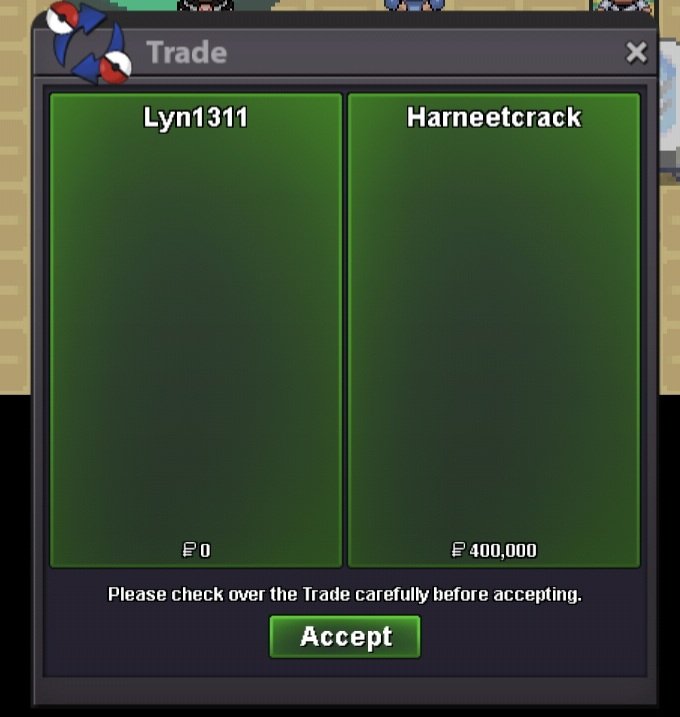
Service quest Jirachi and latias. Thnx much, Glhf!
-
Gild joined the community
-
Tomlolorb joined the community
-
Karnsama joined the communityNgovantan joined the communityZirconn joined the communityEnvy597 joined the communityOpen again!! BumpSince there has been no reply for quite some time, I'll be locking this topic now. Take care.Hello @Ctcheese ! I'm really sorry to hear about your issue. During the Abandoned Ship, there is a total of 6 keys, as stated here You will have to found the 6 keys in different spots: 2 in room 1 (both 1F and B1F), one in room 3 B1F, one in Room 2 1F and one in Room 4 B1F and the last one with the Wingull! Be sure to check all the spots to be able to progress into the Captain Room! Let me know if you found the 6 keys and can go to the Captain Room! Very Respectfully, ZarachiGood day @Sunx7tws I apologize for the delay in response. Our investigation yielded no results and, unfortunately, I am unable to offer any reimbursement. With that being said, I will be closing this thread now. If you have any further questions or concerns, do not hesitate to reach out. Regards, BitterbladeI am doing the Abandoned Ship quest. i got all of the keys and beat the Wingull. it still says I have 5 keys and the Wingull is gone. Any help on what to do is appreciated.Good day @Gangstersus You can access the new Trade Zone here or by clicking the TRADE ZONE button in the ribbon as shown below Trade Zone Ribbon Location Once you enter the Trade Zone you will be able to see all active sales. To only view active auctions, you will need to apply a filter by selecting Auction in the Type section. You can see this below. Auction Filtering Location Once you click Auction, the populated sales will reflect. Be sure to check the other settings (e.g., Server) to ensure that you are viewing the content you desire. Does this information answer your question? If not, can you please elaborate further on the issue and provide screenshots if possible. I look forward to hearing from you. Regards, Bitterblade

 Good day @Kingbilly As long as the art is fan art then that is perfectly fine. While I realize that you are asking about a specific guild logo, do remember that guild logos must be PG and appropriate. I hope this information finds you well and answers your question / concern. Regards, BitterbladeGood day @Y1n As this thread has been addressed, I will be closing it. If you have further questions or concerns, do not hesitate to make a new one. Regards, BitterbladeGood day @Ramzi2525 According to our database, you have successfully completed the quest and caught one of the Lake Trio. Congratulations! With that being said, I will be closing this thread now. If you have any further questions or concerns, do not hesitate to reach out. Regards, BitterbladeGood day @Dadarkade I hope the aforementioned information found you well. Due to this thread not receiving a response in quite some time and the particular event related to this thread has concluded, I will be closing it. If the issue persist, please make a new thread. Regards, BitterbladeGood day @3ttor3 Did the aforementioned information assist and is Wonderaliss still experiencing this issues? I look forward to hearing from you. Regards, BitterbladeGood day @Rascalisme As this thread has not received a response in quite some time, I will be closing it. If the issue persist, please make a new thread. Regards, BitterbladeGood day @Shashank555 I see that you were able to successfully transfer servers. With that being said, I will be closing this thread. If you have any further questions or concerns, do not hesitate to reach out. Regards, BitterbladeGood day @Spaceviking90 As this thread has not received a response in quite some time, I will be closing it. If the issue persists, please make a new thread. Regards, BitterbladeGood day @D4n1el97 As this thread has not received a response in quite some time, I will be closing it. If the issue persists, please make a new thread. Regards, BitterbladeGood day @Nippionion As this thread has not received a response in quite some time, I will be closing it. If the issue persists, please make a new thread. Regards, BitterbladeGood day @Akisvapor47 As there has been no response in quite some time, I will be closing this thread. If the issue remains, please create a new one. Regards, Bitterblade
Yesterday
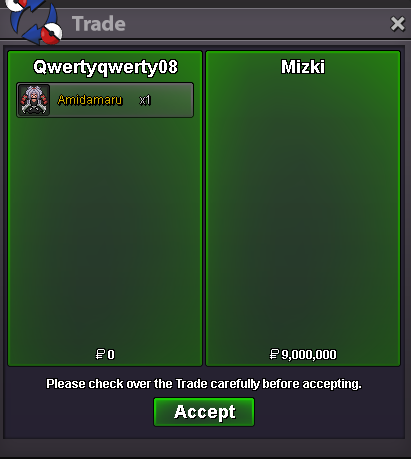
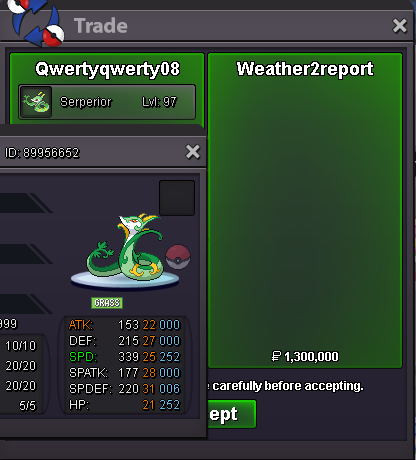
After the new auction format thingy, where do i see all the auctions? I go to trade zone and i dont see there
















Account
Navigation
Search
Configure browser push notifications
Chrome (Android)
- Tap the lock icon next to the address bar.
- Tap Permissions → Notifications.
- Adjust your preference.
Chrome (Desktop)
- Click the padlock icon in the address bar.
- Select Site settings.
- Find Notifications and adjust your preference.
Safari (iOS 16.4+)
- Ensure the site is installed via Add to Home Screen.
- Open Settings App → Notifications.
- Find your app name and adjust your preference.
Safari (macOS)
- Go to Safari → Preferences.
- Click the Websites tab.
- Select Notifications in the sidebar.
- Find this website and adjust your preference.
Edge (Android)
- Tap the lock icon next to the address bar.
- Tap Permissions.
- Find Notifications and adjust your preference.
Edge (Desktop)
- Click the padlock icon in the address bar.
- Click Permissions for this site.
- Find Notifications and adjust your preference.
Firefox (Android)
- Go to Settings → Site permissions.
- Tap Notifications.
- Find this site in the list and adjust your preference.
Firefox (Desktop)
- Open Firefox Settings.
- Search for Notifications.
- Find this site in the list and adjust your preference.