New Trade Zone
Trade Zone is now live
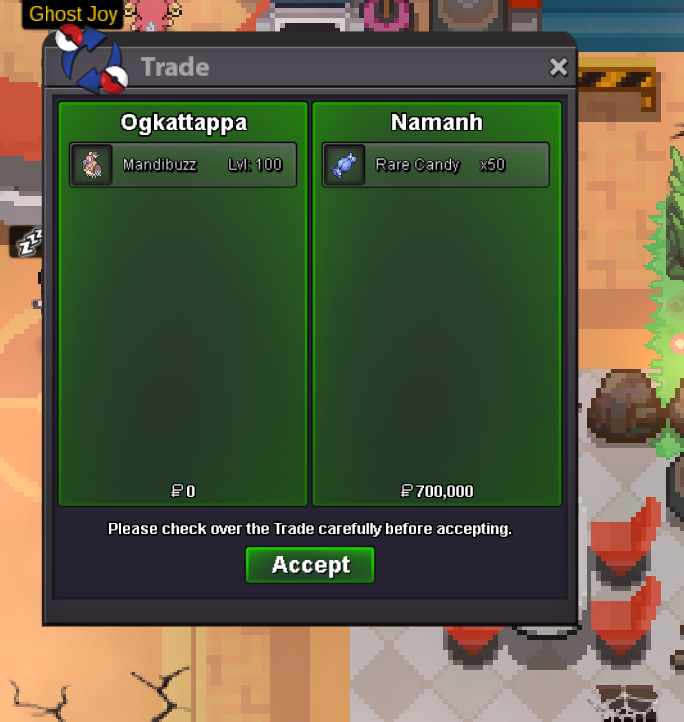
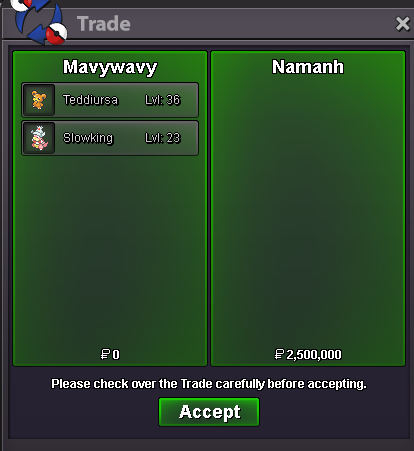
Use the new Trade Zone for auctions and instant-price trades so Pokemon and item offers are easy to find.
All Activity
Past hour
-
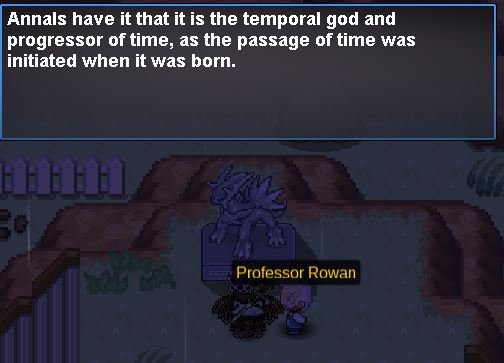
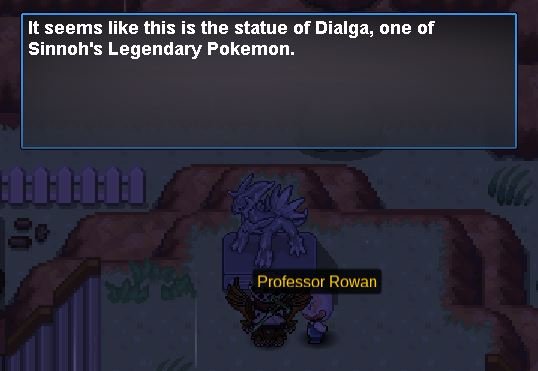
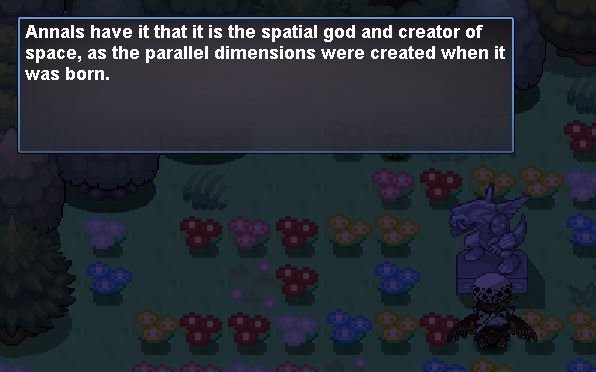
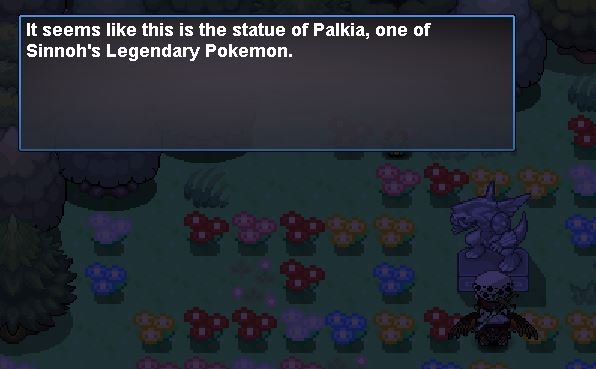
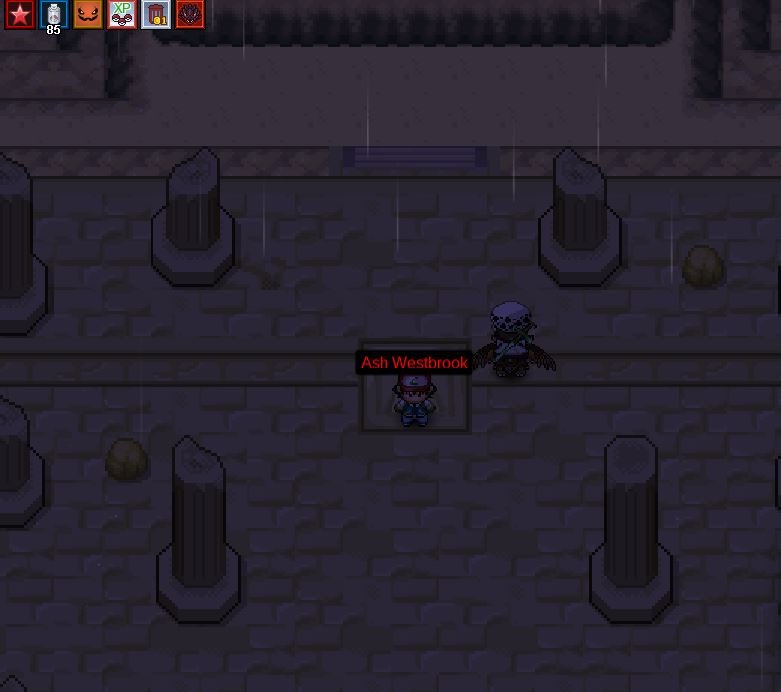
Thank you for your response! Here are the screenshots of my dialogues with Dawn and the statues as requested. Please let me know if you need anything else. Kind regards, Evols
Today
-
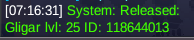
Hi, I released this accidentally. Please restore it. Thanks
-
Taylor013 joined the community
-
bump!
-
bump!
-
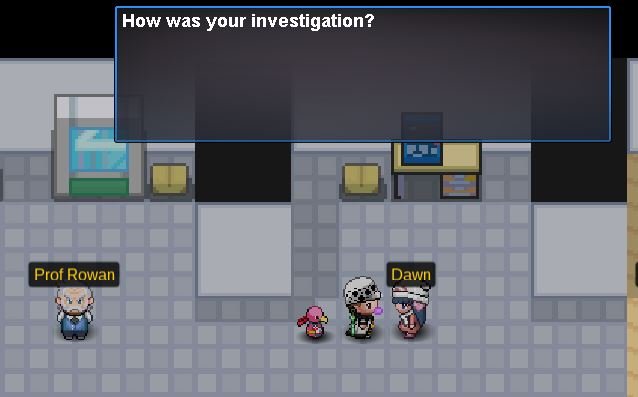
Hello! I'm very sorry for the delay! Could you please head over to Sandgem Town? Dawn is inside Professor Rowan's lab. Please send me screenshots of your dialogue with her. Please also send me screenshots of your dialogue with the Dialga, Palkia, and Arceus statues? This will help me look into the issue further. Kind regards. Hallowglow.
-
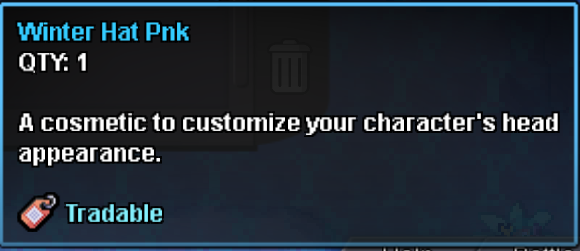
Hey, Voidobserver! The Halloween Druddigon Mount variants cannot be traded between players. Instead, players must defeat whichever dragon is currently featured in the daily rotation for a chance to obtain the corresponding mount as a reward. As mentioned above, it is also not possible to change an existing Halloween Druddigon Mount into a different variant. I apologise for any inconvenience this may cause. Regarding item trading, you can check if an item is tradable by hovering your mouse over it in your bag if you are on PC, or on mobile you can long-press an item for the same effect. This will display a tooltip containing an item description and the relevant tags. If an item has the "Tradable", it can be traded between players. Conversely, if this tag is not present the item cannot currently be traded. For reference, I have attached an example image showing what the tooltip of a tradable item looks like. Kind regards, Brambleghast
-
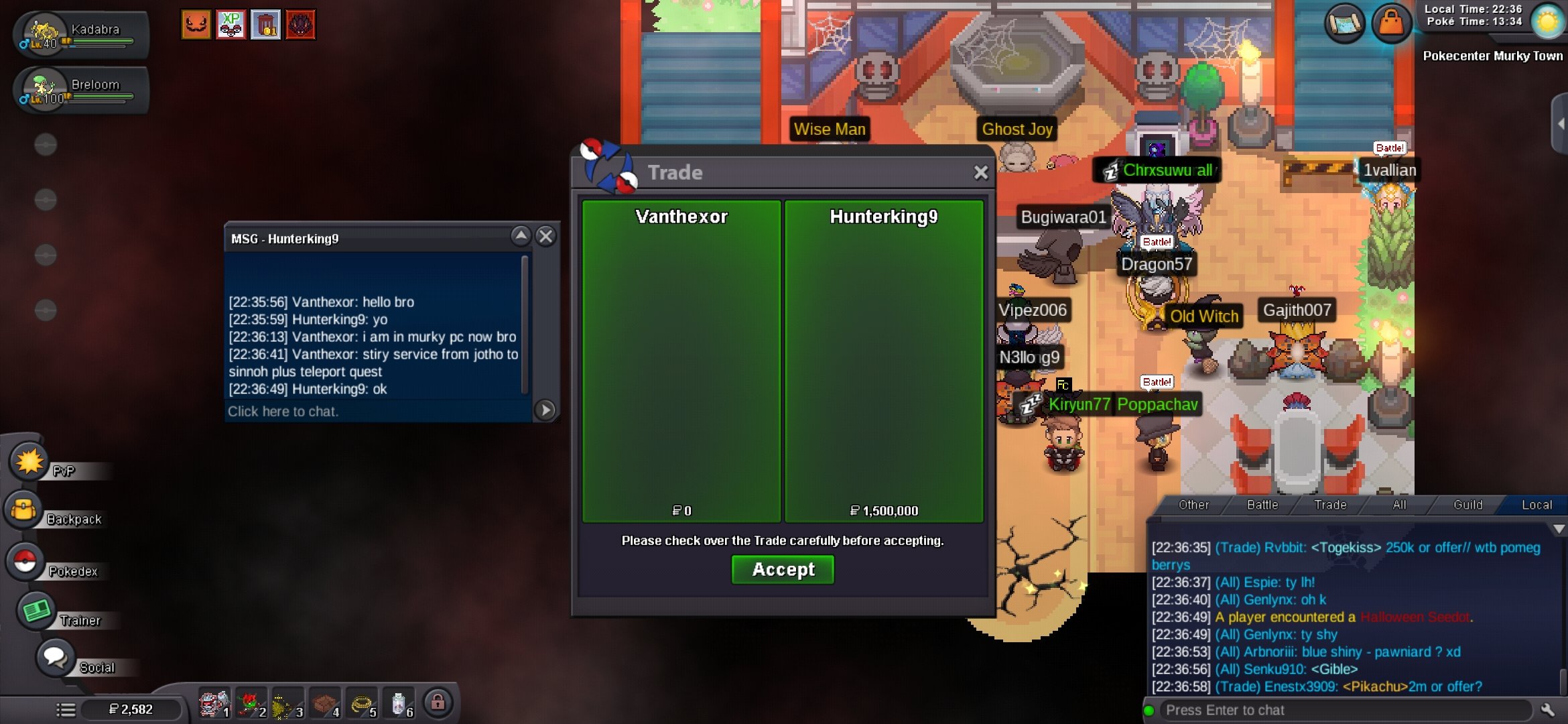
Quest service completing in progress. Payment was received via my account. Screenshot proof available for confirmation. Update : Completing in progress. Thanks for supporting @Hunterking9
-
Hikozen joined the community
-
How do i obtain a druddigon mount?
-
Corv019 joined the community
-
Zylonix joined the community
-
Unclefour7103 joined the community
-
Sodawelle joined the community
-
Bump. Could someone from Staff please let me know if it's possible to reset this quest step or restore the item? Thank you!
-
Boydaumoi joined the communityShadows1507 joined the communityHey, sounds good. I'll take a look.Khaevor joined the communityGood guild and are always willing to help their membersupThat sounds like a fun Pokémon adventure! Getting lost while searching for Team Magma’s hideout, discovering new Pokémon, and adding Togepi to your team makes the journey interesting. I also prefer exploring and figuring things out on my own rather than relying on guides too quickly. Good luck with the rest of your adventure!Thank you so much!! Now I got to figure out how the Z moves work 😂Ailanyparker joined the communityBUMPWelcome back! Starting fresh to relive the story is a great call, the megas and Z-moves really do change how Kanto feels. Good luck with the rest of the journey, and enjoy Silver!Great Guild, very helpful people.It's not tradeable, you have to collect different dragons, it can't change forms.Hi i want to ask about the hlw druddigon mount of hlw event. Is it tradable? if i obtain a fire dragon mount, can i teansfer it into other forms? or i have to trade with others players? thank you for your timeThank you so much everyone!Wwtb 2 this
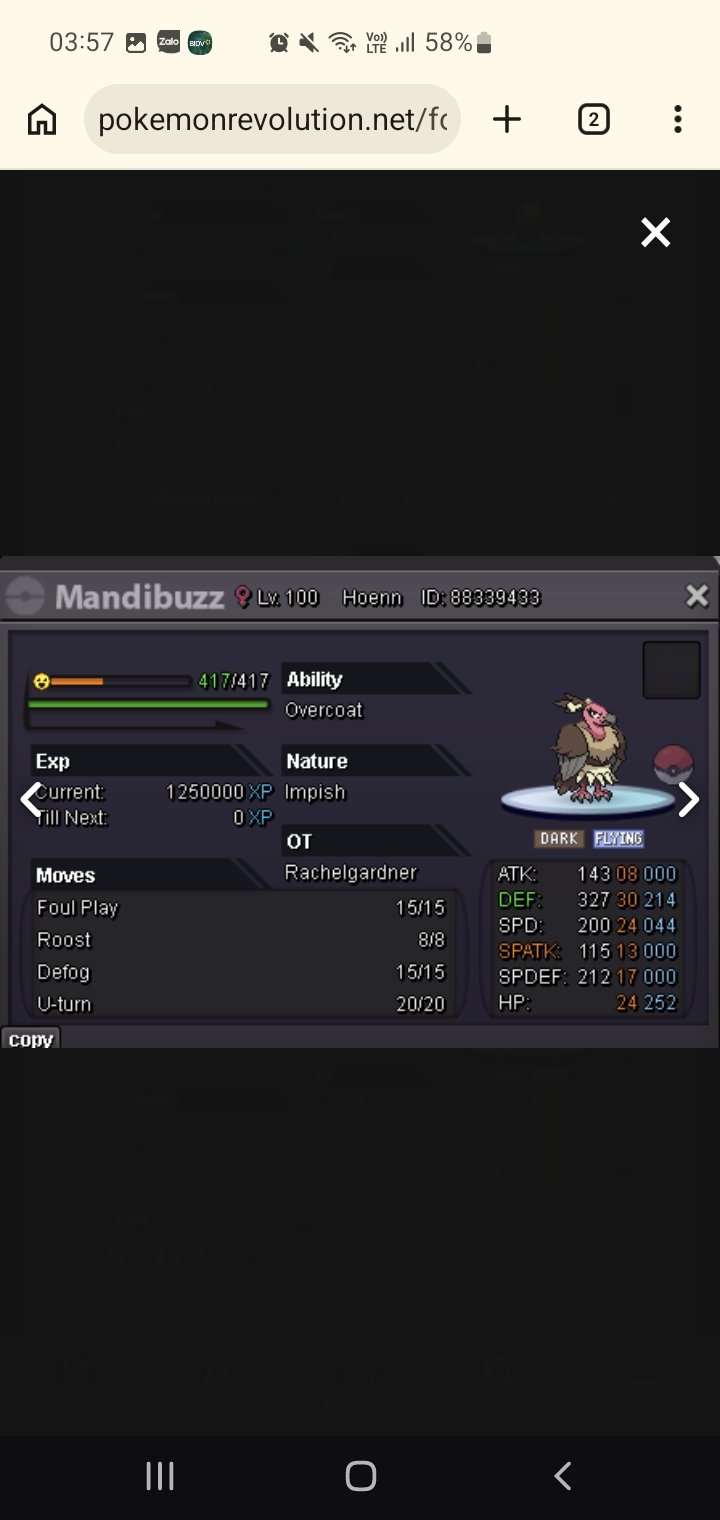
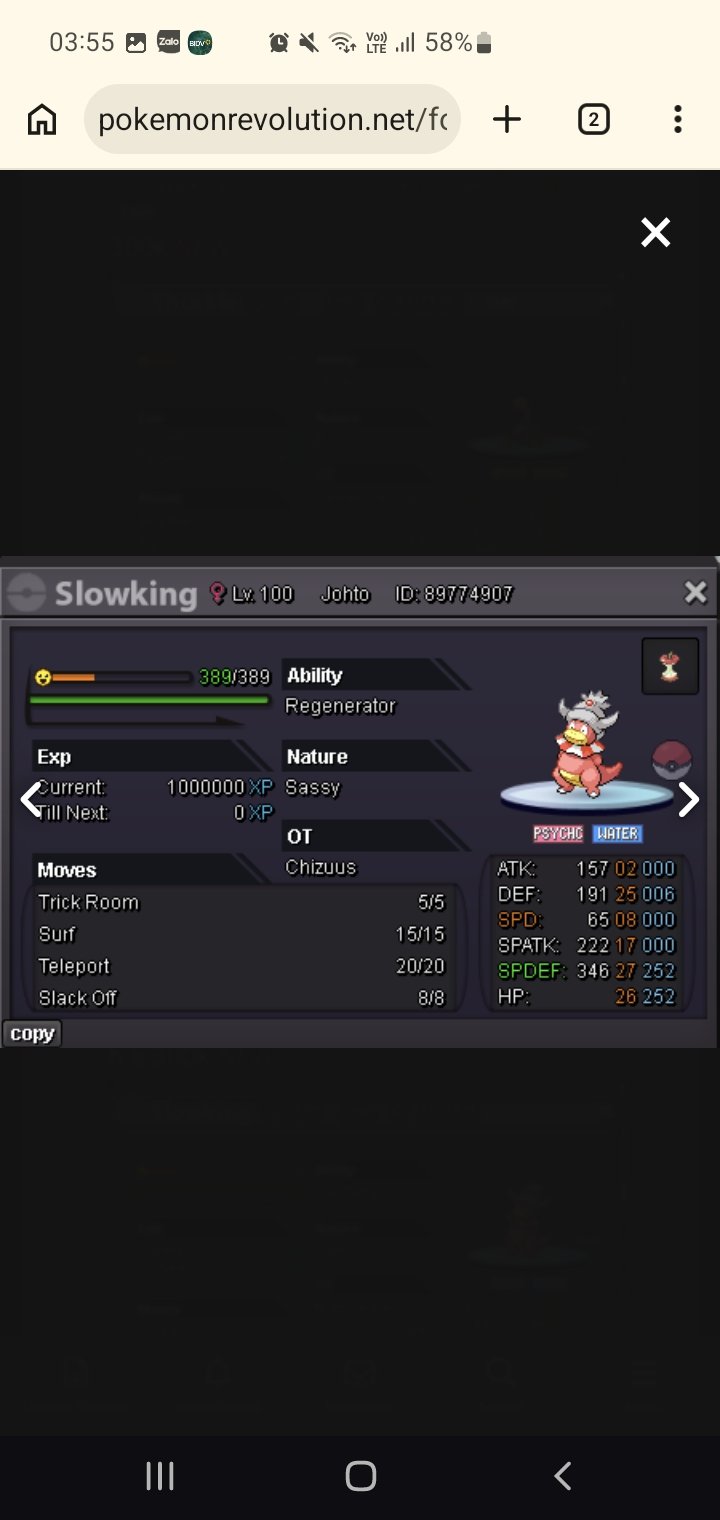 Hi wtb this
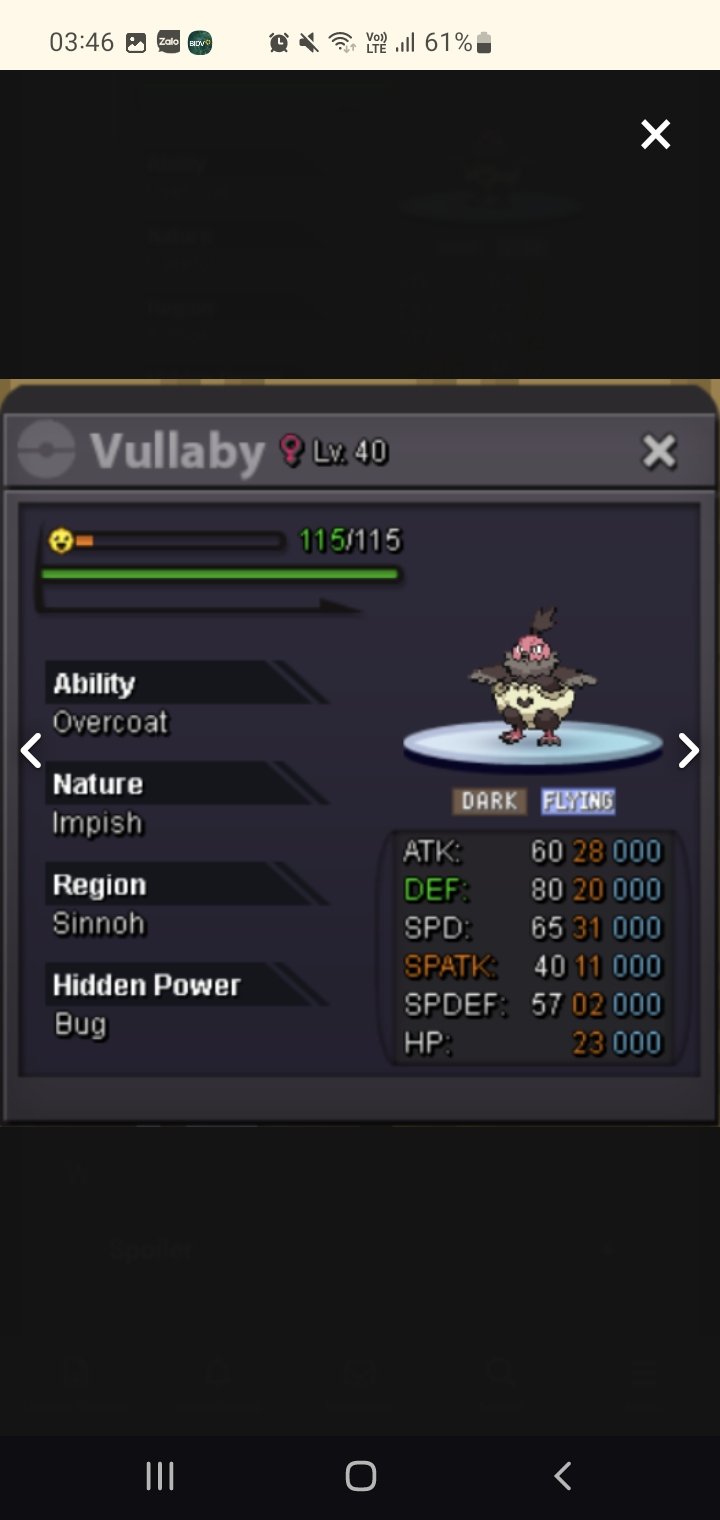 I love this guild , Best guild and best peoples .