New Trade Zone
Trade Zone is now live
Use the new Trade Zone for auctions and instant-price trades so Pokemon and item offers are easy to find.
Leaderboard
-
Monteria
Former Staff4Points5099Posts -
Voidwarrior
Registered User3Points718Posts -
Igordhossegor
Registered User2Points309Posts -

Sin
Registered User2Points473Posts




Popular Content
Showing content with the highest reputation on 01/01/22 in Posts
-
2 pointsNOTICE: I'm gonna take another break now after finally getting my 1st OT shiny rare, so shop won't have any updates in a while ^^ Everything here is still up for sell, so feel free to pm me in Discord at Sin#6417 for any inquiry. Have a great time in the game! o/ WELCOME TO SIN'S SHINY & EVENT BOUTIQUE *** I'm finding new home for some of my shinies Hope you can find the sparkling Poke that will make you smile here CROSS-SERVER DELIVERY HOW TO CONTACT HOW TO PAY SHINY AND EVENT POKE 50K - 150K (N/A) 200K - 1M 1M - 2M (N/A) 2M - 5M 5M - BEYOND Until next time,


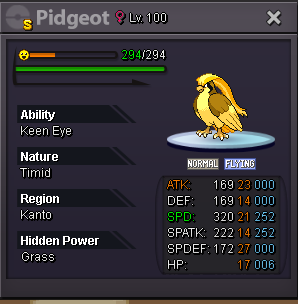
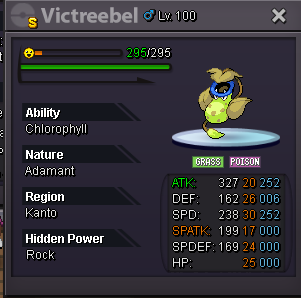
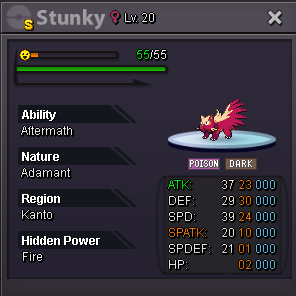
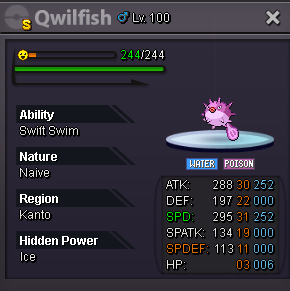
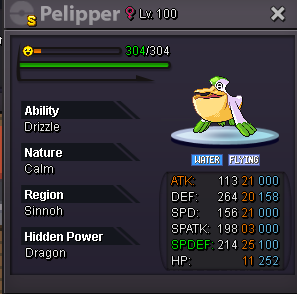
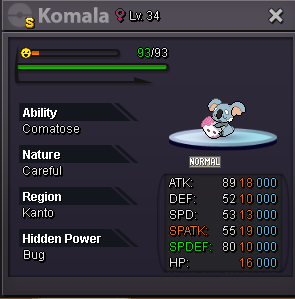
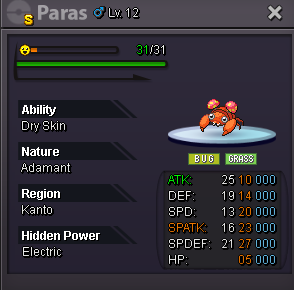
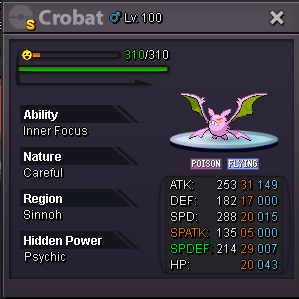


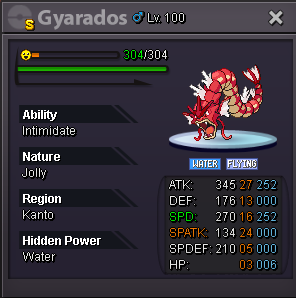


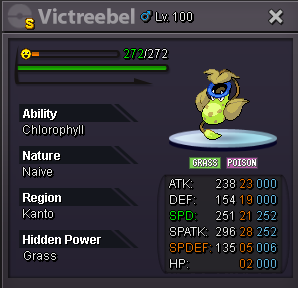
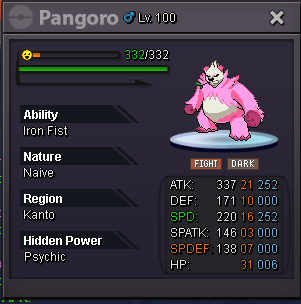
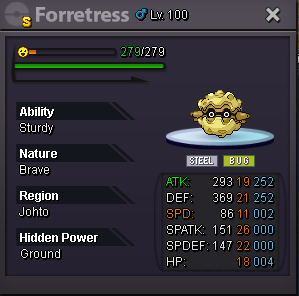

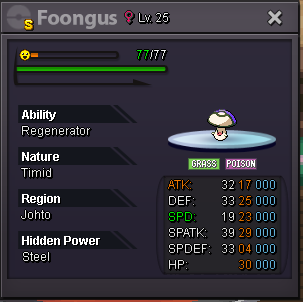
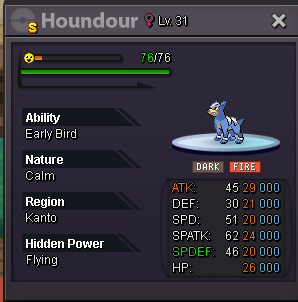


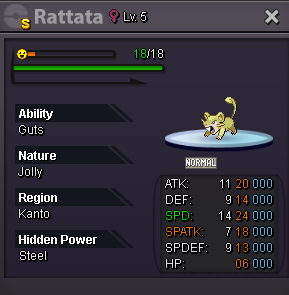
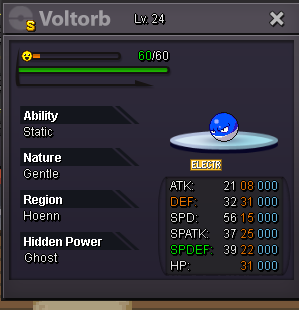
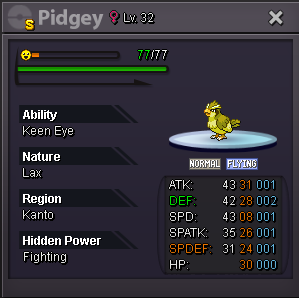
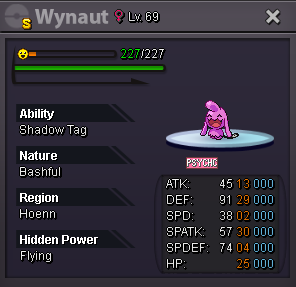

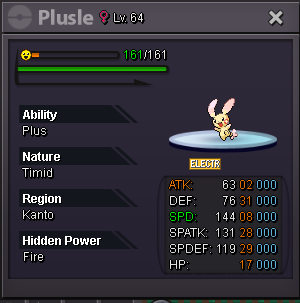
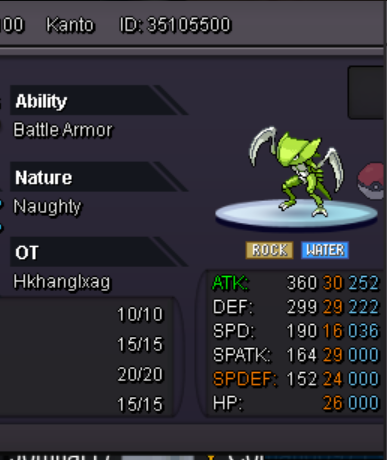
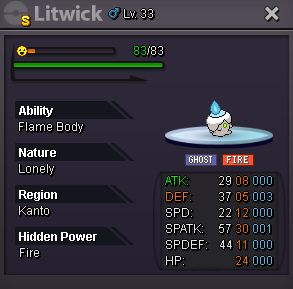
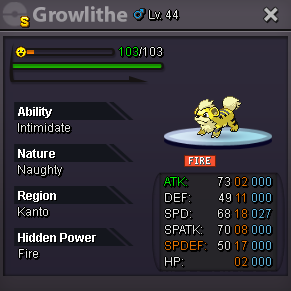
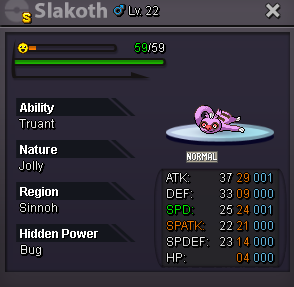 2 points
 -
2 points
-
2 pointsLet's start this 10m, the cash in on my main account Rharomy on gold server (I transfert if I win)2 points
-
1 pointRULES: Accept cc 350k rr 600k reroll nature 300k rc 6k everything is negotiable my discord: AsuraCrying00/DemonAsura00#3579 100K-200k 200k - 300k +300k +400 Charmander Magikarp shellder squirtle Clefairy sneasel Timburr croagunk All 30k
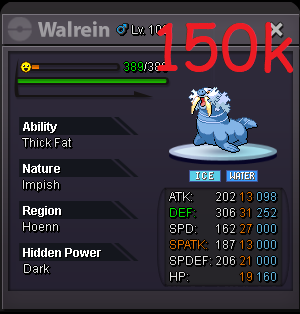

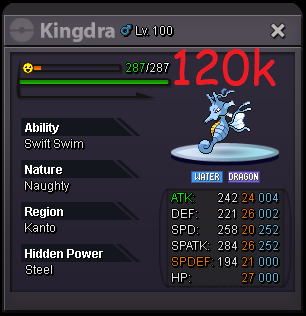
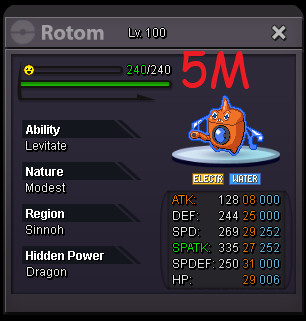
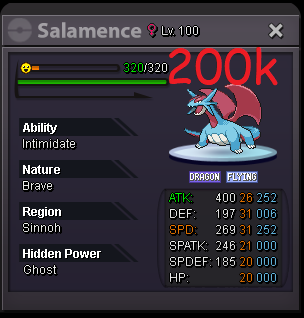
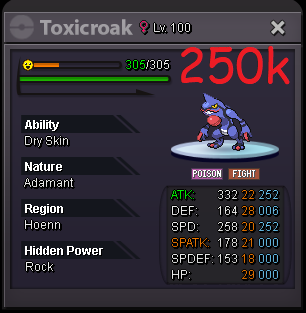
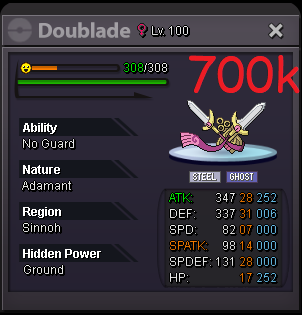
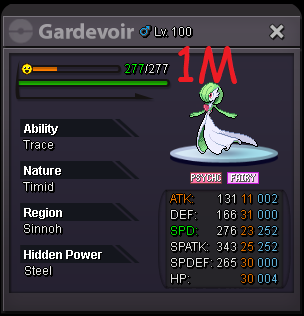


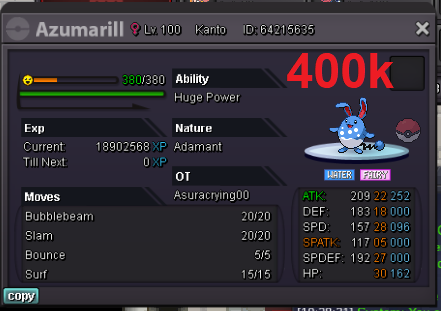
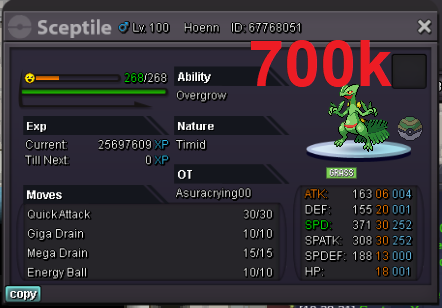
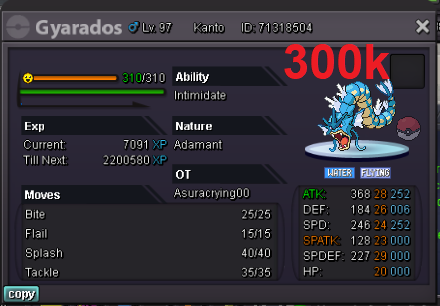

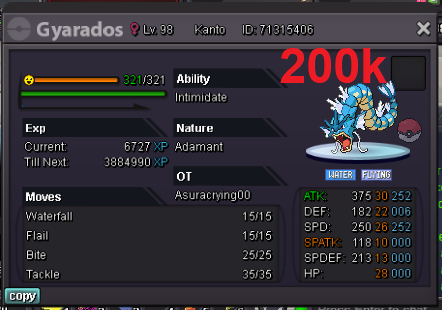
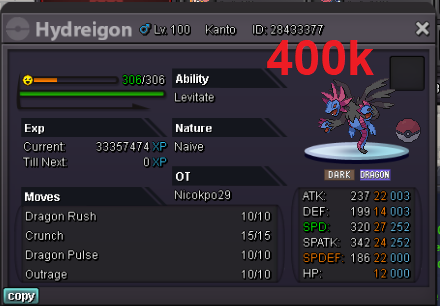
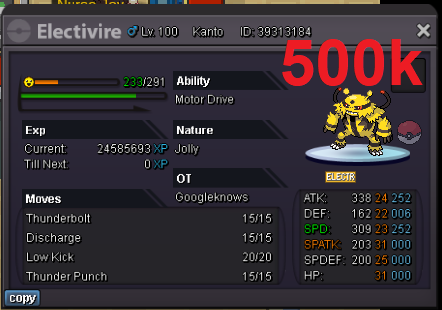

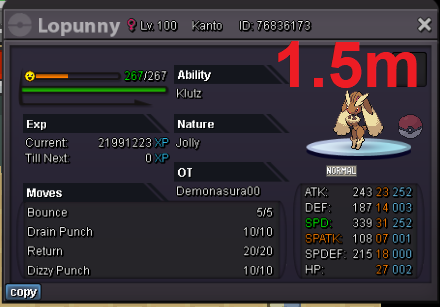
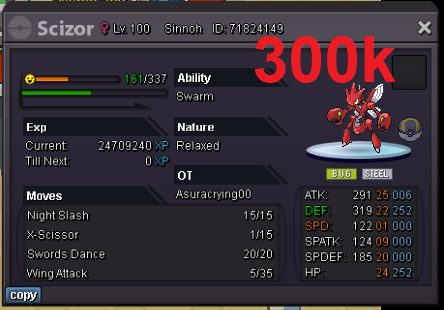


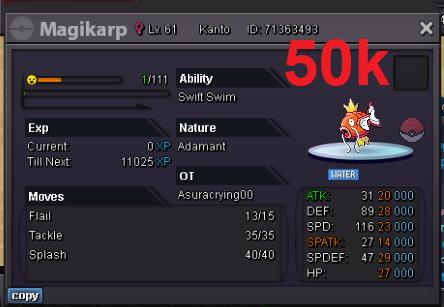
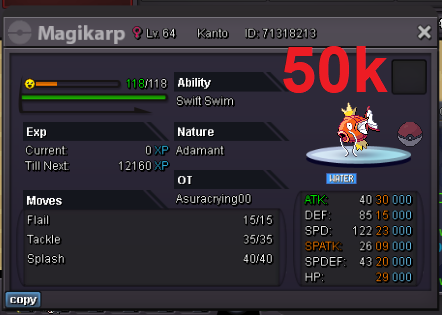
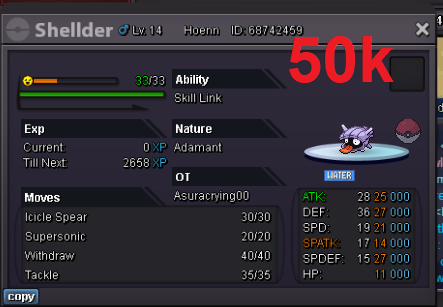


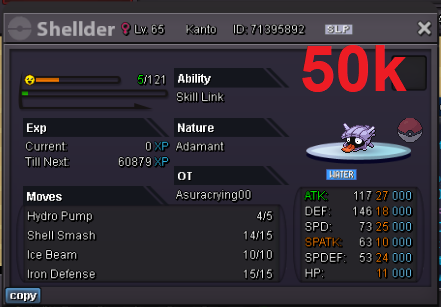
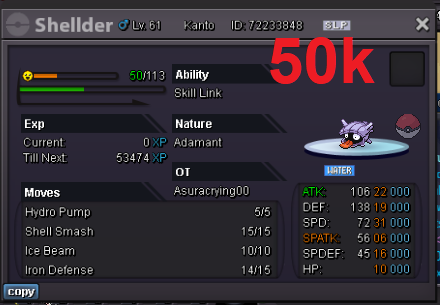
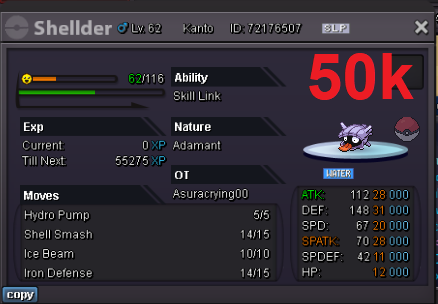
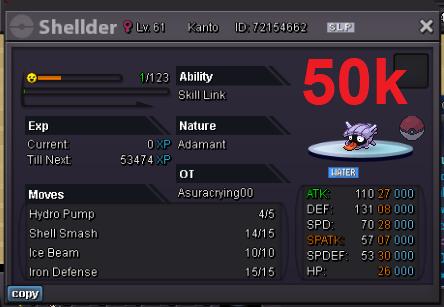
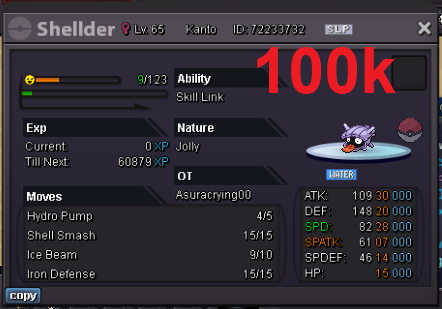

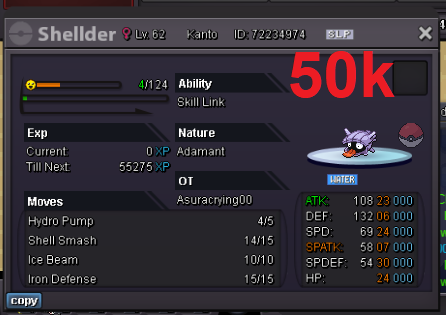
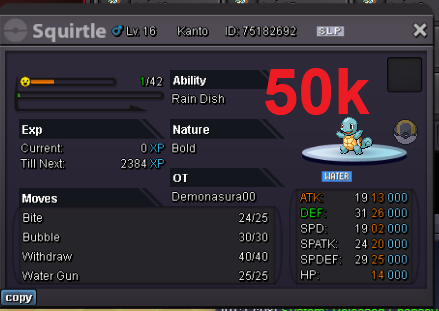

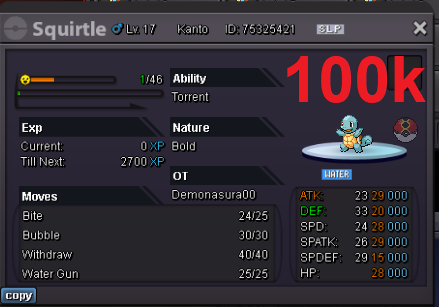
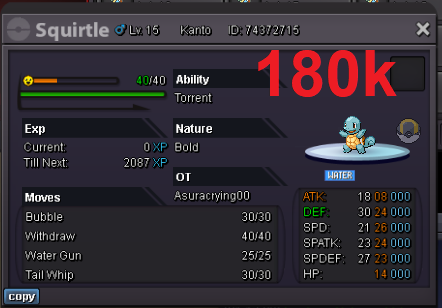
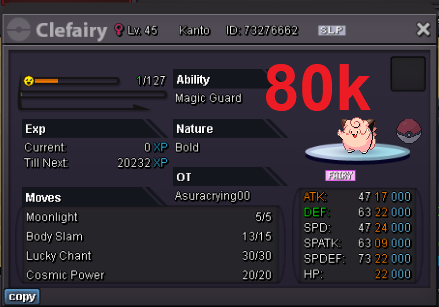
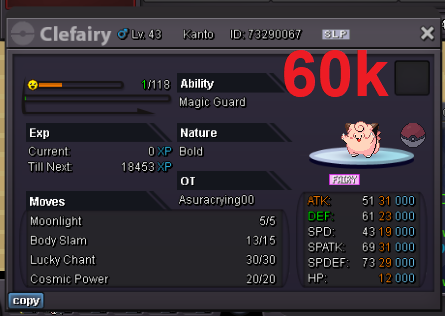
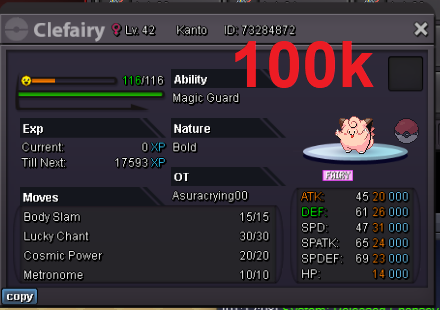

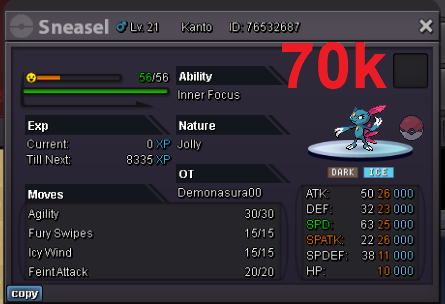
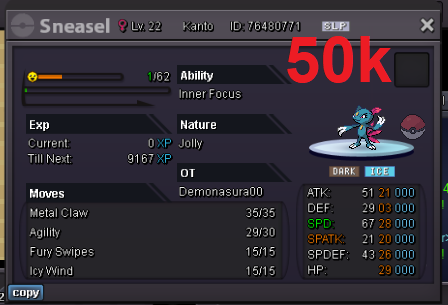

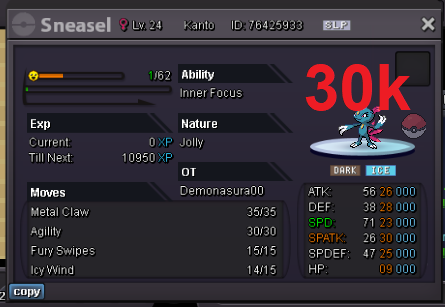

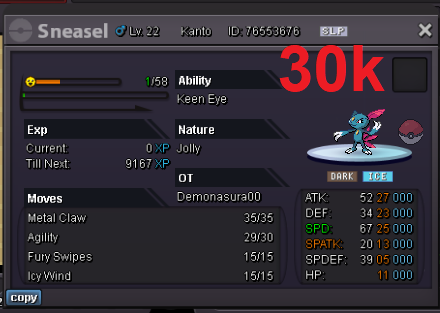

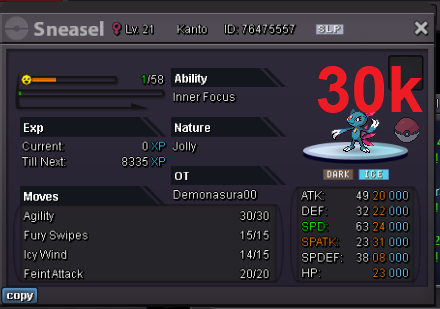

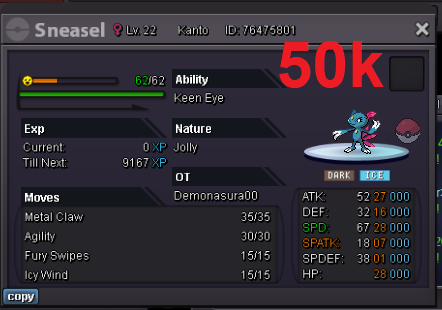
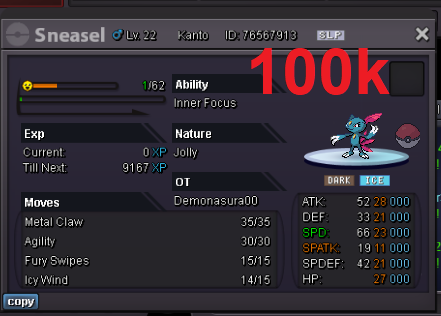

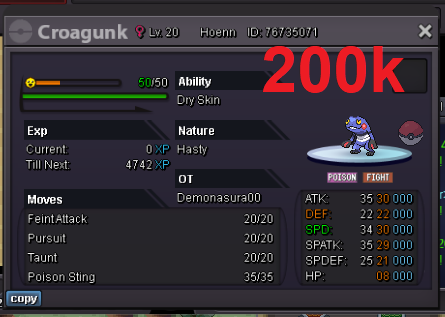
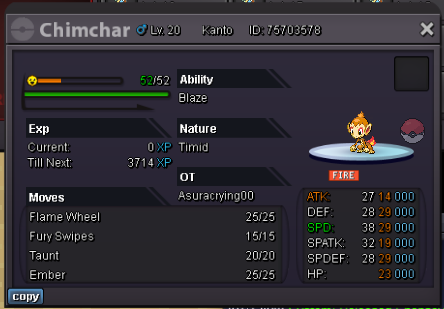
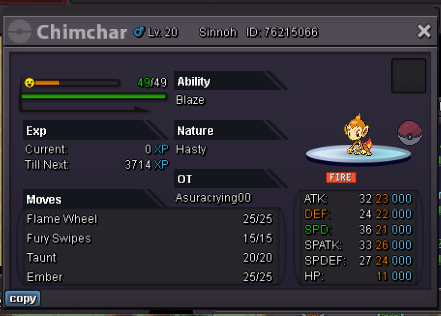


 1 point
 -
1 point
-
1 point
-
1 point
-
1 point
-
1 point
-
1 point
-
1 point
-
1 point
-
0 points
-
0 pointsI accidentally released my Darkrai Ig : Licrazy0111 Server : Gold ID screenshot : 51330528
 0 points
 -
0 points