New Trade Zone
Trade Zone is now live
Use the new Trade Zone for auctions and instant-price trades so Pokemon and item offers are easy to find.

Allsmell
Registered User
-
Joined
-
Last visited
Everything posted by Allsmell
-
Last :)
-
-
-
Kanto Jhoto Hoenn Sinnoh
-
Golem Onix Steelix Gigalith Crustle Carbink Sudowoodo Skyamory Forretress Probopass Aggregon Bastiodon Relicanth Carracosta Dugtrio whimsicott Resources
-
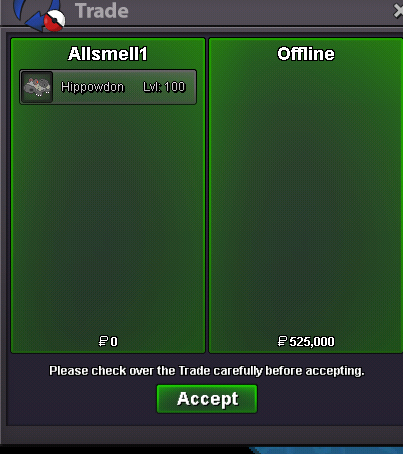
Hippowdon 2 sold 525k
-
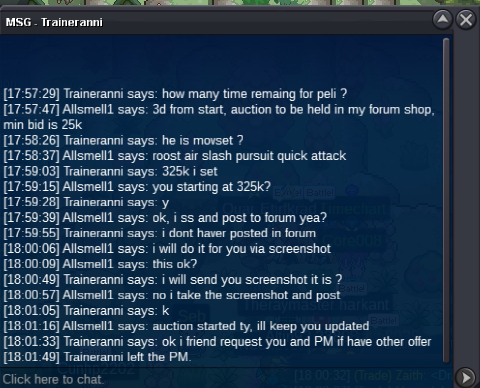
Hippowdon 2 45 minutes left c.o. 525k offline, Insta 650k Coder3462 wins metagross 1 400k Traineranni wins pelipper 1 325k
-
Picture?
-
Start marill
-
-
+1 Although I think a pc rework is already on the list. With probably medium priority and no ETA. Maybe after the battle UI :).
-
1stly this lol. but 2ndly how is there still 45h left on a 48h auction?
-
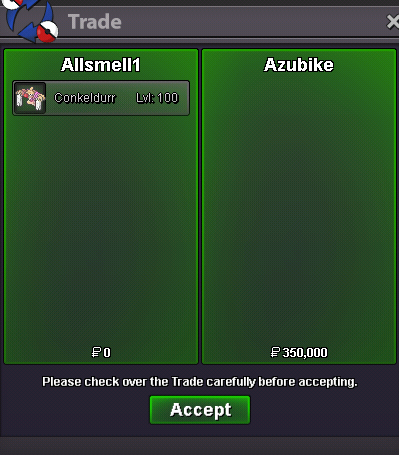
Conkeldurr sold insta 350k
-
Hippowdon 1 sold insta 300k

-
He's got 20h play time. Relax a little on him. Also an auctioneer may lower the Insta at any time. So if he sold it for a higher price that you offered that was below Insta and within the auction time limit then it's fine.
-
Can you please show me proof that this is the only shiny cubchoo.....
-
-
-
Start rotom
-
-
Dunno if you ment to write min bid 500k, just leaves you space for 2 bids before insta. If you did ignore this and gl selling :), nice easter
-
Offer was rejected
-
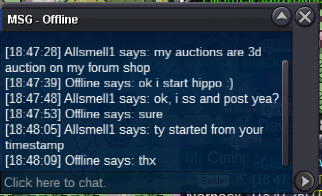
Hippowdan 2 started 525k by Offline Insta 650k Ends 18:47:48 28/04
-
Noted 1st potential end point is 4d from your timestamp
-
Pelipper started at 325k by Traineranni Insta 375k Auction Ends 17:59:03 28/04