New Trade Zone
Trade Zone is now live
Use the new Trade Zone for auctions and instant-price trades so Pokemon and item offers are easy to find.

Gdarch
Registered User
-
Joined
-
Last visited
Everything posted by Gdarch
-
I couldn’t say it clearer than that. It’s all about game mechanics. I’ m a huge fan of the original game from the beginning, I know by heart lots of things concerning move and abilities combinations and it’s really annoying when I do pvp ranked match to see for example a rotom wash with blizzard and the person arguing with me that he didn’t do anything wrong. I’m not a top 25 pvp player (max rating ever reached : 411) but I dont think it’s a good idea to let top 25 player decides alone since there are some of them who abused illegal combination like chansey + psywave in the past. To conclude, I think what belongs to game mechanics should be banned according to showdown and what belongs to pro meta specificities should be voted by everybody.
-
That’s sad no more turbo sales in trade chat xD
-
Start
-
Bump
-
Bump
-
Bump
-
Hello, Like many players I feel like it’s really annoying for people who particpated in world quest last time (catching pansage) since for obvious reason (you stay in safari park until you reach the total iv required to be given a mysterious ticket) you dont normaly go to the culturist before having all the pansage needed. Some players will be rewarded for having caught and gave only one pansage to the culturist whereas some player like me won’t be. I still have those pansage in my PC, be free to check. World quest is already a mess because of server crashes, the fact it was unfair for europeans and asians (lunatone and vanillite), don’t make it totally unfair for people who spent time and money ! Thank you. Have a nice day.
-
This is what happens when play in showdown : https://replay.pokemonshowdown.com/gen7ou-931318305 https://replay.pokemonshowdown.com/gen7ou-931320026
-
My friend’s kingdra https://media.discordapp.net/attachments/357145748116209665/591000165427445834/kingdra_video.png
-
Hello, I recorded two matches with a friend to show you the issue. Gardevoir copies the ability when sent in first place of a battle but not after a volt switch. My gardevoir is faster than his kingdra as you can see in picture.
-
During a pvp ranked match, my opponent’s kingdra killed a pokemon then I sent my gardevoir with trace ability but it didn’t copy swift swim. However, when I start a match with gardevoir sent in first, it copies the opponent ability. Seems that there’s something wrong there.
-
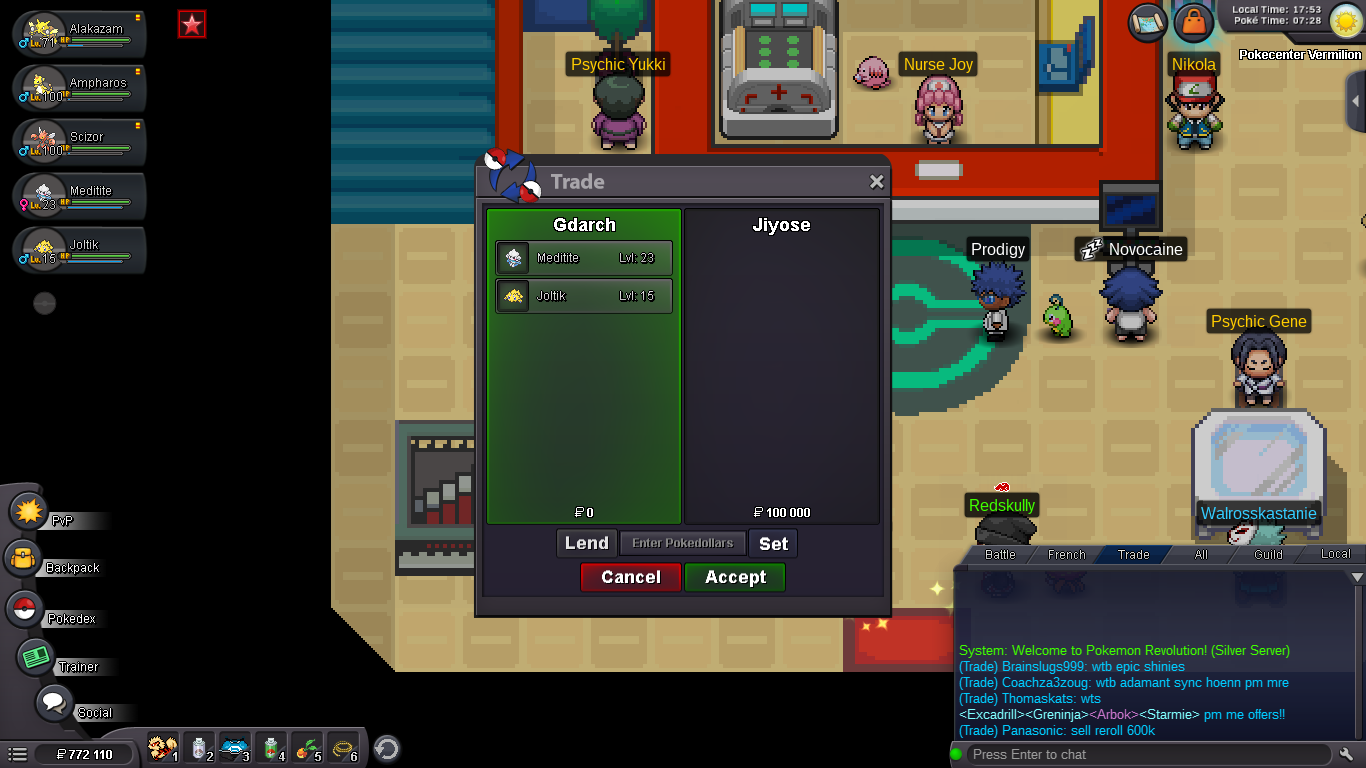
This is an auction but the seller didn’t call it « auction ». It seems PRO trade rules don’t mean anything... yeah
-
80k for jolly goomy
-
Yes i am
-
Bump
-
Yep offer me.
-
Ok i will tru to connect today. Tell me when you are in game
-
Ok tell me when you will be available for trade
-
Bump
-
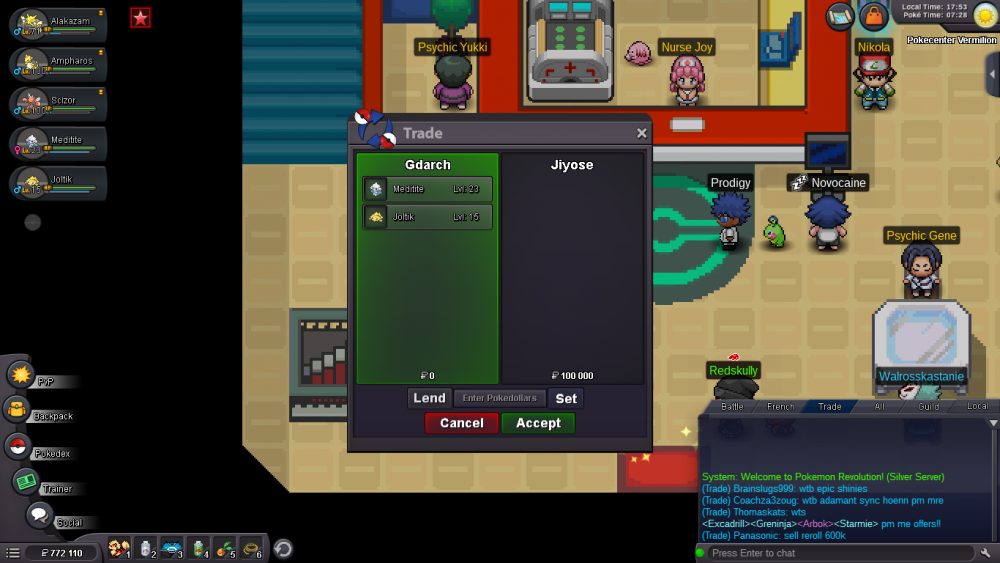
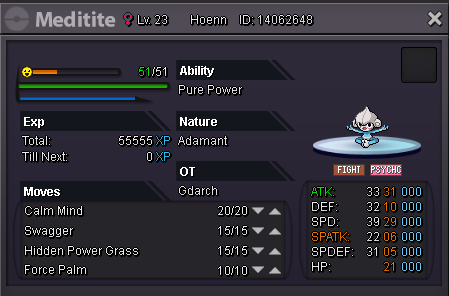
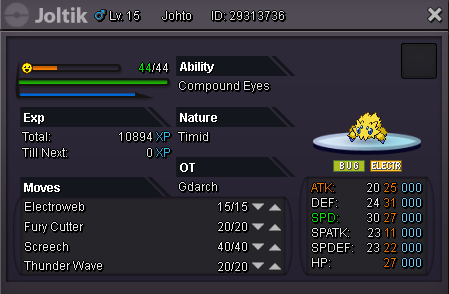
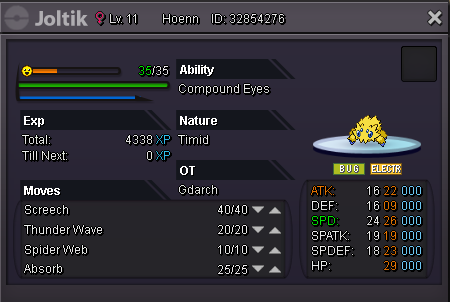
meditite and joltik 1 sold
-
Bump
-
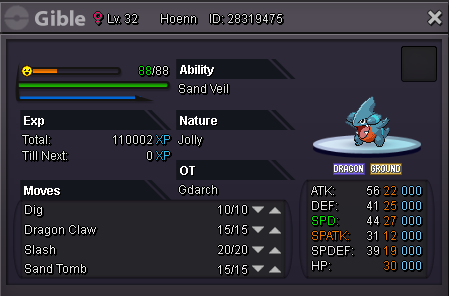
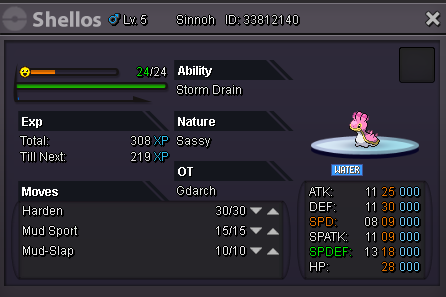
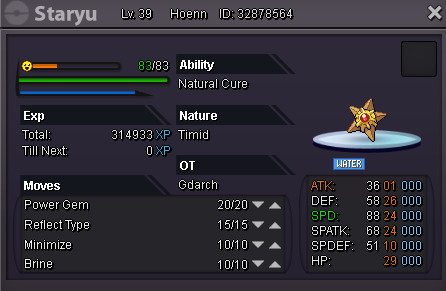
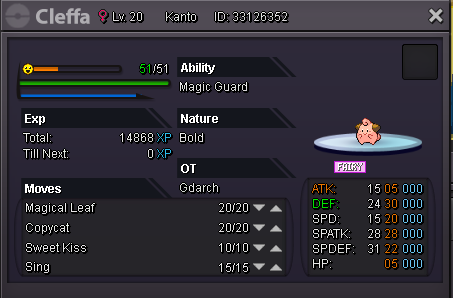
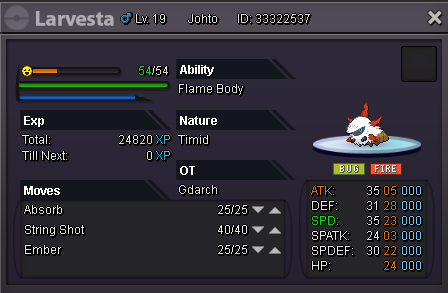
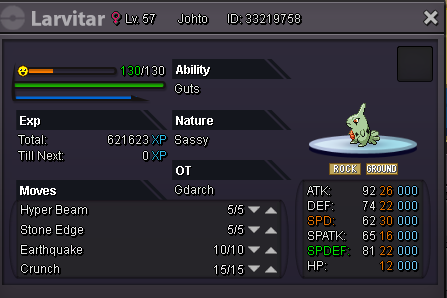
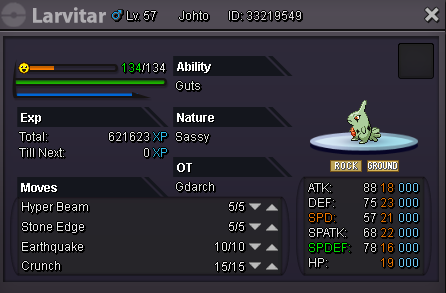
Welcome to this small shop. The prices are negotiable. IGN : Gdarch Discord : GDarch#5224 gible : 500k shellos : 100k staryu : 100k cleffa 1 : 80k cleffa 2 : 40k meditite : 70k (sold) joltik 1 : 40k (sold) joltik 2 : 80k larvesta : 60k larvitar 1 : 60k larvitar 2 : 80k

-
We need a screen of the hydreigon
-
In-Game Name: Gdarch Discord Tag: GDarch#5224 Server: silver How often do you use Discord? Everyday to check announcements or new trades on forum. I like also reading general chat after a server crash, it’s always funny. What is one suggestion you have for PRO Discord? None
-
Hello,do you accept 800k for empoleon ?