New Trade Zone
Trade Zone is now live
Use the new Trade Zone for auctions and instant-price trades so Pokemon and item offers are easy to find.


Norex
Discord Moderator
-
Joined
-
Last visited
Everything posted by Norex
-
-
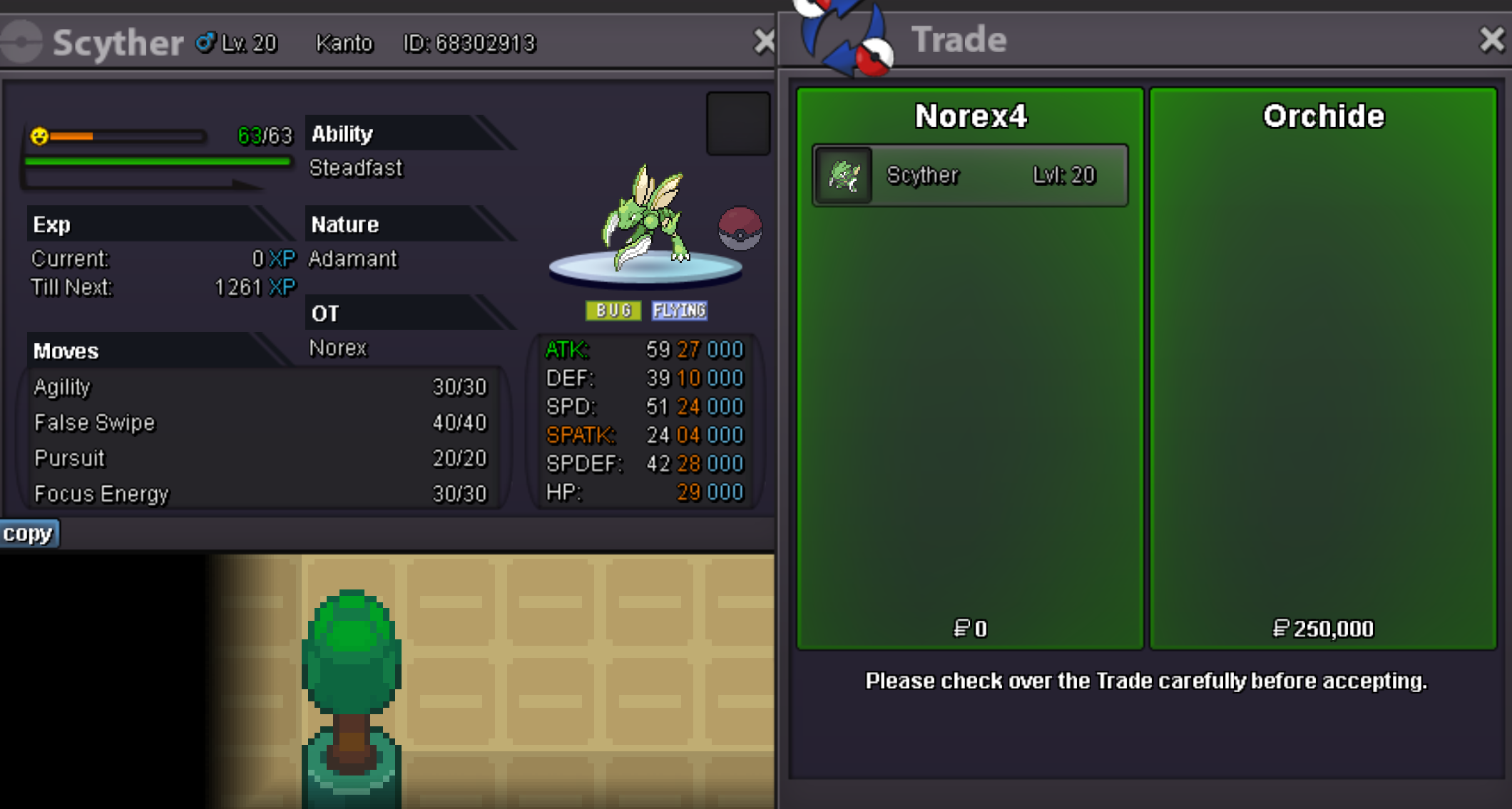
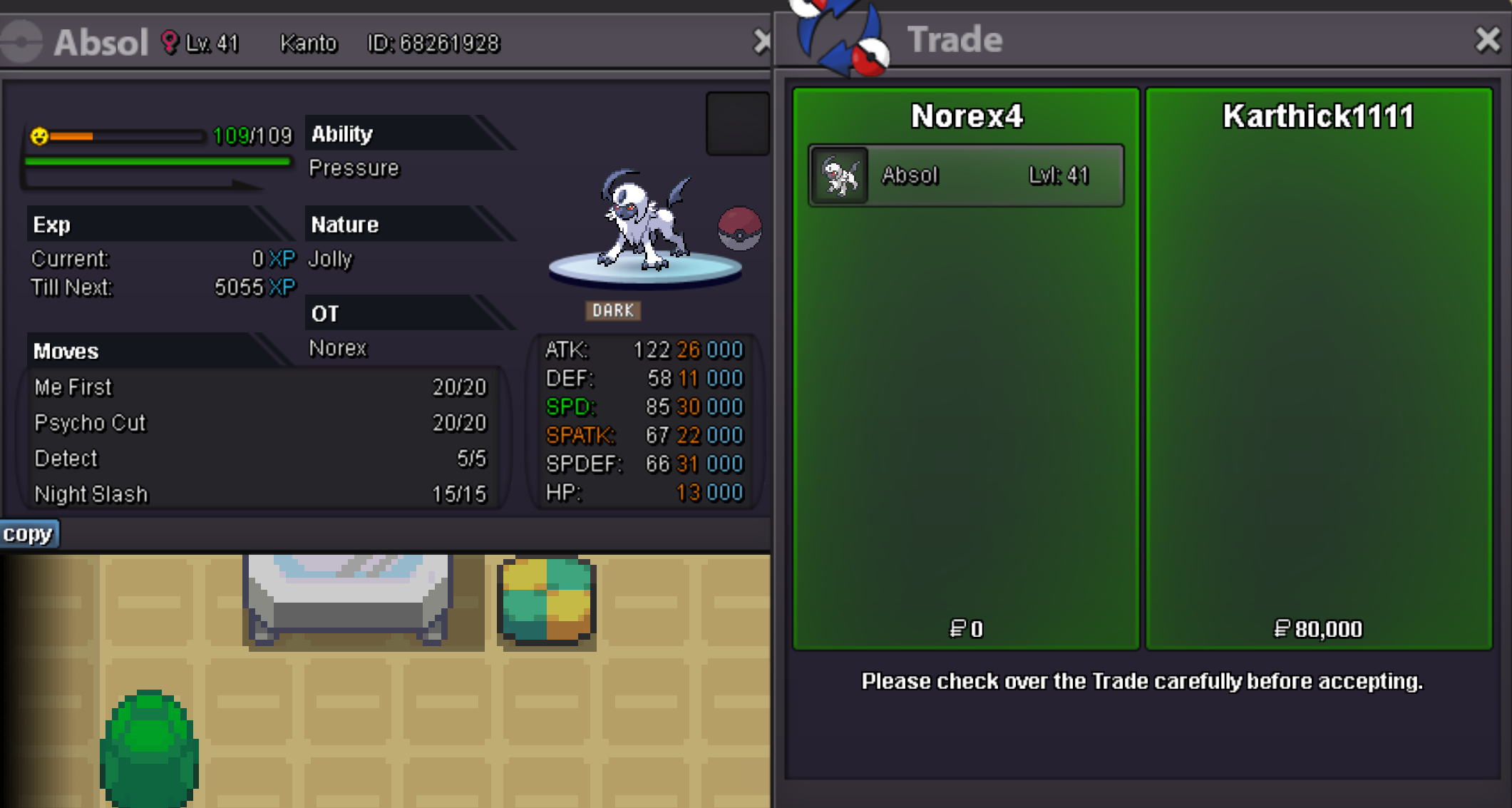
Absol 80k sold.
-
Axew 40k sold.
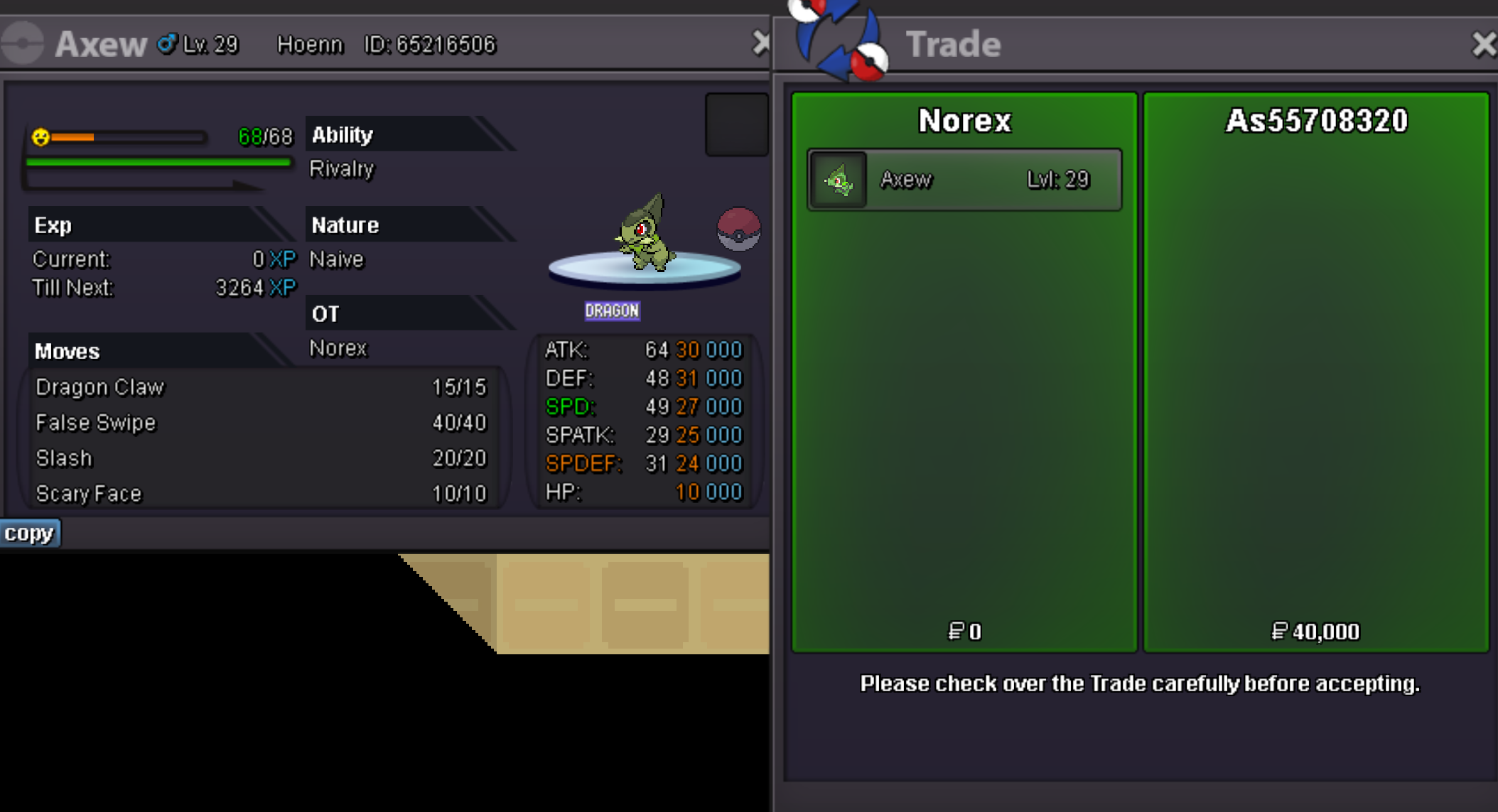
-
-
Metagross 800k sold.
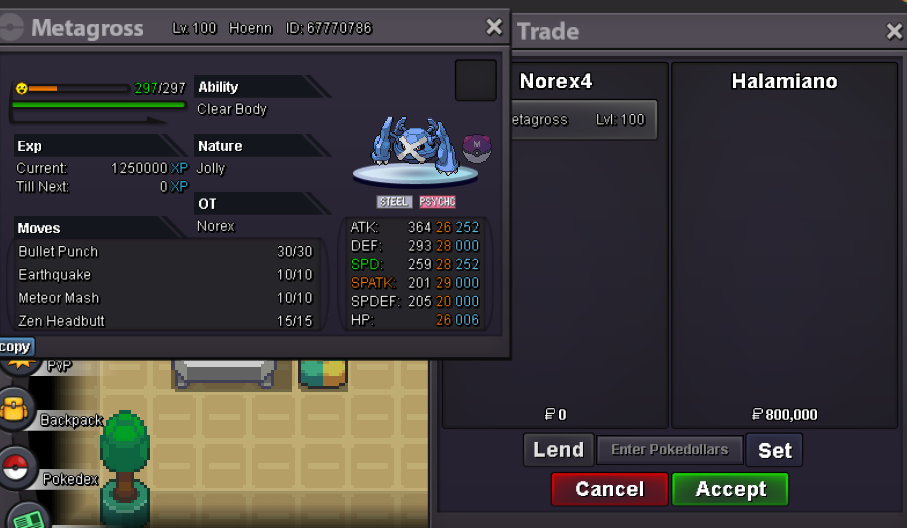
-
Rotom 150k sold. Rotom 280k sold. Chimchar 200k sold.
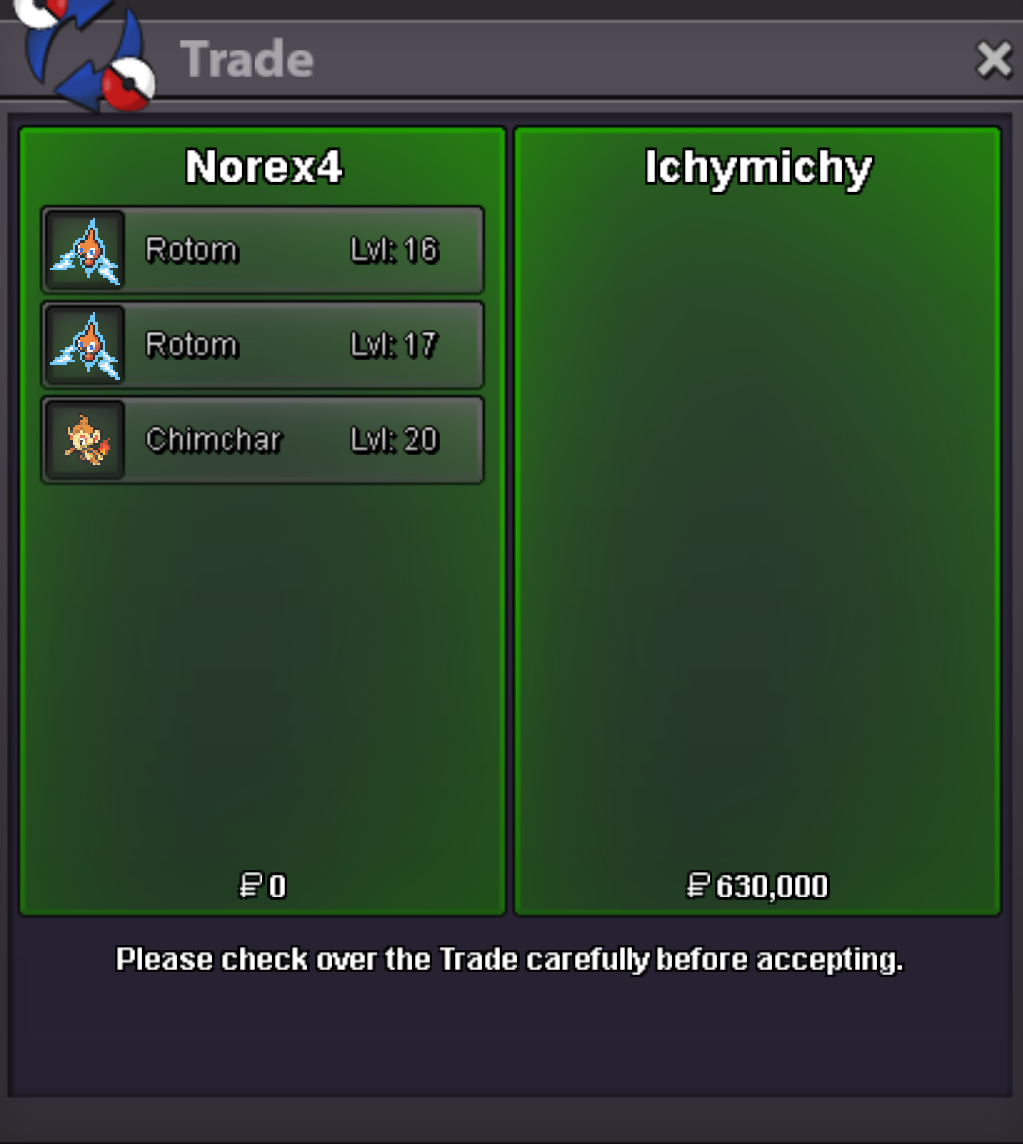
-
Larvesta 150k sold.
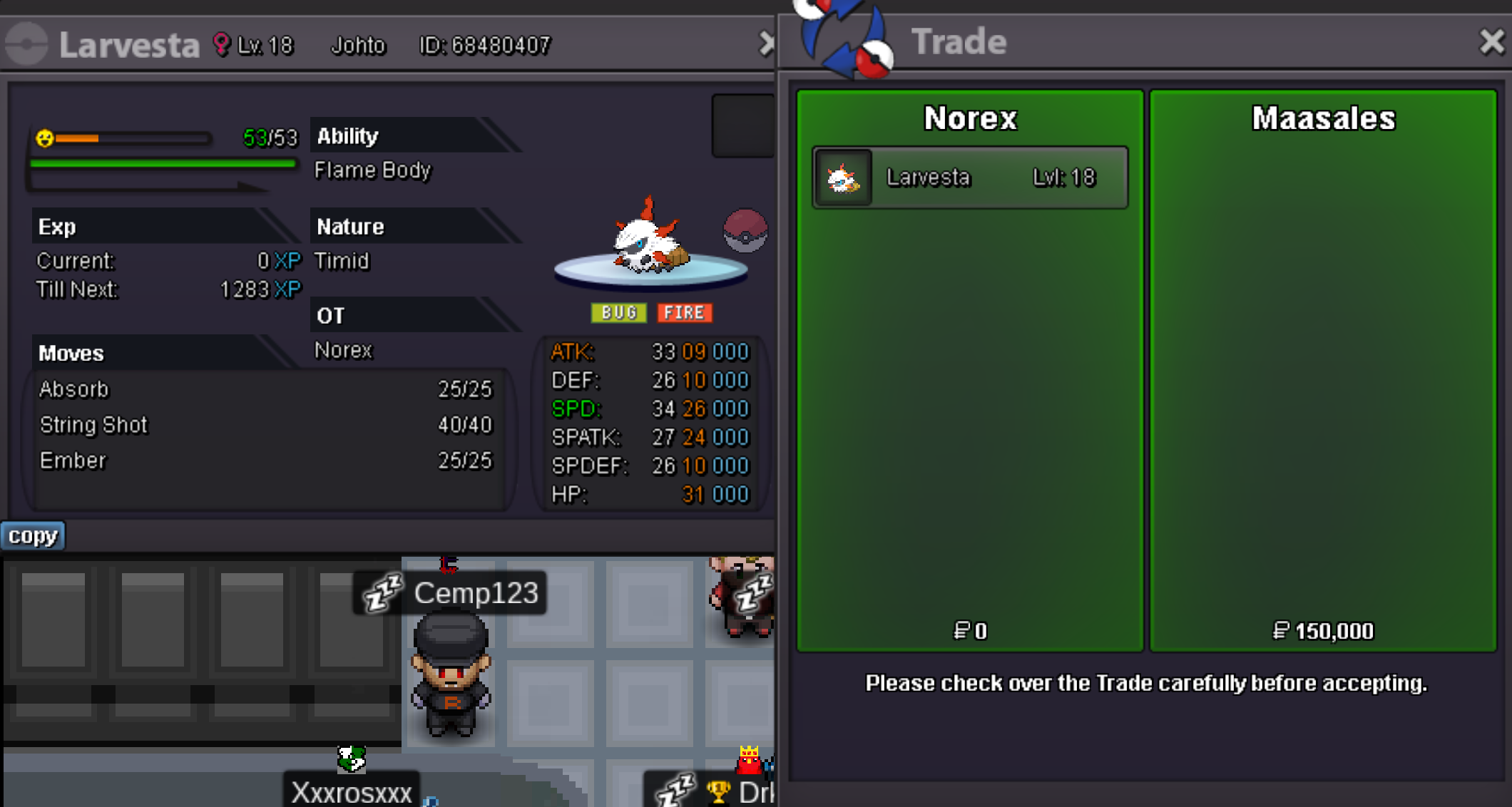
-
Rotom 500k sold.
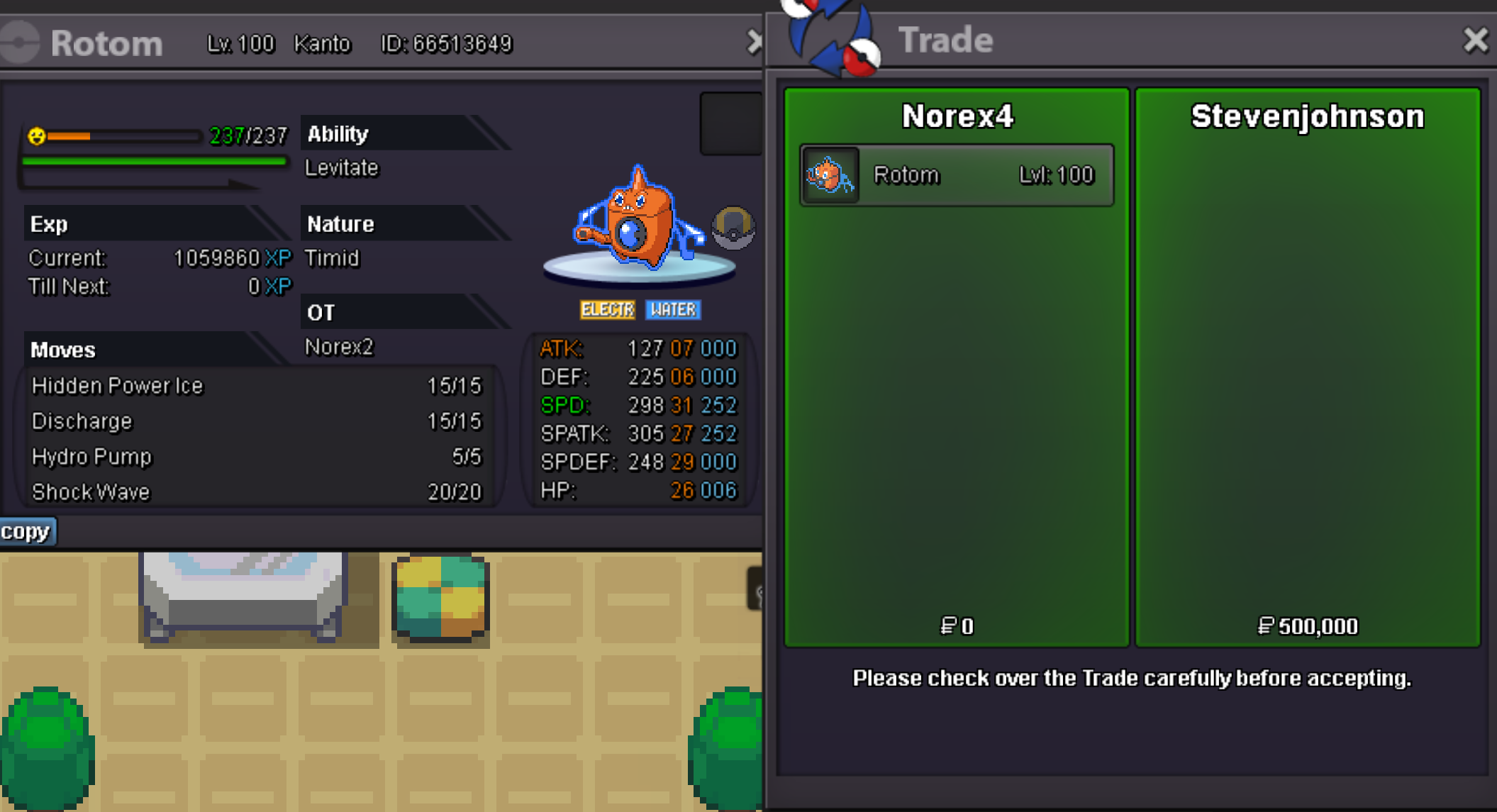
-
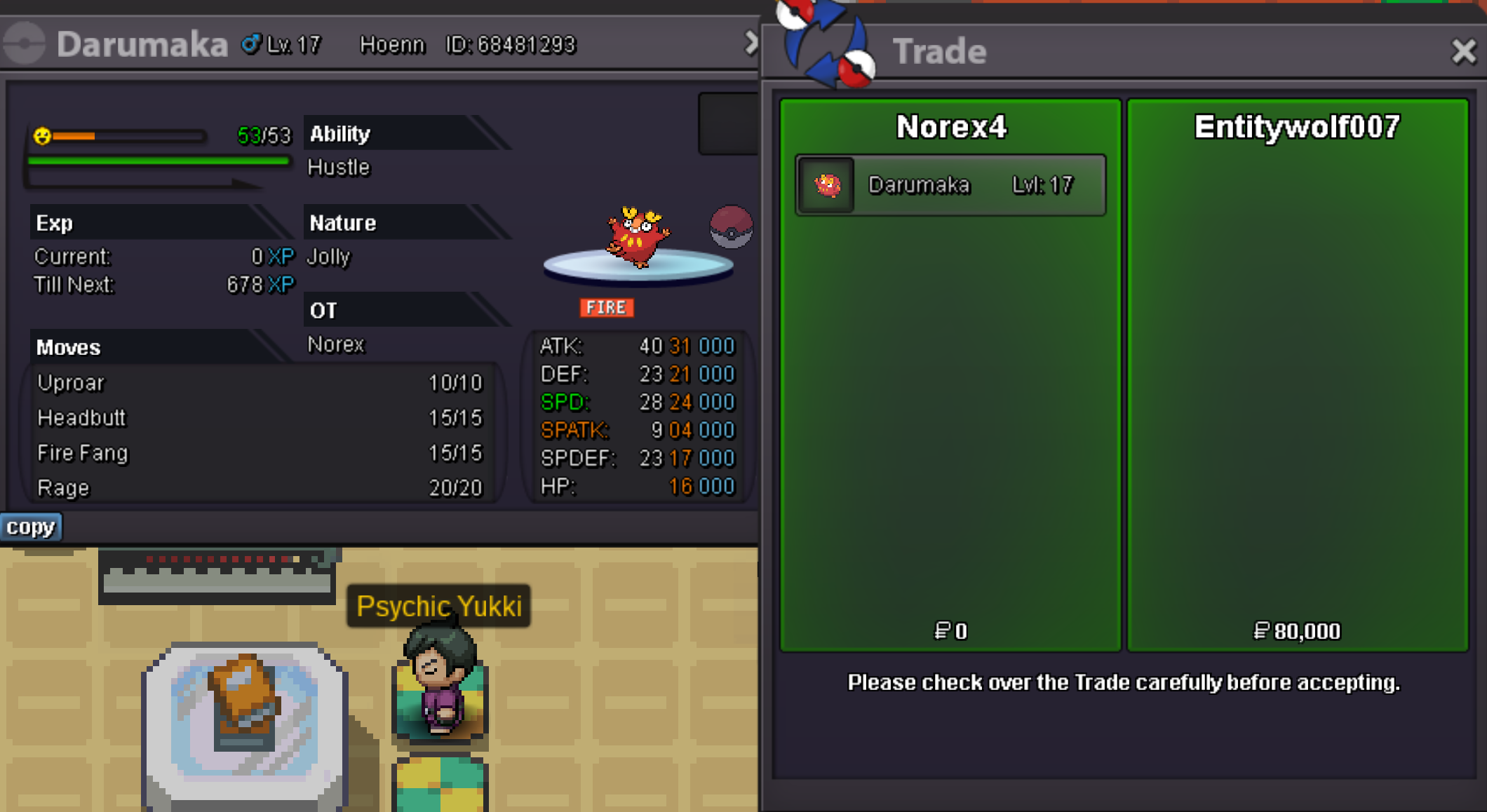
Hey, please PM me ingame or on discordDarumaka 80k sold.
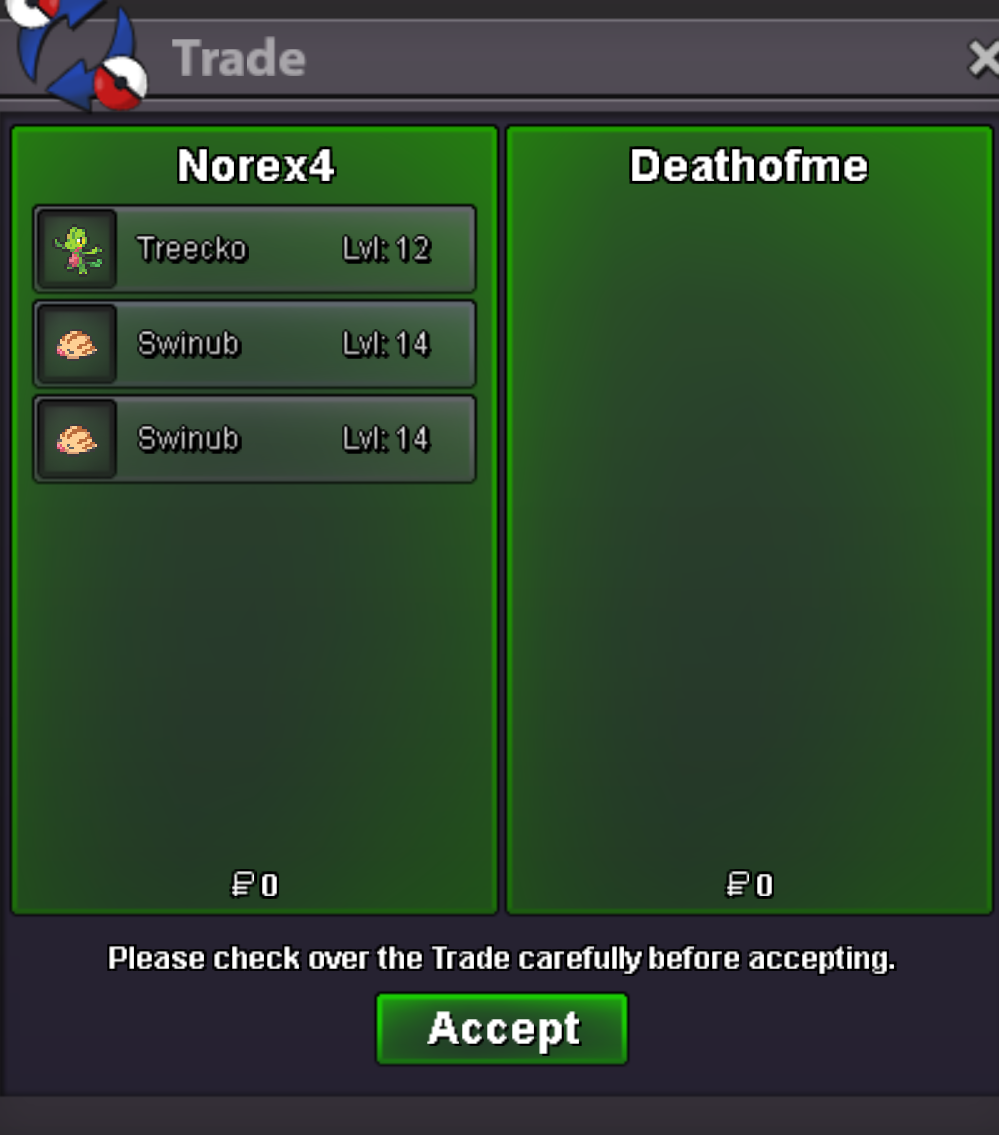
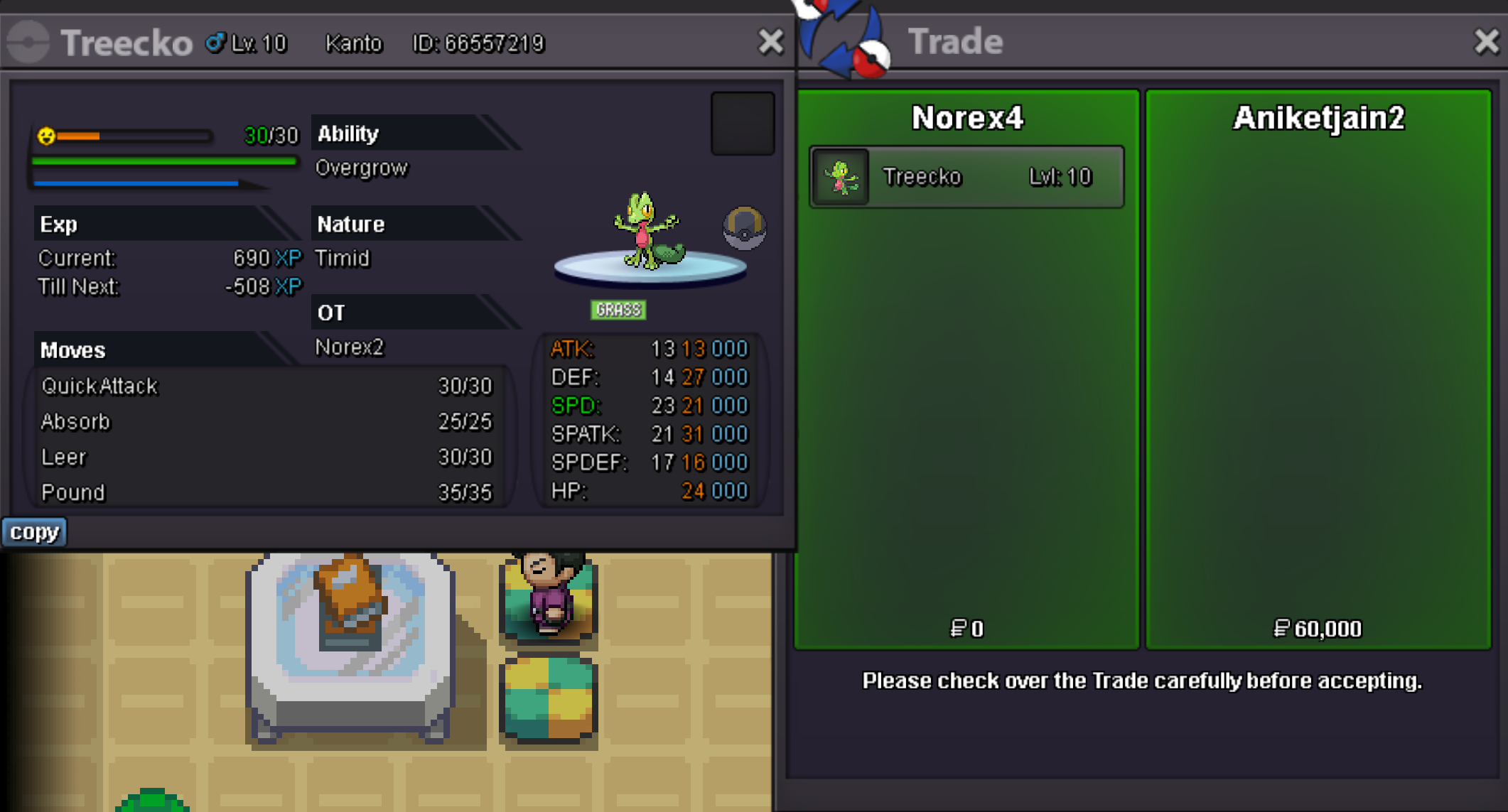
 Treecko 60k sold.
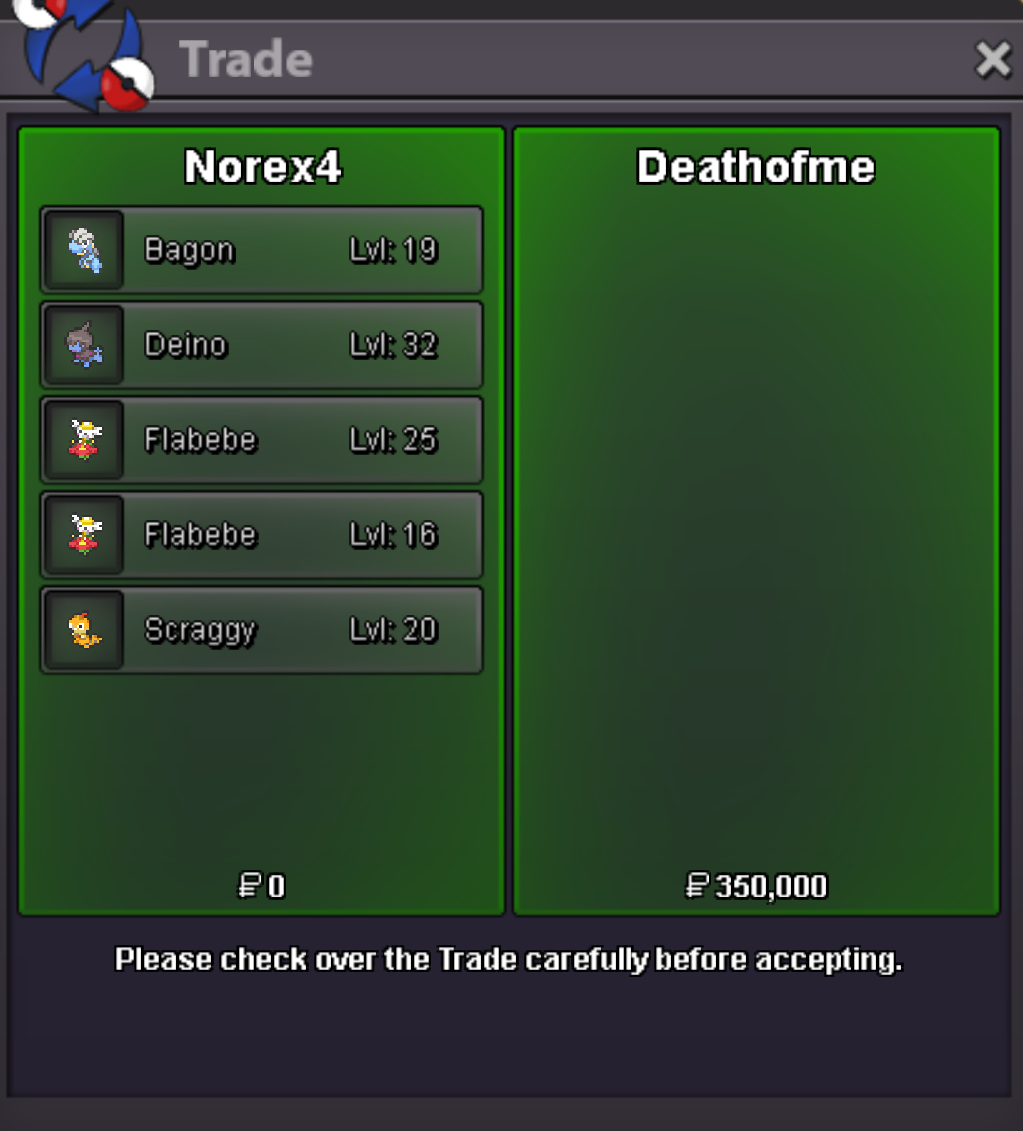
 Sure, PM me ingame or on discord once you are on Gold ServerThats really cool and well done. Hope to see more like that in the future!How are you training EVs? Keep in mind the Party EXP Share was removed with the halloween event, so EVs arent shared anymore either now.Yamask 150k sold. Bagon 30k sold.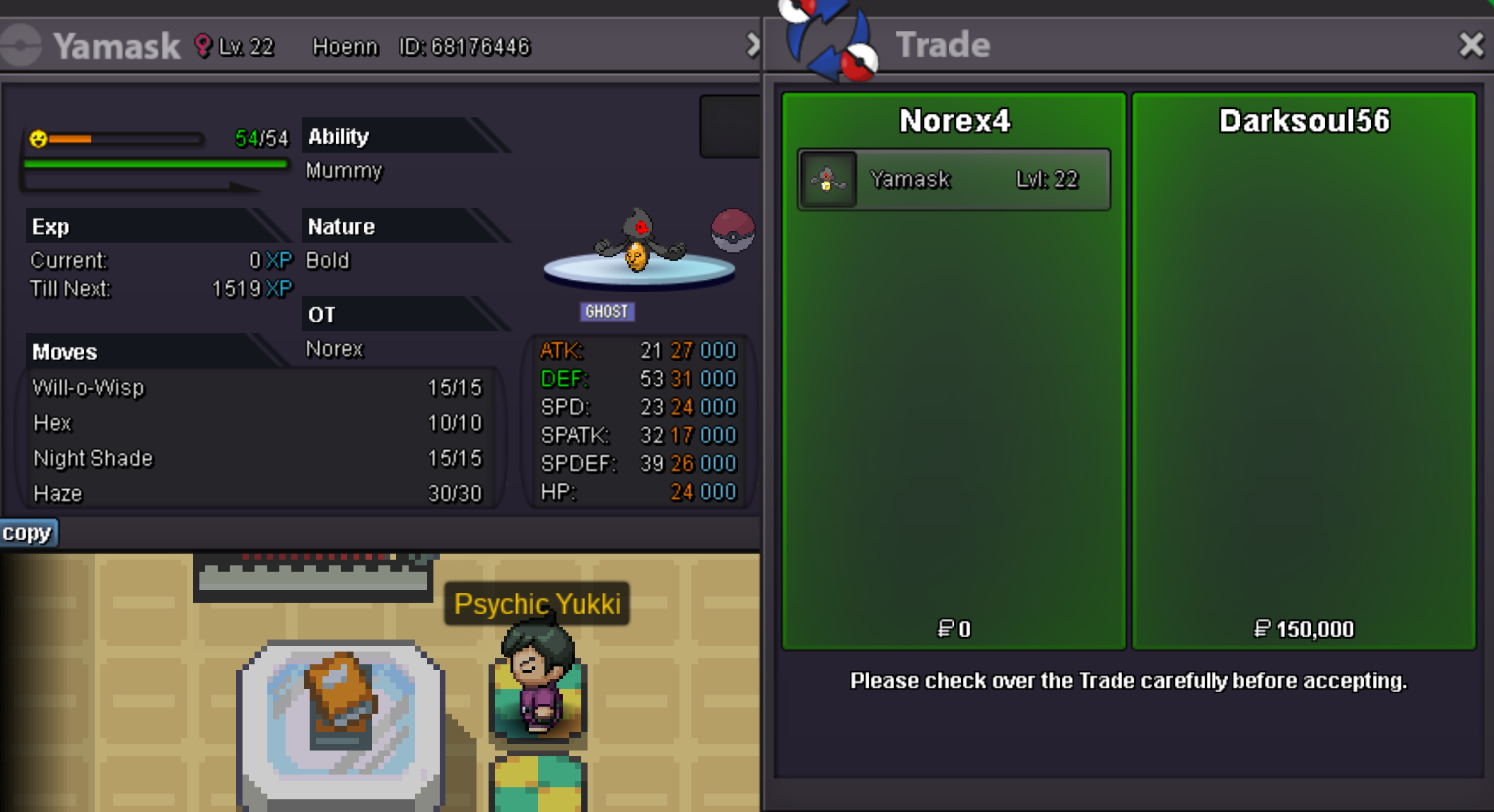
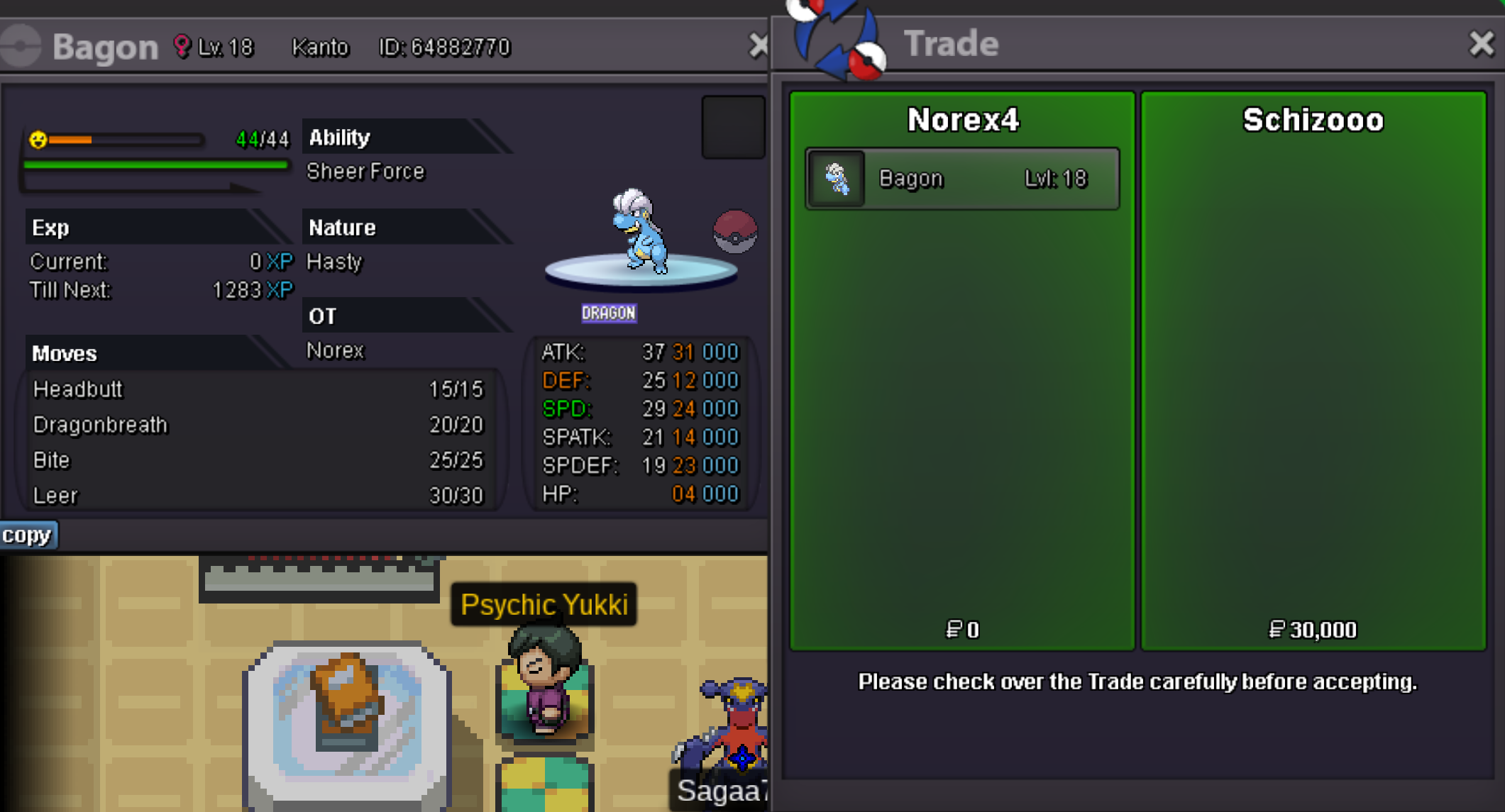 Hey, please PM me ingame or on discord.Scraggy 150k sold.
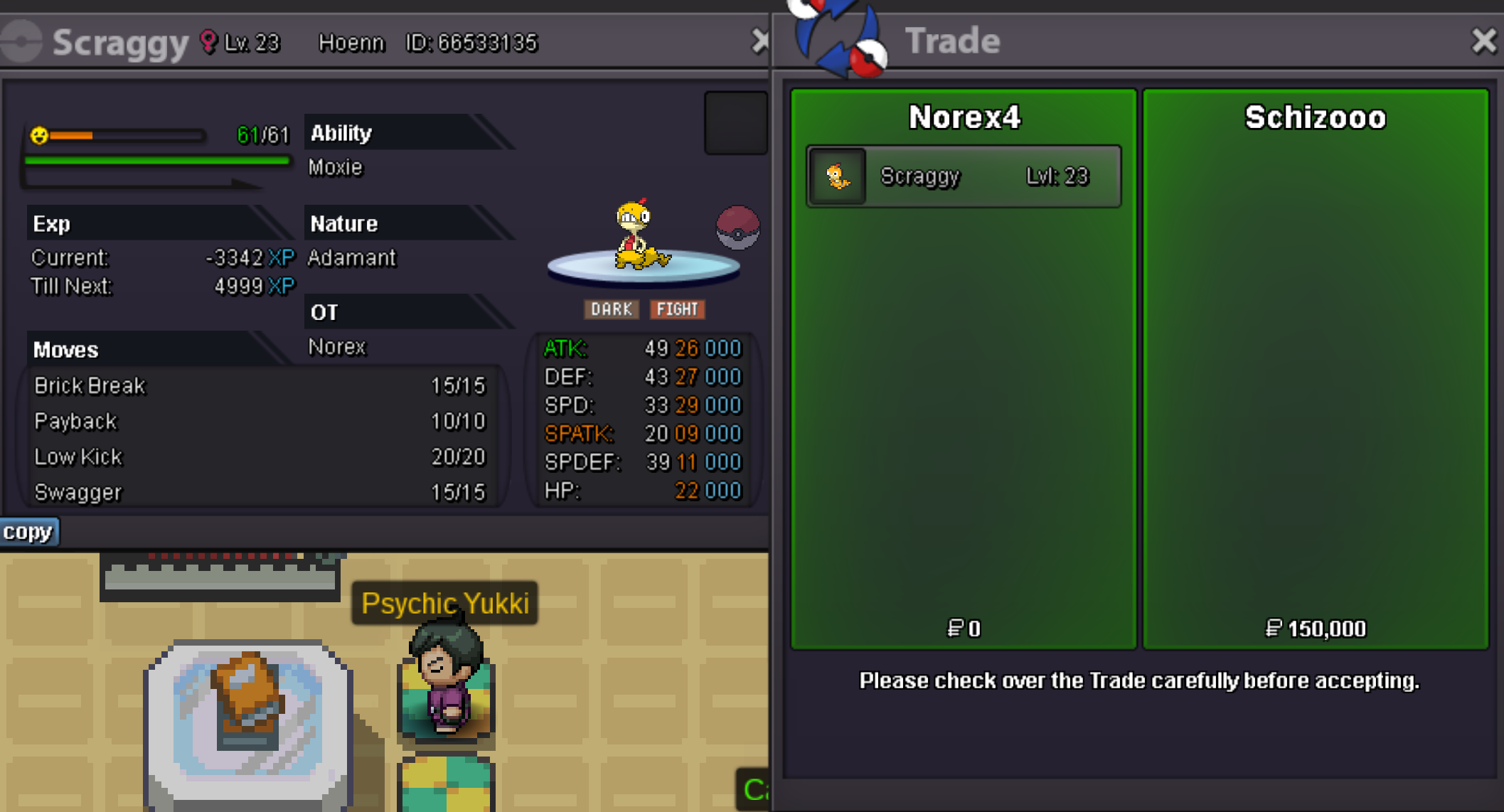 Not sure how that changes a lot or anything? I would still receive a pokemon as reward in the end. Also the egg-slot was removed from the bag recently.Dragonite 1.16m sold. Abra 40k sold.
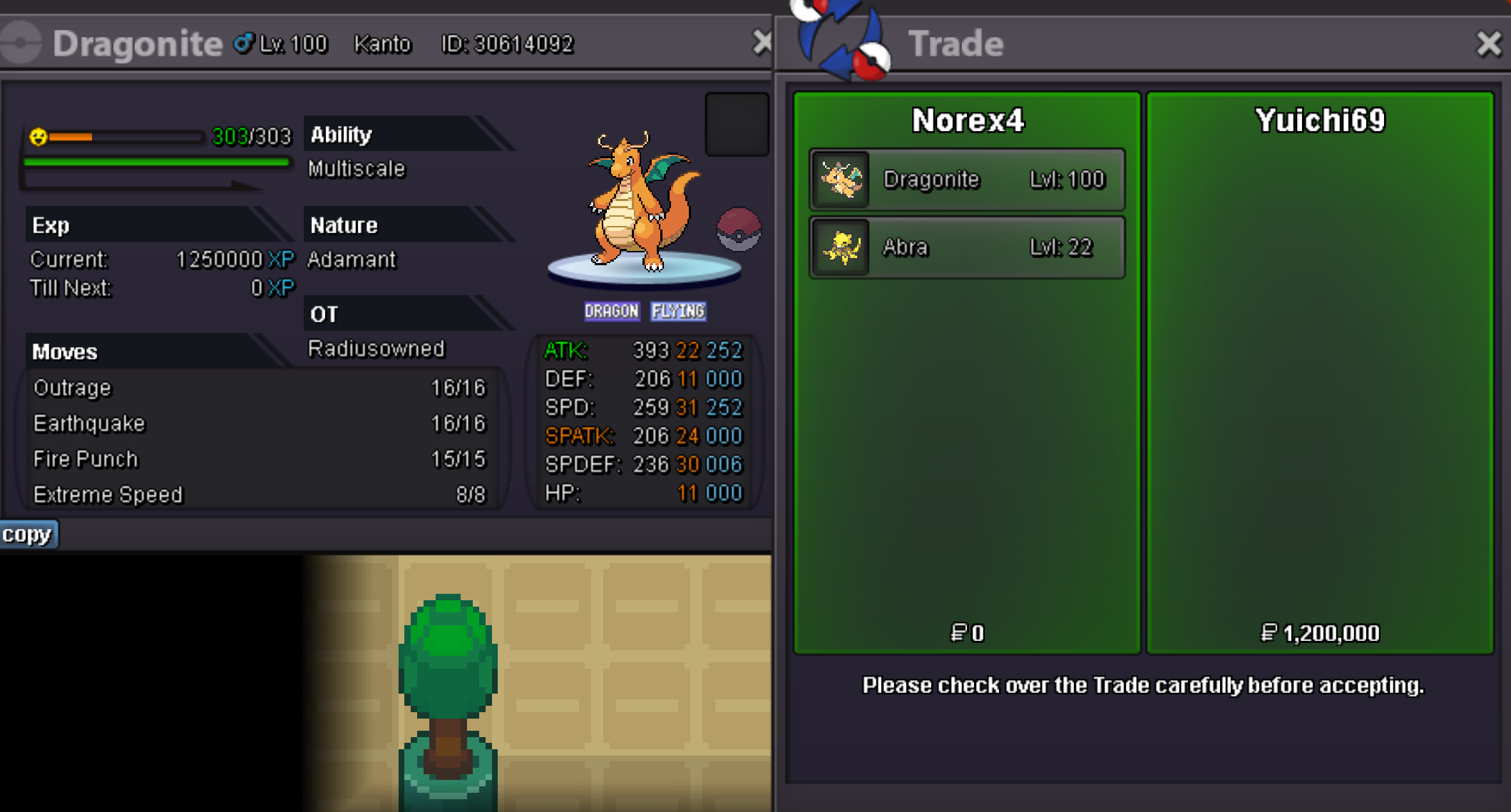 Try it again during night time.Hey, its a rare issue that can happen. To fix it repeat the process and lower its happiness by fainting it in a wild battle, then raise its happiness to max again via the Groomer NPC, you can find one at Goldenrod Underground Path, Cerulean City House 5, Slateport City or Hearthome City.Yep, I am online on Gold Server - you can PM me there ingame5.4mScyther 250k sold.