New Trade Zone
Trade Zone is now live
Use the new Trade Zone for auctions and instant-price trades so Pokemon and item offers are easy to find.

Redhat
Registered User
-
Joined
-
Last visited
-
I would like to delete an account if possible...
-
I'm trying to log in to pro but it won't let me access the game. Although I have changed the passwords and accessed the dashboard, it does not allow me to access the game. Can anybody help me?

-
-
Player name: Redhat Showdown name: bielsa10 Server: Silver Timezone: GMT+1 Rank on ladder: 24
-
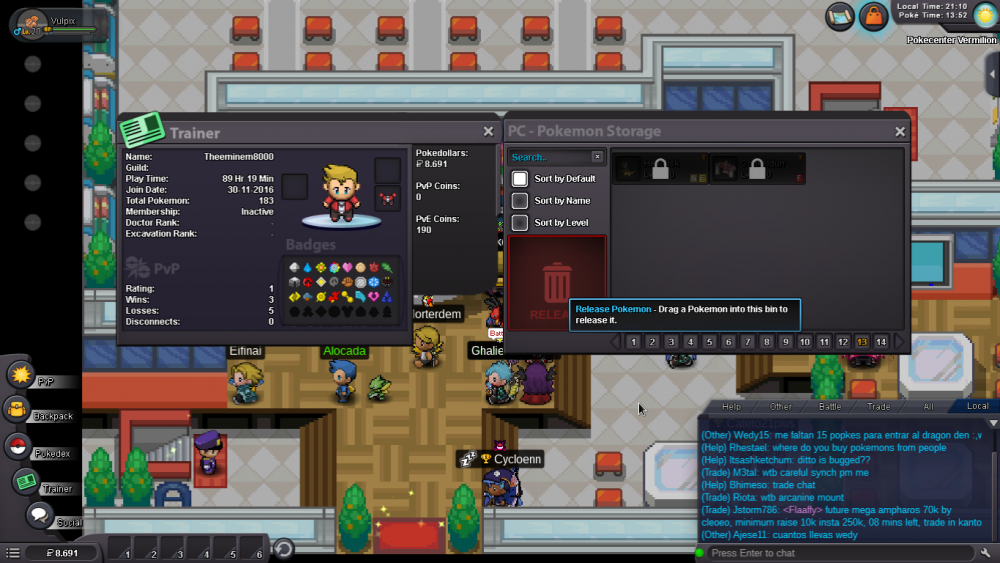
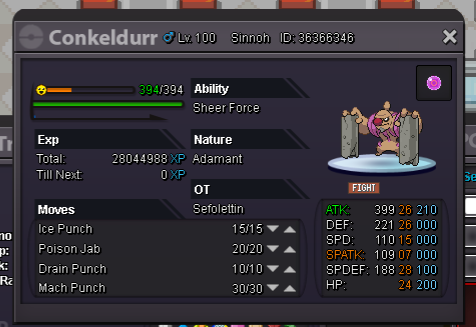
hi, I've 2 locked pokes. I would like return this pokes in my acc in silver ''redhat''

-
Player name : Redhat Showdown name : bielsa10 Server : Silver Timezone : GMT +1
-
Player name : Redhat Showdown name : bielsa10 Server : Silver Timezone : GMT +1 Rank on ladder : 5
-
Player name: Redhat Showdown name: bielsa10 Server: Silver Timezone: GMT+01 Rank on ladder: 6
-
Player name: redhat Showdown name: bielsa10 Server: Silver Rank on ladder: 3
-
Name Change Username: bielsa10 New Username: Redhat Server to charge the money from: Silver
-