New Trade Zone
Trade Zone is now live
Use the new Trade Zone for auctions and instant-price trades so Pokemon and item offers are easy to find.

W4lr055k45t4n13
Registered User
-
Joined
-
Last visited
-
Eff it I start(risk it for the biscuits)
-
+1
-
1. Ign is wonderful w4lr055k45t4n13 2. 2200+ hours between both accounts 3. None particular there alot 4. I like to help people get around pro and show them the ropes but also some trolling pvp matches ( fun to win with a venomoth) 5. 17000 year old jkjk I'm only 27
-
620k+ CC
-
700k
-
Same as my name
-
I start pinsir
-
I say it should be done like showdown imo 30sec seem too short. Some people experience lag during PvP and if timer is 30sec but with lag it may not give enough time to click. Or if player don't move they lose a turn. Otherwise it a good idea
-
I like Xmas kyurem
-
Server Transfer Username: W4lr055k45t4n13 Sever to charge the money from: Silver Main server to transfer: I want to go from silver to gold.
-
Name and server Change Old name: kirigaya New name: w4lr055k45t4n13 Server: Silver to Gold Charge money from silver
-
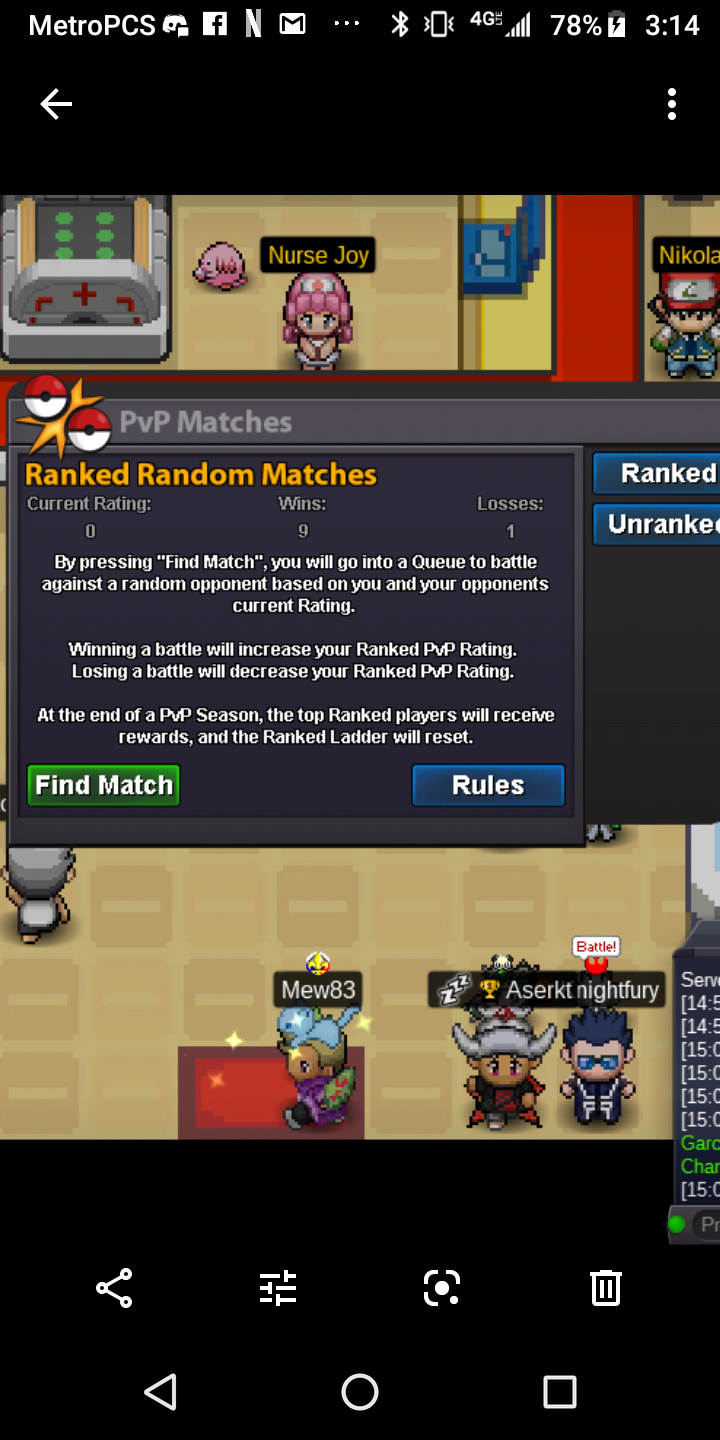
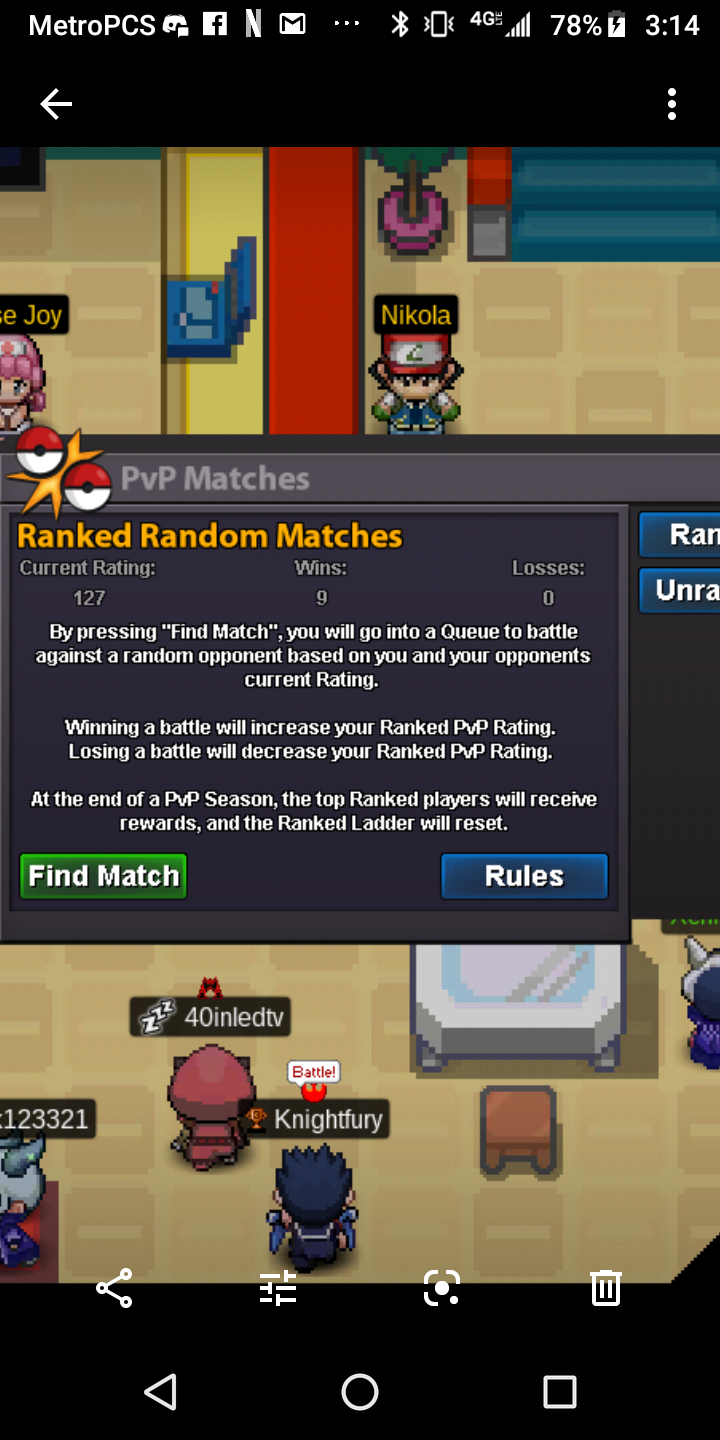
I lost all my rating to a single match with a guy that had 17 rating I can show you proof as for I documents all my win lose ratio to keep track of my wins this was before y'all realease the notice out
-
I start on 2nd goomy at 150k
-
Name and server changetd Username J4CKN1FE New username kirigaya Server Gold To Silver Server charge money from gold