




New Trade Zone
Trade Zone is now live
Use the new Trade Zone for auctions and instant-price trades so Pokemon and item offers are easy to find.

370kibiryani
Suspended
-
Joined
-
Last visited
Everything posted by 370kibiryani
-
Now, when all requirements have been met, speak to the Man inside the Celadon Office, in Celadon City. He will reward the Old Sea Map, which is needed in order to travel to Faraway Island. CLICK ME!
-
🏆🎉🏆
-
^-^🙋😁 I won🤫😴😡Won!Server : Silver 💛
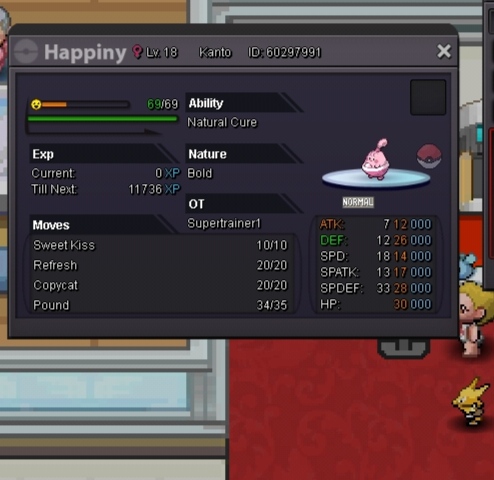
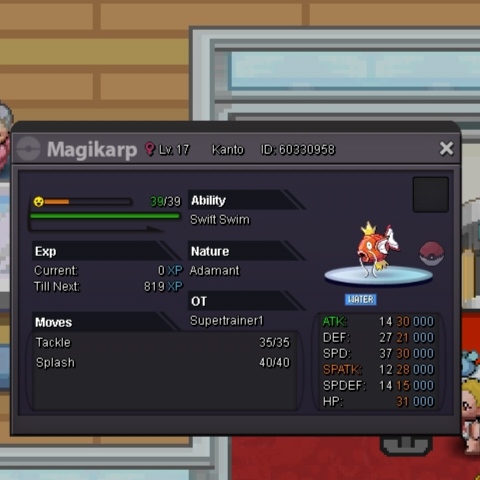
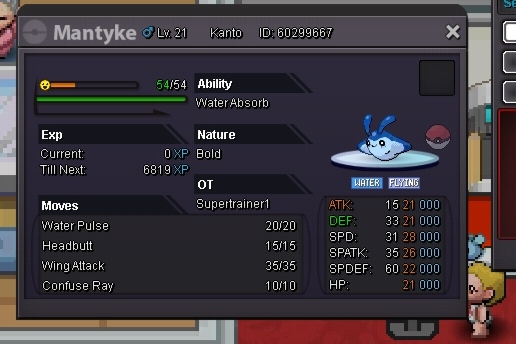 Goodluck broI already won.WelcomeHave you tried seaform island?Check safariWelcome to PRO 🙂I'm the best1. Trainer Card: Added 2. Country: India 3. Age : 16 4. Favorite Pokemon: Eevee ( There are many xD ) 5. Goals in PRO: Umm Being best pve player 6. Highest Rating : 38 7. Discord Tag: Your best friend
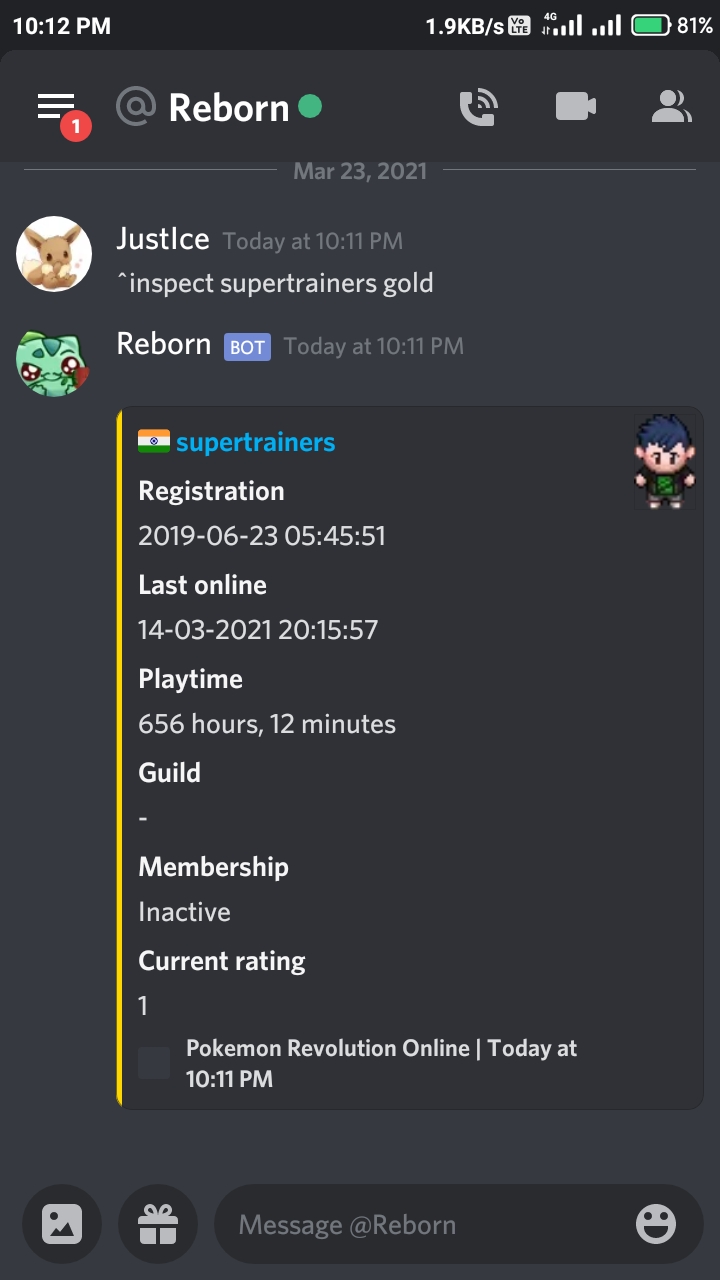 Welcome to PRO and a beautiful community 🙂 If you need any help feel free to contact me in forums DMs or my discord ( JustIce#4814 ). 🙂🥴🥴You can't mute me in forums

