New Trade Zone
Trade Zone is now live
Use the new Trade Zone for auctions and instant-price trades so Pokemon and item offers are easy to find.

370kibiryani
Suspended
-
Joined
-
Last visited
Everything posted by 370kibiryani
-
-
Welcome to PRO ! 😁
-
lol
-
-
@Hawluchaa
-
Welcome back 🙂 🙂 🙂
-
Hey , I'd be cool if we change rewards from BCC. Since 2-3 years ( Excluding mega stones ) they are same. I think we can update rewards list so that player will come their in daily basis to win 🆕 rewards. Also we can have ms based rewards. There can be something special for those , who have active membership. Thanks
-
@Glaciate When I was playing that guy was offline. I tried to message him from last 2-3 days. Should I wait more ? 👀
-
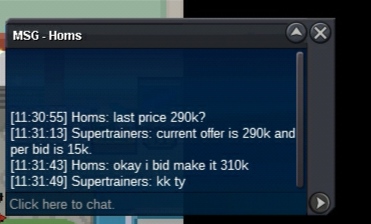
Homs was the winner. I'm trying to contact him. Once trade is done I'll post screenshot. Thanks 🙂
-
🙂 Cool 🙂
-
-
I'll link him this thread for time xD. Sorry
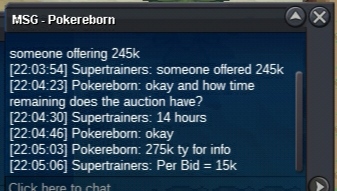 When a players uses escape Rope in a PC it shouldn't work. -_- Servers were laggy today , I mass clicked on them and my escape ropes vanished.S.O = 100k Instant = 750k Per Bid = 15k Only Pokedollers or 1 RR as insta. Ends 24 hours after 1st Bid.
 UpUpHey , I'd like to suggest to add a option when we use escape rope. e.g - Are you sure you want to use escape rope ? It directly sends user to pokemon-centre , so its annoying if it was a misclick.yo , I would like to buy hasty rotom ( 100k one ). My discord is JustIce#6079 or just send me forum DMs. ThanksBanned for cheating meBanned for banning meBanned for banning someone who's 😇 innocent+1 !😋 Keep going !