




New Trade Zone
Trade Zone is now live
Use the new Trade Zone for auctions and instant-price trades so Pokemon and item offers are easy to find.

Picnic
Registered User
-
Joined
-
Last visited
-
Picnic Silver
-
Picnic Silver
-
Picnic Silver
-
Great service, highly recommend, thanks a lot.
-
wtb the service for light stone and mega stone lucario
-
+1
-
+1, I think it's fair to give a option for free to play players and make MS spawn a little better for those who want to pay.
-
Awesome service, trusted and very fast, I recommend.
-
You can't, I tried these days and only provided 1 reroll.
-
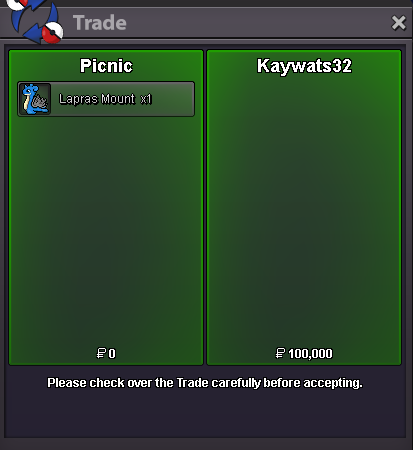
SOLD Lapras Mount (4 remaining)
-
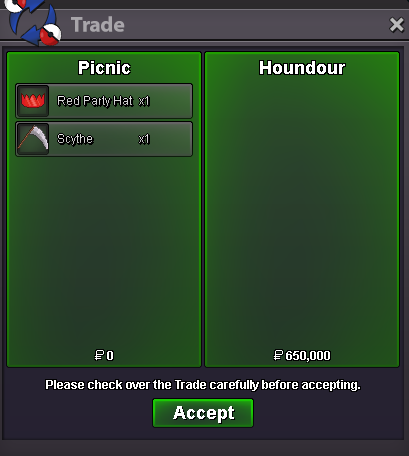
SOLD Red Party Hat (Sold out) Scythe (Sold out)
-
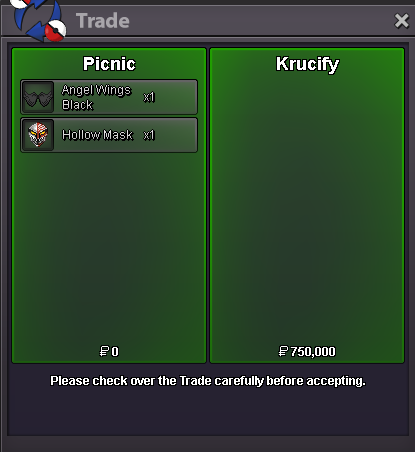
SOLD Angel Wings Black (Sold out) Hollow Mask (1 remaining)
-
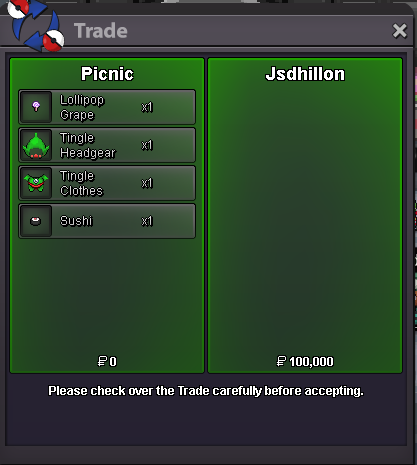
SOLD Lollipop Grade (1 remaining) Sushi (Sold out) Tingle Headgear (2 remaining) Tingle Clothes (2 remaining)
-
Closed, most of the items were sold already.
-
Let's say a newbie finds a high tier shiny Charmander, even anonymously, people would just start posting on trade: "wtb shiny charmander 10m", and the new player potentially would fall for that scam. You probably think: "you can just hide the name of the pokemon" but then I think there is no point in actually showing that message. Just my thoughts
