New Trade Zone
Trade Zone is now live
Use the new Trade Zone for auctions and instant-price trades so Pokemon and item offers are easy to find.

Konter
Suspended
-
Joined
-
Last visited
Everything posted by Konter
-
Finally a good idea
-
Added larvitars to the shop
-
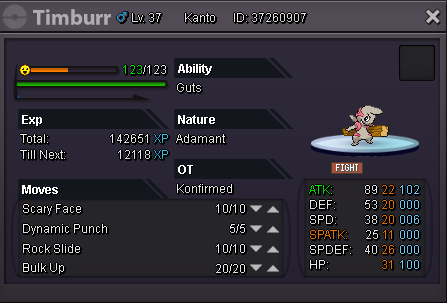
Auction closed, timburr sold for 650k to Arabeuszek
-
Last 6 hours left
-
Auction started, it will end 2:09 PM gmt+2/ 2:09 PM Central european summer time on Saturday
-
Starting price: 500k Min. raise: +50k Insta price: 2.2m Iv reroll=600k, Nature reroll=300k, Coin Capsule=300k Auction end: 48hours after first bid. (05.10.2019 14:09 GMT+2)
-
-
Wtb this if not sold yet

-
Mienfoo sold to mattsw
-
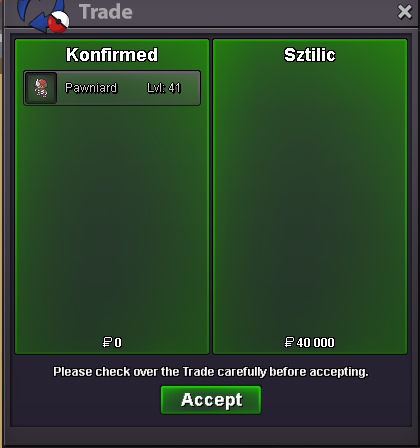
29/19 pawniard sold
-
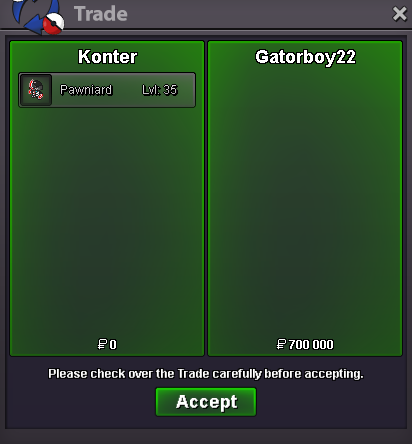
Event pawn sold after 100k discount
-
Want to buy good 20+/22+ magnemite/magneton/magnezone with hidden power ground and cleffa/clefairy/clefably modest with magic guard, 20+ as well, im up for negotiating the prices when you show me something i would want.
-
@Larfleeze help people get out of this fake offers world
-
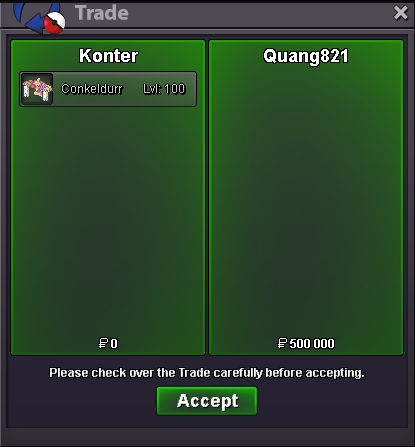
1 conk sold
-
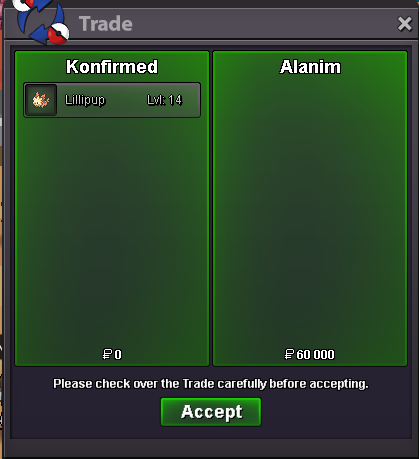
Lillipup sold
-
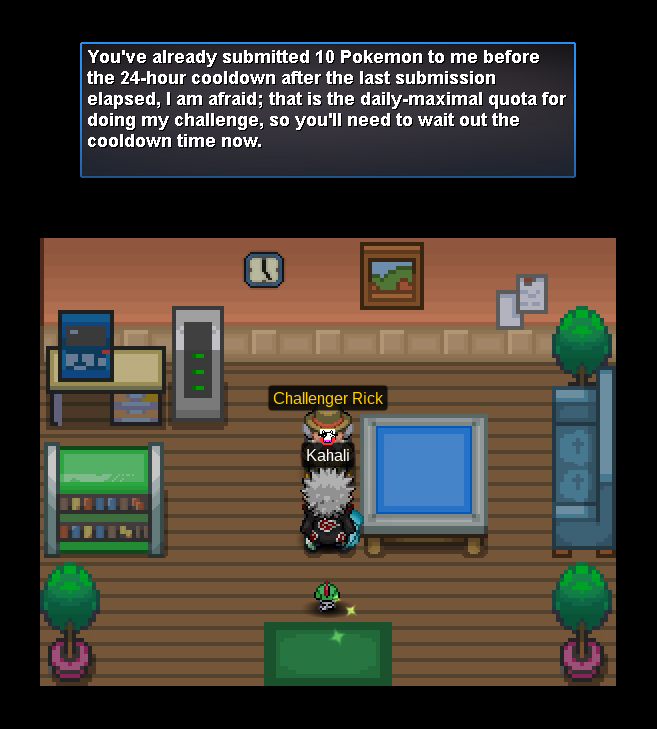
The npc says that i have given him 10 pokes last 24 hours but i am totally sure that last 24 hours i have given him max 4 piplups and 10 probably since the event began, i think he doesnt count the 24 hours but whole time
 You write it after i rerolled my hp ice zapdos ~ unluckyI am trying to lvl up my honedge but apparently it gets hit by primeape's stomping tantrum even thought its a ghost, i switched to rotom and he didnt get hit.StartOf course u can raise by 1k if there isnt any minimal raise set in auction, have you ever readen the auction rules? Stop complaining335k270k 2nd ferro