New Trade Zone
Trade Zone is now live
Use the new Trade Zone for auctions and instant-price trades so Pokemon and item offers are easy to find.

Ikenkin
Suspended
-
Joined
-
Last visited
Everything posted by Ikenkin
-
Heyy, awesome, I got it !! Thank you so much for your effort Ayroo. Great dayy !!
-
-
-
-
pump!
-
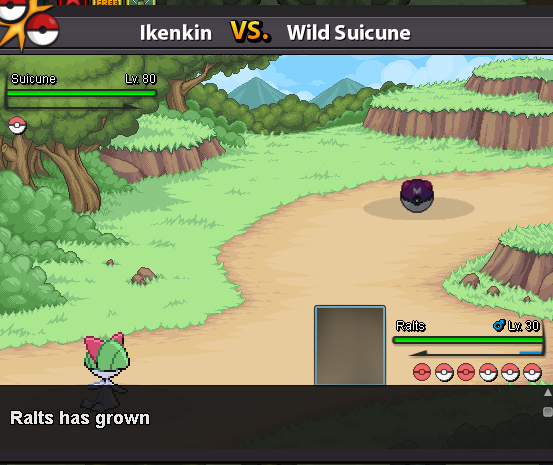
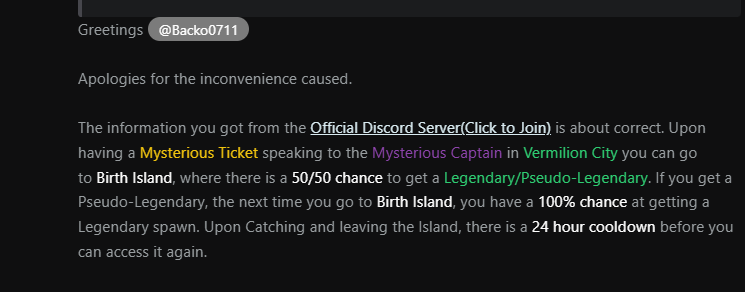
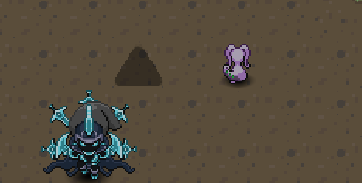
Hey guys, after I caught Entei (from the trio-quest) and Raikou (Birth Island). The last 3 recent Mysterious Ticket that I use were all Pseudo-Legends like Metangross/Goomy/Hydreigon. I ran away from all of them. Unfortunately, I only have 1 picture. I was trying to get Suicune to complete the trio dog. And idk if this piece of info below is still correct.
-
500k
-
3m
-
-
5m6
-
5m1 🙂
-
-
start ^_^ !
-
start !! ^_^
-
500k
-
4m5
-
1m7 ^_^
-
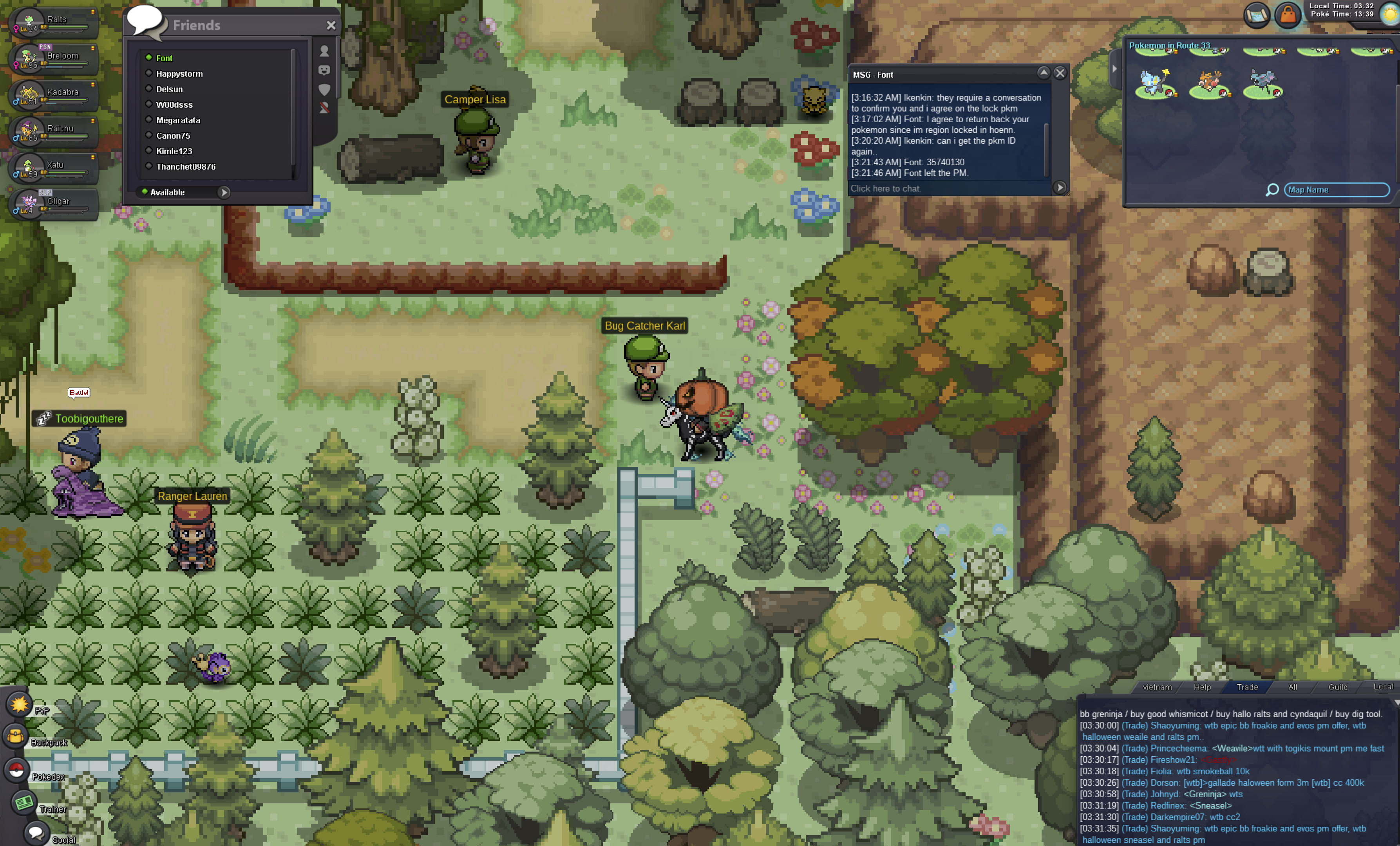
Hi, My username is Ikenkin - server Gold. I traded a Clamperl -ID: 35740130 for my friend to evol but it's locked due to region isn't complete yet. So I want to get in back. I provide image as proof of agreement between me with my friend username "Font"
-
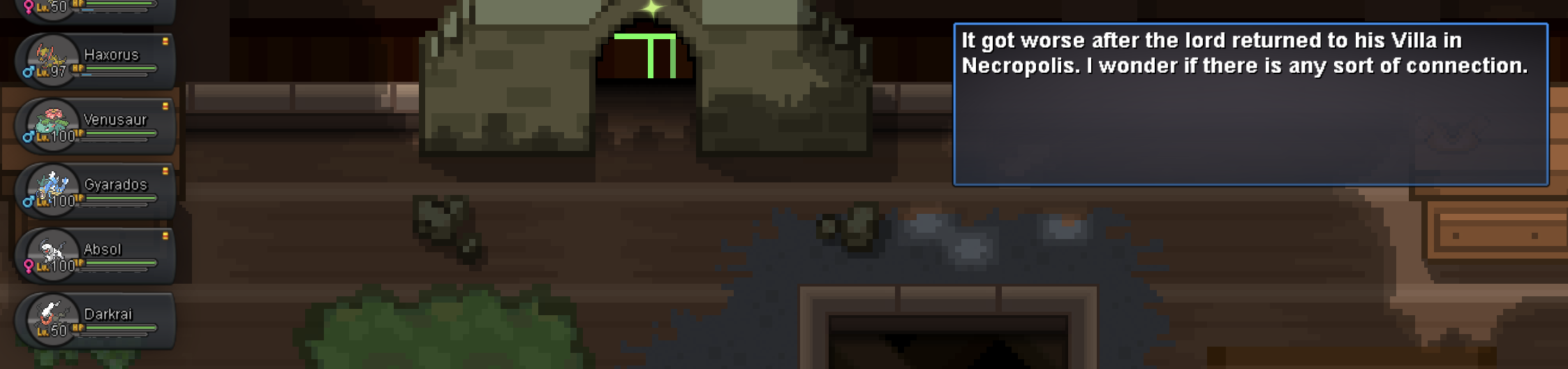
Hi there, finished the Darkrai quest and caught him but still can't enter the Shrine to start the Gengarite Quest. Is there any sort of bug or issue here? Would appreciated if it fixed. Server: Gold In-game: Ikenkin Thanks.
-
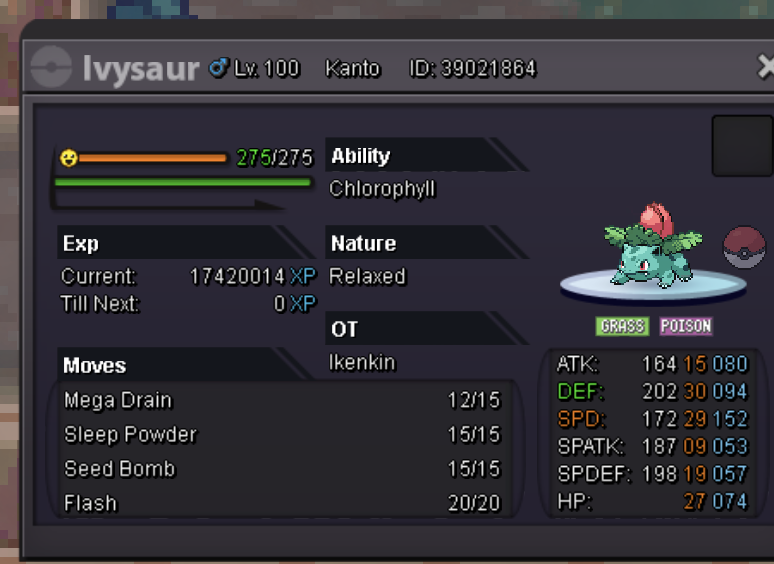
De-leveling request: My Ivysaur stuck on lv100 by accident. In-game name: Ikenkin Server: Gold Pokemon ID and/or screenshot: 39021864.