New Trade Zone
Trade Zone is now live
Use the new Trade Zone for auctions and instant-price trades so Pokemon and item offers are easy to find.

Khaiduo
Registered User
-
Joined
-
Last visited
-
I remember talking to lord bidoof many times but I cant confirm if its the cause of the disappearance of my mysterious ticket. I do think that its because of the frequent multiple disconnects happening in the game lately.
-
Ok thanks. I'll wait for your response. Have a nice day
-
Hi Good day. I just want to know if there's an expiration date for mysterious ticket if you didn't use it right away. I am surely aware that I have 1 mysterious ticket that I got since the wq during valentines event but now it's gone. Thank you in advance 🙂
-
Hi. I sent you a request in Discord 🙂
-
Hi! I would like to avail your story service. pm here or in discord khaiduo #0206
-
can I do 450k for ghost outfit 15 and reaper outfit?
-
-
Hi. I would like to avail your story service for kanto till hoenn. pm me in discord khaiduo #0206
-
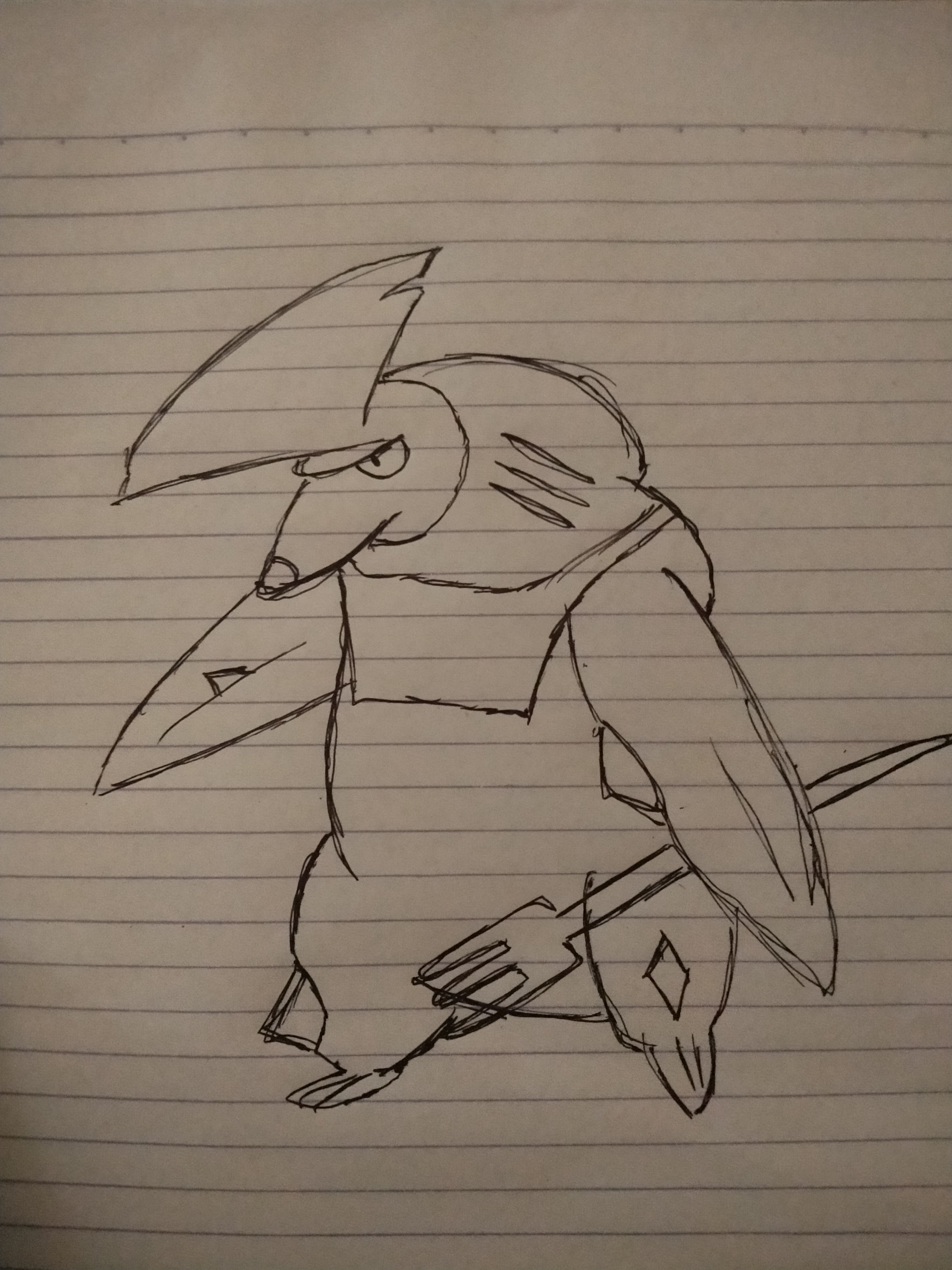
Event form: Summer Time investment: 5mins Possibly interest to join staff either as Pixel Artist or Coin Shop icon creator: No Graphic: Hungry Shark Fin Excadrill
-
Is the tyranitar still available?
-
-
yes its been restored. thanks for your help
-
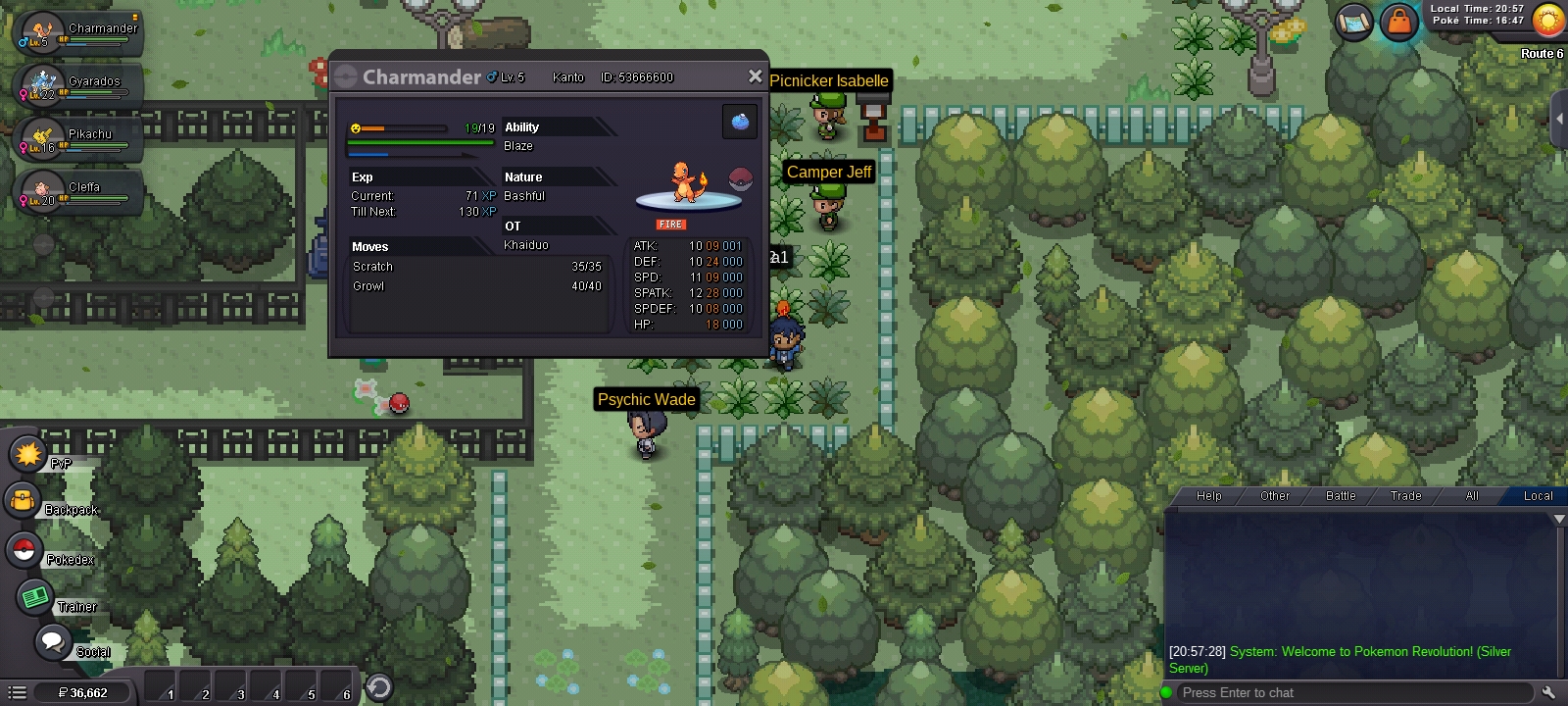
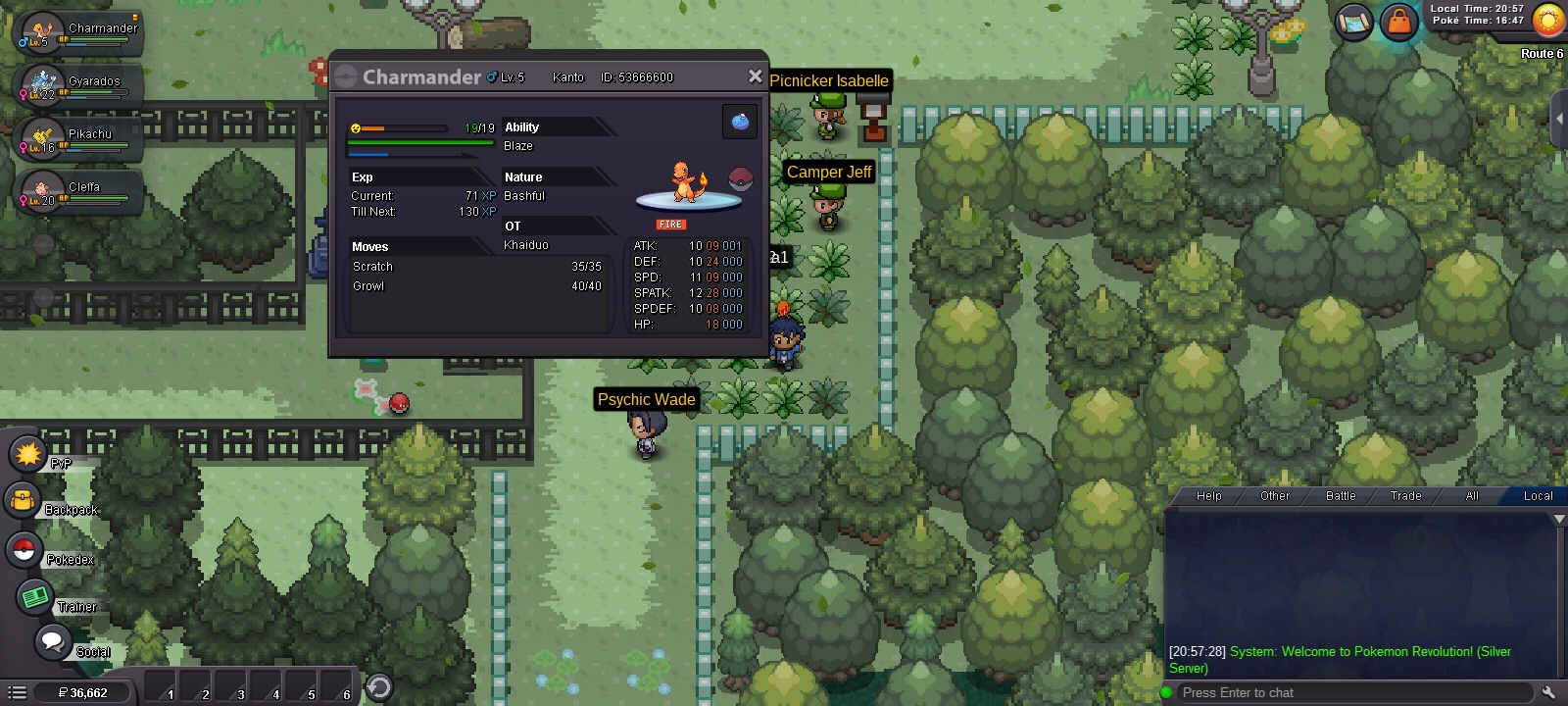
MY LVL 36CHARMELEON ALSO BECAME A CHARMANDER LVL 5 AND ITS SKILLS HAS BEEN RESET. HOPE THIS WILL BE FIX 😞
-
MY LVL 36 CHARMELEON BECAME A LVL 5 CHARMANDER AFTEE I LOGGED INTO A ANOTHER DEVICE. PLS HELP ME. ALL OF ITS SKILL ALSO RESET