New Trade Zone
Trade Zone is now live
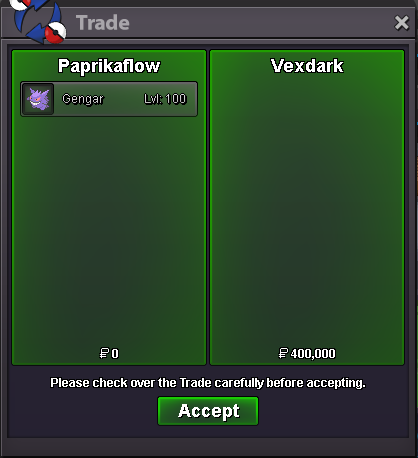
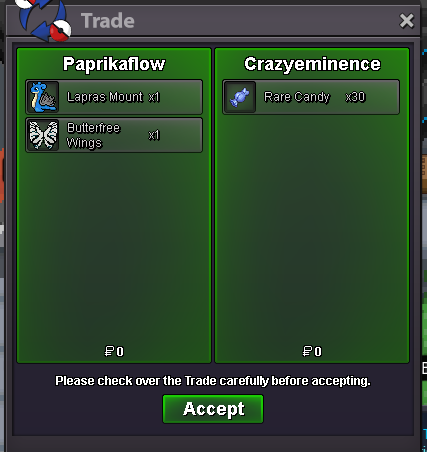
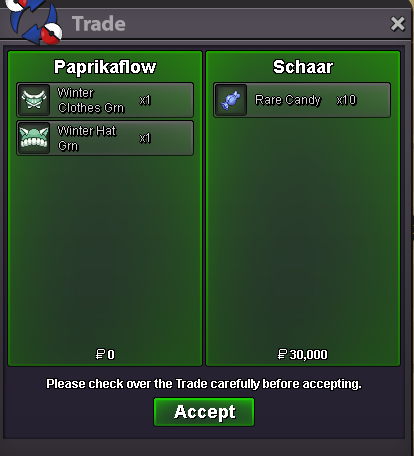
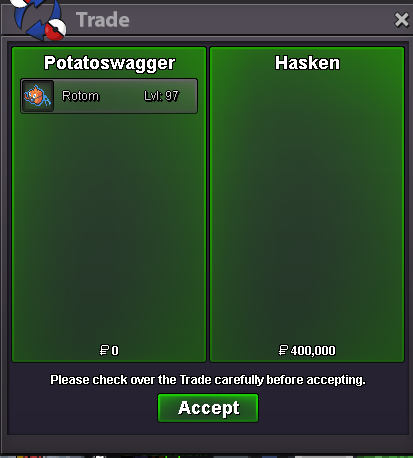
Use the new Trade Zone for auctions and instant-price trades so Pokemon and item offers are easy to find.


Paprikaflow
Registered User
-
Joined
-
Last visited
Everything posted by Paprikaflow
-
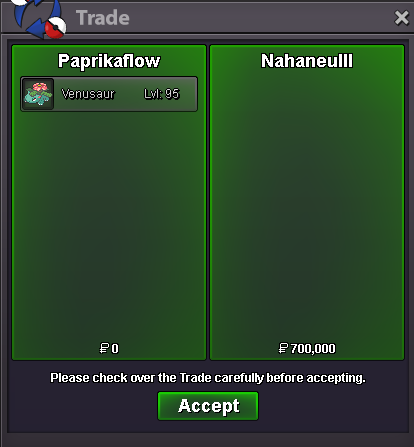
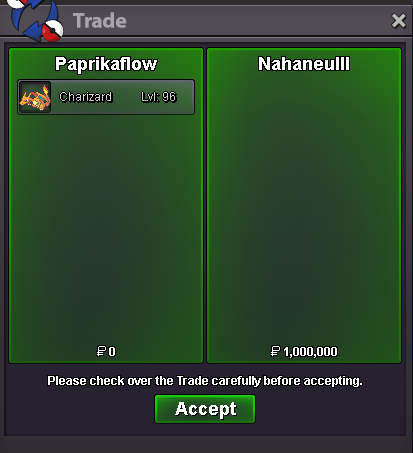
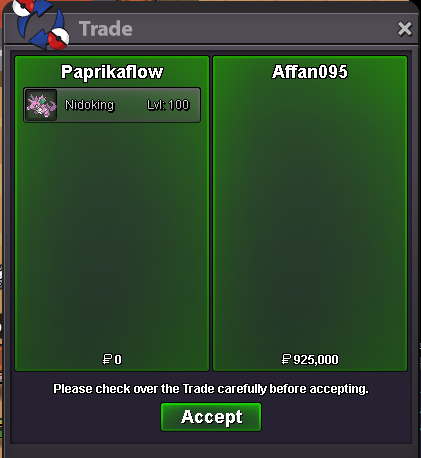
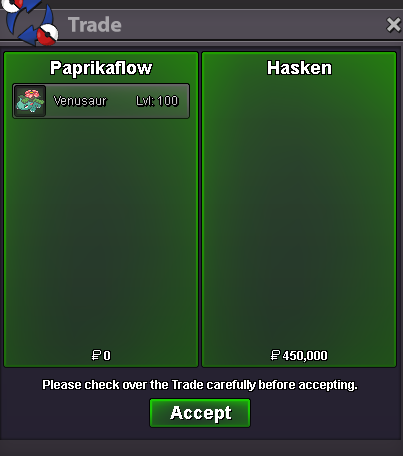
1.6m venu
-
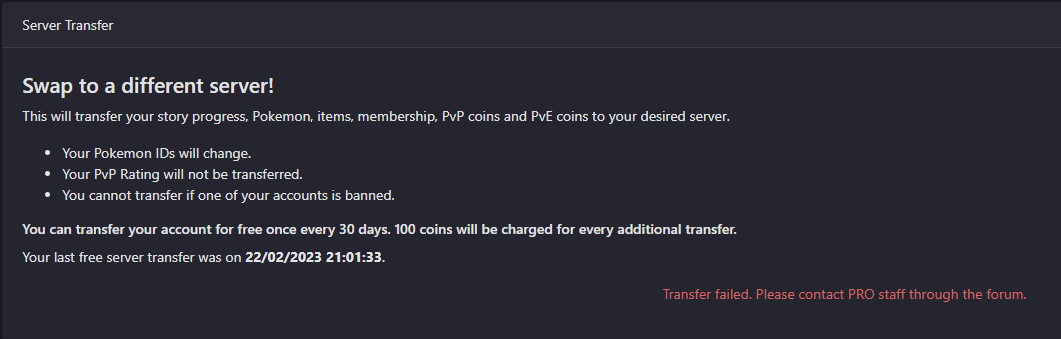
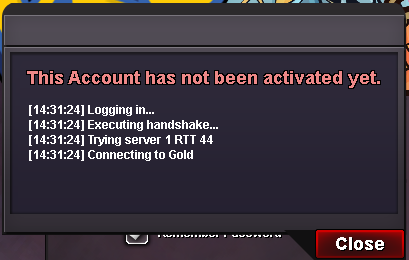
hey sure thing. Easiest is to message me in discord paprikaflow or tell me when you are availableHey it would be easiest if you message me on discord, my tag is paprikaflowShow Update: - Added Sand Rush Excadrill - Added Ada Azumarill - Added Jolly Technician Breloom - Added Medicham - Added Timid Sceptile - Added Naive AbsolName : Paprikaflow Server : Gold Time zone : GMT+1 Rank : 1hater everywhere🙄 I worked hard for that+1yes it isPlayer name: Paprikaflow Server: Gold Timezone: GMT+2 Rank on ladder: 11Yes, thank you 👍Happend after the Update. I did not try to server transfer Would be nice if I could get help fast 😄 I am supposed to play Summer tour in 1h
 sold
soldAccount
Navigation
Search
Configure browser push notifications
Chrome (Android)
- Tap the lock icon next to the address bar.
- Tap Permissions → Notifications.
- Adjust your preference.
Chrome (Desktop)
- Click the padlock icon in the address bar.
- Select Site settings.
- Find Notifications and adjust your preference.
Safari (iOS 16.4+)
- Ensure the site is installed via Add to Home Screen.
- Open Settings App → Notifications.
- Find your app name and adjust your preference.
Safari (macOS)
- Go to Safari → Preferences.
- Click the Websites tab.
- Select Notifications in the sidebar.
- Find this website and adjust your preference.
Edge (Android)
- Tap the lock icon next to the address bar.
- Tap Permissions.
- Find Notifications and adjust your preference.
Edge (Desktop)
- Click the padlock icon in the address bar.
- Click Permissions for this site.
- Find Notifications and adjust your preference.
Firefox (Android)
- Go to Settings → Site permissions.
- Tap Notifications.
- Find this site in the list and adjust your preference.
Firefox (Desktop)
- Open Firefox Settings.
- Search for Notifications.
- Find this site in the list and adjust your preference.